



AMD AI Bundle: The Era of Local AI Begins
Automatically translated
 Writer
AI technologies continue to advance on side tracks alongside their core development. For users who want to work without relying on cloud services, the AMD AI Bundle opens the door to a new era. This model, which runs especially on systems with powerful graphics cards, brings AI directly to the desktop.
AMD's software optimizations and the updates that come with the AMD Adrenalin 26.1.1 driver have made the AI PC concept accessible. Recently, growing data privacy concerns and subscription costs have pushed users toward local AI solutions.
AI Optimizations Included in AMD Adrenalin 26.1.1
AMD's graphics driver, Adrenalin 26.1.1, does not focus only on gaming performance. It also optimizes AI workloads. With this release, local model inference performance improves alongside GPU acceleration.
Key features of the new version:
- Improved driver stability for AI workloads
- Optimized GPU compute performance
- Better compatibility with developer tools
- Improvements in ROCm and AI framework integrations
All of these improvements provide a significant advantage, especially for users who run LLMs (large language models) and image generation models locally.
How to Set Up an AMD AI PC?
This is one of the questions users who want to switch to local AI ask most. The process may look complicated, but with the right steps it is quite manageable.
1. Check Hardware Compatibility: As a first step, you need a current AMD graphics card. RDNA-based GPUs deliver good results for AI workloads. You will also need enough RAM, at least 16GB. A fast SSD will also help improve performance.
2. Install the AMD Adrenalin 26.1.1 Driver: Find the latest driver on the official AMD website and install it. Choose the clean installation option and remove all other old drivers.
3. Install an AI Framework: To run AI locally, install frameworks such as PyTorch, TensorFlow or ONNX Runtime. Check ROCm compatibility to enable AMD GPU acceleration.
4. Install a Model: Download an open-source LLM or image generation model from Hugging Face or a similar platform. Configure the downloaded model to run with GPU acceleration.
5. Test and Optimize: Measure performance with any benchmark tool. Ensure system stability by optimizing VRAM usage.
Once these steps are complete, your system can run local AI applications without needing the cloud.
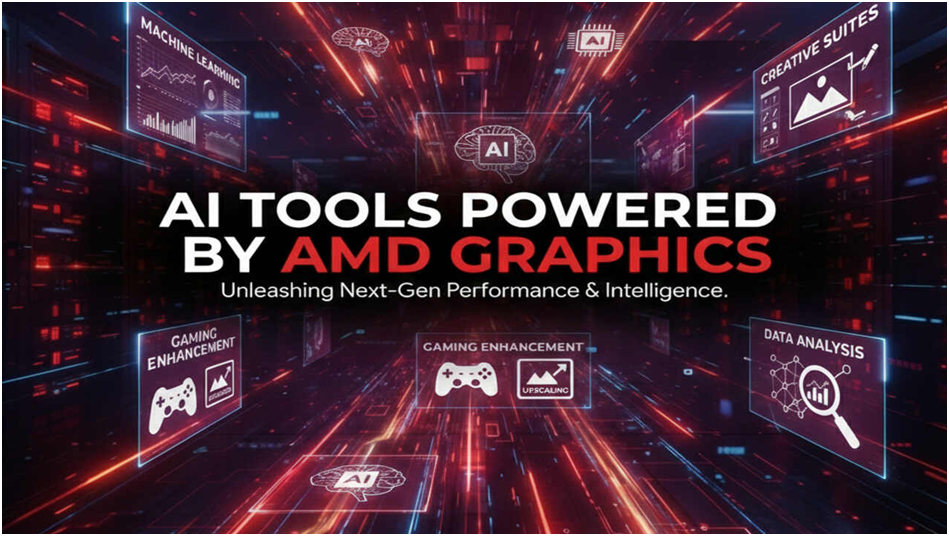
Why Does Local AI Setup Matter?
Cloud-based AI solutions are powerful, but they come with some limitations. Dependence on an internet connection, data privacy risks and monthly costs make local solutions more attractive.
Advantages of local AI:
- Increases data security
- Reduces subscription costs
- Is not affected by internet outages
- Minimizes latency
AMD AI Bundle strengthens this experience by combining these advantages with hardware optimization.
Performance and Competition
AMD AI Bundle driver updates have become an important part of the company's competitive strategy in the GPU market. Graphics cards are now also being discussed in connection with AI. However, these tasks require users to have high-performance cards, which means additional costs. Looking at the factors that affect performance:
- VRAM capacity
- Memory bandwidth
- Driver optimization
- Model size
The improvements that come with AMD Adrenalin 26.1.1 help these features be used more efficiently.
Local AI Is Going Mainstream
An AI PC is a computer that can run AI workloads directly on the device. This trend is expected to grow stronger, especially from 2026 onward, and signals a transformation that is on its way. AMD AI Bundle gives users control in this transformation. As updates like these become more widespread, the concept of AI will move into entirely new dimensions. All of these developments can be seen as early signals.
Use Cases and Practical Examples
The infrastructure offered by AMD AI Bundle can be actively used in many sectors:
- Content production: It can work much faster on tasks such as video scripting, image generation and text writing.
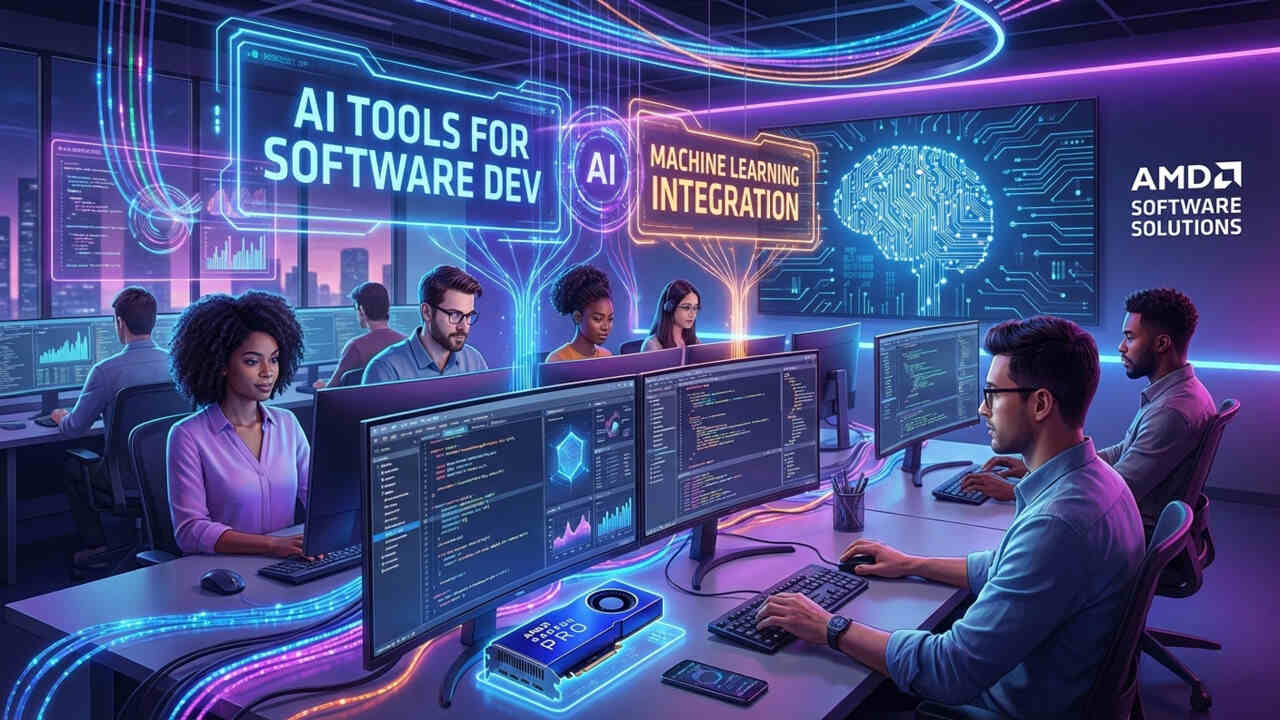
- Software development: Code suggestion engines and test automation can be carried out easily within the application, without uploading data to the cloud.
- Data analysis: Data interpretation supported by a local LLM can be performed without uploading any data.
- Cybersecurity: Log analysis and threat detection
- Academic research: Model training and experimental analyses, along with visual and graphical outputs, can be generated quickly on the GPU.
WriterApple Sales Coach: Satış Tekniklerinde Uzmanlaşın

Meta'nın Açık Kaynak AI Dil Modeli: LLaMA 2


