Artificial Intelligence Tools Converting Video to Animation
Automatically translated
 Admin
AdminShort response: If you want to convert video to cartoon view for free, Wondershare AILab's Video Cartoonizer tool works for free in browser. If you want Anime or a style of art you choose from, DomoAI’s video-to-video feature is more flexible but you need paid plan for full use. If you are looking for a program that works on the computer, you can look at Cartoonized Video software for Windows.
Last update: 14.10.2026
Artificial intelligence supported video tools are now an ordinary part of content production. You can give cartoon or anime effect to the images you have taken with the tools that convert video to animation, prepare different videos for social media, promotion or YouTube.
In this article, we compiled artificial intelligence tool that converts 4 videos that you can use in 2026. From creating dynamic line films, up to adding vibrant colors and textures, these tools offer a variety of features that can help you implement your creative vision.
How to Convert Video to Animation with Artificial Intelligence?
Making animation videos with AI is videos created using deep learning nöral networks and computer animation software, aiming to convert current video images into an animation. These artificial intelligence tools create an interesting animation effect using algorithms that analyze the colors, movements and lighting of the original video. AI Animation creation software works videos to improve animation videos that look professionally but protect the original movement of the source material.
Artificial intelligence apps that convert video to animation often allow creatives to quickly convert stock videos to unique creative assets for their audience. Animated cartoons with Artificial Intelligence can be used for various purposes, from creating show promotional videos to funny animations for YouTube channels.
Step by step: Convert video to animation
Select a short clip. Most of the tools have time and file size limit (e.g.). 5 seconds on Melobytes and 50 MB are recommended at AILab at 100 MB.
Install the video in search; most tools accept MP4, MOV and AVI files.
Select style if you have (line film, anime, blackpaper etc. ).
Start the process, start the result and download.
Take permissions before sharing if there are other people in the video; use the videos that you do not have without permission.
Artificial Intelligence Tools Converting Video to Animation
Home
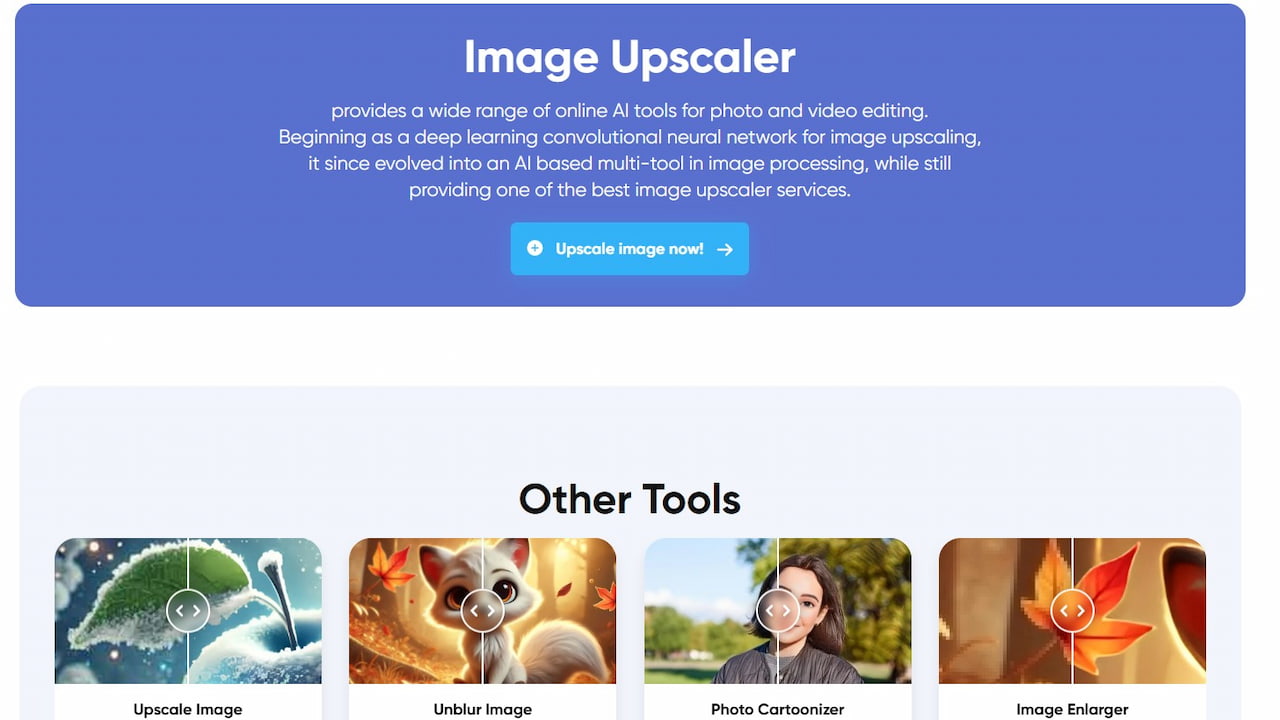
HomeAn artificial intelligence platform that produces video from text, visual and video. With Video to Video (Restyle Video) feature, you can convert the current image into anime, realistic or other style as reference. There are also “AI Anime Video Generator” and “Cartoonize Video” tools that translate objects in video to cartoon style.
You can start with free experiments, but there is no permanent free plan on the price page. Paid plans start from $9 per month in annual payment ($ 13 per month in payment), in these plans there are no watermarks and video magnification up to 4K.
What does it work: Convert video to anime or a style of art you choose.
Free: Continent; you can try for free, you need paid plan for regular use.
Suitable for: Stylized video for social media, anime content and short film producing content manufacturers.
Wondershare AI Lab
Wondershare AI LabIt is a program that converts videos and photos into cartoon using AI technology. Supports and easy to use various video formats like MOV, MP4, AVI. With the ability to convert video to cartoon automatically, it saves time and effort for creators.
Based on AILab’s own page Video Cartoon Tags A completely free online tool: you upload video, run with “Start to Process” and download the result. It supports formats like MOV, MP4, AVI and M4V; suggests that the loads are less than 100 MB. API is also available for developers.
What does it work: Convert real image to cartoon view with one click.
Free: Yes, free in the browser.
Suitable for: Anyone who wants to make a quick and free trial.
Cartoon Videos
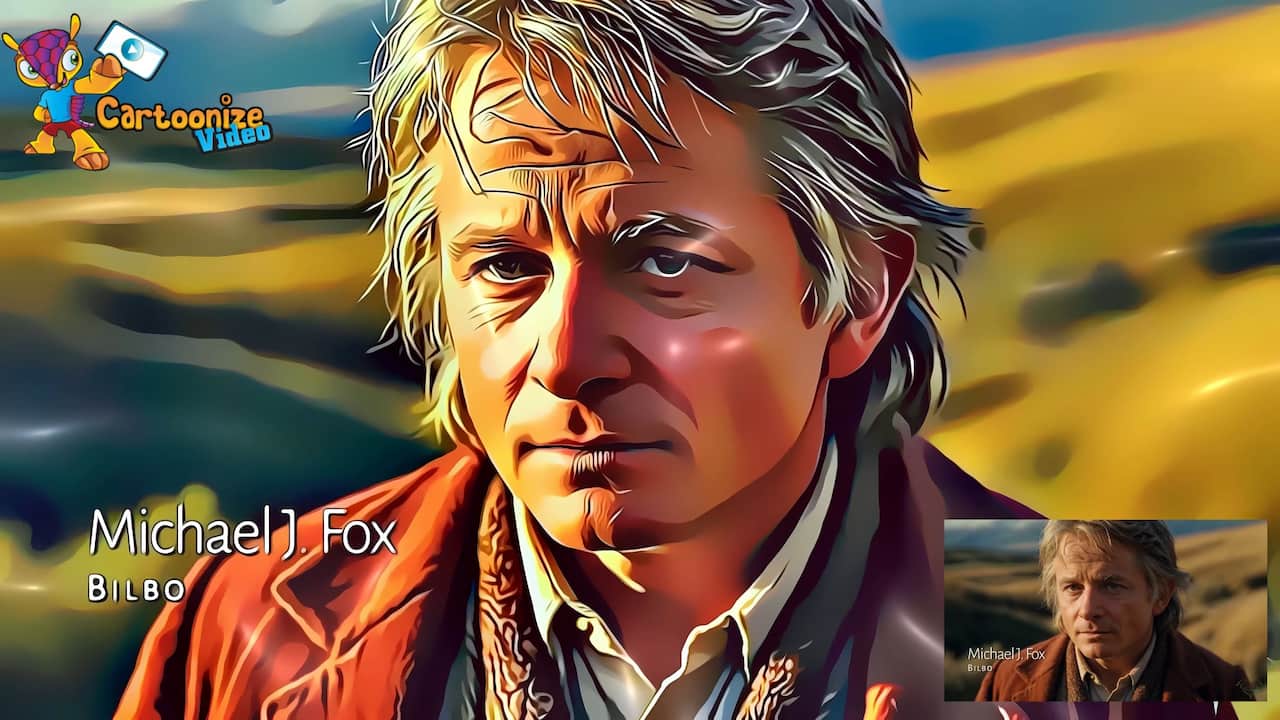
Cartoon VideosIt is a desktop application that converts videos to cartoon style structures using AI technology. With easy-to-use interface and compatibility with various video formats, it allows you to easily convert different types of videos.
There are four separate programs for Windows on the site: VCartoonizer, VSketcher, Video Cartoonizer and VPopArt. For example, VCartoonizer offers 15 cartoon effects, works without internet connection and outputs from 480p to 4K; Video Cartoonizer has more than 150 effects. Programs are sold with one-time fee, but you can download trial versions before buying. The Mac version on the site is not included.
What does it work: Convert video to cartoon, blackpaper or pop art style without internet on computer.
Free: No; there is trial version, full version paid.
Suitable for: Windows users who are running with long videos and want to upload files to cloud.
Melobytes AI
MelobytesA platform with more than 100 artificial intelligence applications for music, audio, visual and video. The “Video to cartoon” app translates short videos to cartoon appearance; AVI, FLV, MKV, MP4, WMV and MOV files, you can drag and drop the file.
In the online version, the video is up to 5 seconds, the file can be up to 50 MB. With free account, you have the right to use 5 per day; you need a subscription or one-time payment for unlimited use. For longer videos, running on Windows, one-time purchased gsVideo2Cartoon desktop version is also available. Melobytes also states that applications are experimental and may change the quality of results.
What does it work: Quickly turn very short clips into cartoon.
Free: Yes, for free up to 5 use per day.
Suitable for: Those who want to do short trials for entertainment purposes.
If you also have interested in artificial intelligence tools that translate video to animation, "Best VFX Artificial Intelligence Tools For Visual Effects 2026You can also browse our " list.
Comparison of Tools Converting Video to Animation
Car Rental | Working place | Free? | Limits | Who is suitable? |
|---|---|---|---|---|
Wondershare AILab Video Cartoonized Tags | Browser | Yes | 100 MB six installation recommendations | Fast, free trial |
Home | Browser | Free trial; plans from $9 per month | Credit based | Anime and Special Style Wanted Content Manufacturers Home |
Melobytes | Browser (Windows version also) | 5 use per day free | Maximum 5 sec and 50 MB | Short, fun-purpose trials |
Cartoon Videos | Windows desktop | Trial version; full version paid | No Internet required, output up to 4K | Windows users working with long videos |
Frequently Asked Questions
How to translate video to animation for free?
Wondershare AILab's Video Cartoonizer tool can use it for free in the browser: upload video, start the process and download the result. Melobytes for very short clips is also free up to 5 use per day.
Which is the artificial intelligence that translates video to anime style?
The most convenient tool for anime style in this list DomoAI. With video to Video feature, you can convert image to anime or another style you have referenced; you need paid plan for regular use.
What should I use to translate long videos into cartoon?
Most of the online tools have time and size limit. For long videos, you can look at Cartoonize Video programs or Melobytes desktop version gsVideo2Cartoon for free on Windows.
Can I share and share the video to animation?
If the video does not belong to you, you should share the owner without having their permission if there are other persons in the image. Giving animation effect does not eliminate the copyright or rights of the video on the image.
Where can I meet with artificial intelligence?
To meet people interested in artificial intelligence and content production Masqot communities and events You can browse.
AdminOyun Teorisi Nedir? 2026 Dijital Dünyasında Stratejik Akıl

ChatGPT Gizli Kodlar