ChatGPT Integrations: Canva, Figma, Spotify and Nicesi
Automatically translated
 Admin
AdminChatGPT, artık yalnızca sorulara yanıt veren bir sohbet robotu olmaktan çıktı. OpenAI’ın yakın zamanda duyurduğu yeni uygulama entegrasyonları sayesinde, ChatGPT bir dijital orkestratör haline geldi. Bu yenilik, kullanıcıların Spotify, Figma ve Canva gibi popüler uygulamalardaki hesaplarını doğrudan ChatGPT’ye bağlamasına ve yapay zekadan kişisel görevleri yerine getirmesini istemesine olanak tanıyor.
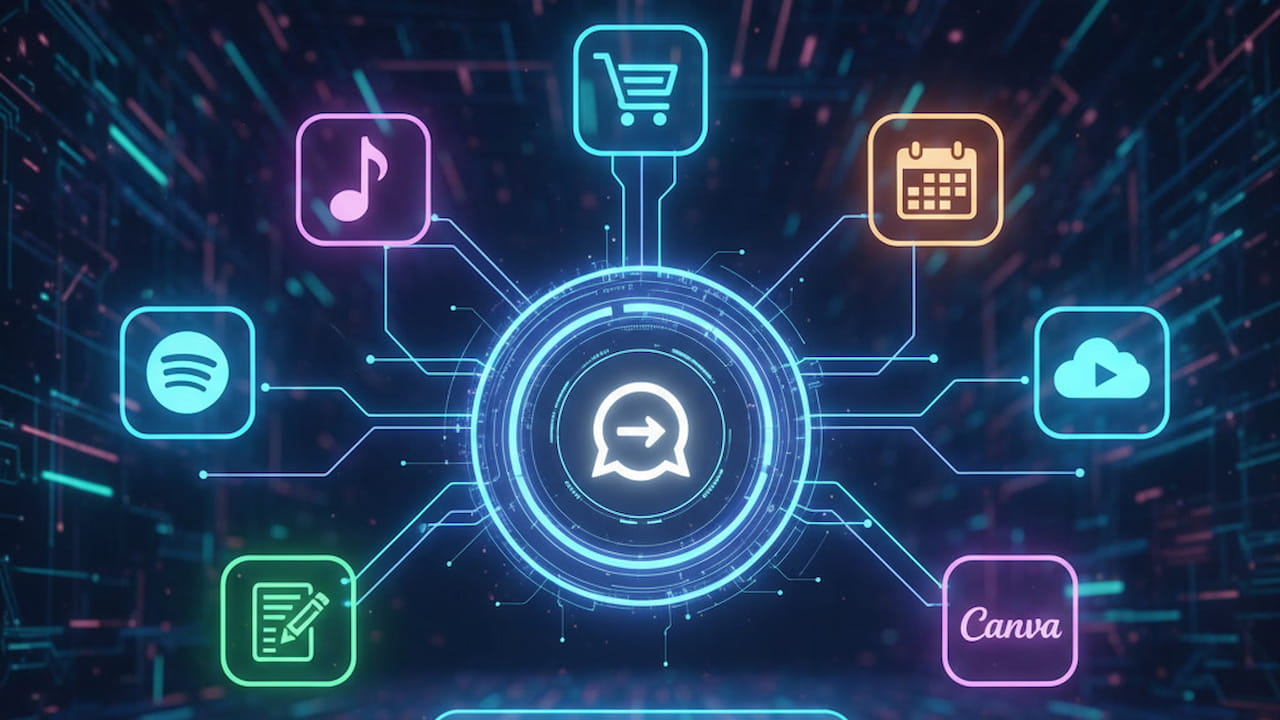
Bu dönüşüm, yapay zeka uygulama entegrasyonu çağının başladığını gösteriyor. Artık bir fikri not almak, bir tasarımı başlatmak veya bir seyahati planlamak için uygulamalar arasında sürekli geçiş yapmaya gerek yok; tüm bu işlemler ChatGPT ara yüzü içinden yönetilebiliyor.
ChatGPT Entegrasyonları Nedir ve Neden Önemlidir?
ChatGPT Entegrasyonları, ChatGPT'nin kullanıcıların diğer dijital hizmetler ve uygulamalarla olan hesaplarına doğrudan erişim sağlayarak bu uygulamalar üzerinde eylemler gerçekleştirmesine olanak tanıyan bir özelliktir.
Bu, ChatGPT'nin harici bir uygulama gibi davranarak, Spotify'da çalma listesi oluşturma, Canva'da tasarım başlatma veya Expedia'da otel arama gibi görevleri yerine getirmesini sağlar.
Önem: Bu özellik, kullanıcı deneyimini radikal bir şekilde basitleştirir. Sürekli uygulama değiştirmeyi (context switching) ortadan kaldırarak üretkenliği ve verimliliği artırır. Yapay zekayı bir konuşma aracından, günlük hayatın ve profesyonel iş akışlarının merkezindeki eylem odaklı bir asistana dönüştürür.
Kısıtlamalar: Şu anda bu entegrasyonlar, genellikle ChatGPT Pro kullanıcılarına sunulmakta ve ilk aşamada ABD ve Kanada ile sınırlıdır. Ayrıca, hesapların bağlanması, uygulamanın verilerinizi ChatGPT ile paylaştığı anlamına gelir; bu nedenle izinleri dikkatle gözden geçirmek kritik öneme sahiptir.
Bu Entegrasyonlar Nasıl Kurulur ve Kullanılır?
Bu Yapay Zeka Uygulama Entegrasyonu özelliğini kullanmaya başlamak oldukça basittir:
Nasıl Bağlantı Kurulur?
Giriş Yapın: ChatGPT hesabınıza giriş yapıldığından emin olun. Bu entegrasyonlar için genellikle ChatGPT Pro hesabına sahip olmak gerekir.
Settings Menu: Go to Settings (Settings) menu and then click "Applications and Connectors (Apps and Connectors).
Application Selection: Scan and select the applications you want to connect with existing applications list (Spotify, Canva, Figma etc.).
Confirm Permissions: ChatGPT will redirect you to the login page of the application you choose. When you enter your login information here, check out and confirm which data you provide access to ChatGPT (e.g. playlists, listening history) in Spotify carefully.
How to Use?
After the connection is installed, there is no need to go to a special menu to interact with the app:
Start Command: When you write your request, Your message You just need to write the name of the app per (e.g., "Spotify:...") or wait to remove the name of the application from the context of the request.
Sample Command: "Canva: 16:9 a slide deck design" or "Figma: Create a product road map. "
Data Control and Security:
Data Sharing: Integration means that the application share data with ChatGPT (for example, your Spotify listening history). While this sharing helps customize experience, it is important to carefully review permissions if you have privacy concerns.
Cutting Link: When requested, the connection of any application from Settings > Applications and Connectors menu can be easily cut.
What Are The Featured ChatGPT Integrations?
This feature covers many popular applications that facilitate professional life:
Spotify: The fastest way to personalise music experience. You can create playlists according to your mood, ask lists of your favorite artist’s parts or ask new artists, podcasts and audio books to suggest. ChatGPT can also perform actions such as inserting/spare items.
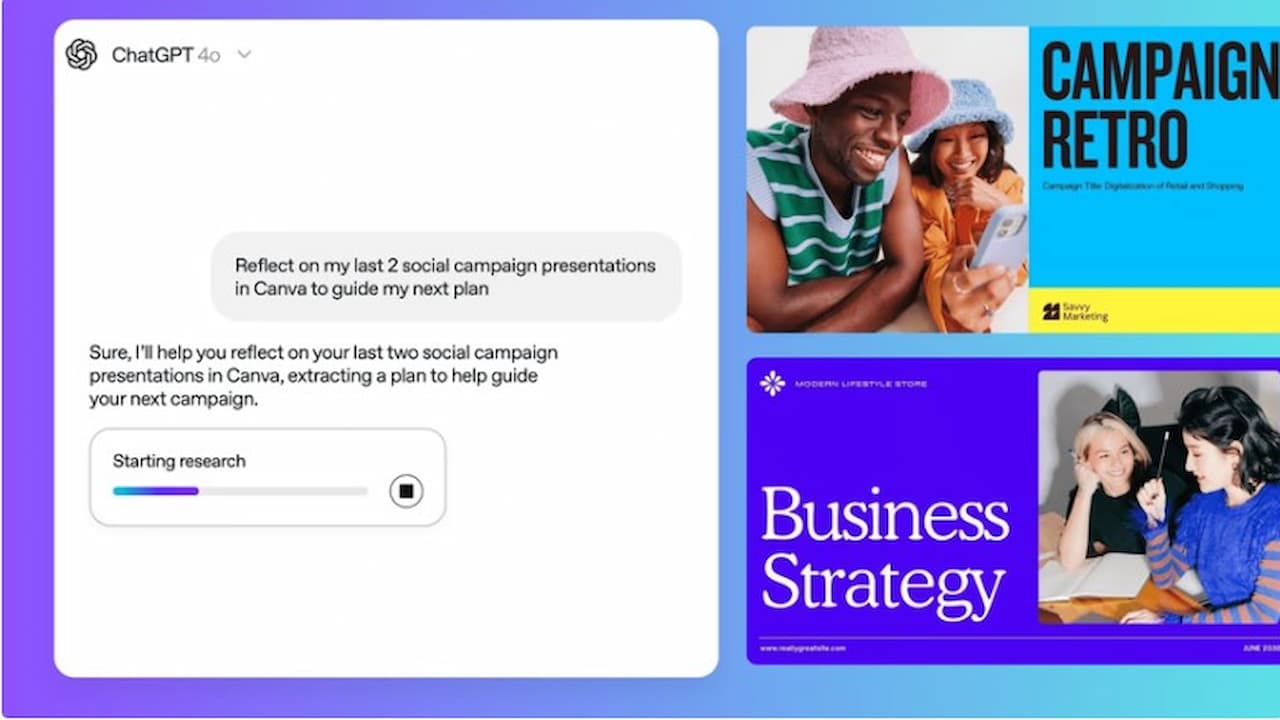
Canva: Graphic designers and fast visual needs are rescuer for everyone. With this integration, You may want to design a social media visual, poster or presentation Saturday. You can start your projects by adding specific details such as desired fonts, color schemes and sizes.
Figma: This integration, is used to embody ideas. By creating diagrams, flow schemes and product road maps, it helps visualize complex workflows. To focus on your team’s goals, you may want to create a product roadmap with milestones, deliveries and deadlines.
Travel & Accommodation (Booking.com & Konaklama): Travel giant Booking.com integration can be taken according to budget, date and location. Similarly, With entegrasyonu integration You can also view options from ChatGPT by specifying filters such as flight and 4-star hotel. You are directed directly to the relevant platform to complete the reservations.
Education (Coursera): This integration, Helps you quickly find online courses for your skill level. For example, "I find a mid-level course in Python", then you may want to score courses, compare them to time and cost.
Real Estate (Zillow): For those seeking a new house Zillow integration uIt facilitates and accelerates the search process by filtering according to criteria such as budget, number of rooms or certain neighborhoods.
What Are Restrictions?
Although ChatGPT Integrations are currently limited to the US and Canada, OpenAI plans to spread to Europe and other regions soon. Also, DoorDash, OpenTable, PayPalAdditional partners like Target, Uber and Walmart are expected to be included in the system within the year.
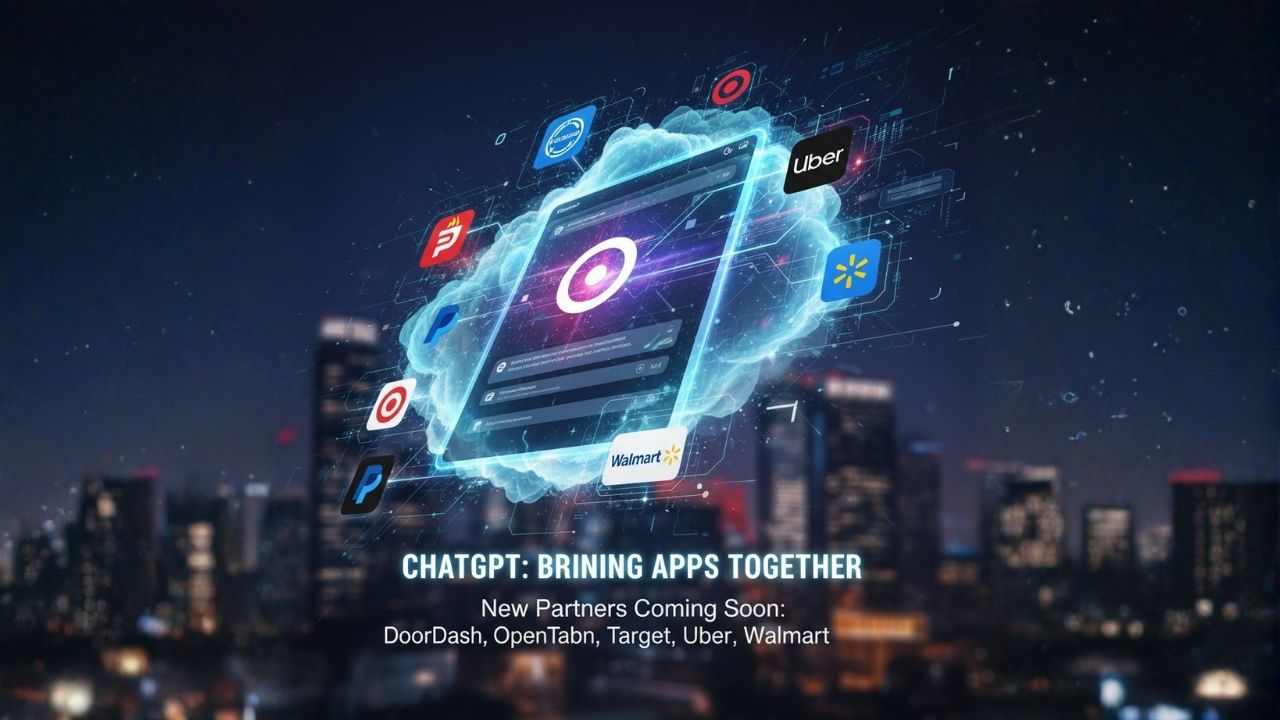
These innovations show that ChatGPT has only turned into a "smart" assistant that performs practical actions at every point of digital life, passing beyond talking. This Artificial Intelligence Application Integration era aims to maximize the friction in technology usage, maximize user efficiency.
AdminHollywood ve Yapay Zeka: 2025'in Hayal Kırıklığı Yaratan Projeleri


Açık Problemler İçin Prompt Mühendisliği Teknikleri