Chrome Skills Release: Create Your Own Assistant One Click!
Automatically translated
 Writer
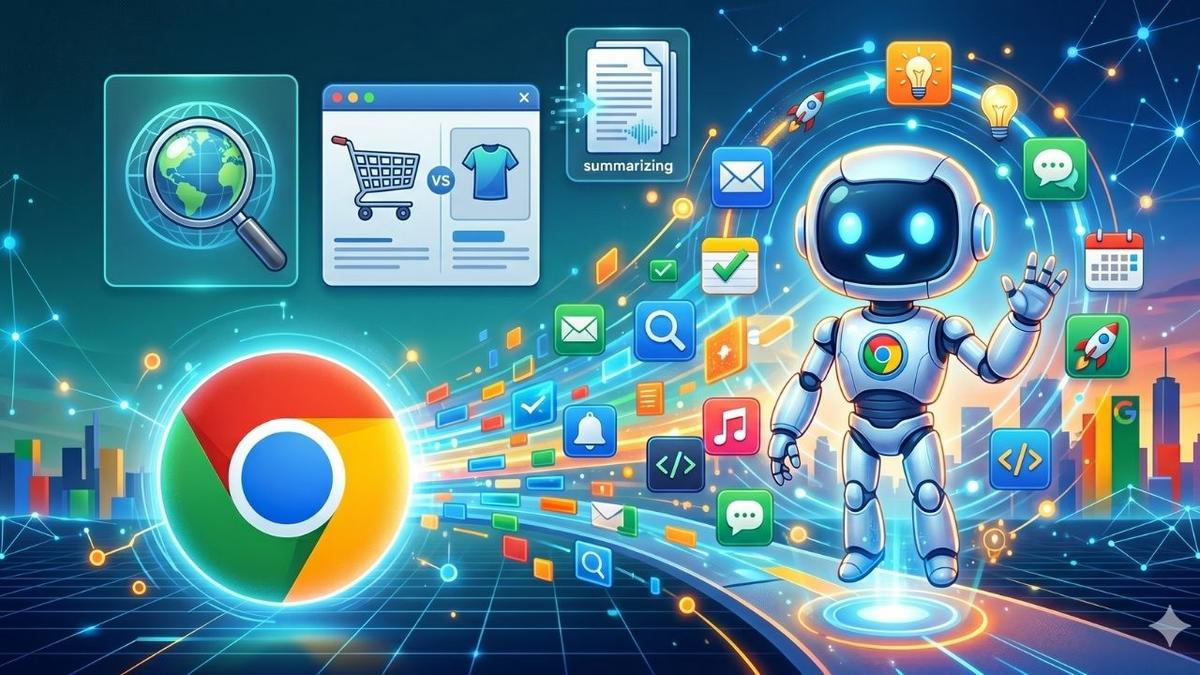
While productivity tools in the digital world grow rapidly, browsers continue to be included in the center of this transformation. Now a browser does not display websites Google is part of the personalization age in artificial intelligence As a personal assistant, research aid and content production platform. At this point, Chrome Skills is developed by Google and it comes to us as a feature that aims to change Google Chrome experience from root.
What is Chrome Skills?
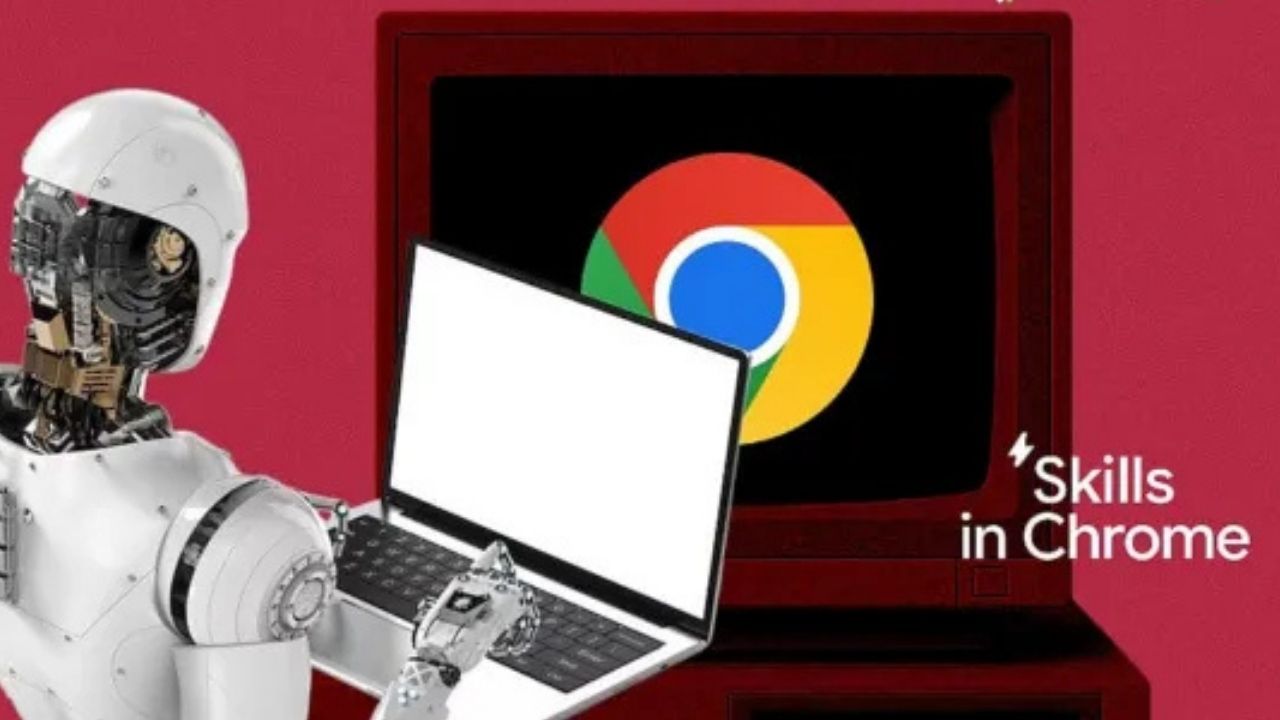
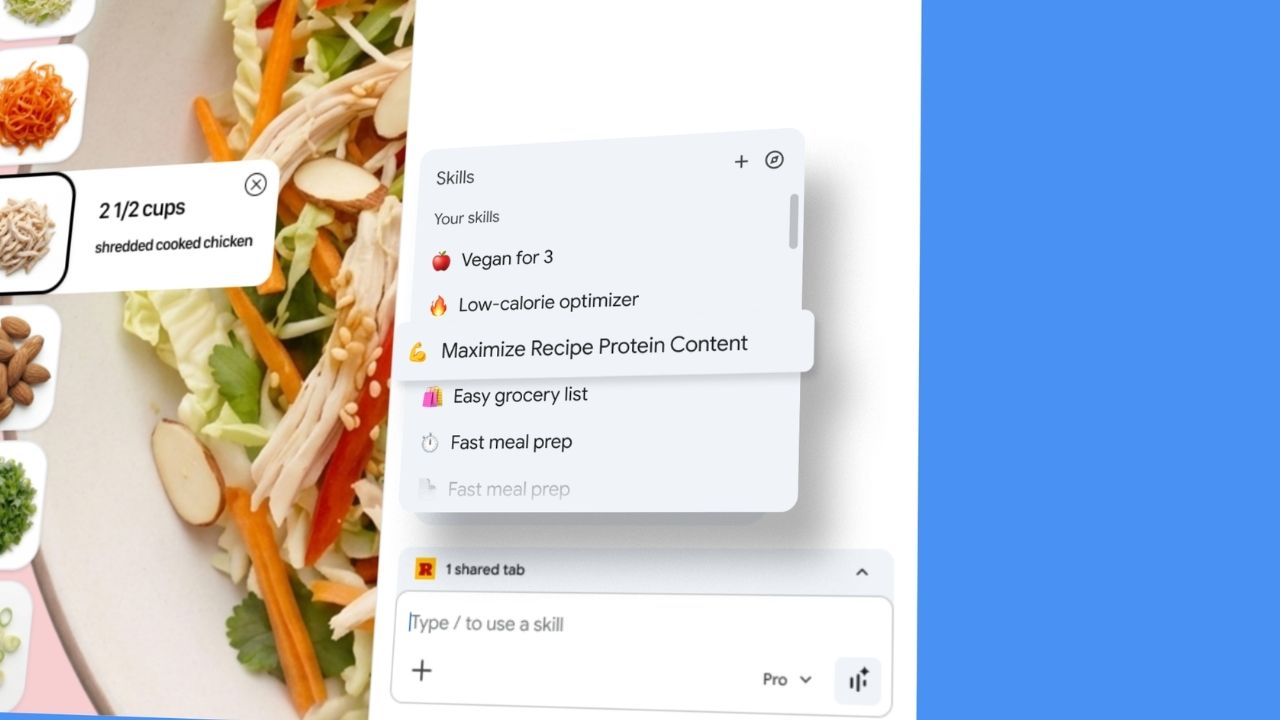
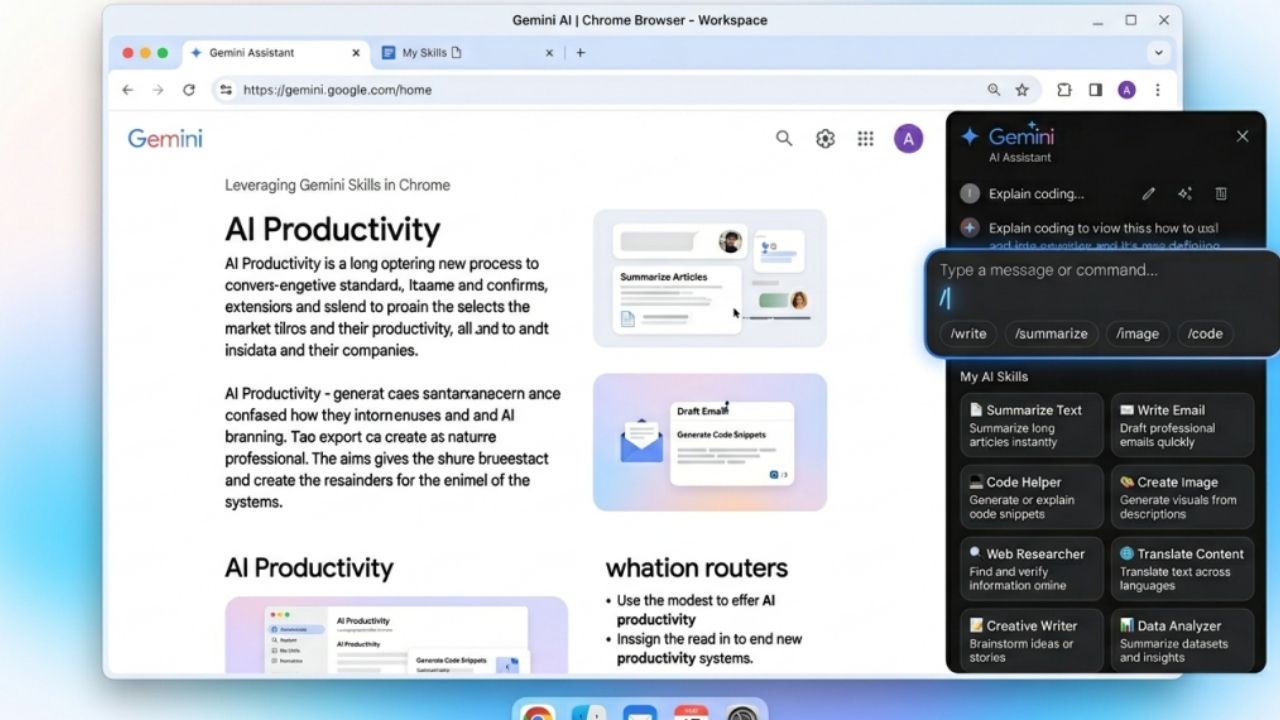
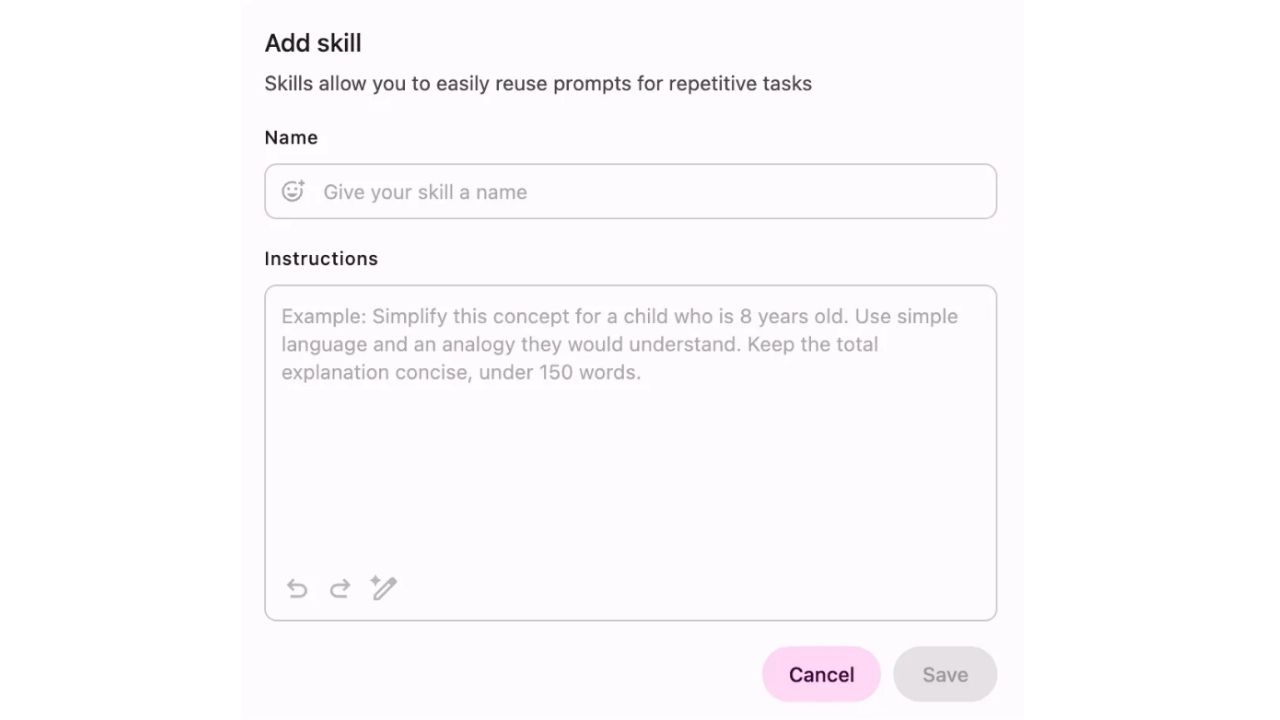
Chrome Skillsis a new generation automation system that allows users to create their own AI-supported commands in the browser. Thanks to this feature, users can run them with one click by converting them into special commands called 'skill'. The most important feature of this system is that it does not require technical information. So without writing code, you can only create commands using natural language, automate processes, design your own digital workflow. Chrome Skills offers a more accessible structure than classic automation tools.
How Chrome Skills Work?
The logic of Chrome Skills is simple but quite strong. The user defines a task, the system makes it a 'skill' and then this task can be operated by one click. Sample usage flow:
The user defines a task: ' summarize the text on this page and add my notes'
The system works and saves this command
When the user wants to do the same process again, the one click runs
This process, saves time especially in repeating tasks.
Integration with Gemini Automation Tools
Chrome Skills also pay attention to Google Gemini integration. Gemini automation tools serve as an artificial intelligence engine that understands and processes user commands. Thanks to Gemini:
Natural language commands are properly analyzed
Complex processes automatically split
User habits are learned
More personalized results are produced
For example, when you find and compare the site where this product is cheapest, the system runs the search, analysis and comparison steps instead of the user. This integration converts Chrome Skills from a simple feature to a powerful AI platform.
New Generation Use with Browser Artificial Intelligence Commands
Browser artificial intelligence commands are one of the most remarkable aspects of Chrome Skills. Users can now perform transactions with a daily speaking language instead of technical commands. These commands provide great convenience for students, academicians, content manufacturers, marketing experts.
Sample commands:
'Bu makaleyi akademik özet haline getir''Bu sayfadaki önemli bilgileri çıkar''Bu ürünü alternatifleriyle karşılaştır''Toplantı notu oluştur ve düzenle'
Comparison with Chrome Efficiency Addons
For years, users were using various Chrome plugins for different needs. Chrome Skills has the potential to change this system from root.
In traditional plugins,
You need separate installation for each business.
It can slow down the browser.
Update and compatibility issues can be experienced.
With Chrome Skills
Multiple functions on single platform,
Faster and light structure,
Artificial intelligence-supported automation,
Personalized experience.
Therefore, Chrome Skills can significantly reduce the use of the plugin.
Chrome Skills Suitable for Who?
Chrome Skills addresses a broad user audience, but it is a more useful tool for some groups.
Students
Abstracting lesson notes
Welding research
Text Simplification
Content Manufacturers Home
Creating blog post drafts
SEO regulations Home
Creating header and content ideas
Professionals
Email analyses Home
Meeting abstracts Home
Report creation
Researchers
Data collection
Welding comparison
Literature Scan
Chrome Skills Use Scenarios
The power of Chrome Skills comes from unlimited usage areas.
Assistant: Collects and sums data from different sites about a topic.
Editor: Improves texts in terms of language information and expression.
Shopping Advisor: Makes price comparison and recommends the most suitable option.
Social Media Assistant: Generates content ideas and forms text.
Advantages of Chrome Skills
There are many aspects that make Chrome Skills stand out. Also the system becomes smarter by learning over time.
Time Saving: Automates repeating tasks
Easy operation: No technical information required
Personalization: Shapes according to user habits
Efficiency increase: More jobs are done in less time
Minimal system load: Reduces the need for plugin
How to Use Chrome Skills?
It’s quite simple to start using Chrome Skills. This process can be completed within a few minutes.
1. Update your browser
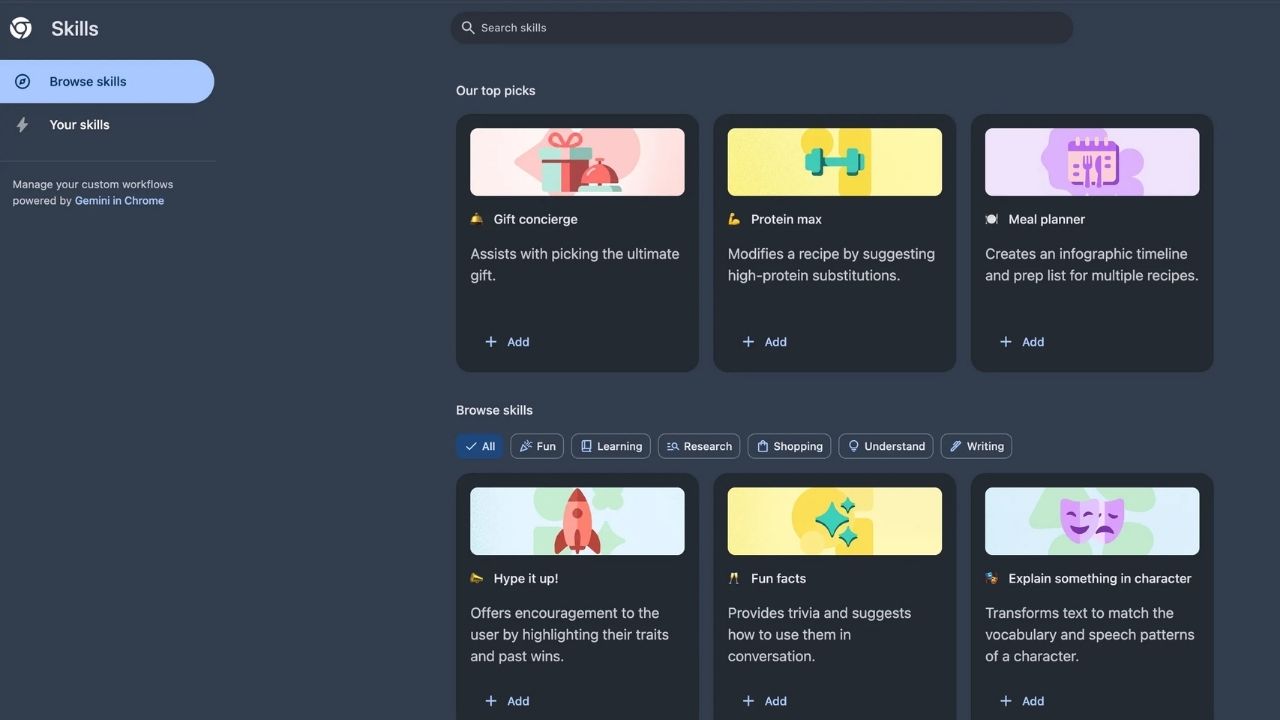
2. 2. Enter Chrome Skills section
3. Create a new skill
4. Type the process you want to do
5. Save and use
The Future of Chrome Skills
Chrome Skills seems to be quite strong if it’s yet a new feature. Among the expected developments:
Voice script support
Integration of more advanced AI u
Full compliance with Google ecosystem
There are more deep customization options.
This is the indicator that Chrome will turn into a digital assistant.
New Term in Browser Experience with Chrome Skills
Chrome Skills stands out as an important innovation that reshape browser usage habits. Especially when Gemini automation tools consider the relationship with browser AI commands and Chrome efficiency plugins, this system is expected to become much more common in the future. If you are looking for a faster, smarter and more personal internet experience, Chrome Skills is exactly what you need.
WriterTeknoloji ve Yapay Zeka Staj İlanları | 11-17 Mayıs 2026


Musk’tan Sürpriz Hamle: SpaceXAI ve Anthropic El Sıkıştı!