



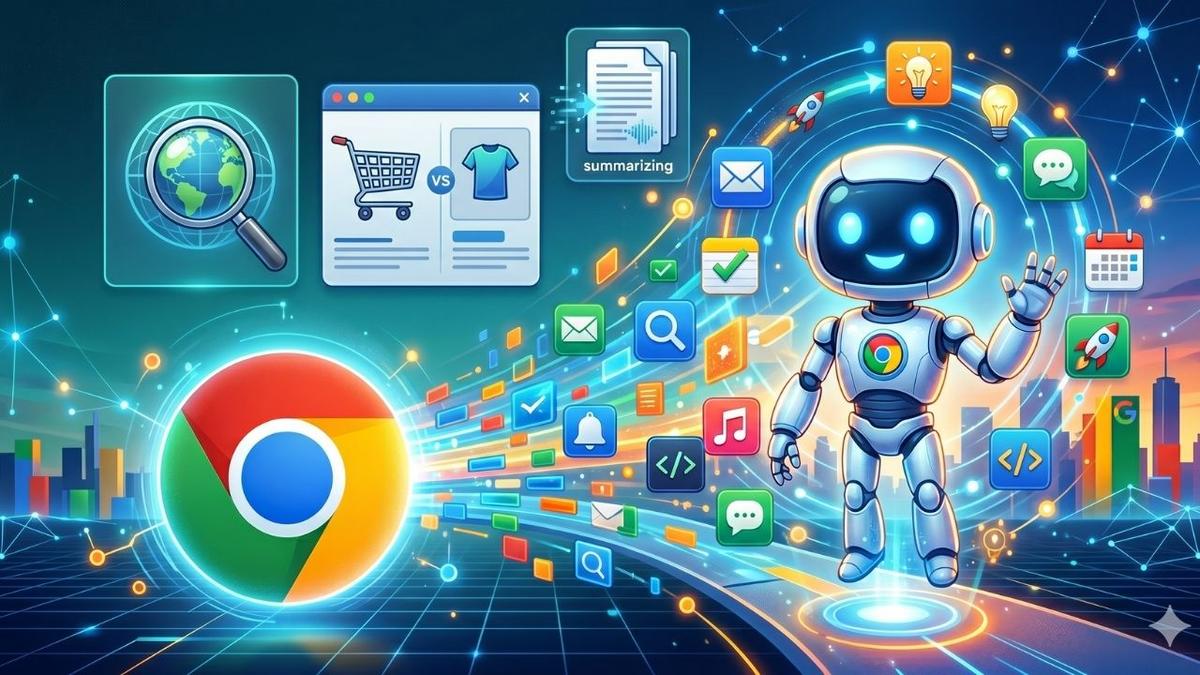
Chrome Skills Is Out: Build Your Own AI Assistant With One Click
Automatically translated
 Writer
As digital productivity tools keep evolving, browsers continue to play a central role in that change. Browsers no longer just display websites. They also work as a personal assistant, research helper and content production platform, as part of Google's era of personalization in AI. In this context, Chrome Skills is a feature developed by Google that aims to fundamentally change the Google Chrome experience.
What Is Chrome Skills?
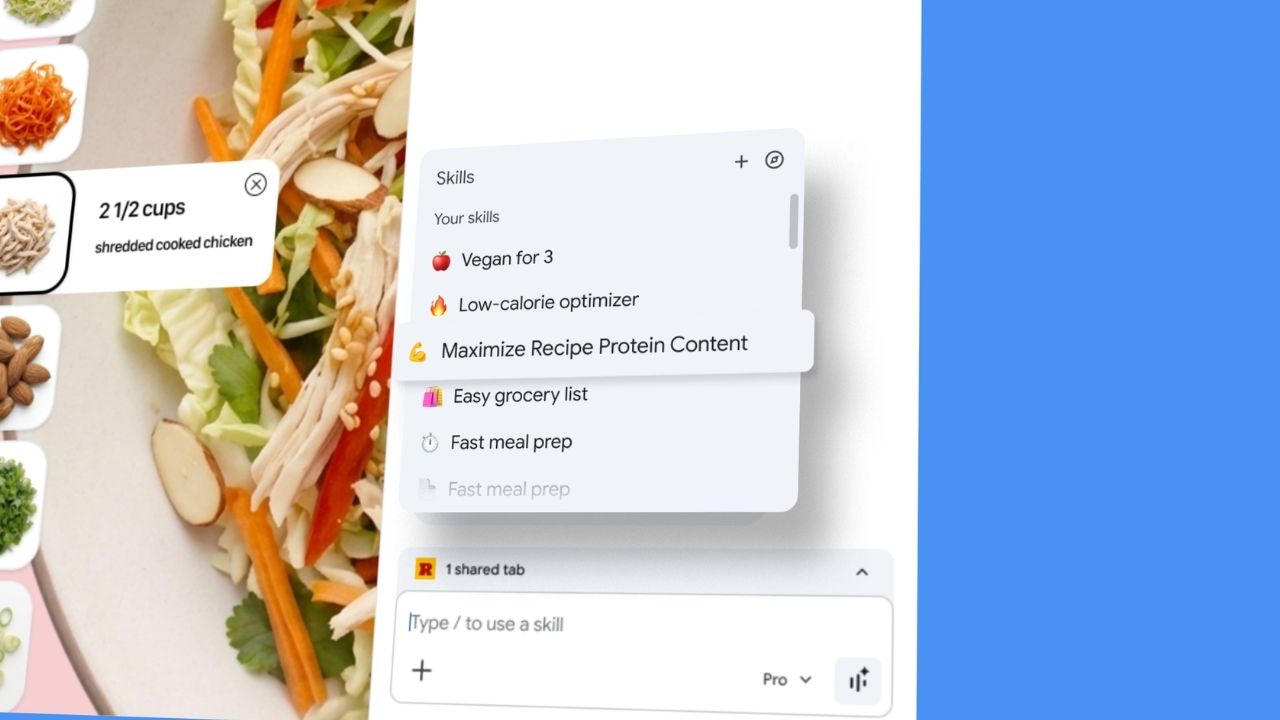
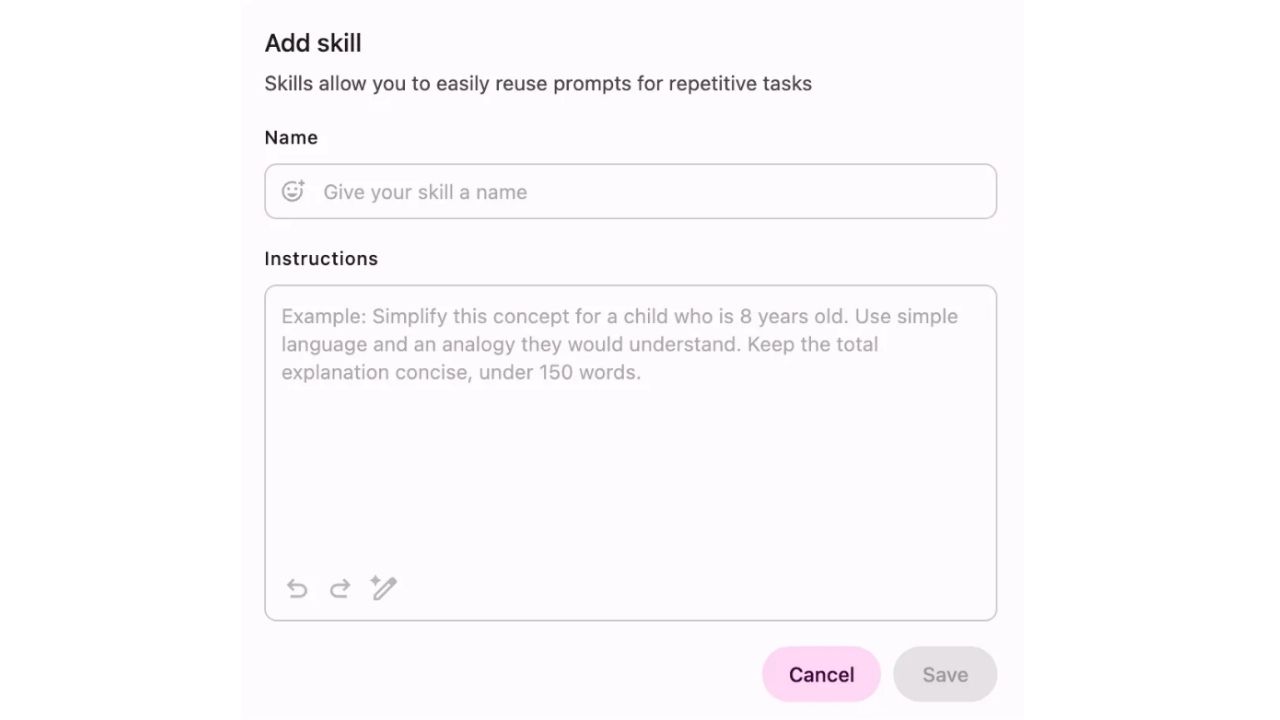
Chrome Skills is a new generation automation system that lets users create their own AI-powered commands within the browser. With this feature, users can turn frequently performed tasks into custom commands called 'skills' and run them with one click. The most important aspect of this system is that it works without requiring technical knowledge. In other words, you can create commands using natural language without writing code, automate processes, and design your own digital workflow. Chrome Skills offers a more accessible structure than classic automation tools.
How Does Chrome Skills Work?
The logic behind Chrome Skills is simple but quite powerful. The user defines a task, the system turns it into a 'skill,' and then this task can be run with one click. Example workflow:
The user defines a task: 'Summarize the text on this page and add it to my notes'
The system processes and saves this command
When the user wants to do the same task again, they run it with one click
This process saves time, especially for repetitive tasks.
Integration With Gemini Automation Tools
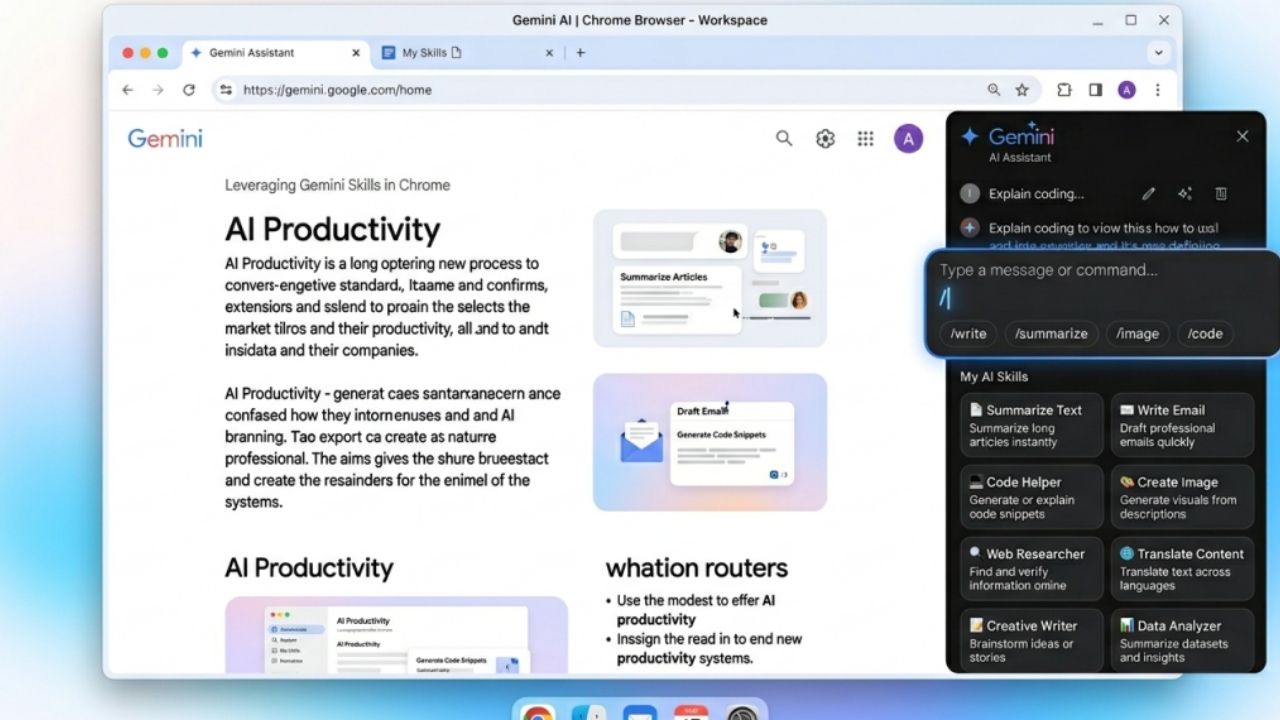
Chrome Skills also stands out for its integration with Google Gemini. Gemini automation tools act as the AI engine that interprets and processes user commands. Thanks to Gemini:
Natural language commands are analyzed correctly
Complex tasks are automatically broken down
User habits are learned
More personalized results are produced
For example, when you say 'Find the site where this product is cheapest and compare them,' the system carries out the search, analysis and comparison steps on your behalf. This integration turns Chrome Skills from a simple feature into a powerful AI platform.
Next-Generation Use With Browser AI Commands
Browser AI commands are one of the most notable aspects of Chrome Skills. Users can now carry out tasks in everyday language instead of technical commands. These commands offer great convenience for students, academics, content creators and marketing specialists.
Example commands:
'Turn this article into an academic summary''Extract the key information from this page''Compare this product with its alternatives''Create and edit meeting notes'
Comparison With Chrome Productivity Extensions
For years, users have relied on various Chrome extensions for different needs. Chrome Skills has the potential to fundamentally change this system.
With traditional extensions,
Each task requires a separate installation.
They can slow down the browser.
Update and compatibility issues can occur.
With Chrome Skills,
Multiple functions on a single platform,
A faster and lighter structure,
AI-powered automation,
A personalized experience.
For this reason, Chrome Skills can significantly reduce the need for extensions.
Who Is Chrome Skills For?
Chrome Skills appeals to a broad user base, but it is more useful for some groups.
Students
Summarizing lecture notes
Source research
Simplifying texts
Content Creators
Creating blog post drafts
SEO editing
Generating title and content ideas
Professionals
Email analysis
Meeting summaries
Report creation
Researchers
Data collection
Source comparison
Literature review
Chrome Skills Use Cases
The strength of Chrome Skills comes from the fact that its use cases are virtually unlimited.
Assistant: Collects data on a topic from different sites and extracts a summary.
Editor: Improves texts in terms of grammar and expression.
Shopping Advisor: Compares prices and suggests the best option.
Social Media Helper: Generates content ideas and writes text.
Advantages of Chrome Skills
Chrome Skills has many aspects that make it stand out. In addition, the system becomes smarter over time by learning.
Time savings: Automates repetitive tasks
Easy to use: Requires no technical knowledge
Personalization: Adapts to user habits
Increased efficiency: More work is done in less time
Minimal system load: Reduces the need for extensions
How to Use Chrome Skills
Getting started with Chrome Skills is quite simple. This process can be completed within a few minutes.
1. Update your browser
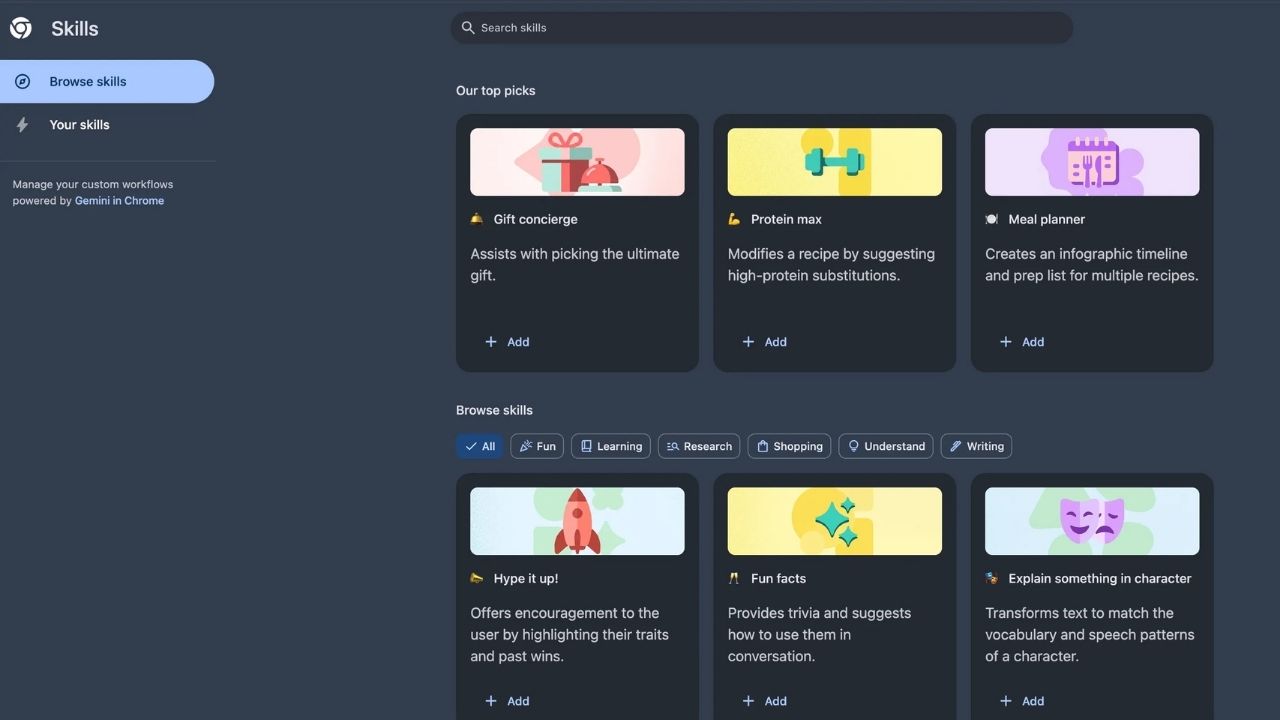
2. Go to the Chrome Skills section
3. Create a new skill
4. Write the task you want to perform
5. Save and use it
The Future of Chrome Skills
Although Chrome Skills is still a new feature, its future looks very promising. Expected developments include:
Voice command support
More advanced AI integration
Full alignment with the Google ecosystem
More in-depth personalization options.
This is a sign that Chrome will turn into a digital assistant.
A New Era of Browser Experience With Chrome Skills
Chrome Skills stands out as an important innovation that reshapes browsing habits. Especially considering its relationship with Gemini automation tools, browser AI commands and Chrome productivity extensions, this system is expected to become much more widespread in the future. If you are looking for a faster, smarter and more personal internet experience, Chrome Skills is exactly what you need.
WriterChatGPT Agent: 2026'nın Otonom Yapay Zeka Devrimi


Musk’tan Sürpriz Hamle: SpaceXAI ve Anthropic El Sıkıştı!


