Copilot Will Trade Your Local Files on Windows
Automatically translated
 Writer
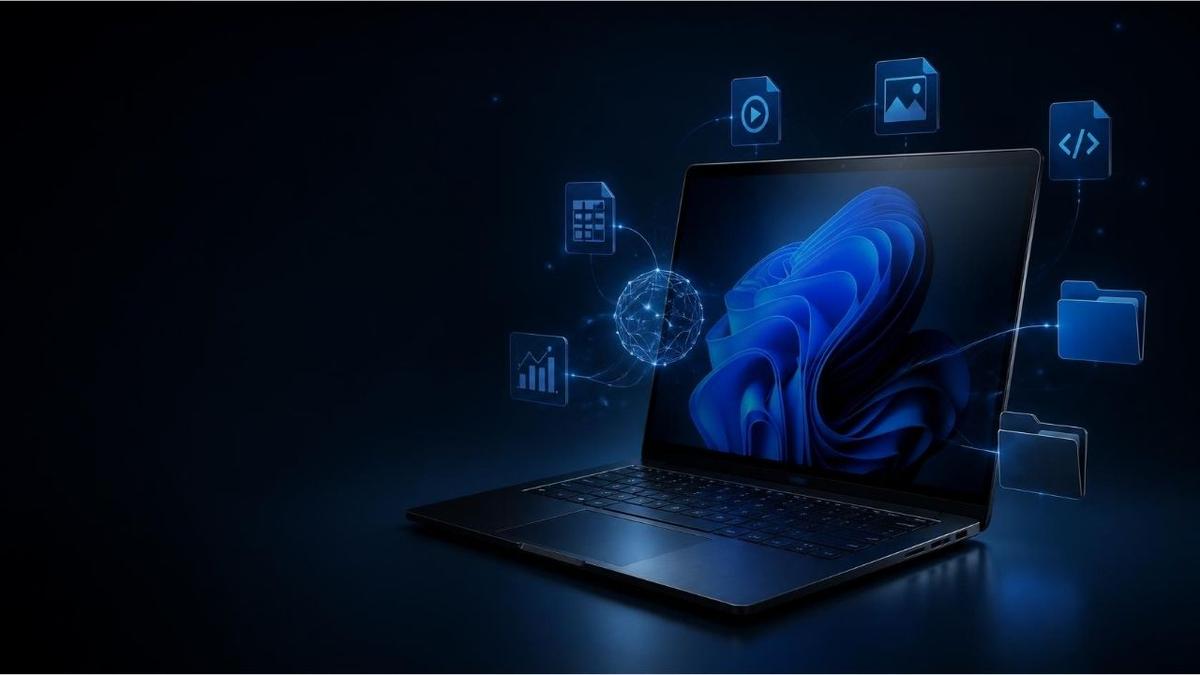
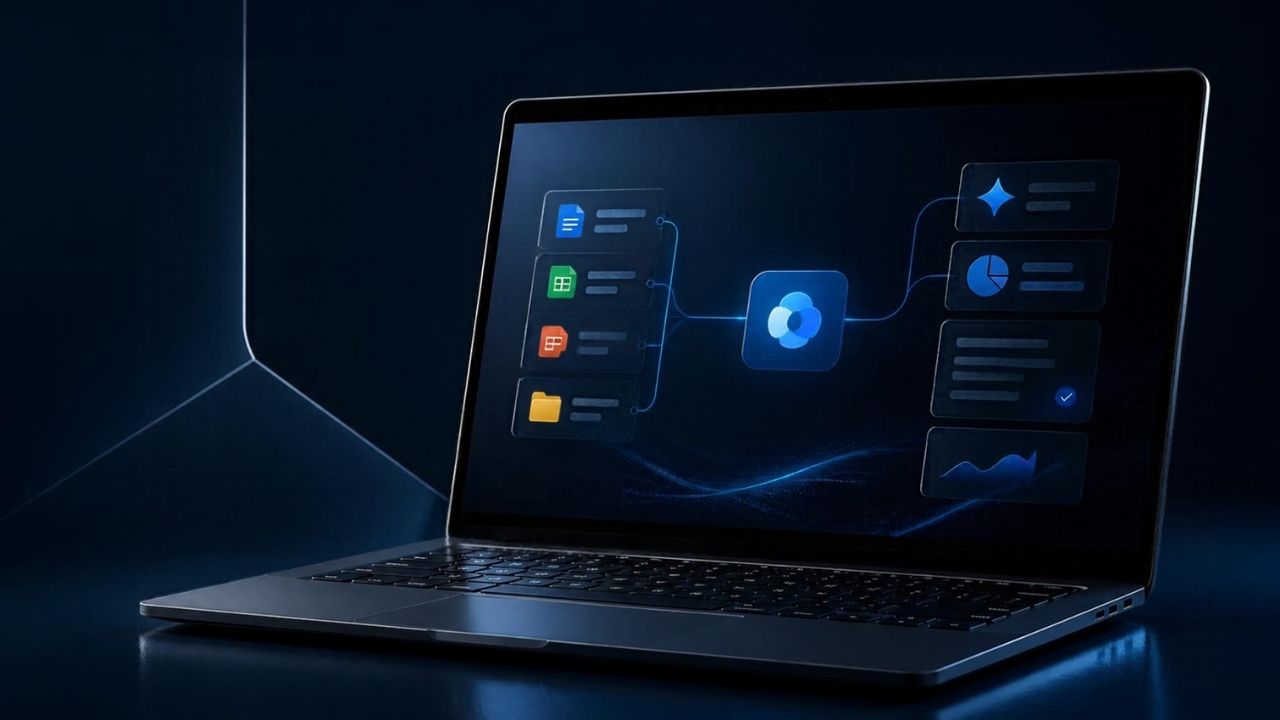
Microsoft announced its new artificial intelligence properties that will benefit Copilot from local files on Windows computers and perform various tasks on the user name. These talents developed under the company’s hybrid intelligence approach are aimed at turning Copilot into an artificial intelligence agent that can trade on files and applications by being an assistant that only answers questions.
Microsoft 7 October 2026 Windows hybrid intelligence announcement According to Copilot, the user's permission may benefit from related files and nearby events. Tasks such as editing files, device diagnostics, troubleshooting and coding are also covered by new capabilities. It is expected to be distributed in Copilot+ PCs in the coming months of the features.
Copilot How to Work Windows File Access?
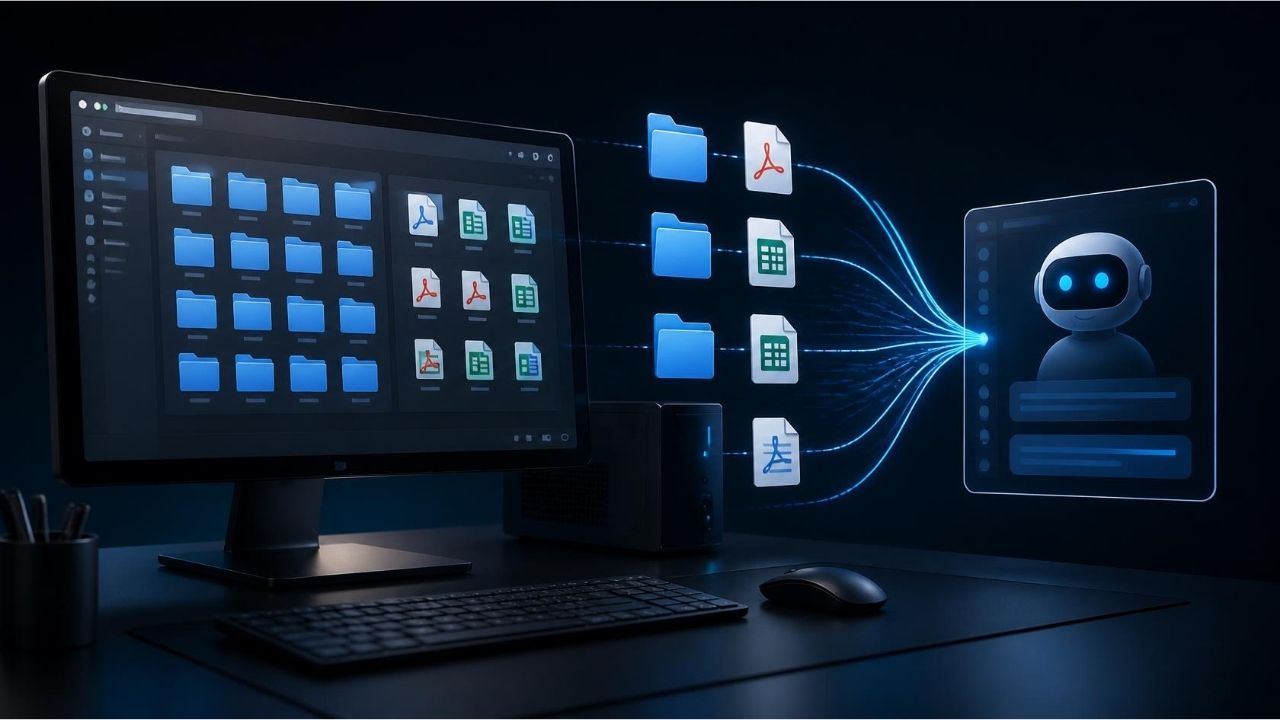
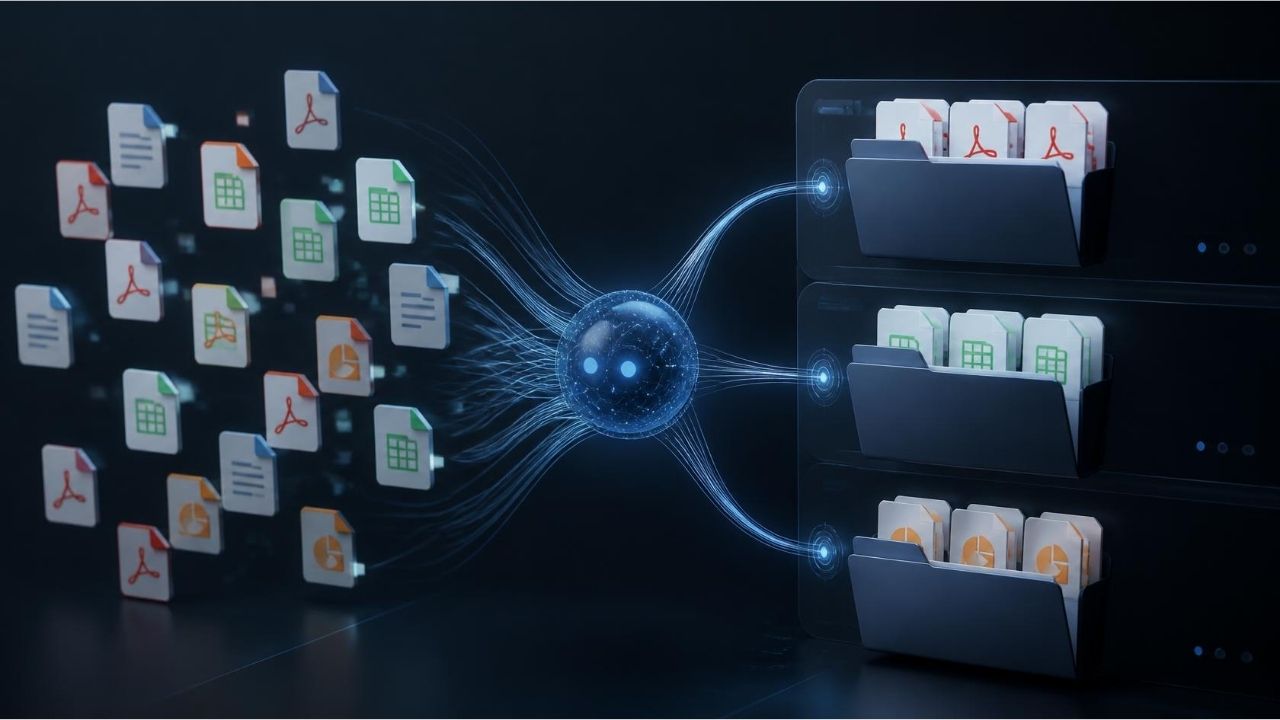
Copilot Windows file access is for users to manually find documents and reduce the need for installing artificial intelligence assistant. The user in the new system can describe the process that he wants to perform in the natural language. Copilot will work to complete the task using access permission from the given files and applications.
For example, a user may ask for Copilot to separate documents to certain categories, edit files in a folder or merge information in different documents. This approach can save time especially for office workers and researchers working with numerous documents.
Three basic talent highlights in the announcement of Microsoft:
Local context: Copilot will receive information from related files and nearby events when allowed.
Local processes: File editing, device diagnostic, troubleshooting and various workflows can be executed through artificial intelligence.
Local models: Copilot can benefit from artificial intelligence models working on computer in appropriate tasks and work together with cloud-based trading power whenever necessary.
These capabilities are part of the hybrid intelligence strategy that combines cloud infrastructure with the local hardware of Microsoft. wanting to examine the advantages of working models in the computer more detailed, rise of small language models (SLM) Home In our article, you can find the possibilities of the local AI approach.
However, the benefit of local files does not mean that all transactions will be performed on the computer or no data will be sent to the cloud. The process will depend on the specificity and the requirements of the task where to be executed.
Microsoft Copilot Which Tasks Can Do On Windows?
It is expected to give practical results in terms of users who hold a large number of files in office workers, students, software developers and computer.
Information from files editing and documents
Copilot can undertake tasks such as editing files in accordance with user instructions and bringing together information in documents. For example, the preparation of documents distributed to different folders for a specific study or the presence of related files can make it easier when they are provided appropriate access permissions.
Such processes can reduce repeated jobs in reporting, research and document management processes, especially. However, changes performed on the accuracy and files of results should be controlled by the user.
solving technical problems
Microsoft announced local capabilities, device diagnostics and troubleshooting. Copilot can help the computer to examine technical issues and implement possible solution steps.
The contribution of this approach to IT teams is not limited only to respond to problems. The interaction of artificial intelligence agents with applications can ensure that some routine processes are completed with less manual intervention.
Supporting software development processes
Copilot is also important for software development workflows. Running on the computer of models suitable for task can help reduce dependence and usage costs in some transactions.
For those who want to understand the technical infrastructure of this approach how large language models (LLM) work Our guide offers additional information on model architectures and local operating options.
However, Microsoft does not indicate that all tasks will work in the same way on each Windows computer. Availability; can vary according to device hardware, related property and distribution calendar.
Copilot Is Local File Access Safe?
Copilot provides new questions on privacy and security while providing an advantage in terms of efficiency that can process in local files. It is necessary to clearly identify the limits of access to artificial intelligence agents that work on customer information, company documents and other sensitive data in corporate computers.
Microsoft, Technical documentation on the safety of artificial intelligence agents on Windows explains mechanisms such as limited permissions, separate agent accounts and user control. In this approach, it is aimed to access the permitted resources of agents only clearly, follow the operations of the user and restore access to the required access.

The highlights in the security approach of Microsoft:
Limited access: Agents can only be limited to permitted files and resources.
Separate agent accounts: The processes performed by agents can be separated from the process of using the computer.
User inspection: Users can track the activities of agents and interfere with when necessary.
Despite this, artificial intelligence agents are not guaranteed to be done correctly. Misleading content in malicious instructions or interfaces in documents may cause agents to show unexpected behaviors. Therefore, it is necessary to check changes in important files and maintain user approval in sensitive processes.
Managing permission policies in terms of IT managers is critical. Microsoft Microsoft Execution Containers approach aims to limit the file and network resources that AI agents can access with policies. Such mechanisms can help artificial intelligence agents be used more controlled in corporate environments.

Copilot How to Affect Windows File Access Office Employees?
Copilot can benefit from local files, reach information on daily workflows and change document preparation processes. Users who work with a large number of reports, electronic tables, presentations and PDF files, can give commands in natural language rather than just review different folders to find the information they need. This approach can save time in repeated tasks such as document search and content comparison.
However, efficiency increase is not only dependent on access to files. Copilot is also necessary to correctly comment on the contents of the files, to understand the user's instructions completely, and to offer them changes in control. Therefore, how to integrate new features with office software and how successful it will be in different file formats, it will be decisive for real use.
Why Local Artificial Intelligence Models For Windows Important?
Local AI models allow some tasks to be performed directly on the computer hardware. This approach can reduce the amount of data sent to cloud services on proper workloads and reduce dependence on internet connection. It can also provide advantages in terms of local execution, response times and transaction costs of certain tasks.
However, every model does not show the same performance on each computer. Hardware support for memory capacity, processor, graphics unit and artificial intelligence operations of the device, affects the working format of local models. In terms of greater or calculation, cloud infrastructure can be needed. The hybrid intelligence approach of Microsoft aims to bring together local and cloud-based resources according to the requirements of the task.
What Points Are In Copilot Integration For IT Managers?
The use of artificial intelligence agents such as Copilot in corporate environments is not only a limited issue with ease of employees’ work. The institutions need to determine which files can be processed by artificial intelligence, which processes require user approval and how the activities carried out by agents will be inspected. Especially when customer data, financial records and in-house documents are concerned, it is important that access policies are compatible with existing information security practices.
IT teams also need to evaluate data processing conditions, management options and audit mechanisms before opening new features on corporate devices. Starting with pilot applications, measuring the reliable results in what tasks of agents produce, and enabling users to understand the limits of access, can help a more controlled pass. Copilot can perform more transactions on Windows, making authorization and accountability issues even more important in corporate AI usage.
New Period in Windows Artificial Intelligence Experience
Copilot’s local files can be used and processed on computer, pointing to a more comprehensive change in Windows AI experience. While traditional chat assistants often respond to questions from the user, artificial intelligence agents can perform multiple steps between files and applications to achieve a specific goal.
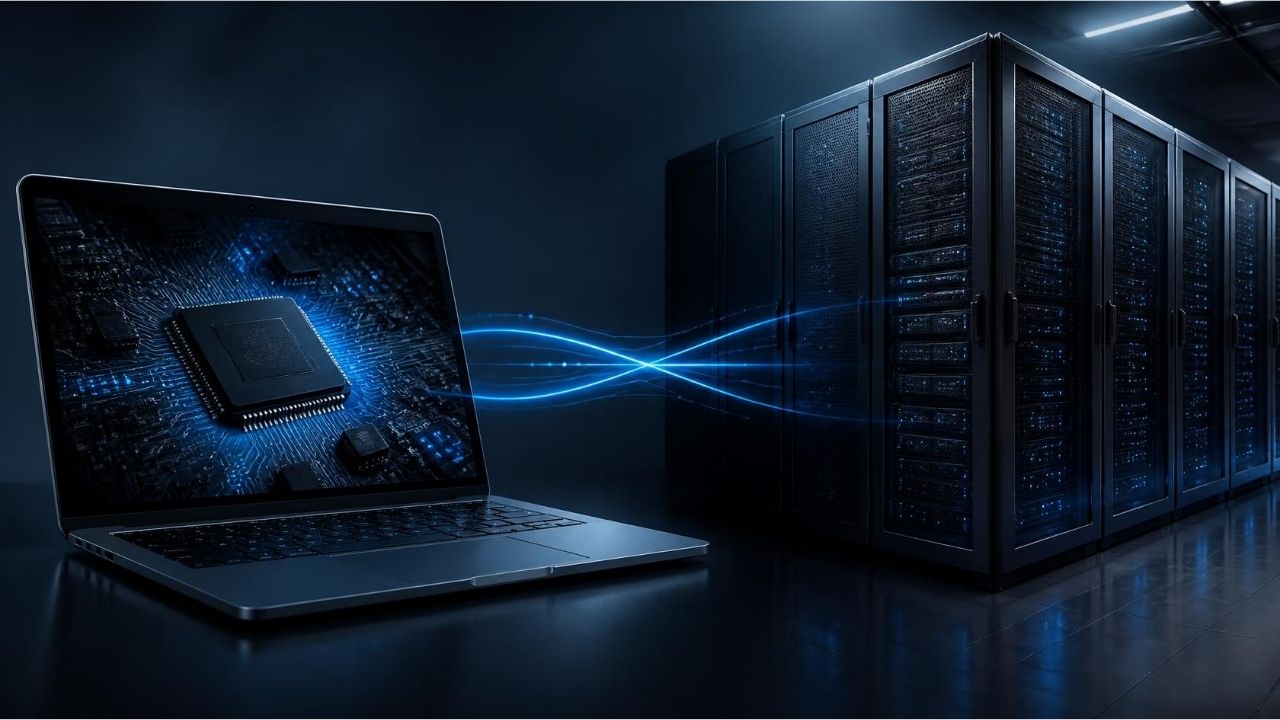
The hybrid intelligence approach of Microsoft aims to run in the local hardware when tasks are appropriate, as necessary, benefit from cloud-based models. The success of this approach will depend not only on model performance; access management, transaction audit and data security.
There is no explanation for all Windows users to offer at the same time. Microsoft expects hybrid intelligence-supported Copilot capabilities to be distributed in Copilot+ PCs in the coming months. Users can change according to their devices and update calendar, which features can access.
Frequently Asked Questions
Copilot can access all files on Windows?
No. The access will depend on the permission model of the corresponding feature and the authorization the user provides. Microsoft predicts security mechanisms such as limited permissions and user control for artificial intelligence agents.
Copilot can edit local files to user name?
Microsoft announced local trading capabilities cover tasks such as file editing and running workflows. However, the scope and availability of properties may vary according to the distribution process.
What are the new Copilot features?
Microsoft plans to offer hybrid intelligence-supported Copilot features in the coming months in Copilot+ PCs. There is no explanation for each Windows computer to get the same features at the same time.
Will Copilot be able to close access to files?
The agent security approach of Microsoft predicts users to manage permissions and restore access whenever necessary. Available controls may vary depending on the enabled property and distribution stage.
Writer