7 Artificial Intelligence Video Tool You Need to Try
Automatically translated
 Writer
Video production has become one of the most visible areas in the creative sectors of AI technologies. Many processes that require professional camera equipment, fiction software and comprehensive production processes can now be performed only with a few text commands. By recipeing a scene, it is possible to create video, move photos or convert existing images into different visual styles.
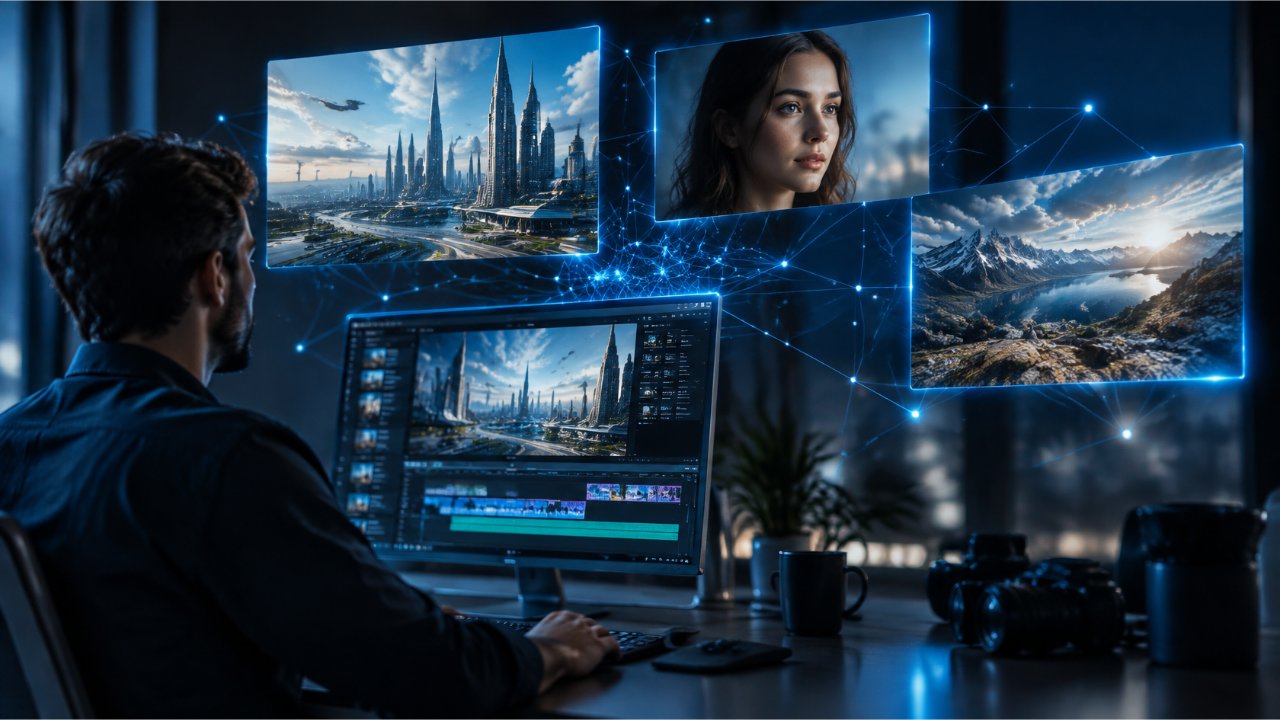
AI video production tools, developed specifically for social media content manufacturers, digital marketing experts, designers and video editors, significantly change content preparation processes. Some of these tools focus on short and fun social media videos, some offer more comprehensive features to create presentations, advertising films and cinematic stories.
Moreover, every artificial intelligence video tool does not work in the same way. Some move visuals when they produce videos directly from text. Some allow you to use different artificial intelligence models through a single platform. So, what tools need to evaluate in the process of creating artificial intelligence video? Google Vids, Meta Vibes, Qwen, Google Flow, WaveSpeedAI, Wan 2.1 and Pika pay attention to different needs solutions.
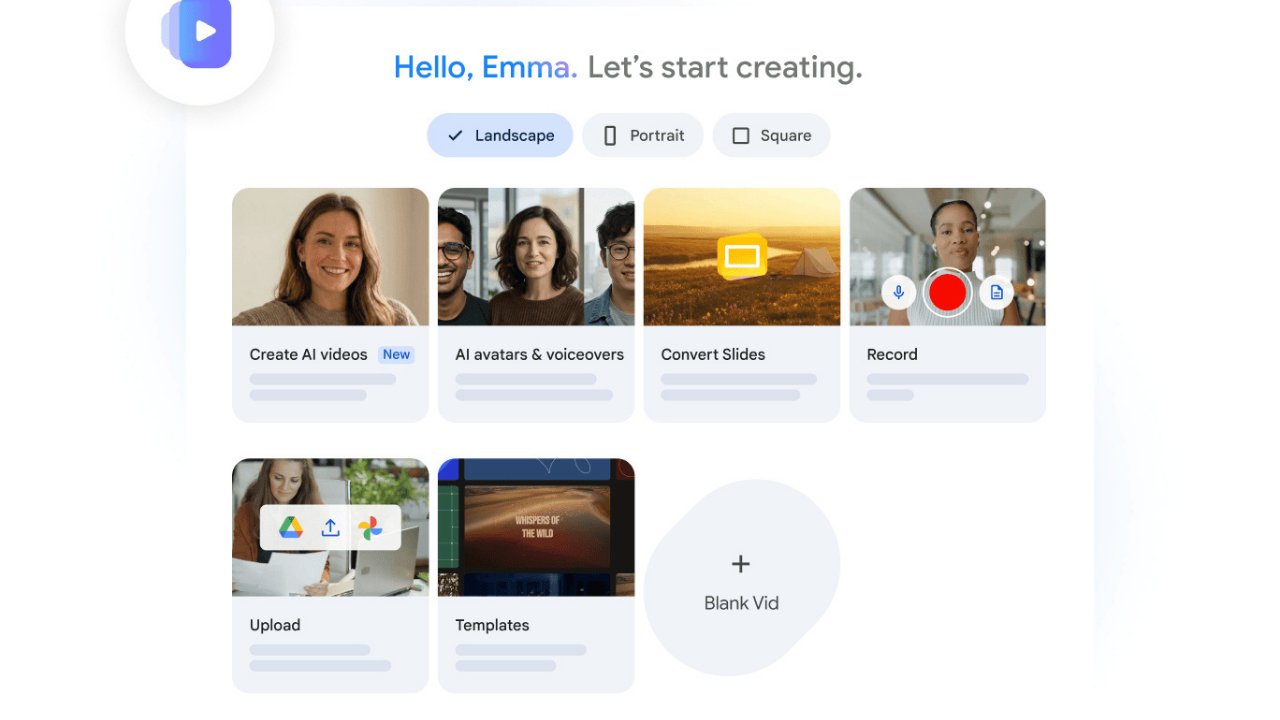
1. Google Vids: Artificial Intelligence Supported Business and Presentation Videos
Google Vids developed by Google is a production and editing tool that combines video preparation process with Google Workspace ecosystem. It is especially aimed at users who want to prepare educational materials, corporate presentations, product promotions and informative videos.
One of the outstanding features of Google Vids, not only limit video creation process from text to image. Users can prepare new clips via text commands, reference images and existing video contents. It is also possible to move static images, edit existing videos and add new actions to scenes.
Integration of the platform with Google ecosystem provides advantage especially in business processes. Users can include presentations and communication works. Thus, it can be transmitted in a single working environment instead of constantly transferring files between different applications.

Google Vids continues to expand video production capabilities. Free production facilities offered for users with Google account offer an important starting opportunity for those who want to try the tool. Available production rights and video limits can vary according to account type.
Who can use?
Prepares corporate presentation and promotional video
Teachers and trainers that produce educational content
Marketing teams that prepare product and service promotions Home
Content producers looking to facilitate video editing process Home
Google Vids, It can be assessed especially for users who need rapid and regular content production rather than professional video production.
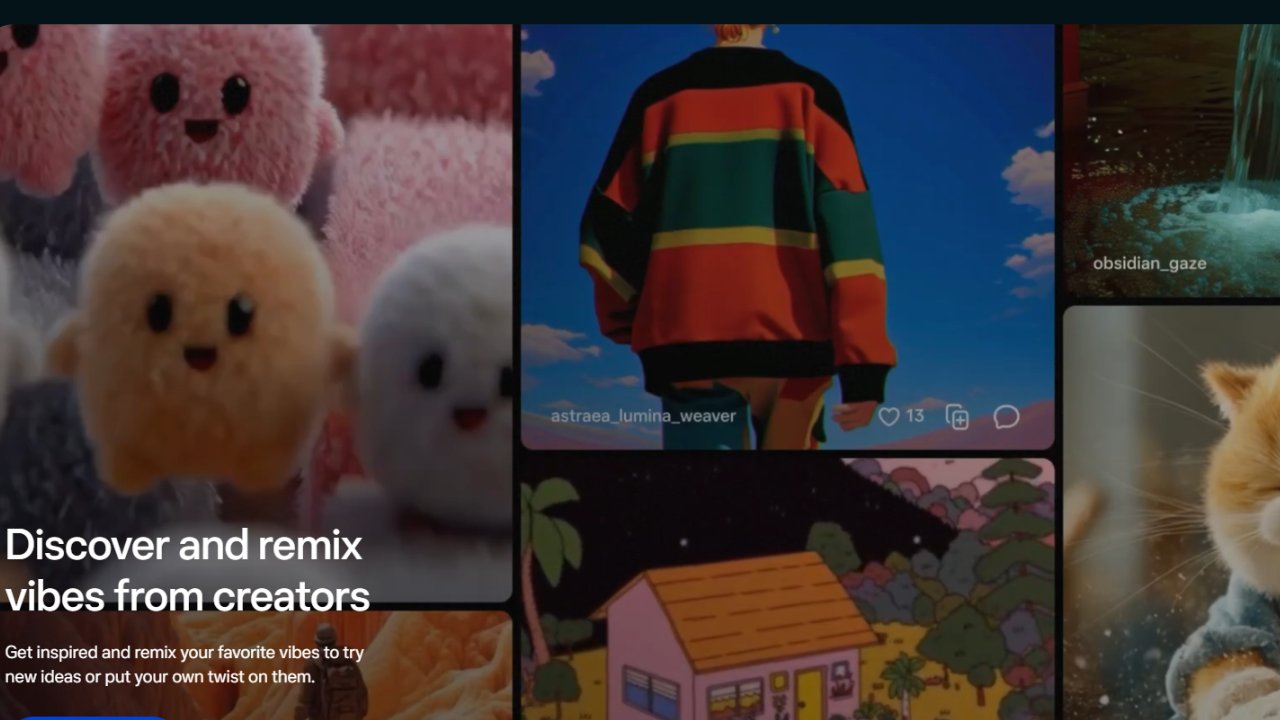
2. 2. Meta Vibes: Artificial Intelligence Videos For Social Media
Vibes, a part of Meta’s artificial intelligence-supported content production ecosystem, has been developed to create, explore and share short and creative AI videos.
The main approach of Meta Vibes Combine video production with social media experience. Users can create a video idea from scratch, move existing images, or re-edit content on the platform in line with their own ideas.
It is also possible to create visual scenes with text commands as well as add music, audio and different visual styles to videos. Users can also change the style of available content and try different creative regulations.
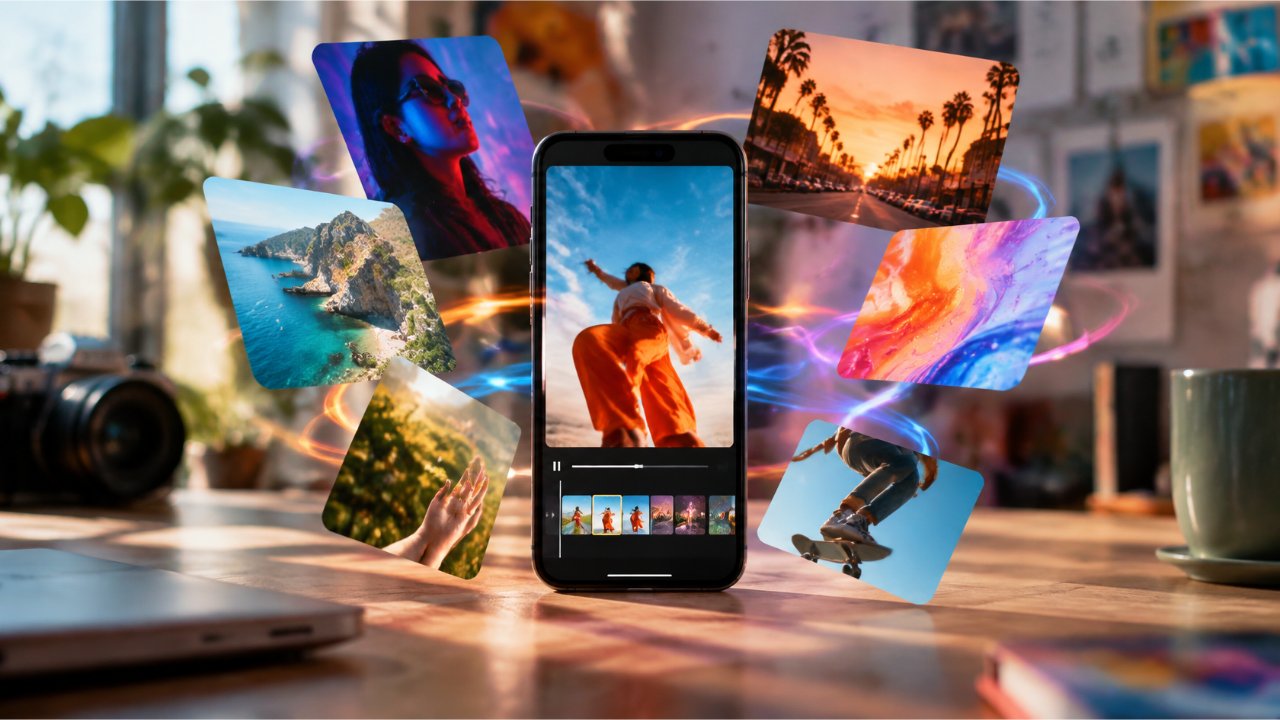
One of the remarkable features of Vibes is the reorganization (remix) approach. Users can create their own versions inspired by AI videos they face on the platform. As prepared content can be shared in the Vibes stream, Instagram and Facebook Stories are transferred to Meta platforms such as Reels.
These features make Vibes interesting especially for social media users who prepare content in short video format.
Who can use?
Instagram and Facebook produce content
Social media experts preparing short video and Reels
Creative visual narrative trials with artificial intelligence
Those who want to convert existing images into mobile content
Meta Vibes concentrates on fast content production and social media sharing rather than long and professional fiction processes.

3. Qwen: Understanding and Produce Video Contents with Multimode Artificial Intelligence
Qwen developed by Alibaba is a family of multi-mode artificial intelligence models that can work with different types of data such as text, image, audio and video. Therefore, Qwen is not just right to evaluate as a classic video creation tool. The prominent aspect of the platform is to analyse different types of media together and support creative workflows linked to them.
Very modulated models of Qwen, It can help users to analyze video content, sense scenes, assess sound and image data together and plan content production processes.
Especially in areas such as video editing, film production, music videos and analysis of visual-visual content, the possibilities of multi-mode models are taken into account.
Here is an important distinction: every model in Qwen family does not produce videos directly from text. Users who want to create videos need to separate the Qwen's multi-mode analysis and production ecosystem from models focused on video production such as Alibaba.
With this direction, Qwen caters to those who want to create images rather than wanting to develop more comprehensive artificial intelligence workflows using different types of media.
Who can use?
They develop multi-mode AI applications
Researchers who want to analyze video content
developers working with visual and auditory content
Researches the creative production processes supported by artificial intelligence
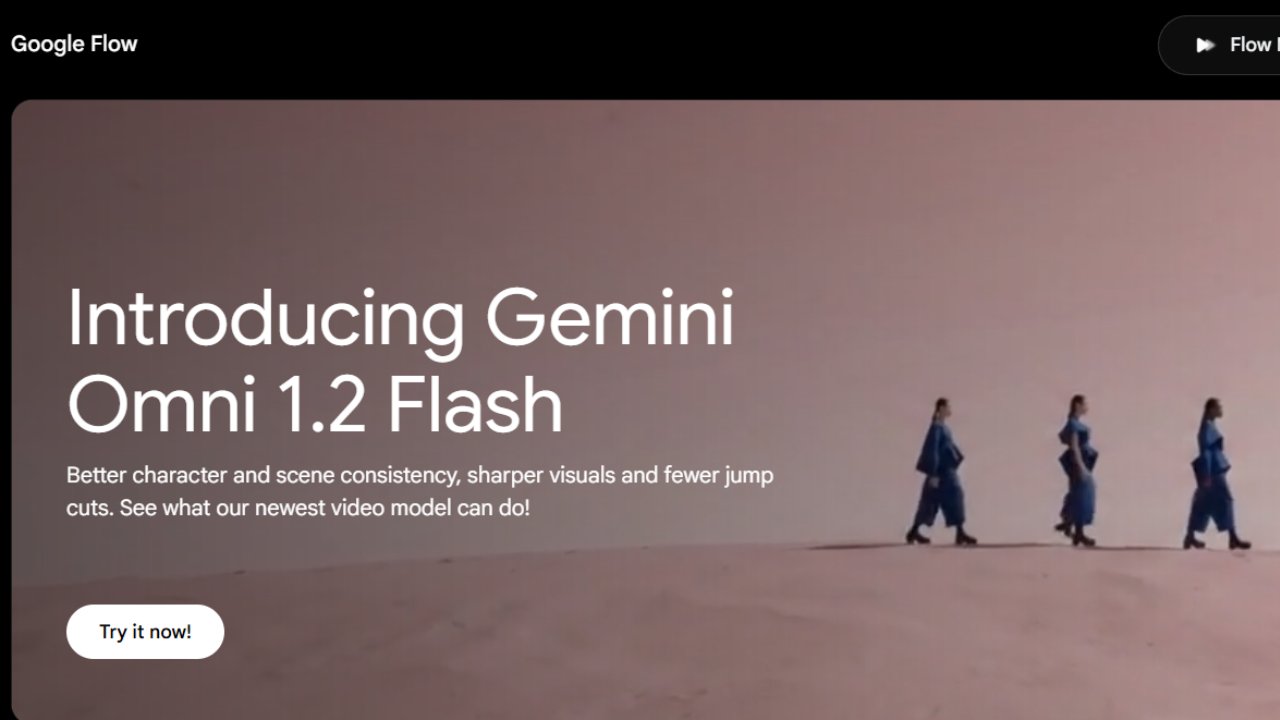
4. Google Flow: Create Cinematic Artificial Intelligence Videos
Google Flow is a platform that combines video production with artificial intelligence with cinematic story. The tool working with Google DeepMind Veo models is aimed to prepare creative projects that are brought together by more than just creating a single video clip.
One of the important features of Flow is that users can control more comprehensive on scenes. In addition to creating scenes with text commands, it is possible to take advantage of reference images, direct camera movements and combine different clips in a story stream.
For example, the user who wants to prepare a short advertising film can first identify the main character and environment. Then it can work to protect visual continuity by creating clips on different scenes of the same character. Thus, a more integrity expression can be created instead of independent images.
Google Flow A remarkable option for those who want to prepare images, advertising concepts, short films and visual stories, especially near cinema aesthetics.
The features that Google supports Flow with improvements in video production models are also changing. Therefore, it is necessary to check which functions are supported, such as video from the text of the model to be used, video from the first and last square, or production with reference visuals.

Who can use?
They prepare short movie and advertising concepts
They are interested in a visual storytelling
Creative agencies and video production teams Home
Content producers looking to create animated AI videos Home
5. WaveSpeedAI: Access to Different Video Models from Single Platform
WaveSpeedAI stands out with its production infrastructure that combines different artificial intelligence models in one platform. The platform that allows users to switch between different video generators is particularly useful for those who want to compare the results of multiple models.
With WaveSpeedAI, you can perform transactions such as producing videos from text, creating videos from visual, making scenes with reference visuals and making changes on existing videos.
The variety of models offered by the platform makes it easy to choose according to different production needs. Another model can give more successful results on cinematic camera movements or stylized visuals while focusing on realistic human movements.
HomeNot only limited to video production. Visual production, audio synthesis, digital avatars and 3D content models in different categories offers. There are also API access for developers.
Who can use?
Those who want to try multiple AI video generators
Designers comparing video production models
Software developers developing AI-based applications
People who want to collect visual, audio and video production on one platform
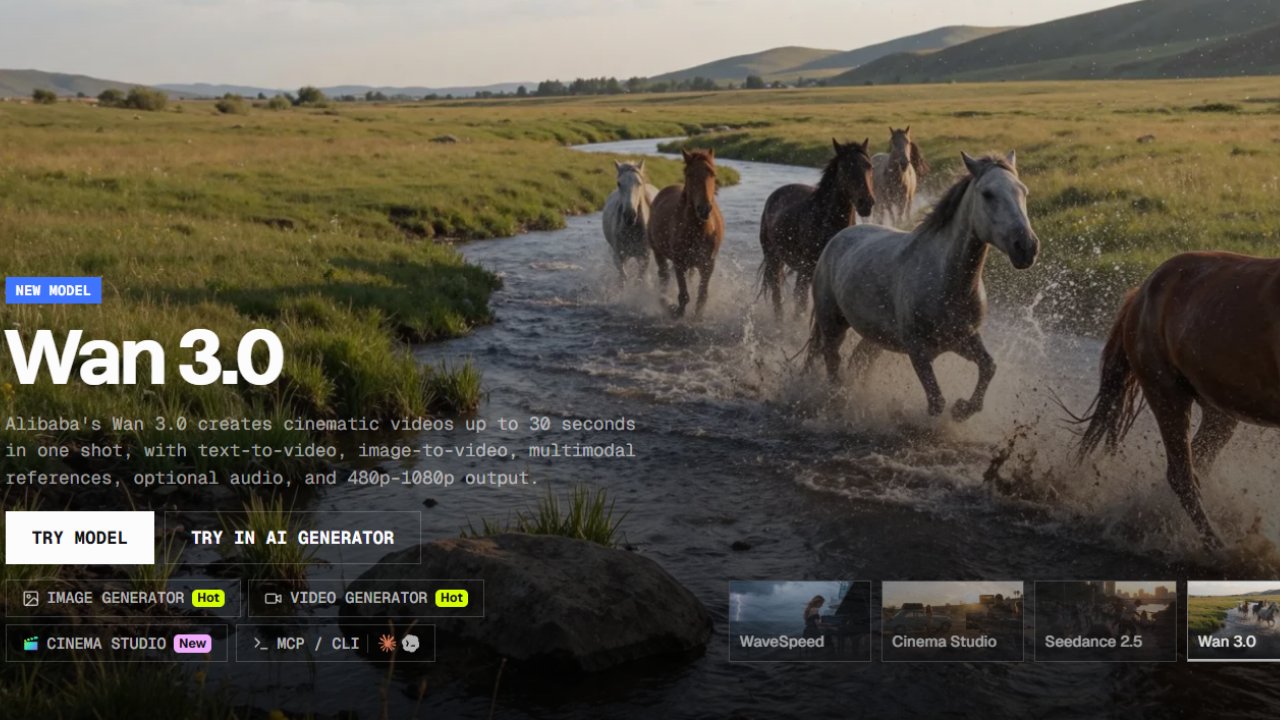
6. Wan 2.1: A Powerful Alternative In Outdoor Welded Video Production
Wan 2.1 developed by Alibaba, is one of the artificial intelligence models that can create video from text commands and visuals. It offers an important alternative for users who want to get more technical control especially in video production.
The feature of Wan 2.1 to produce video from text (Text-to-Video) helps to convert a written description into a moving scene. For example, the user who wants to create a cinematic image of a person walking on a rainy street can describe the scene with a detailed text command.
Visual video generation (Image-to-Video) feature can be used to move an existing photo or digital visual. Thus, short videos of characters, objects and environments are created.
One of the prominent sides of Wan 2.1 is an open-weight model approach. Users who have technical knowledge can run the model on their own hardware or appropriate cloud infrastructures. This is important in terms of developers who want to check more on the production process.
However, Wan 2.1 is now a model to evaluate with new Wan versions. The up-to-date video production ecosystem of Alibaba also has new options like Wan 2.2 and Wan 3.0. So when starting a new project, it is necessary not only to stick to the features of 2.1 version.
Who can use?
Researchers of open-weight artificial intelligence models
developers who want to manufacture local or cloud-based video
Those who want to create short videos from text and images
Users looking for technical control over the production process
7. Pika: AI Video Generator For Short and Creative Videos
Pika, One of the platforms that facilitate short videos with artificial intelligence. It is especially aimed at users who want to prepare social media content, creative animations and visual effects.
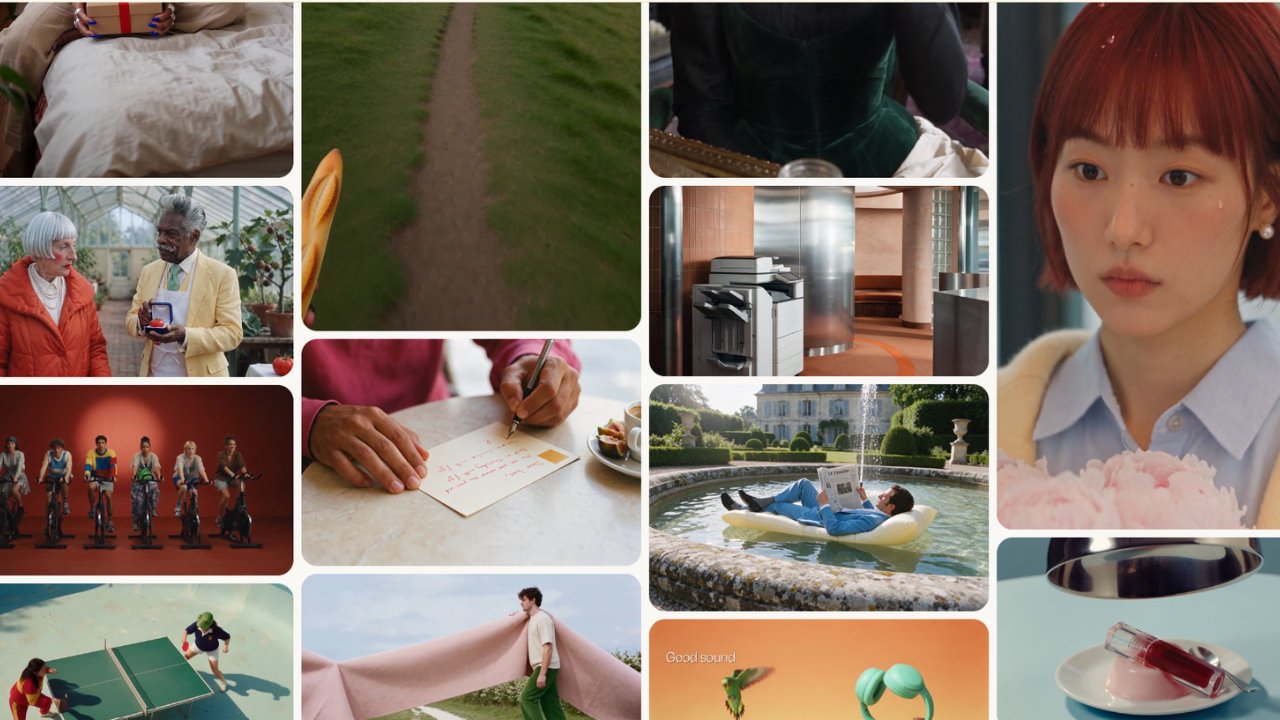
One of the basic methods of use of Pika is video production from text. Users can get short clips produced by artificial intelligence by describe the scene they want to create. It is also possible to move visuals, add new elements to existing videos and apply different effects.
The features such as Pikaffects of the platform focus on converting static images into fun and remarkable moving contents. PikaFrames by creating transitions between multiple visuals more controlled animations preparationor help.
Another aspect of Pika is not limited only to offering their own video production models. The platform’s up-to-date vehicle catalog can also access video models developed by different companies. In this way, users can try various production methods in the same environment.
One of the options to evaluate Pika for social media experts and independent content producers who want to produce content that suits short video formats.
Who can use?
They prepare short social media videos
Those who want to convert their images to animations
Creative effects and visual conversions experiments
They develop fast prototypes and video concepts

How to Choose Between AI Video Production Tools?
Artificial intelligence video production tools need to determine the type of content required primarily to be created when choosing to provide features for different needs.
Corporate presentations can evaluate Google Vids who want to prepare educational videos and product promotions. For short videos focused on social media, Meta Vibes and Pika are among more affordable alternatives.
Those who want to create more comprehensive visual stories and cinematic scenes can examine Google Flow. WaveSpeedAI stands out for those who want to access multiple artificial intelligence models and compare them.
Qwen has a different position in terms of multi-mode content analysis and artificial intelligence workflows. Wan 2.1 can be assessed for those who want to try outdoor-weight video production models and get technical control.
It is important not only to focus on image quality when choosing a car. Video duration, resolution, character consistency, camera movements, audio production, usage rights and free production limits are also included in the headers.
Writer