




What Is Flux.2? A Next-Generation Image Generation Model
Automatically translated
 Writer
Artificial intelligence-based image generation models have, over the past year, moved beyond purely creative tools and become core tools in advertising, media, e-commerce, and corporate content production. One of the most recent examples of this shift is the Flux.2 model. Developed by Black Forest Labs, Flux.2 stands out for its high-resolution photorealistic output, multi-reference support, and compatibility with professional workflows.
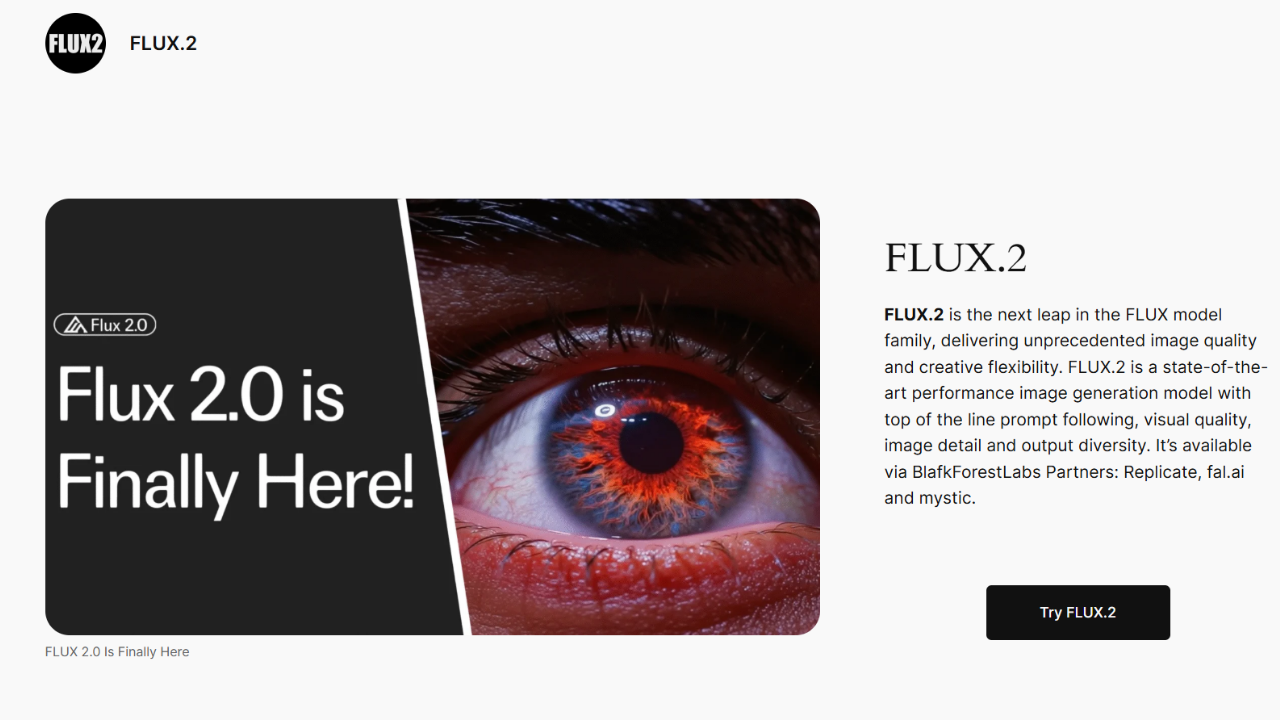
Flux.2, is an image generation model built on its predecessor, Flux 1, but substantially redesigned at the architectural level. The model's core goal is not only to produce visuals with high aesthetic value, but also to provide consistency, scalability, and control in professional production scenarios. With Flux.2, you can create advertising visuals, product presentations, high-resolution concept designs, and corporate presentations. In this sense, Flux.2 should be viewed as a tool aimed at professionals rather than a general-purpose image generation model.
Flux.2 Features
One of the standout features of Flux.2 is its ability to produce detailed images at high resolution. The model can render visual components such as light, shadow, surface texture, and perspective very close to physical reality. This is particularly advantageous for high-budget digital campaigns and print work. Another key feature is multi-reference image support. Flux.2 can analyze several reference images at the same time and maintain scene and style consistency. This makes a real difference in brand identity work and serial designs.
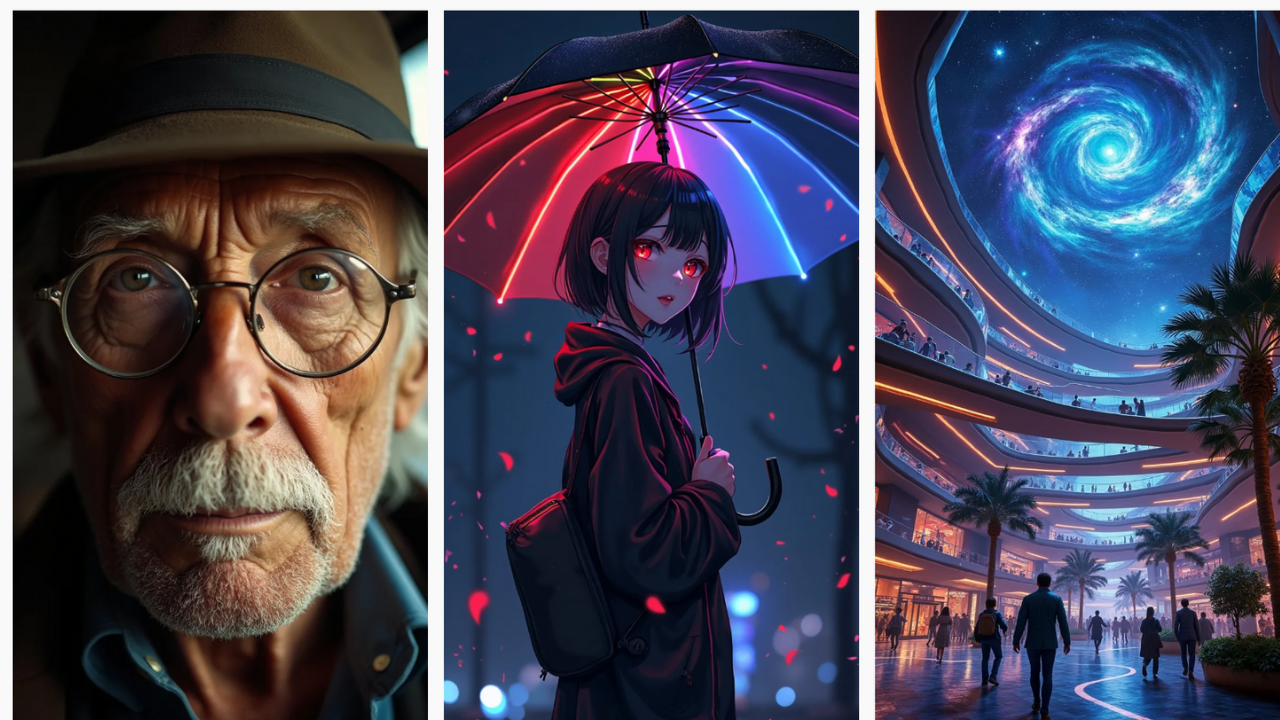
Flux.2 also delivers advanced performance in text generation. Text appearing in posters, flyers, or interface designs can be rendered more legibly and more accurately. This underlines the model's practical functionality. From the perspective of composition control, Flux.2 balances the scene more smoothly. Human figures, camera angles, and framing are more consistent compared to earlier versions.
Flux 2 vs Flux 1 Differences
The differences between Flux.2 and Flux 1 are not limited to visual quality. The new version also includes significant architectural updates. Using a more advanced transformer-based structure, Flux.2 can interpret even long and complex prompts more accurately. In terms of resolution and detail, Flux 1 generally offers mid-level performance, whereas Flux.2 does not lose detail even at high resolution. Texture transitions, edge sharpness, and lighting calculations have been noticeably improved. Reference consistency is another distinguishing feature. While reference image usage was limited in Flux 1, Flux.2 can maintain character and style continuity even in multi-reference scenarios. This makes Flux.2 more advantageous for professional and commercial use.

Flux.2 vs Nano Banana Comparison
Flux.2 is often compared with faster models such as Nano Banana. Nano Banana, thanks to its low hardware requirements, produces results quickly, while Flux.2 prioritizes quality. Nano Banana leads on speed, but for projects that require high resolution and multiple references, Flux.2 produces more realistic outputs. Nano Banana is better suited to social media content, while Flux.2 is preferred for advertising, brand, and corporate-focused production. For this reason, the two models serve different needs: for speed-first projects Nano Banana is the more sensible choice, while for projects that demand quality and control, Flux.2 makes more sense.
Flux.2 ComfyUI Setup
- Flux.2 is most commonly used through ComfyUI. ComfyUI's node-based structure gives users detailed control over the generation process. For setup, it is recommended to start with the current version of ComfyUI. ComfyUI is an open-source interface that can be downloaded from GitHub. When ComfyUI runs, a node-based interface opens in your browser. This interface provides the infrastructure needed to manage large models such as Flux.2.
- The next step is obtaining the Flux.2 model files. Once downloaded, the model files are placed in the relevant ComfyUI folders, and Flux.2 is activated by building a workflow. Flux.2 is usually offered in different versions. The “Dev” version offers the highest quality, while the “FP8” version runs with lower VRAM consumption. Choose the version that fits your hardware capacity. On the hardware side, VRAM capacity is especially important. Flux.2 can consume significant memory when running at high resolution. NVIDIA RTX series graphics cards work more efficiently with the model thanks to their Tensor cores.
- After the model files are placed in the correct directory, restart ComfyUI. When the interface opens, add a “Checkpoint Loader” or similar model loading node. Select the Flux.2 model through this node to activate it. Once the model is loaded, add the prompt input, sampler settings, and output nodes to the workflow. Because Flux.2 gives better results with long and detailed prompts, it is recommended to prepare your text input carefully.
- One of Flux.2's strongest aspects is multi-reference support. Using “Image Loader” or “Reference Image” nodes in ComfyUI, you can add multiple images to the workflow. The resolution and content of reference images directly affect the result, so it is best to choose images that are as sharp and suitable as possible.
- Flux.2 is a model that can consume a lot of memory. Sampler and resolution settings in ComfyUI should be optimized according to your system's capacity. If you run into memory overflow at very high resolutions, you can lower the resolution or switch to the FP8 version. NVIDIA RTX graphics cards work more efficiently with Flux.2 thanks to their Tensor cores. NVIDIA's optimization guides can be used as a reference for improving performance.
- Once all nodes are connected correctly, run the workflow. On the first run, loading the model into memory may take some time. When generation completes, the images are automatically saved to ComfyUI's output folder. After you get the first results, you can further improve quality by making small adjustments to the prompt, reference images, and sampler settings.
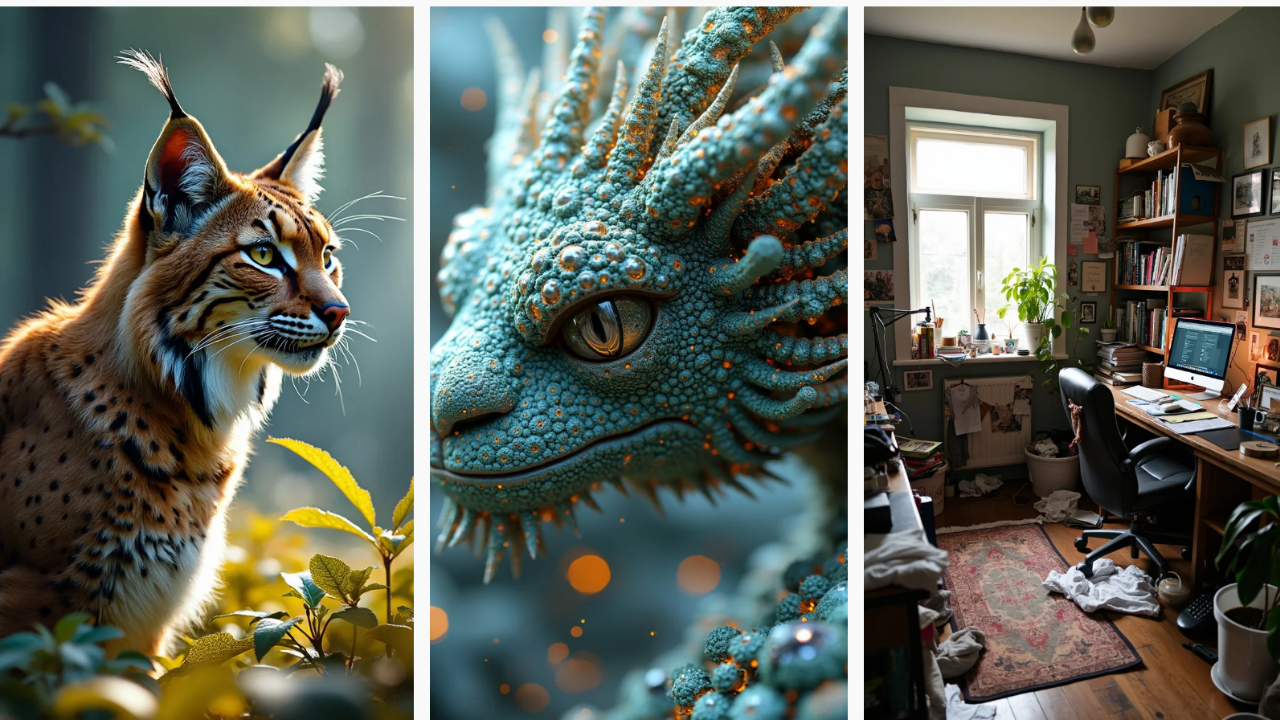
Flux.2 is especially suited to advertising agencies, brand and product design teams, corporate marketing departments, and advanced ComfyUI users. For professionals aiming for high-quality, consistent image generation, Flux.2 is a strong alternative. Flux.2 sets a new quality-focused standard in AI-assisted image generation. With its high resolution, multi-reference support, and professional control options, it stands out as a model suited to commercial production.
WriterAI Data Force: Yapay Zeka Ekonomisinde Yeni İstihdam Kapısı


Metin Komutuyla Uygulama Geliştirme Nedir? MeDo ile Kodsuz Üretim


