



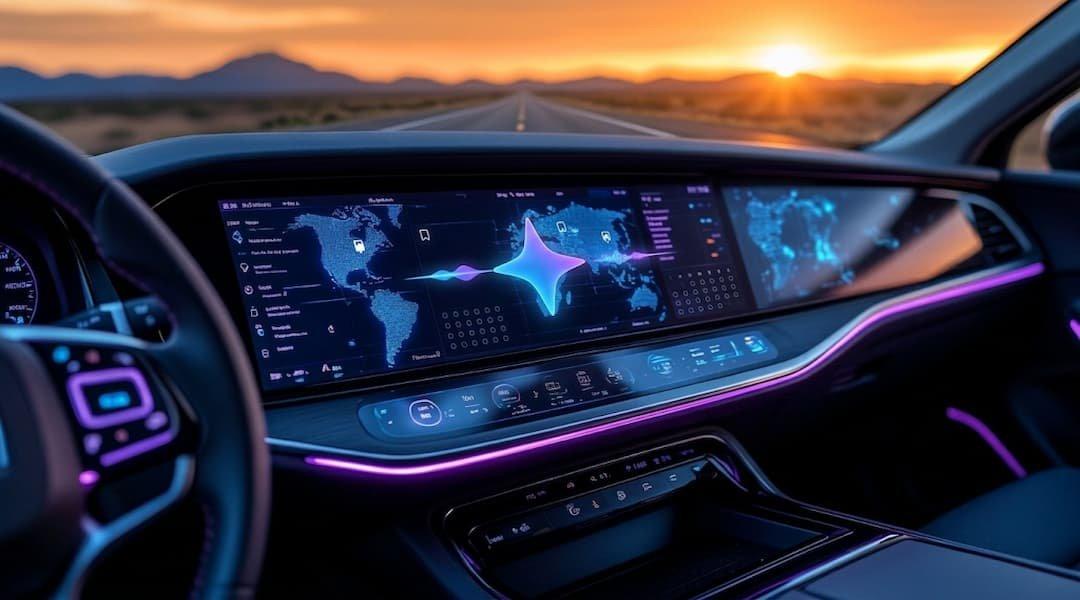
Gemini Comes to Android Auto: Personal AI Revolution on Vehicle
Automatically translated
 Writer
Google Gemini's Personal Intelligence (Personal Intelligence) has started to move its feature to Android Auto. The innovation announced on October 2026, which allows drivers to access personal information from Google services with voice commands. When you go to the airport, you may not need to search separately in different applications to learn flight information or find a place where you have taken a photo before.
Previous developments in Gemini Android Auto integration When thought, this update is important to answer only general questions of the assistant and evaluate the user’s own information. Google offers Personal Intelligence feature gradually on Android Auto. Google Support vehicles with built-in system will come in the coming months.
Gemini What can do on Android Auto?
Personal Intelligence helps Gemini to prepare personalized responses by evaluating the information on different Google services. For example, a driver from the airport may want to learn the flight door and a single question if the flight is on time. Gemini reduces the need to individually control emails when it can find information on connected sources.
Appointments also offer a similar area of use. The driver can tell you that even if the address is not remembered, they want to go to the appointment. Asistan can help you start navigation when you find relevant information.
In this experience, there is no need to tell the position of the driver, preferences or plans in the past from the beginning. The scope of responses depends on the information accessible and Gemini to review them correctly.
How to Use Gmail, Calendar And Google Photos?
With the permission of the user Gemini; Gmail, Google Calendar, Google Photos, Google Maps, YouTube and Google Search are available for information on the services. The data in different sources can be assessed together to answer a corresponding question.
For example, think that the flight approval is located in Gmail, the travel plan is in Calendar. When you ask flight information to the airport, you may not have to call these details separately. The feature of finding space through photos is also working with the same logic: Gemini can help you find the place you are looking for using tips on the relevant visual or linked information.
Google Other artificial intelligence tools like NotebookLM focuses on information from different sources. But with NotebookLM, the purposes of using Gemini on Android Auto is not the same; the point that stands out here can access personal information with voice commands when using the tool.
Gemini Android Auto Can Use In Turkey?
It is necessary to separate two topics for users in Turkey: access to the experience offered by Personal Intelligence in the Gemini application and Android Auto.
Google, Personal Intelligence to Gemini users in Turkey 15 April 2026 heard u. The new distribution on Android Auto started on October 2026. The European Economic Area of Google is held outside Switzerland, United Kingdom and Nigerian scope. Turkey is not included among these exceptions.
However, the lack of Turkey’s exceptional list does not mean that the feature is enabled in all Android Auto users. Due to account compliance and distribution calendar, some users may need to wait for access.
Personal Intelligence is offered for personal Google accounts suitable for 18 years and above. Google Workspace’s business, corporate and educational accounts outside scope. For using Gemini via Android Auto, it is also necessary to meet compatible phone and vehicle conditions.
How to Activate Gemini Android Auto?
You can check the settings of Personal Intelligence and connected applications in the Gemini app. If you look at this options account, you can choose Google services and edit permissions. If it does not appear yet, it may be necessary to wait for the distribution to access the account.
To use Gemini via Android Auto, you need an Android phone with Android 11 or a newer version and at least 2 GB RAM. It is important that the vehicle supports Android Auto and is set as a digital assistant on the phone of Gemini. Installation and compatibility details Google Gemini Help Center explained.

How Does Personal Intelligence And Privacy Work?
Personal Intelligence works optional. Google services do not contain any experience spontaneously without activating user feature and installing the necessary connections. It is also possible to change permissions later or close app connections.
For vehicles with Google Built-in system, there is also an important detail: personalized responses according to the description of Google will be available when phone is connected. This condition reveals the relationship with the phone connection of the experience in the vehicle.
It is necessary not to accept the answers from personal sources as precise information. Critical information such as flight hours and appointment details should be verified directly from the relevant source. Gemini is also important to prefer voice commands during driving, and not look at the screen.
Google Built-in Vehicles Gemini What Time Comes?
Android Auto is working by connecting the phone to the screen of the vehicle. Google Built-in expresses models that Google services are integrated directly into the information-learning system of the vehicle.
Google plans to bring Personal Intelligence support Google Built-in vehicles in the coming months. This calendar is moving separately from distribution starting via Android Auto. Therefore, in both systems, it is necessary to assume that the feature will be available simultaneously.

How to Change Gemini Android Auto Experience?
Gemini is a step by coming to Android Auto with Personal Intelligence, bringing in-car assistants more personal. The driver’s email can facilitate daily journeys without having to check the calendar and saved places separately.
This move of Google shows that AI assistants not only respond to questions, but the information in different services is in context. However, the accuracy of responses to the actual benefit of this experience will determine the scope of access and control of the user on personal data. Personalization is not enough alone; the assistant needs to support reliable operation and driving safety.
WriterChatGPT’de Sohbet Gizleme ve Kilitleme Dönemi Başladı


Makine Öğrenimi Sağlıkta Psikolojik Riski Öngörüyor