




How to Use Gemini Study Notebooks
Automatically translated
 Writer
A pile of hundreds of pages of course notes, dozens of browser tabs left open, coffee cups everywhere... Most of us know the panic of sitting down at the desk the night before an exam, asking "Where should I even start?" The traditional study methods we have relied on since our first day of school mostly waste time; memorizing by writing things out, trying to read dense topics at length, and getting lost among thick textbooks only make the process harder. Using AI just to copy homework or ask simple questions wastes the real potential of the technology. Google has taken a big step precisely to break this cycle, optimize students' time management and fully personalize study routines: Google Gemini Study Notebooks
What are Gemini study notebooks, what do they do and how can you use them most effectively, turning Gemini from an ordinary chatbot into a student-friendly study partner that stays up with you and guides you through every gap?
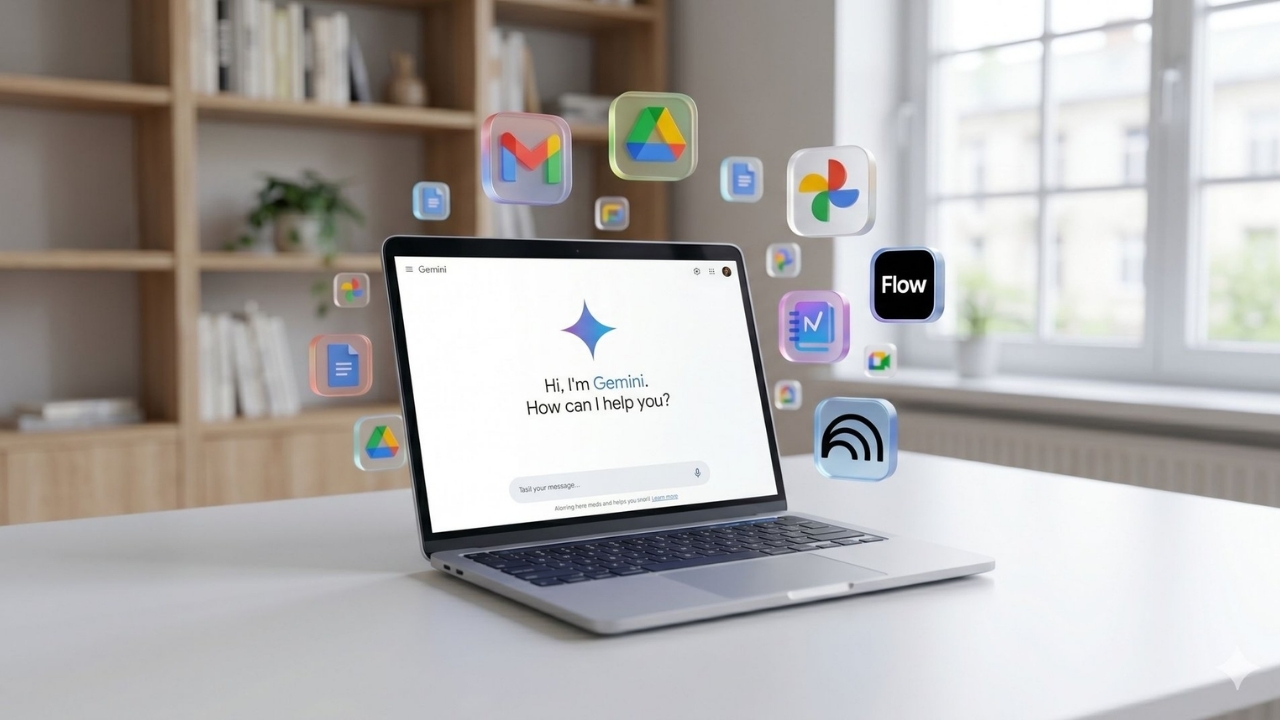
What Does This New System Actually Offer?
Short answer: Gemini study notebooks are a learning space where you upload lecture notes, PDFs and other sources and get a level test, short lessons and a progress dashboard based on them. Google announced it on 25.06.2026; for now it works only in the browser at gemini.google.com and is not available in the mobile app. Opening a new notebook from the left menu and choosing "Study and learn" is enough; since you cannot change the goal later, write it clearly from the start.
Google Gemini study notebooks offer an interactive space inside the Gemini interface, dedicated entirely to courses, exams, academic research or large projects. In regular AI chats, when you switch to a new tab or the session ends, you have to explain the topic from scratch and remind the model of the context each time. In contrast, Gemini's new learning space lets you gather all the sources, course outlines and articles for a term in one digital notebook and keep them accessible at all times.

This Gemini study feature from Google does not give memorized, guessed answers from general internet data; it works entirely based on the sources you upload. In other words, instead of relying on dubious information from the internet, it creates a personal study plan using only the lecture notes or books you provide. Google's announcement does not mention a paid plan requirement; the number of sources you can upload depends on your Google AI plan. The feature opened to personal accounts for users 18 and older; since 17.09.2026, it is also available to users of all ages in school and work accounts if an administrator has enabled it.
Google's steps toward education and students are not really a surprise for the tech world. The company had previously made it easier for students to access its most advanced AI models. Earlier, with the one-year free trial campaign of the Google AI Pro student plan, students were offered substantial savings and the most advanced features were made free. This new generation study notebook platform is one of the latest steps in Google's student-focused vision.
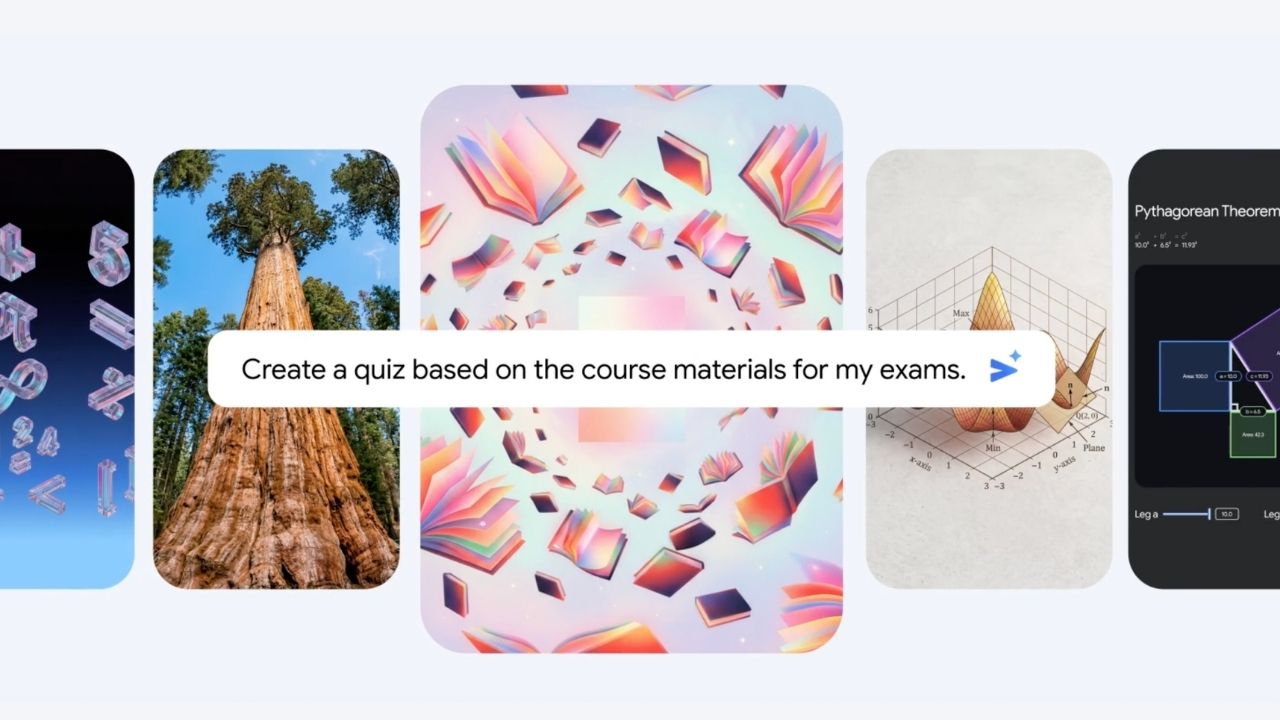
The New Savior of Exam Season: How Gemini Study Notebooks Work
Everyone's learning speed, way of perceiving information and attention span are completely different. Gemini Study Notebooks steps in precisely to fill the gap created by these individual differences and shapes the study process entirely around you:
Only Your Sources:
It is enough to add the official curriculum, handwritten notes kept over the term, lecture audio transcripts or PDF sources to the study notebook. Gemini never goes beyond these sources, creating a knowledge base that is accurate, reliable and covers only your exam curriculum without hallucinating.
Tests That Reveal Gaps:
As soon as the sources are uploaded, Gemini does not directly start explaining topics or producing memorization summaries. First, to see your current knowledge level, which topics you are weak in and what you already know, it prepares a short active-recall level assessment test drawn from your sources.
Step-by-Step Learning Plan:
The AI analyzes the results of the level test and precisely identifies the areas where you are weak. It breaks heavy, long topics into hundreds of small, understandable pieces and prepares specific micro-lessons and progress tests only for the missing parts that need focus. As you upload new materials or solve tests, this plan is dynamically updated.
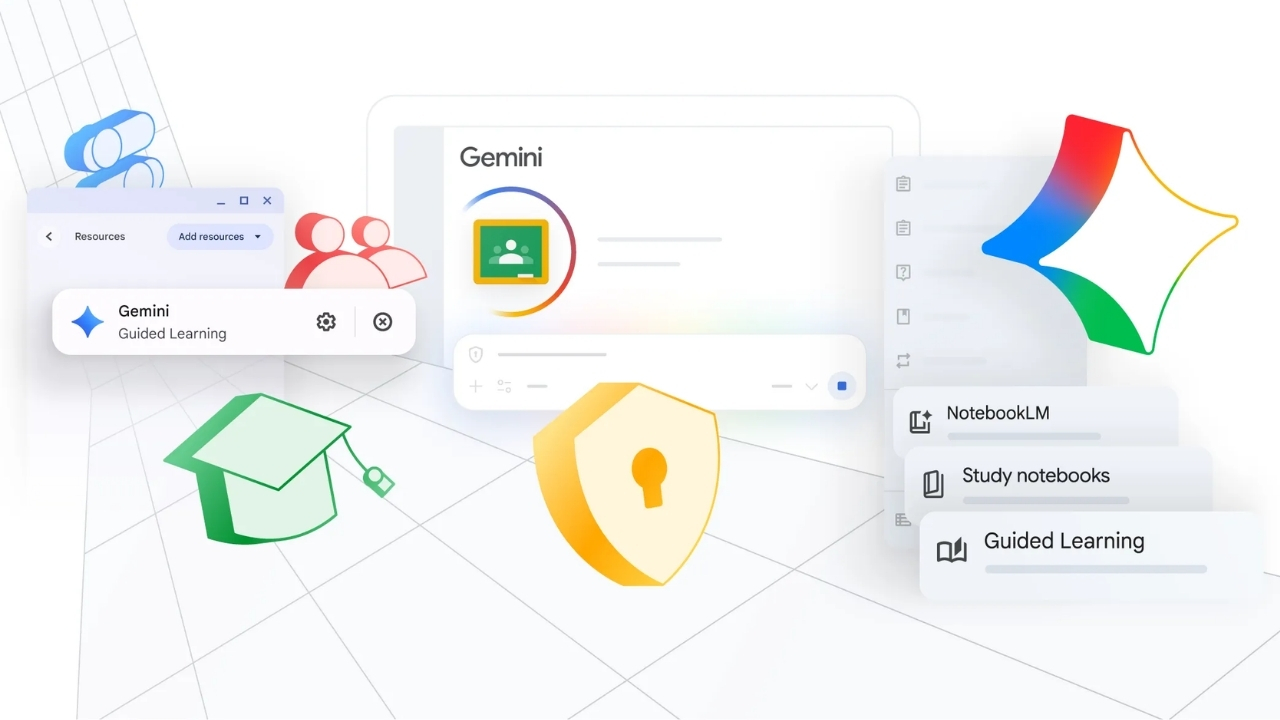
How to Use Google Gemini Study Notebooks
Using this new feature is quite simple. Here is a step-by-step guide to Gemini Study Notebooks:
1. Creating a Study Notebook:
Study notebooks are not yet available in the Gemini mobile app; go to Gemini in a browser (it also opens in a browser on a phone). In the left menu, click the "New notebook" button under Notebooks, then the "Study and learn" tile. For the feature to appear, the Keep Activity setting must be turned on in Gemini.
2. Setting a Goal:
Gemini will ask what you want to study. It is important to write a clear goal here. For example, enter commands like "I want to study for my history midterm." or "I want to learn chemistry topics from scratch." Also, a key detail for students: you cannot change the main goal of a study notebook once it is created, so it is worth setting clear boundaries at the very beginning.
3. Uploading Sources:
Using the "Add file" option in the interface or Google Drive, lecture notes stored on your device, presentations shared by instructors or articles are uploaded to the system within seconds. From the moment the upload is complete, Gemini stays strictly within these sources and is ready to work with you almost like a free private tutor.
4. Tracking Progress:
After you solve the first level assessment test and submit it, a personalized Progress Dashboard opens on screen. This panel clearly lists which topics you are strong in, which sections need urgent attention and which modules you have not started yet. As you solve tests and advance through topics, the panel updates in real time to show where you stand.
Key Features
The system does more than organize personal lecture notes or prepare simple tests; it also offers strong integrations aimed at completing the learning process and directly affecting academic performance:
Preparing for International Exams:
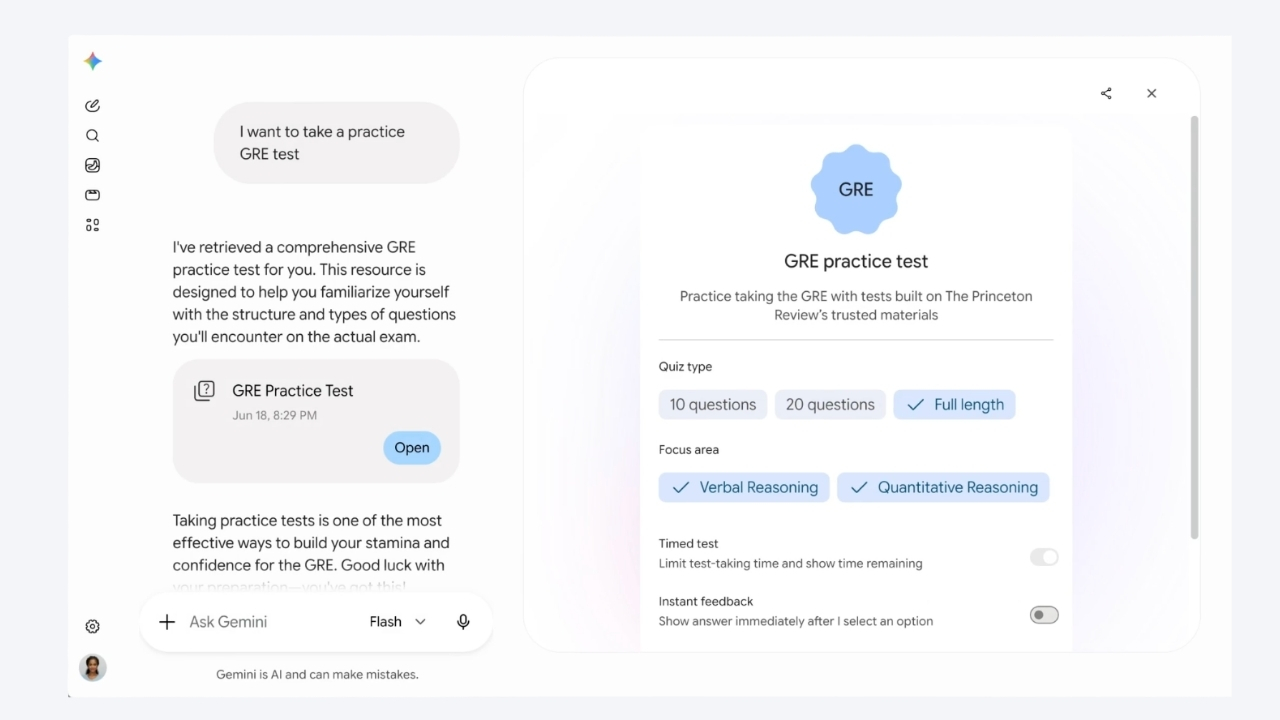
The system is not limited to personal notes kept at school. It also offers custom study plans especially for those preparing for globally demanding exams such as the SAT, GRE and ACT, which are part of plans to study abroad.
NotebookLM Integration:
Study notebooks created in Gemini work in two-way sync with Google's popular research assistant NotebookLM. Users can transfer their sources with a single click and generate Audio Overviews, in which two AI hosts discuss the material, or digital flashcards that support quick review.
Step-by-Step Solutions:
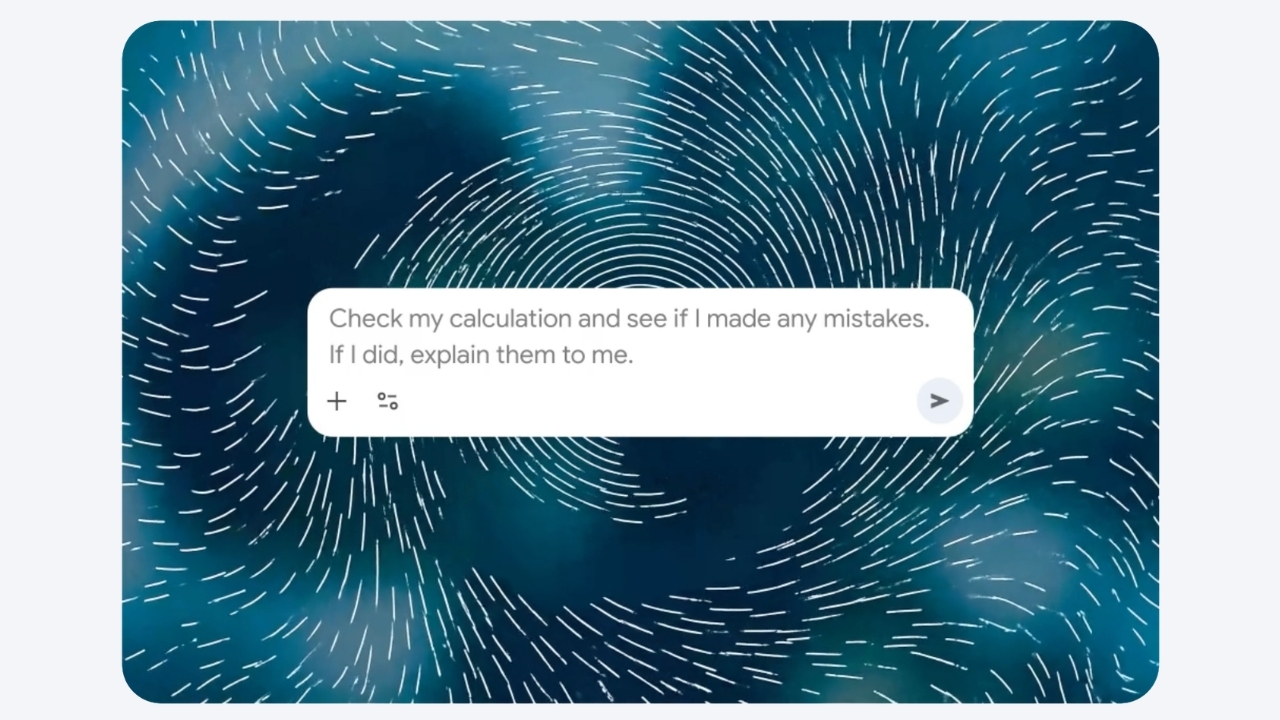
Especially in formula-heavy courses such as mathematics, physics or chemistry, the system does not simply hand you the answer when you solve a problem. When you get stuck at any stage of the solution and ask "Why did you do this step?" or "How did we arrive at this formula?", Gemini explains the logic and theoretical background step by step. Google had previously built a similar verification system for analyzing complex datasets with its Gemini for Science scientific AI framework. The study notebook area works as a practical reflection of this advanced academic infrastructure in daily study routines.
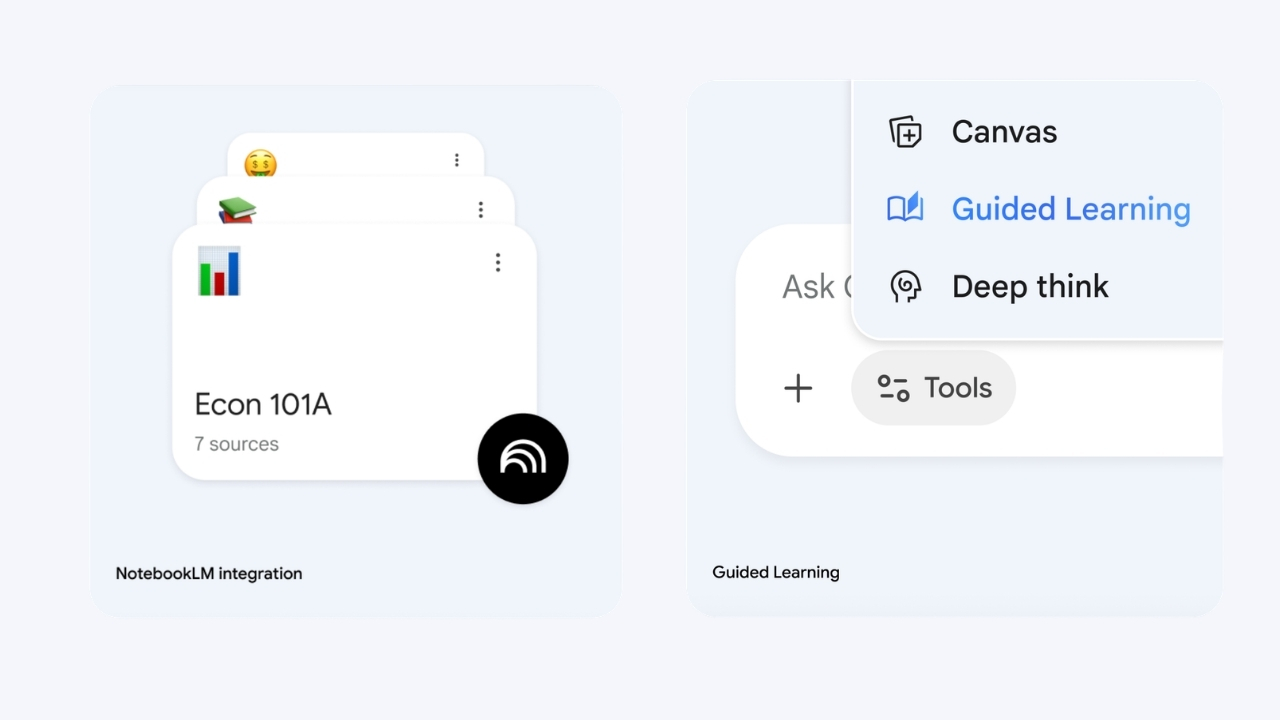
All these developments show that Google does not see AI as software confined to computer screens, but is turning it into a huge ecosystem that covers every aspect of life. Strong predictions in the technology world also point to these desk-based study routines moving into the physical world very soon. For example, it is not far-fetched that digital assistants integrated into wearable technology, as in Google and Samsung's next-generation smart glasses revolution, could later transfer real-time data from campuses or laboratories directly into these study notes. Integrations stretching from education to wearable technology offer exciting hints about the future of learning models.
Staying Up All Night with a Student-Friendly Gemini
The era of using AI tools just to summarize texts, copy and paste from somewhere in a rush, or submit homework at the last minute is now completely over. Google Gemini study notebooks turn the learning process from a mental burden or a source of stress into a dynamic experience shaped entirely around the person's own learning pace, way of perceiving and actual gaps. This system frees you from the endless chaos of "What, where and how should I study?" that every exam season brings, while shining a strong light on the dark spots that truly need your time. It moves technology's role in education from a passive information search engine to the level of an active, personalized mentor.

In the first challenging midterm-and-final week ahead of you, in a demanding project that must be delivered, or in a pile of academic sources that seems hard to tackle, you could give Gemini's new generation learning space a try instead of losing your way among pages of notes. It is time to bring into your corner a digital intelligence that is fed by the sources you upload, analyzes your gaps better than you can, works solely for your learning success, and offers all of this completely free. Turning your study routines from a burden into a smart strategy is now as easy as uploading a few documents.
Related posts: Is Gemini paid? · 8 ways to study with AI
WriterClaude Fable 5 ve Mythos 5 Erişimi Yeniden Açılıyor


Google Chrome'da Son Reklam Engelleyici Tarihe Karışıyor


