



How to Recreate Website with Claude Code?
Automatically translated
 Writer
Artificial intelligence-supported software development tools call the door of a new era in website creation processes. Design and coding processes that can last days or weeks can now be performed in a very short time with the support of artificial intelligence agents. Claude Code developed by Anthropic is one of the important tools of this conversion. A new workflow shared by Developer Ruben Hassid makes it possible to recreate the design and structure of existing websites by combining Claude Code, GitHub, Vercel and open source Remake project.
Ruben Hassid in his guide published on October 30, 2026One of the award-winning websites shows that using Claude Code regenerates about 58 minutes. Moreover, the process is not just about simulating the screenshot of a web page. The method covers reviewing the resources of the website, recreating the design components, measuring visual differences and preparing the resulting project to broadcast.
Remake, located in the center of the business flow, allows the original website to change its texts, photos, videos, fonts and other trademarks by determining them’s new ones. Thus, developers can prepare their own projects by taking advantage of a design and user experience they have been referenced.
What Is Making Website With Claude Code?
Making a website with Claude Code refers to the process of creating, editing and developing web projects using the coding agent developed by Anthropic. The code of design in traditional web development methods consists of different stages, preparation of page components, placement of visuals and publishing processes.
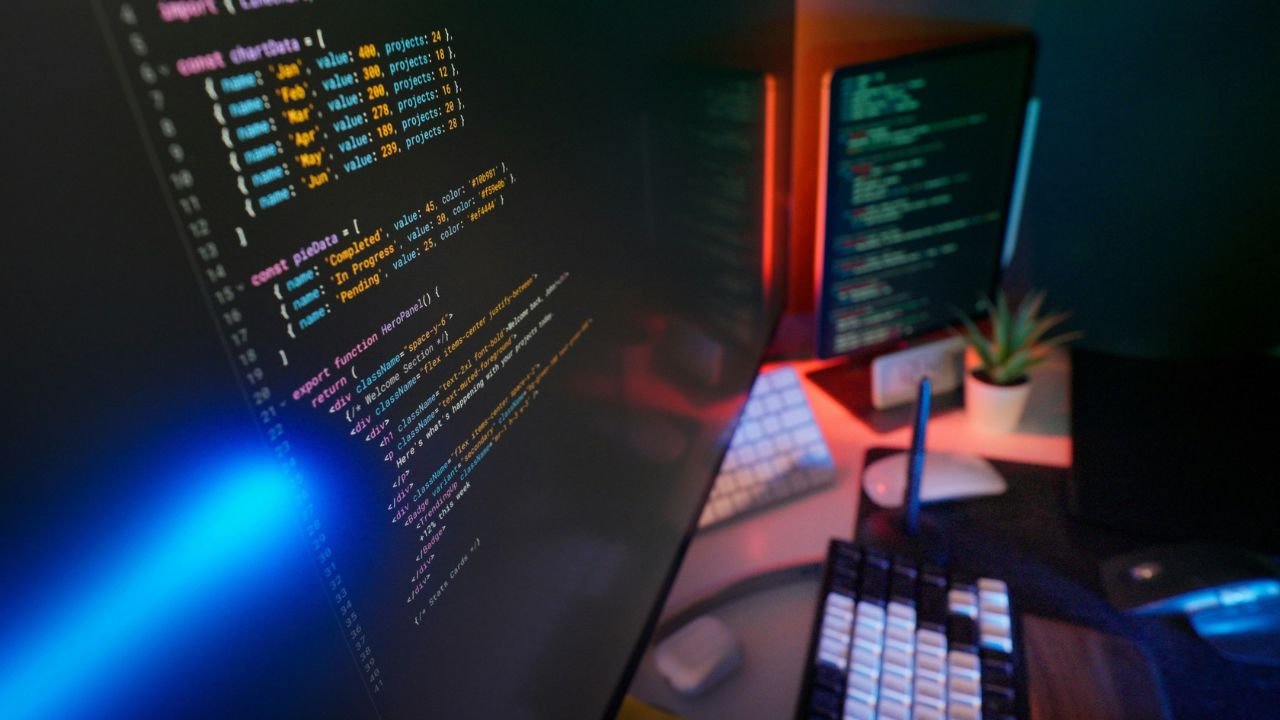
Claude Code can combine an important part of these tasks in a single development workflow. The user can identify the project you want to create with natural language or show a website as reference. Claude Code can write code by reviewing the required files, run terminal commands and change on the project.
The method that Ruben Hassid shares is a step forward. Thanks to the open source Remake project, Claude Code can recreate page structure, visual components, styles and interactions by reviewing the reference website.
Here’s an important detail: Remake only instead of drawing a similar design looking at screenshots, saving web resources that they can access and benefit from them. This approach provides advantage in the recreating of animations, scrolling effects and design details in different screen sizes.
Difference of Claude Code from other coding tools: Claude Code is not only a helper offering code recommendations. A change in different files, which can examine project files, process in the terminal, make changes in different files and solidify test processes works as coding agent.
How Does Remake GitHub Work?
Remake is an open source project developed by Ruben Hassid and prepared to work with Claude Code. The main purpose is to create a local copy by reviewing a website, measure design differences and then modify the original contents with new brand elements.
The remarkable side of the project does not leave the success of the regenerated website only to a visual evaluation. Remake compares the version created with the original site in certain screen sizes and measure differences.
Remake Working Manik
The workflow of Remake consists of six basic stages:
Save site: Reference website is visited on desktop and phone screens. HTML, CSS, JavaScript, visuals, fonts and answers to some API requests made on the page are recorded.
Creating project: The saved resources are transferred to a new project folder. File addresses are provided to be re-edited and uploaded from the local copy of the necessary contents.
Visual evaluation: The new project with the original site is compared to the same screen sizes. Animations and moving contents are included in evaluation.
Error correction: Claude Code is trying to remove missing visuals, corrupt components and design differences by reviewing the comparison results.
Publishing: The project is transferred to a special GitHub store and preparing a password-protected distribution via Vercel.
Change contents: Texts, images, logos, fonts, links and other brand elements are arranged in accordance with the new project.
Featured Features of Remake
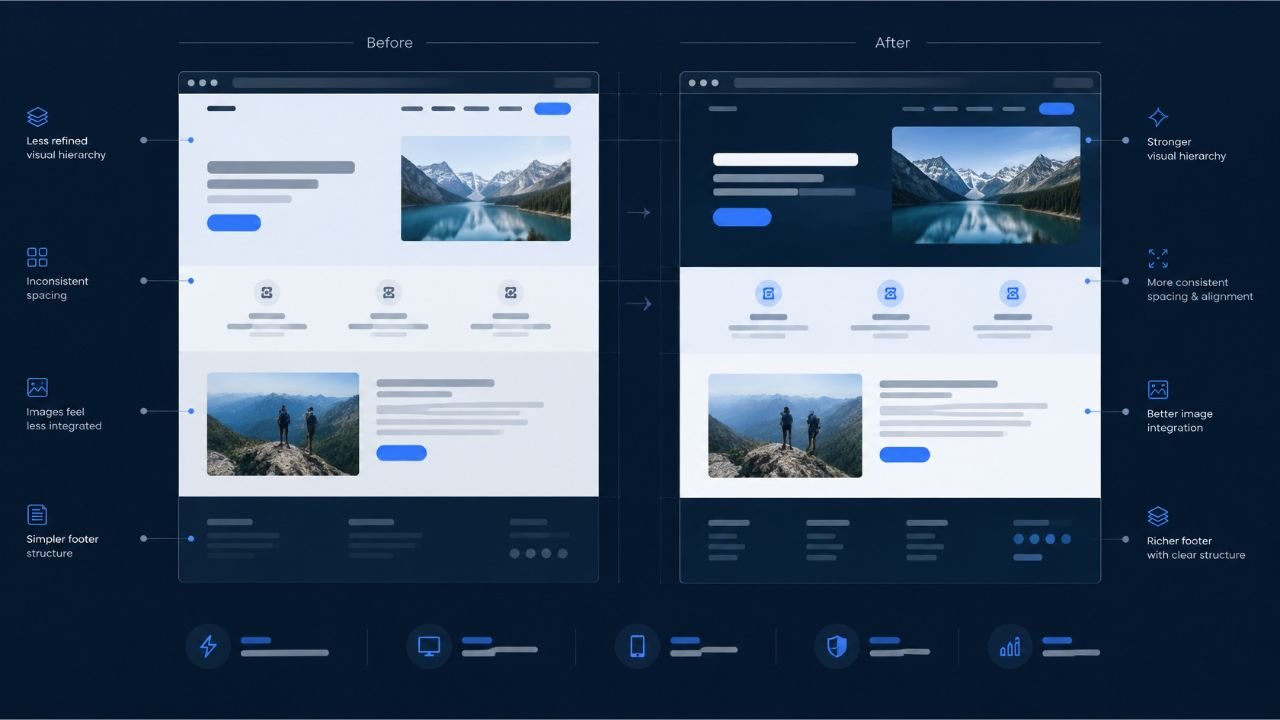
One of the features that separate Remake from similar website building tools is the design comparison system. The project is trying to review the original website and the regenerated version in the same conditions.
The evaluation thresholds indicated in the GitHub store are as follows:
Reviews | Home |
|---|---|
Similarity in fixed screen displays | 98% |
Similarity in movable content squares | %95 |
Page height difference | Maximum 4 pixels |
These values are the goals that Remake uses in its own evaluation system. It should not be assessed as results to be obtained strictly on each website.
Another feature Swap Board distinguishes content to categories that need to be replaced. Texts, photos, videos, logos, fonts, colors and links can be listed in this section. Project GitHub store from here Contact
Claude Code Needs to Recreate Website
Before starting using the workflow, it is necessary to prepare several vehicles. Three basic platforms are featured in Ruben Hassid’s method: Claude Code, GitHub and Vercel. In addition to these, there are some software requirements for the work of Remake.
Claude Code
Claude Codethe coding and automation phase of the project. It can create files by commenting on the user’s commands, edit existing codes and perform the necessary terminal operations.
You can use Claude Code in terminal or supported development environments. Go Bash or WSL options for Windows users.
GitHub
GitHubIt is used as the platform where the source codes of the created website are stored and managed. Claude Code can create a new warehouse through Remake project and transfer website files to this warehouse.
Free GitHub account is enough for start. However, warehouse privacy, access permissions and account authorizations should be configured correctly.
Home
HomeIt is used to make the created website accessible via the internet. When connecting with GitHub store, project files are transferred to the distribution process.
Vercel can create new distributions by following changes from GitHub. Thus, developers do not have to reinstall changes they do on the code.
Vercel's Hobby plan is free but designed for non-commercial projects. It is necessary to evaluate the appropriate paid plan in commercial projects.
Technical Requirements
The following requirements are indicated in the current GitHub description of Remake:
Claude Code installation and convenient subscription or API access.
Node.js 20 or a new version.
Go.
GitHub CLI.
GitHub account.
Vercel account.
Internet connection.
Download the Chromium browser for Playwright in the first run.
The first browser installation can require additional download of about 150 MB. Remake for installation of GitHub and Vercel CLI tools remake doctor --fix the command can be used.
How to Recreate Website with Claude Code? Step Guide
It is possible to start Remake workflow after preparing the necessary accounts and software. The prominent method in Ruben Hassid's guide allows the site to examine and regenerate by giving a specific target command to Claude Code.
Step 1: Select Reference Website
First you need to determine the website you want to recreate. For this, you can enjoy design awards from winning sites, agency portfolios or web projects in different industries.
The design resources offered by Ruben Hassid include:
News: Awarded website designs and creative digital projects.
CSS Design Awards: projects that stand out in web design and user experience.
Home: The platform that combines creative web designs.
SiteInspire: Examples of website in different categories.
Landbook: Landing page and examples of web design.
One Page Love: Single page website designs.
When choosing a reference, it is not necessary to focus on a site that is only visually liked. User experience, mobile compatibility, page migrations, animations and content layout are among the elements to be evaluated.
Choosing a simpler design instead of a site that contains numerous pages and complex interactions in the first trial can make it easier to understand the process.
Step 2: Prepare GitHub and Vercel Accounts
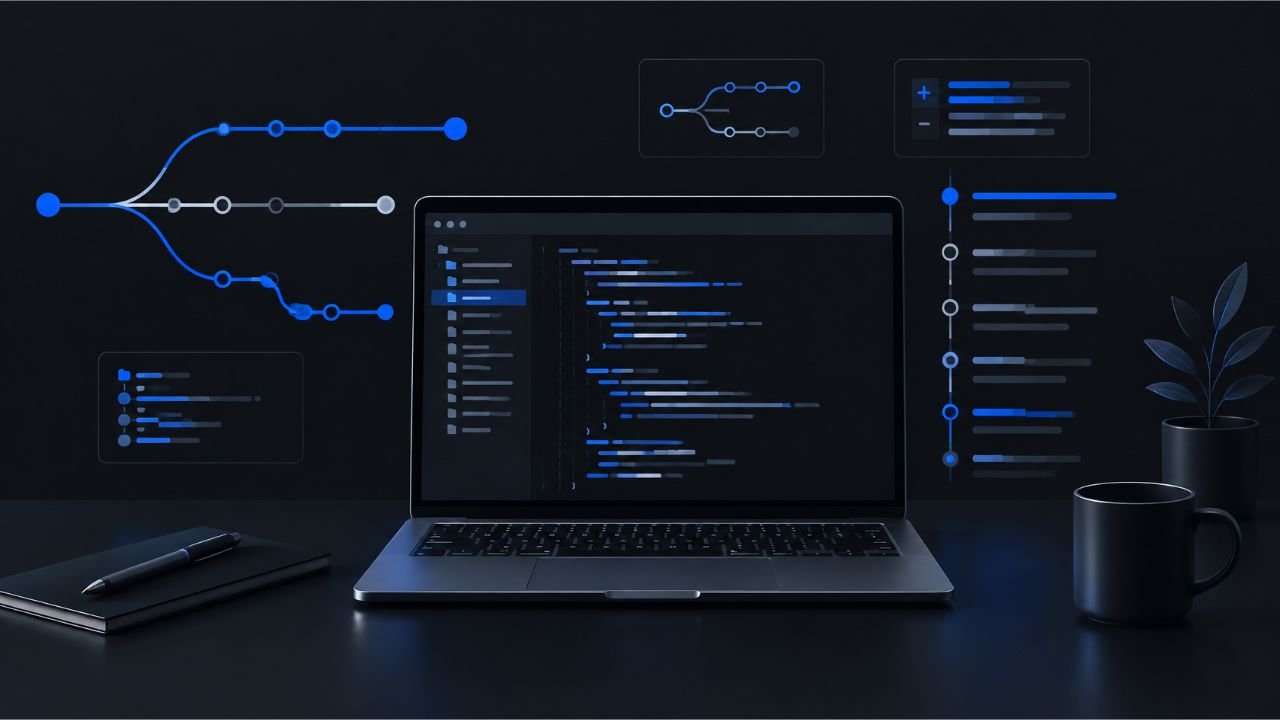
The project created by Claude Code is required to be connected together with GitHub to store and publish.
Firstly create an account via GitHub. Then log in to the Vercel platform with your GitHub account.
Thanks to this link, the website created is transferred to the GitHub store and can be prepared for distribution via Vercel.
It is also important to check the permissions given during account connections. Access and distribution authorizations to private warehouses are defined only in the required scope.
Step 3: Dry Claude Code
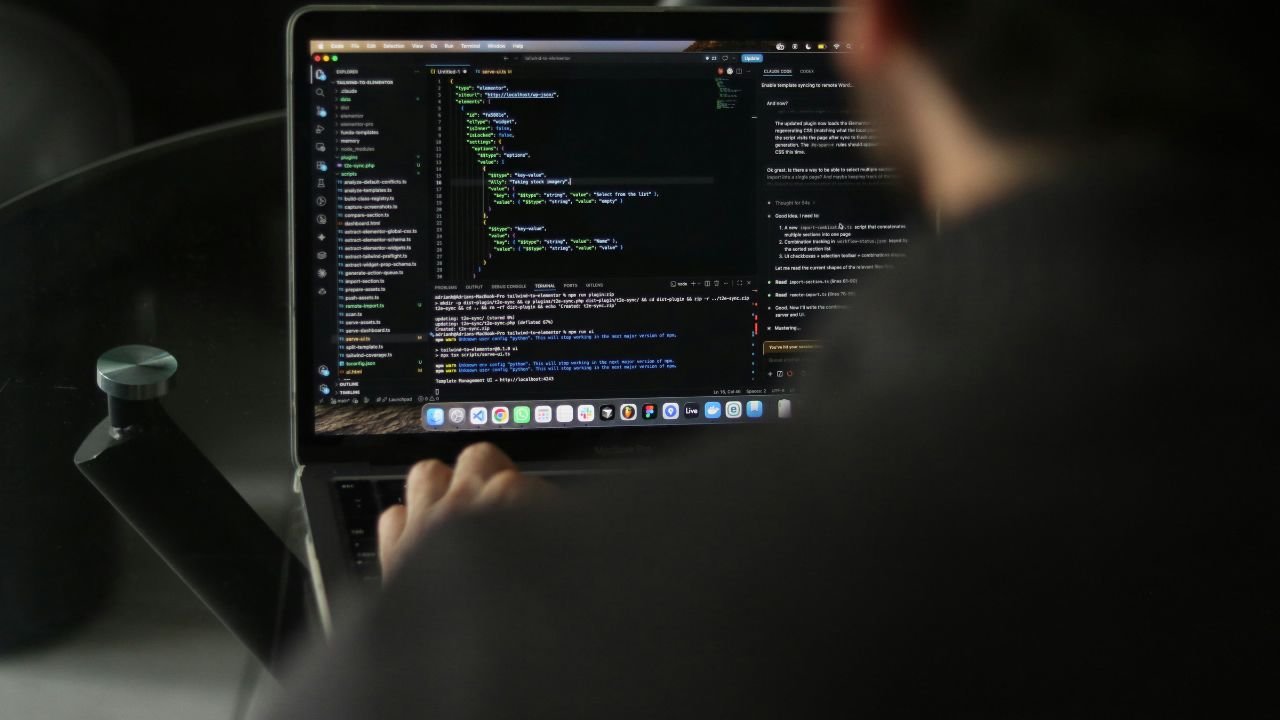
Visit the official installation page of Anthropic to use Claude Code. Follow the method specified in the current documentation if you will install via the terminal.
For example, the standard installation command via npm is as follows:
npm install -g @anthropic-ai/claude-codeAfter installation is completed, you can check the following script version and installation in the terminal:
claude doctorThen start Claude Code by passing to the project folder you want to work:
mkdir remake-project
cd remake-project
claude
In the first opening you need to authenticate with your Anthropic account or with the supported API method. The current version and installation options of Claude Code Home Anthropic documentation Check.
Step 4: Start Remake Project
After opening Claude Code, you can start rebuilding the website using Remake's GitHub store.
The basic command used in Ruben Hassid's guide is as follows:
/goal Remake [WEB SİTESİ URL'Sİ] with github.com/rubenhassid1/remake until its report says REMAKE COMPLETE, or stop after 100 turns.For example:
/goal Remake https://example.com with github.com/rubenhassid1/remake until its report says REMAKE COMPLETE, or stop after 100 turns.Home example.com Instead you need to write the address of the website you want to recreate.
After the command was sent, Claude Code starts working on the specified target using the Remake project. Visiting the site, saving the necessary resources and creating new project structure.
The 100 round limit is used as a limit that prevents the operation of Claude Code unlimitedly on the task. Therefore, the process may not be completed when it reaches this limit.
Step 5: Review Resources of the Website
The desktop and mobile views of the reference website are recorded in the working process of Remake.
At this stage, HTML, CSS and JavaScript files are also reviewed visuals, fonts and some data requests of the page.
One of the important features of the project is to check the time and moving contents to evaluate animations on the original website.
Animations, videos and random content on a regular website may appear different in every upload. This makes it difficult to compare two screenshots.
Remake is trying to make more consistent comparisons by fixing timing during evaluation. Thus, not only static screenshots, but also the moving content that arises during scrolling.
Step 6: Check the Website Created
When the rebuilding process is completed, Remake prepares the control and comparison pages of the project.
The first /_remake/ Comparison page at the address. The newly created version with the original website in this section can be examined by side.
Other important part /_remake/swap/ Swap Board.
Swap Board shows categories of content remaining from the original website. Thus, what photos, texts, videos, logos and links should be seen.
You can also perform visual assessment via the terminal:
remake scoreThis command helps the site to evaluate different screen sizes.
To evaluate a specific page:
remake score --page /If you are just to evaluate fixed screen images:
remake score --no-motioncommand is available.
Step 7: Change Images & Texts
Recreate the design of a website does not mean that it is the right to use the contents of the site. Therefore, it is necessary to change photos, logos, videos and texts of the original project.
Ruben Hassid suggests sending a second command to Claude Code for this process:
Goal: Replace every picture on my remake with a new one made for my company.

Same spot, same shape, same light and colors as the original, but a new picture: never their people, their text or their logos.

Context: My company is [COMPANY NAME].
We [DESCRIBE WHAT YOUR COMPANY DOES].
My brand colors are [BRAND COLORS].
My own photos are in [IMAGE FOLDER].

If you need more context, ask me questions.
This command examines the layout and characteristics of the visuals available from Claude Code, then it is desirable to prepare suitable visuals for the new brand.
Remake aims to prepare new content in accordance with the existing settlement by reviewing the format, colors and light properties of visuals. Codex for visual production can be used options such as appropriate ChatGPT plan or API access. It can also be used for free stock images. It is possible to add user’s own photos to the project.
The important thing here is that new visuals are not only placed in the place of original images, but compatible with the identity of the brand. The size of the visual, light, colors and feminine should be taken into account to protect the integrity of the design.
Step 8: Release Website from GitHub and Vercel

The project created at the last stage is transferred to the GitHub store and preparing for distribution via Vercel.
Remake, this process ship You can perform with the command:
remake ship --name yeni-web-sitem --passcode GUVENLI_SIFREWhen the command is run, the project is transferred to a special GitHub store and a password-protected distribution is created on the Vercel.
Password protection is important to prevent display by anyone while the site is still in the development phase.
Vercel can create automatic distributions by following new code changes in projects connected with GitHub. Thus, developers can also manage their next updates easier.
For more information about the distribution process of Vercel official documentation u Find in.
Advantages of Making Website with Claude Code
Claude Code and Remake association provide some important conveniences in web development process.
Rapid Prototyping
Creating a new website with moving from a reference design can save time especially at the beginning stage. Developers can adapt to their projects by studying the structure of existing design instead of designing an interface from scratch.
Automation of Coding Process u
Different processes such as file creation, resources review, error correction and distribution can be combined in a single workflow. Thus, some processes that need to perform the developer manually.
Mobile and Desktop Comparison
Remake is trying to detect visual differences by evaluating the website in different screen sizes. This feature can benefit especially in projects where mobile compatibility is important.
Visual and Content Change Home
Thanks to Swap Board, the content required to be changed can be seen in one way. Thus, new brand elements can be used when using the layout of the original design.
GitHub and Vercel Integration u
It minimizes the need for manual operation between different platforms to store codes and release the project. Developers can manage their projects via GitHub and follow the distribution process with Vercel.
Claude Code With Website Rebuild What Should Be Attentioned?
While automation facilities offered by this method are important, there are some technical and legal limits.
Copyright and Content Use
It does not mean that a website is open to everyone on the Internet, all the visuals in its design, texts, logos and codes can be used freely.
Remake’s MIT license refers to the license conditions of the software project in GitHub. The content of the website used as a reference does not automatically take this license scope.
Therefore, you should not use the visuals, texts, logos or original codes of another brand in your own commercial project without permission. Learning design should be preferred for use scenarios such as developing your own site or carrying a project you are authorized.
World Intellectual Property Organization (WIPO)The photo released on the Internet states that video and texts can be protected by copyright.
Each Website Can Not Rebuild In The Same Shape
The technical capacity of Remake does not give the same result for each website. Specifically, pages requiring login, payment systems, real-time data, WebSocket applications and sites that block automatic access are important limitations.
The backend systems of the original site, databases and payment infrastructure are not created automatically. Visually similar website does not mean that all functions work.
Publishing and Account Security
The permissions given to GitHub and Vercel accounts should be managed carefully. Specifically access switches, API information and other sensitive data should not be stored in the project files.
Claude Code should also be careful with permission settings. Automatic permission modes can shorten the process time, but all commands can create a security risk of uncontrolled operation. It is important to check the necessary permissions before transactions such as deletion, distribution and account access.
Performance and Mobile Compatibility

A visually successful website does not always mean a fast and accessible website. File sizes of visuals, the use of JavaScript should also be considered placement and page load times on mobile screens.
Before being released, it is recommended to test on different browsers and devices.
How Much Does Claude Make Website With Code?
Ruben Hassid states that his own trial lasts about 58 minutes in the guide published on October 30, 2026. In this time, Claude Code is regenerated using Remake, GitHub and Vercel.
However, it is necessary to evaluate this time as a valid standard for each project. With the creation of a simple introduction page, the intensive WebGL animations can not be completed in the same time, the preparation of a website with numerous pages and complex interactions.
Number of pages, visual density, technologies used, access restrictions and correction of Claude Code directly affects the total time. Therefore, 58 minutes should be evaluated as a user trial showing the potential of the method.
Writer