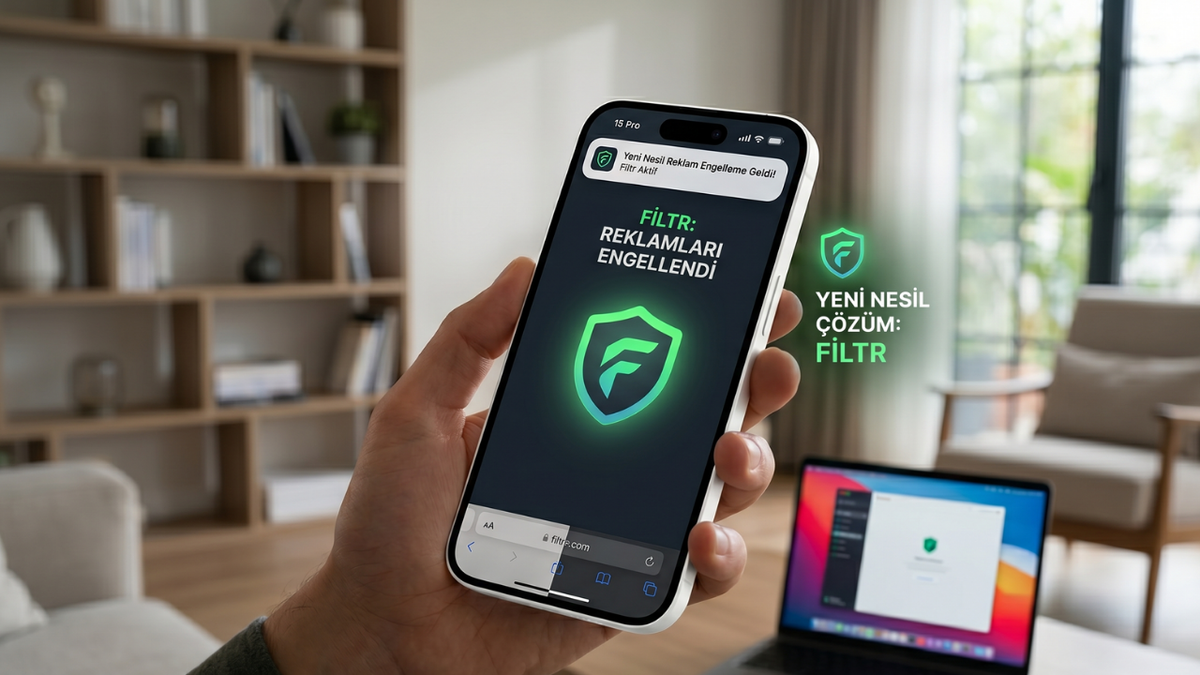
Filtr: New Ad Blocker for iPhone and Mac Uses Apple URL Filters
Automatically translated
 Writer
For years, there has been an illusion of "ad blocking" in the Apple ecosystem. When you search for this category in the App Store, dozens of tools show up. Until now, however, 95% of these tools have been confined to one safe harbor: Safari. Apple, under its privacy policies, did not allow third-party software to interfere with areas outside the browser. As a user, you could enjoy a clean, ad-free web experience in Safari, but when you opened your favorite news app or a social media client, you had to put up with banners popping up from every corner and video ads splitting the interface. The closed-box architecture of iOS made it impossible for apps outside the browser to be interfered with at the data-flow level. This made it impossible to do a comprehensive cleanup on mobile devices.

Apple's App Tracking Transparency move, introduced a few years ago, hit the ad revenues of giants like Facebook hard. But on the other side of the coin, advertisers and app developers did not give up; instead, they developed more refined methods. Analytics tools, location services, and hidden tracking pixels embedded in apps began to be sent to servers through in-app data flows. Blocking cookies in Safari did not stop Instagram or a popular newspaper app from monitoring what you looked at and for how long. Because in-app tracking systems did not hit browser barriers, the ad industry shifted its investments entirely into this gray area. Users, meanwhile, had no way to monitor or block the huge volume of data traffic running on their devices.
What Is the Filtr App and Who Developed It?
A New Move from the Developer of Wipr
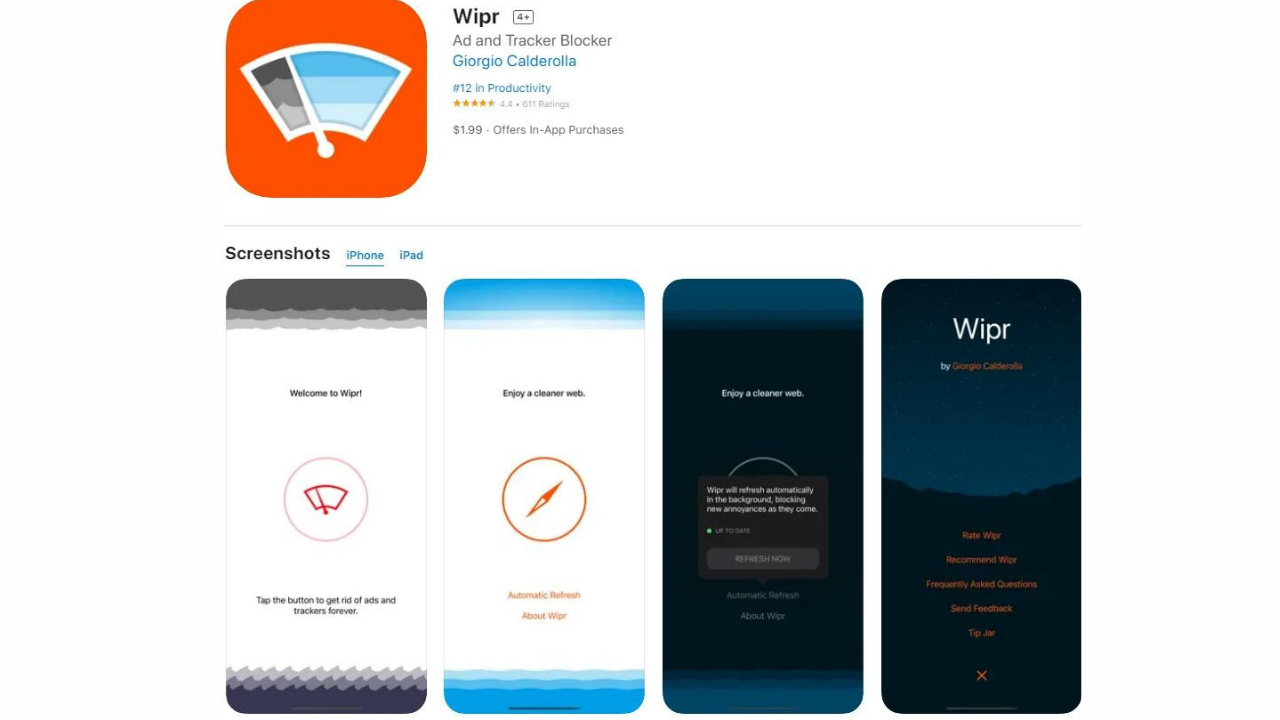
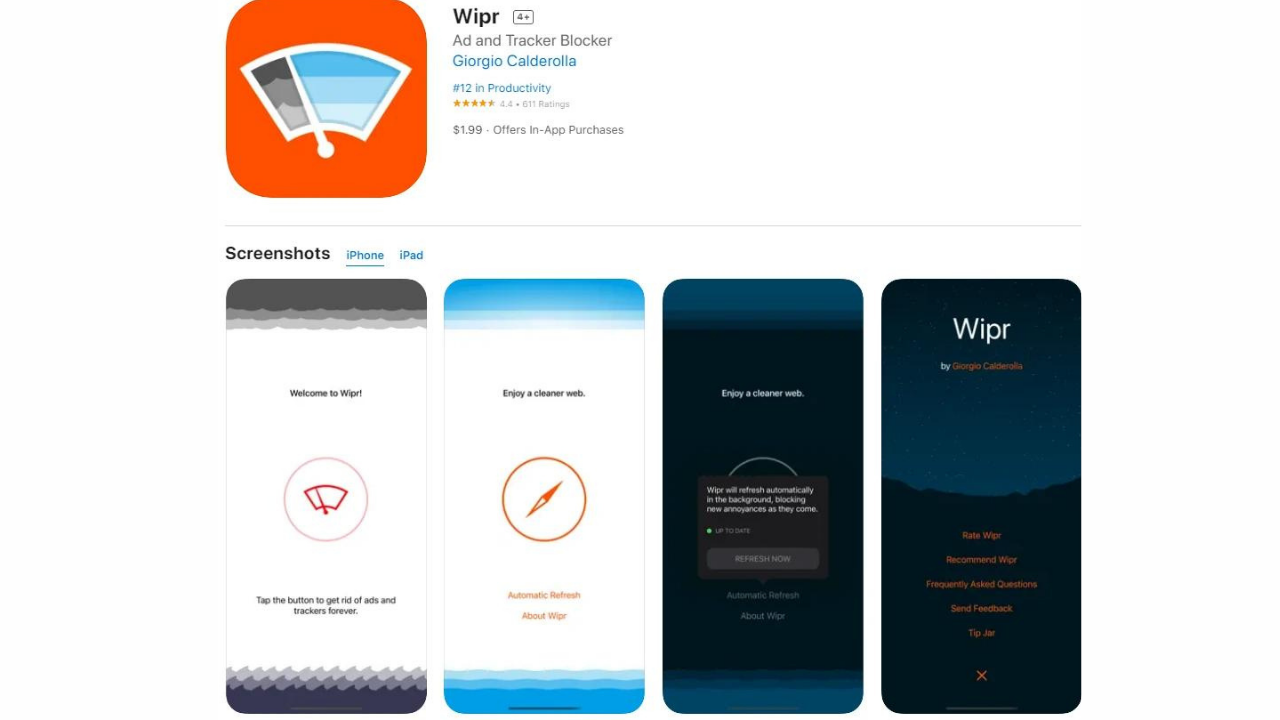
If you have worked with ad blockers in the Apple ecosystem for a long time, you have probably heard the name Kay Block. He is behind Wipr, one of the most stable and lightweight content blockers in the macOS and iOS world. Kay Block recently announced a new project quietly: the Filtr app. Filtr draws on the large filter list optimization and stability that Wipr built up over the years, but it serves a much more radical purpose. While Wipr only strips ad code from web pages, Filtr focuses directly on network traffic at the device's operating system level. When a developer the Apple community knows well and trusts moves into this area, the project immediately stands apart from the thousands of hollow privacy apps on the market.
Is Filtr Paid?
Developer Kay Block has chosen a sustainable business model for the Filtr app. The app is not offered free of charge or with ads; placing ads in a privacy-focused tool or selling user data would go against the very purpose of the project. Filtr comes with a reasonable and accessible subscription of about 10 dollars per year. This fee is set aside for continuously tracking Apple's new infrastructure, dynamically updating ad server lists several times a day, and keeping the app fully independent. By today's standards, 10 dollars a year for a system that protects your entire device is a symbolic price, comparable to the cost of a coffee.
What Exactly Does Apple URL Filters Do?
How the Apple URL Filters Framework Works
The real technological breakthrough behind this is the Apple URL Filters framework, which Apple added deep in its operating system without announcing it very loudly. Apple has begun offering a content filtering API that works system-wide on iOS and macOS. This framework captures and analyzes, at the operating system level, the connection requests that any app on the device makes to the outside world. When an app like Filtr is installed, it loads its own blocklists into the Apple URL Filters architecture. The moment an app on the device tries to fetch an image from a known ad server, Apple's own framework discards that request before it even leaves.
What Does Network-Level Filtering Mean?
Network-level filtering is a complete paradigm shift compared to traditional methods. In older approaches, the ad was expected to reach the phone, and then the app's code was modified to try to hide it. With network-level filtering, the ad code never reaches the device. Your phone's processor, RAM, and most importantly your cellular data do not spend a single bit downloading that ad package. This technology, which can be thought of as a filter running system-wide, waits at the gate between your device and the internet. If the source of an incoming data packet is on the blocklist, the gate closes instantly. This not only blocks ads but also saves significant data and battery life.
How Does Filtr Work?
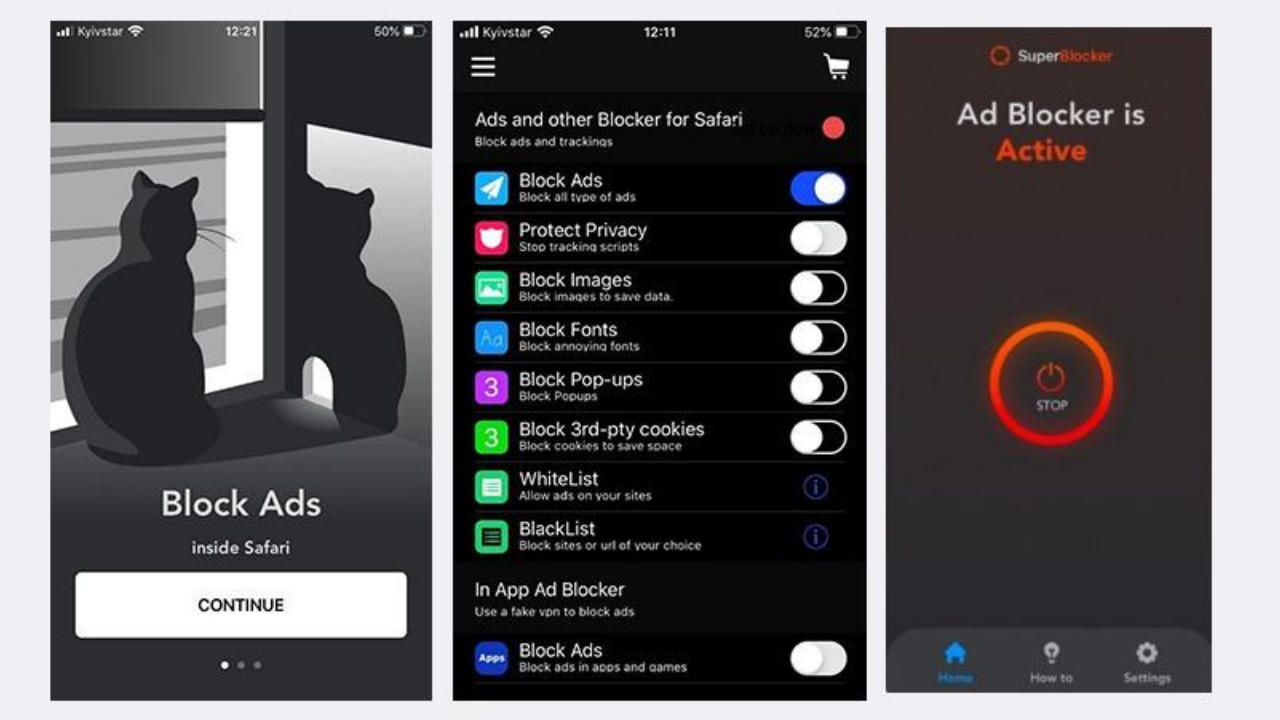
Until now, almost all apps promising system-wide ad blocking on iPhone have worked by setting up a local VPN tunnel. A fake VPN profile was loaded onto the device, all traffic passed through that profile, and ads were filtered out. However, this method had three major flaws: it significantly increased battery consumption, slowed internet speed, and prevented another real VPN (such as a work VPN or one used to bypass geographic restrictions) from being opened on the device.
The Filtr app, by contrast, does not use a VPN at all. Thanks to the Apple URL Filters framework it relies on, it runs entirely locally, within the operating system's own built-in processes. Because it adds no extra load to the system, it has almost zero impact on battery consumption and can run alongside your real VPN services at the same time without any conflicts.
Is User Data Collected?
The tech community's biggest concern about system-wide tools like this is, rightly, security. The first question that comes to mind is: "Could an app that filters all my network traffic see my passwords, credit card numbers, or personal messages?" Filtr takes advantage of Apple's strict sandbox architecture on this point. The app cannot see which sites you visit or which data you transfer, cannot record it, and cannot send it to its own servers. All Filtr does is give the operating system rules containing the command "Block requests to these ad and tracking servers." The matching and blocking process happens entirely in iOS's own kernel; therefore, the possibility of a privacy vulnerability has been technically eliminated. In today's climate, where privacy-focused tools are in demand, all of this makes it stand out as a noteworthy tool for users.
What Is the Difference Between Wipr and Filtr?
What Did Wipr Do Only in Safari?
Wipr is a classic extension that uses Apple's standard "Safari Content Blocker" API. Its job is to scan the HTML and CSS code of websites loaded only within the Safari browser to hide ad elements and stop JavaScript-based trackers. Wipr is a very successful tool, but its limits are firm: as soon as you leave Safari and go into Twitter (X), Reddit, or a local newspaper app, Wipr's scope ends. It cannot interfere with the custom ad areas inside apps.
Why Is Filtr a Separate Layer?
The Filtr app is an entirely new protection layer that starts where Wipr ends. It is browser-independent. Its goal is not to arrange the visual design of web pages but to cut the data transfers that apps quietly start in the background. Filtr monitors not just the browser but every path to the internet through the device's operating system. That is why Wipr is a "web cleaner," while Filtr is positioned as a "system-level traffic filter." Although both come from the same developer, the Apple technologies they use and their areas of effect are completely different.
News Apps and Third-Party Apps
Filtr performs best in third-party apps that typically use standard web technologies and embed programmatic ad networks. National and international news apps, gossip sites, weather apps, and free tools built by independent developers particularly fall into this category. These apps generally use the SDKs of external ad networks such as Google AdMob, Unity Ads, or similar. Because Filtr knows the main server addresses these SDKs connect to in order to download ads, the annoying banners and full-screen video ads that appear when you open the app are blocked before they can load. The app interface reaches you clean and ad-free.
On iOS, because of Apple's strict rules, traditional Safari content blockers did not work in alternative browsers such as Chrome, Firefox, Edge, or Opera. This was a major problem for users who prefer Chrome on their iPhone. Since Filtr draws its power from a system-wide network filter, it removes this limitation entirely. Whichever browser you use, the Apple URL Filters framework running in the background frees you from much of the web advertising while you browse in Chrome or Firefox. This feature makes Filtr an indispensable tool for users who want to bring desktop comfort to mobile.
Does It Really Block Every Ad? Where Are the Critical Limits?
Why Are Instagram, Facebook, and YouTube Different?
Now we come to the critical limit that people wonder about most and where users are most likely to be disappointed. Filtr cannot eliminate every ad on your device with a magic wand. The reason is not Filtr's shortcomings but the ad delivery architecture of the large technology companies. Platforms such as Instagram, Facebook, YouTube, and TikTok do not fetch ad content from an external ad server (third-party). Ads come directly from the same server, within the same data package, as the normal videos you watch or your friends' posts (first-party).
In other words, a filter at the operating system level cannot tell which part of the data coming from the main YouTube server is the actual video and which is the ad, because both technically come from the same source. For this reason, Filtr cannot block sponsored posts in the Instagram feed or the pre-roll video ads in the YouTube app.
What Happens If an App Serves Its Own Ads?
If an app serves ads not with ready-made code from outside but through its own custom server infrastructure directly on its own domain, network-level filters can still be ineffective. Completely blocking a server address could also break the app's core functions, for example by preventing the app from opening at all. In such cases, the Filtr team avoids aggressive blocking so as not to ruin the user experience. Therefore, when using Filtr, it is necessary to set expectations correctly: the aim is to dry up external ad networks and trackers, not to manipulate the platforms' own integrated ad models.
Similarities and Differences Between AdGuard, NextDNS, and Wipr
NextDNS and AdGuard DNS-style solutions do ad blocking at the DNS level. When your phone wants to visit a site, it asks the DNS server "Is this address safe?" and if the address belongs to an ad, the DNS server blocks it. On paper it is a great method, but it has two major drawbacks. First, DNS-based blocking can sometimes cause delays in the internet connection, even if only in milliseconds. Second, and most importantly, they cannot filter dynamically changing sub-URL paths; they can only block the main domain name. Filtr, thanks to Apple URL Filters, can filter not only at the domain level but also based on specific URL paths, and it does this entirely on the device with zero delay. AdGuard is a giant with years of experience that allows very detailed settings and advanced filters. If you enjoy AdGuard's advanced filter customizations, local VPN profile management, and fine-tuning, Filtr may seem a bit too "simple" or minimalist for you.
Feature / Infrastructure | Filtr (Apple URL Filters) | NextDNS (DNS Level) | AdGuard Pro (Local VPN) |
Battery Consumption | Almost none (built into the system) | None (server-side) | Medium / High |
Working With an Additional VPN | Works without issues | Works without issues | Conflicts occur |
Filter Precision | High (URL-based) | Low (domain-based only) | Very high (code/CSS injection) |
Ease of Setup | Very simple | Medium (requires profile/DNS setup) | Medium |
Should You Use Filtr? Who Is It a Sensible Option For?
If you spend a lot of time on your iPhone or Mac during the day, and you are tired of constantly seeing ads while browsing apps outside Safari, Filtr will be a great investment for you. Especially for users who care about battery life, are annoyed by heavy background protection programs slowing down their phone, and prefer a "set it and forget it" approach without wanting to deal with technical details, Filtr appears to be the most stable iPhone ad-blocking solution on the market right now.
Before buying Filtr, it is important to draw clear boundaries. If you expect that installing this app will completely eliminate video pre-roll ads on YouTube, clean your Instagram feed of sponsored content, or cut audio ads in the free version of Spotify, your expectations will not be met. Filtr is not magic; it is an advanced network filter operating within the limits Apple allows.
Frequently Asked Questions
Does the Filtr app slow down my internet speed?
No. Because Filtr does not work based on a VPN, it does not route your traffic to an external server. Since the process is handled directly on the device through Apple's built-in API, you will not notice any slowdown in your internet speed.
Does Filtr block ads in all apps?
It blocks ads in almost all apps that use external ad networks. However, it cannot block ads from platforms such as YouTube, Instagram, and Facebook, which deliver ads integrated from their own main servers.
Does the app consume a lot of battery in the background?
Definitely not. That is its biggest advantage. Because it hands the work to the Apple URL Filters framework, the app itself does not run an active process in the background, and you will not even see its name in the battery usage list.
Does Filtr work on both iPhone and Mac?
Yes, developer Kay Block designed the app to be universal. You can use it on all your Apple devices running current iOS and macOS versions that support the Apple URL Filters framework.
WriterAnthropic: Yapay zeka Sistemleri Kontrolden Çıkabilir

Gereksiz Windows Servisleri Bilgisayarınızı Yavaşlatıyor mu?