new Generation Solution for iPhone Advertising Blocking
Automatically translated
 Writer
For many years in the Apple ecosystem, there is an illusion of a "rectile blocking". There are dozens of tools to go to the App Store and get a look at this vertical. But up to date, 95% of these vehicles were stuck in a single safe port: Safari. Apple, according to privacy policies It would not allow third-party software to interfere with areas outside the browser. As a user, in Safari, when we live an ad-free web experience, you had to fold your favorite news app or a social media client from banners, which throws from every corner when you open the interface. The closed box architecture of iOS ecosystem was impossible to interfere with the data flow of apps outside the browser. This situation makes it impossible to clean a holistic cleaning on mobile devices.

Apple’s App Tracking Transparency move, which has been launched several years ago, hit huge impact on advertising revenues of giants like Facebook. But on the other side of the coin, advertisers and app developers did not give up; they developed more refined methods, unlike. The analytical tools embedded in the applications, location services and secret tracking pixels began to move to servers with direct in-app data stream. Your blocking cookies in Safari was not blocked on Instagram or how long you look at a popular newspaper app. In-app tracking systems were completely shifted to this gray area, since the advertising sector investments are not worn into browser obstacles. Users were completely deprived of watching and blocking these huge data traffic rotating on their devices.
What is the Filtr App and Who developed?
New Hamle from Wipr Developer
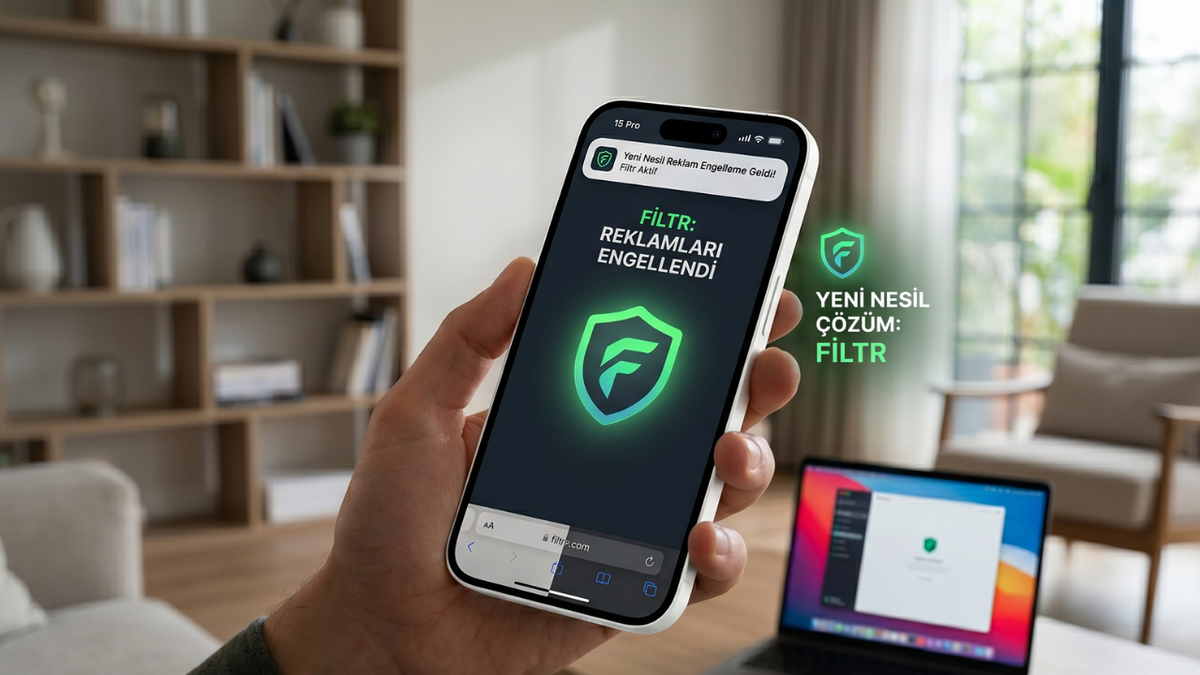
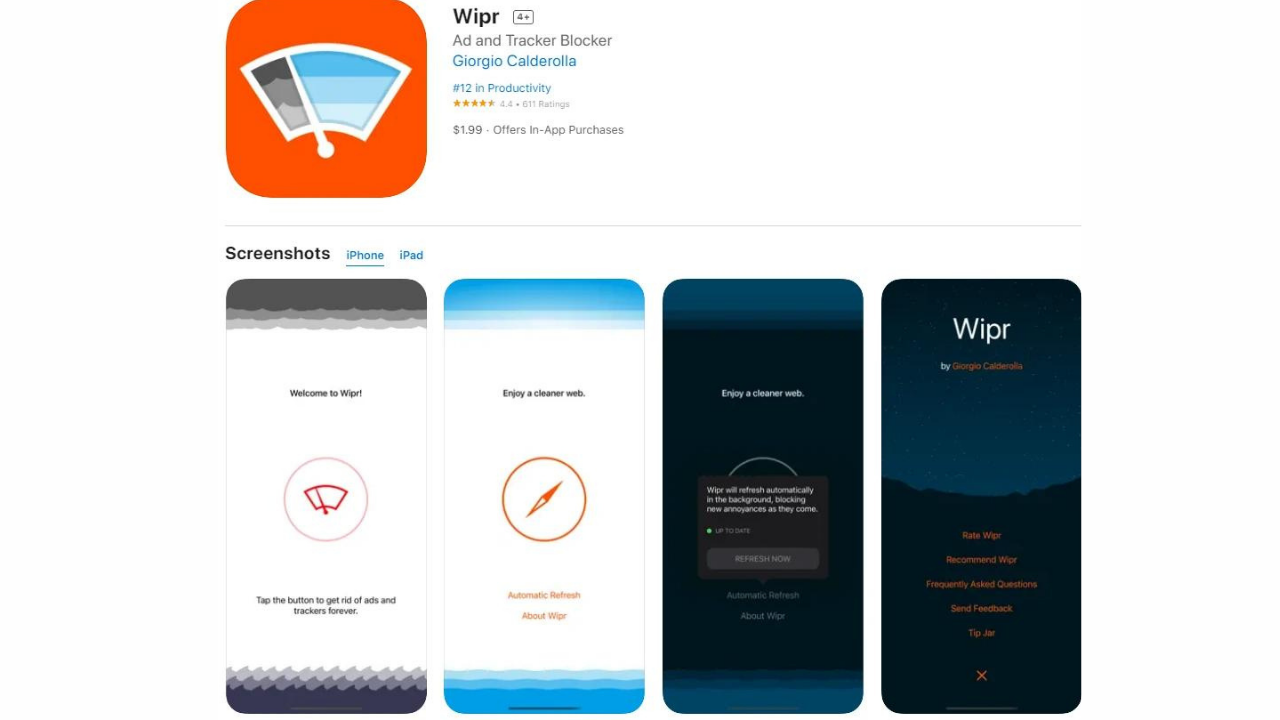
If you’ve been confused with ad blockers for a long time in the Apple ecosystem, you’ve probably heard the Kay Block name. Name behind Wipr, one of the most stable, light-powered popular content blockers of macOS and iOS world. Kay Block announced a new project that is silently intuition in recent days: Filtr application. Filtr takes behind the massive filter list optimization and stability that Wipr accumulates in years, but it serves a much more radical purpose. Wipr only extracts ad codes on web pages, Filtr focuses directly on the network traffic on the operating system level of the device. A developer who knows and trusts the Apple community is getting handed out of this area, quickly distinguishes the project from thousands of hollow privacy practices on the market.
Is Filtr Paid?
Developer Kay Block has selected a sustainable business model for Filtr application. The application is not entirely available with a free or advertised model, because it is contrary to the purpose of the project to advertise in a privacy-oriented vehicle or sell user data. Filtr comes with a rather reasonable and accessible subscription fee like $10 per year. This fee, Apple’s new infrastructures continuous monitoring is divided into dynamic updating of ad server lists several times a day and the application can remain completely independent. In today’s standards, 10 dollars per year for a system that protects the whole device can be seen as a symbolic bedel, competing with coffee prices.
What Does Apple URL Filters Work Exactly?
How Does Apple URL Filters Work Infrastructure?
The main technological revolution behind the business is the Apple URL Filters infrastructure, which adds to the depths of the Apple operating system, but does not hear the public with much drum zurna. Working across the system across Apple, iOS and macOS platforms a content filtering API started to offer. This infrastructure breaks the connection demands of any application on the device to capture and analyze the operating system level. When an application like Filtr is installed on the system, Apple URL Filters installed their blocking lists to its architecture. When an application on the device tries to visually withdraw from a known ad server, Apple’s own infrastructure is thrown out of this request.
What to Fix Filtering on Network Level?
Filtering at network level is a complete paradigma change when compared with traditional methods. In ancient methods, the ad is expected to deny the phone, then the app was tried to hide the ad by interfering the code structure. In the network level filtering, the ad code does not reach the device at all. Your phone’s processor, RAM and most importantly cellular data, doesn’t even spend a single bit to download that ad pack. This technology, which we can think like a strainer that works across the system, waits on the door between your device and the internet. If the source of incoming data package is in blacklist, the door is closed instantly. This situation not only blocks ads, but also provides serious data saving and battery life gain.
How Filtr Works?
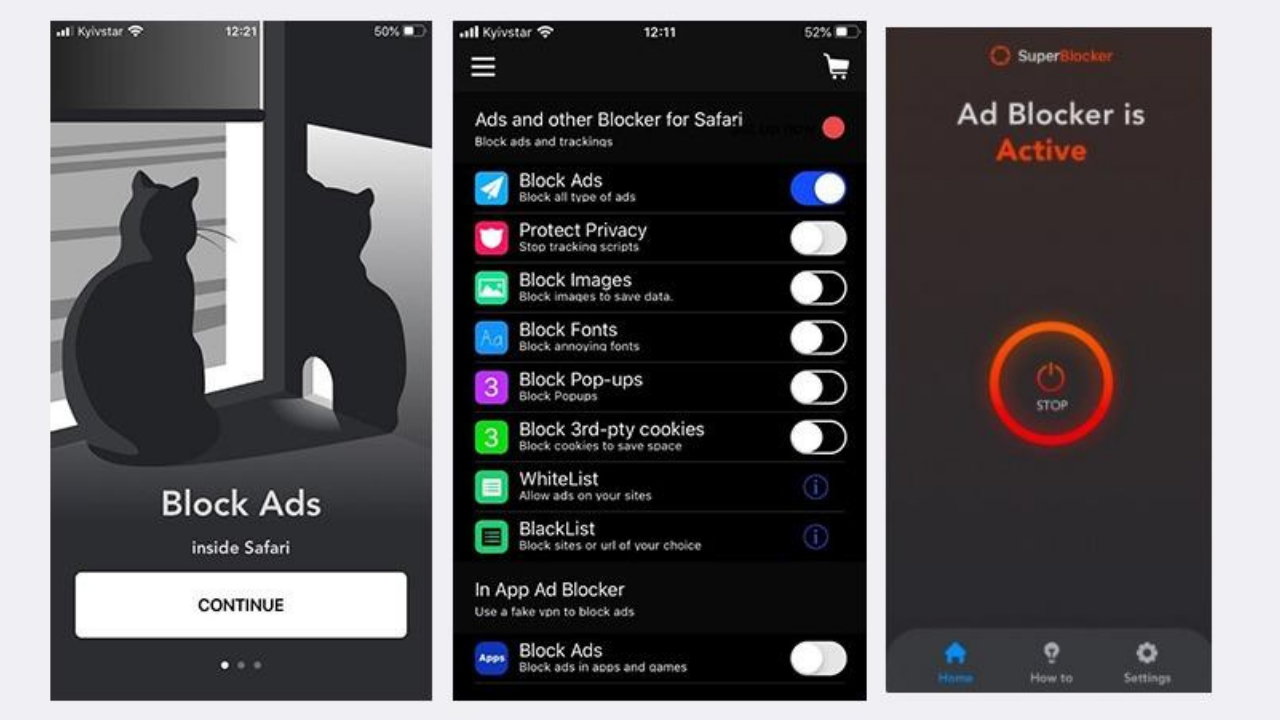
To date, almost all of the apps in the promise of blocking iPhone ads across the system was trying to install a local VPN tunnel. A fake VPN profile is installed on the device, all traffic is passing through this profile and filters ads. But there were three major defects of this method: it was seriously increasing battery consumption, slowed down the internet speed, and another real VPN on the device (for example, a VPN used to overcome company VPN or geographic obstacles).
Filtr app is definitely not using a VPN. Thanks to the Apple URL Filters infrastructure, it is completely local, it works in its own built-in processes of the operating system. Because the system does not have an additional load, it has almost zero effect on battery consumption and can work smoothly without having any conflict at the same time with your real VPN services.
Collect User Data?
The biggest pull of the technology community against vehicles working across this type of system is justified. "A app that filters all my network traffic can see my passwords, credit cards or my personal correspondence?" is the first question that comes to mind. Filtr app uses Apple’s strict sandbox architecture. The application does not see what sites you enter or what data you transfer, cannot save and transfer to their servers. The only thing Filtr does is to give the rules that include the command "Block requests to advertising and tracking servers" to the operating system. All of the matching and blocking process occurs directly in the core of iOS; hence, the possibility of privacy deficit is eliminated technically. Privacy-oriented tools Home Today, all these are suggesting as a means of value for users.
What is the Difference Between Wipr and Filtr?
What Does Wipr Not Only Build in Safari?
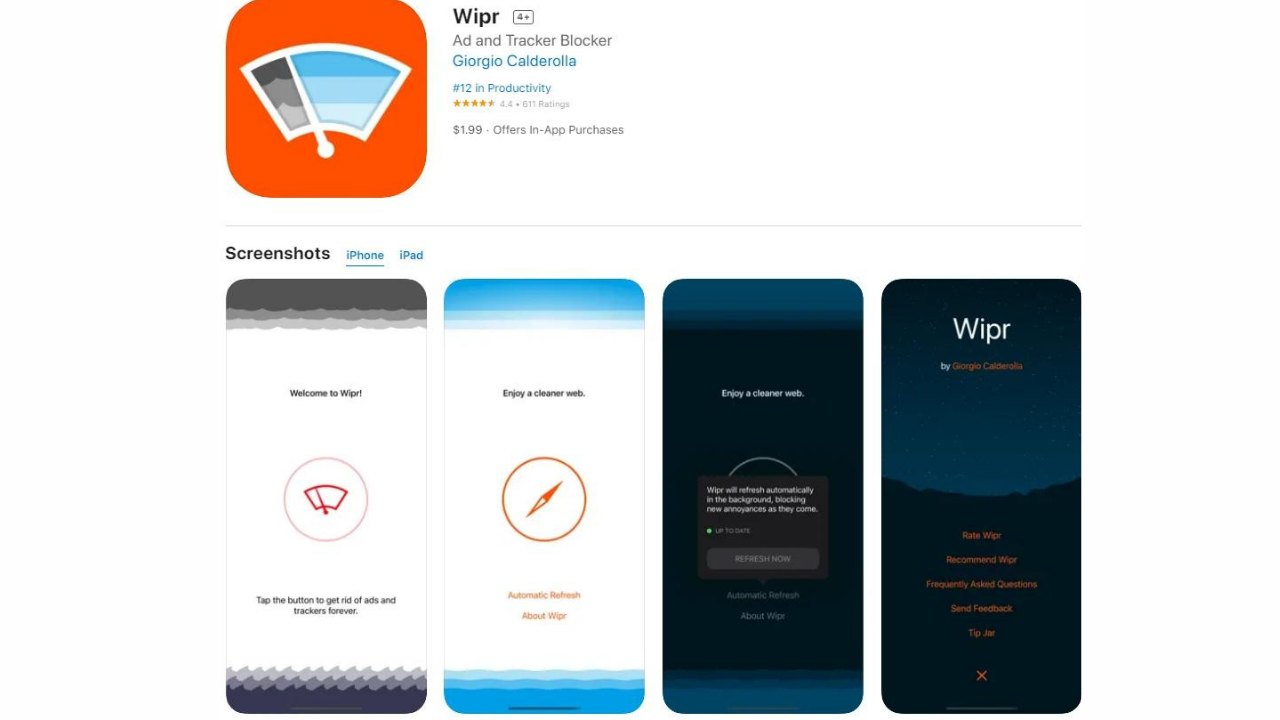
Wipr is a classic plugin that uses Apple's standard "Safari Content Blocker" (Content Blocker) API. The task is to hide advertising elements by scanning HTML and CSS codes of websites uploaded only in Safari browser and stop JavaScript-based viewers. Wipr is a very successful tool but its limits are certain: It ends in the entire jurisdiction of Wipr, where you enter the Safari from Twitter (X), Reddit or a local newspaper application. It can not interfere with special advertising areas within the applications.
Why Is Filtr Separate Layer?
Filtr application is a new layer of protection that starts in place where Wipr finishes. Browser is independent. The purpose is not to edit the visual design of web pages, but to cut data transfers that applications are silent in the background. Filtr controls not only the browser, but every way the device goes on the internet through the operating system. So while Wipr is a "web cleaner", Filtr is positioned as a "system level traffic filter". Although two of the same developers are out of the hand, the Apple technologies and domains they use are completely different.
News Apps and Third Party Applications
The places where Filtr is the most successful and exhibits their opponents are third-party applications, usually using standard web technologies and placed programmatic advertising networks. Specifically, national and international news applications, magazine sites, weather applications and free tools produced by independent developers enter this category. These applications often use SDKs of Google AdMob, Unity Ads or similar external advertising networks. Since Filtr knows the main server addresses connected to download the ads of these SDKs, it is blocked without installing the annoying banners and full screen video ads that come across when you open the corresponding application. Application interfaces come to your front without sweating and advertising.
Due to the strict rules of Apple on iOS platform, traditional Safari content blockers were not working in alternative browsers such as Chrome, Firefox, Edge or Opera. This was a big problem for the audience who prefer to use Chrome on iPhone. Filtr application eliminates this limitation as it gets its power from the network filter across the system. Now use which browser you use, thanks to the Apple URL Filters infrastructure running in the background, you’re getting rid of web ads in a big section while browsing on Chrome or Firefox. This feature makes Filtr an indispensable tool for users who want to move desktop comfort mobile.
Is Every Advertising Really Disabled? Where Is Critical Limits?
Why Different Instagram, Facebook and YouTube?
Let’s come to the most curious and critical limit that users can get the most disappointment. Filtr can’t destroy all ads on your device a magic wrench. The reason for this is the advertising presentation architecture of giant technology companies, not in the absence of Filtr. Platforms like Instagram, Facebook, YouTube and TikTok do not attract advertising content from an external advertising server (third-party). Ads come from the same server, the same data package (first-party) with the usual videos or posts you have directly watched.
So a filter at the operating system level can distinguish which of the data from the YouTube main server, which is the real video, which is advertising; because two are technically from the same source. For this reason, Filtr does not block sponsored posts or video front ads in the Instagram stream.
What Does the Application Offer Your Own Advertising Area?
If an application is served with a dedicated server infrastructure and directly via its own domain address instead of receiving ads with ready codes from the outside, filters on the network level may still remain ineffective. Blocking a server address completely can lead to disruption of the main functions of that application (e.g. the application does not open at all). The Filtr team avoids aggressive obstacles to disrupt user experience in such situations. So, when using Filtr, it is necessary to adjust the expectations correctly: the purpose is to dry external advertising networks and followers, not to manipulate the platform’s own integrated advertising models.
AdGuard, NextDNS and Wipr Similarities, Differences
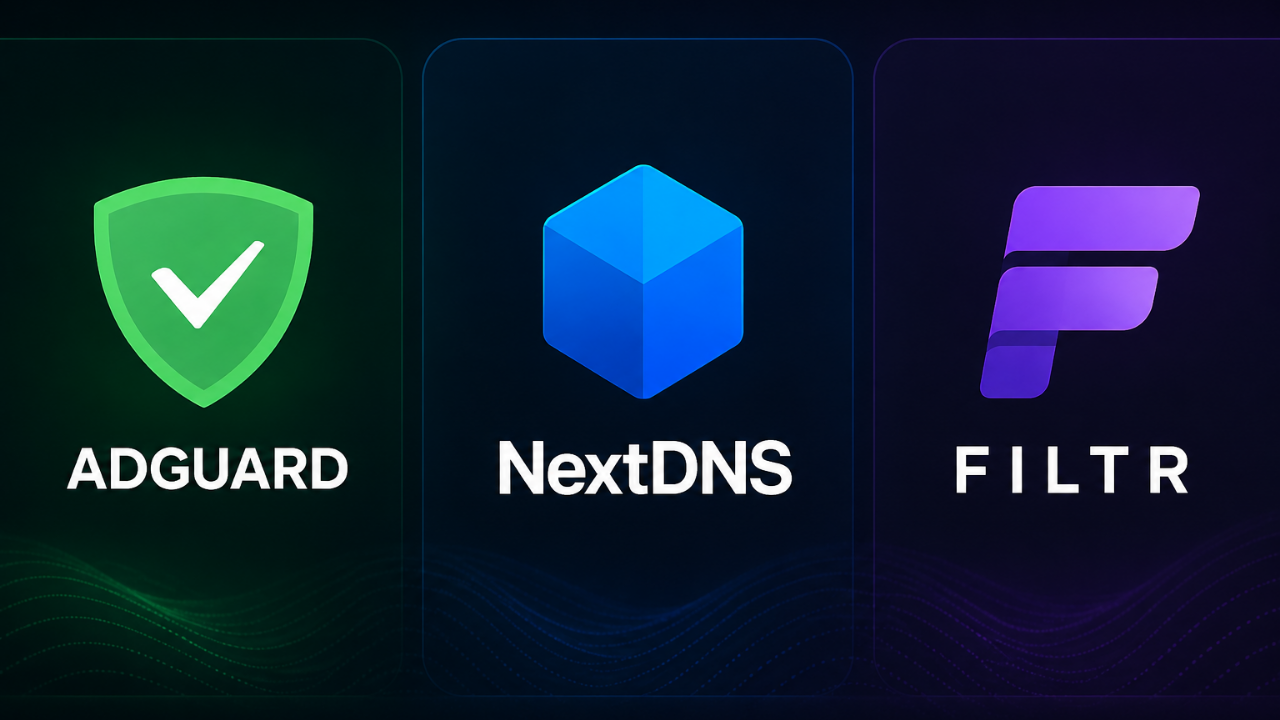
NextDNS Solutions such as or AdGuard DNS make ad blocking at DNS level. When your phone wants to go to a site, your DNS server asks "Is this address safe?", DNS server ad address prevents. It is a great method on paper but there are two major drawbacks: first, DNS-based blocking can sometimes lead to delays if milliseconds are in the internet connection. Second and most importantly, they can not filter dynamically changing sub URL paths; they can only block the main domain name. Filtr can filter not only on the domain level thanks to Apple URL Filters, but also on the basis of specific URL paths and do this with zero lag in the device completely. AdGuard, A giant that has years of experience, allowing very detailed settings and advanced filters. If you like using AdGuard's advanced filter customizations, local VPN profile management and fine settings, Filtr may come to you a bit more "simple" or minimalistic.
Feature / Infrastructure | Filtr (Apple URL Filters) | NextDNS (DNS Level) | AdGuard Pro (Lokal VPN) |
Battery Consumption Home | No. (System built-in) | No (Server-sided) | Medium / High |
Working with Additional VPN | Works smoothly | Works smoothly | Contemporary |
Filter Sensitivity Home | High (URL-based) | Low (Only Domain based) | Very High (Cod/CSS injection) |
Installation Convenience | Simple | Medium (Profile/DNS settings require) | Home |
Is Filtr Used? A Logical Option for Who?
If you have iPhone or Home If you spend a lot of time at the beginning, if you are tired of seeing continuous advertising while browsing in apps outside Safari, Filtr will be a great investment for you. Especially for users with the philosophy of "guard and forget" who are complaining about the phone slowing of heavy protection programs working in the background, especially for users who do not want to deal with technical details, the most stable iPhone advertising blocking solution on the market seems to be Filtr app.
Before buying filtr, it is necessary to clearly draw the limits. When you install this app, your expectation will not be completely destroyed by video önü ads on YouTube, if you think your Instagram stream will completely purify from sponsored content or cut audio ads on Spotify free version, your expectation will be divorced. Filtr is not a magic; Apple is an advanced network strainer that works within the limits permitted.
Frequently Asked Questions
Does Filtr app slow my internet speed?
No. Filtr does not redirect your traffic to an external server as VPN-based does not work. Since the process is done directly with Apple’s built-in API, you don’t feel any slow in your internet speed.
Does Filtr block ads on all applications?
It blocks ads in almost all applications that use external advertising networks. However, YouTube doesn’t block ads of platforms that offer ads like Instagram and Facebook integrated from their host server.
Does the application consume a lot of batteries in the background?
absolutely no. This is the biggest advantage. Since the process is built on Apple URL Filters infrastructure, the application itself does not perform an active process in the background and you can not even see its name in the list of battery consumption.
Does Filtr work on both iPhone and Mac?
Yes, the developer designed Kay Block application universally. You can use Apple URL Filters infrastructure on all Apple devices with up-to-date iOS and macOS versions.
WriterALKA Lazer Sistemi Çelik Kubbe’ye Güç Katıyor

Gereksiz Windows Servisleri Bilgisayarınızı Yavaşlatıyor mu?