
What is Flux.2? New Generation Visual Production Model
Automatically translated
 Writer
Artificial intelligence-based visual production models have become the basic tools in the production of advertising, media, e-commerce and corporate content for the past year. One of the most current examples of this conversion is Flux.2 model. Flux developed by Black Forest Labs.2 pays attention to the compatibility of photorealistic production, multi reference support and professional workflows in high resolution.
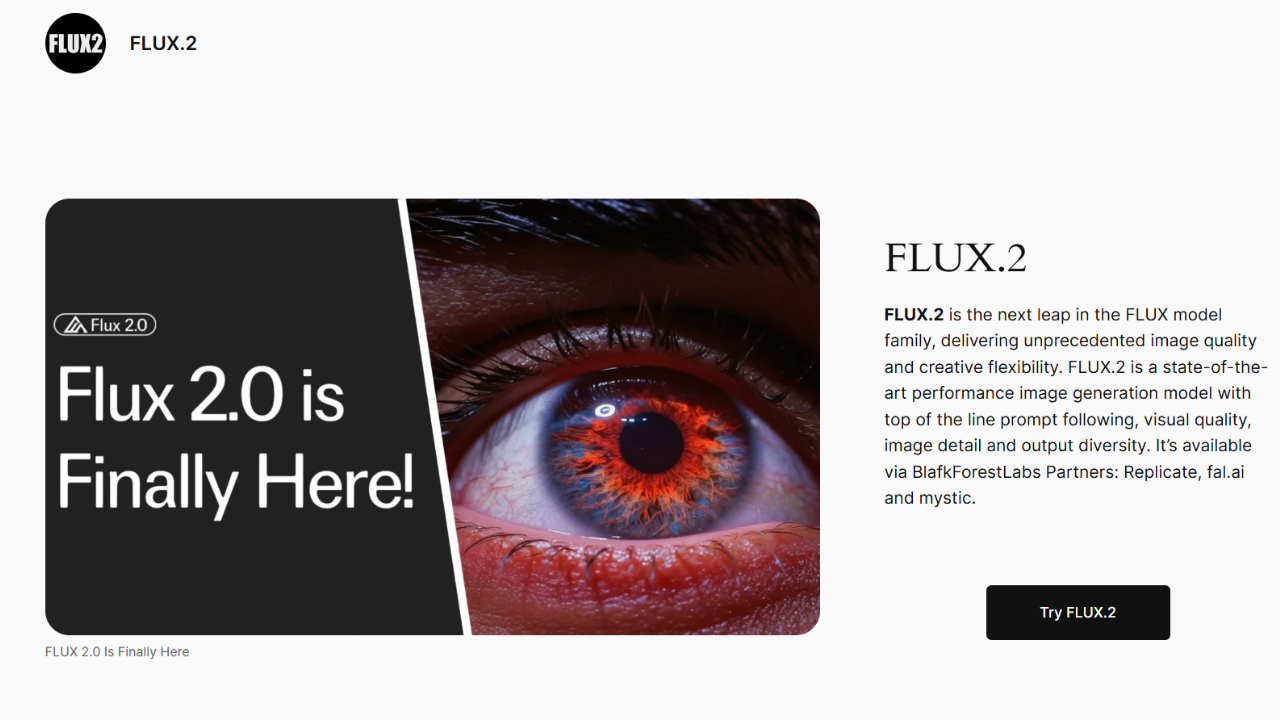
Flux.2, The previous version was built on Flux 1, but it is an architecturally redesigned image production model. The main purpose of the model is not only producing aesthetic value high visuals, but also providing consistency, scalability and control in professional production scenarios. It is possible to prepare advertising images, product promotions, high-resolution concept designs and corporate presentations with Flux.2. With this direction, Flux.2 is evaluated as a tool that caters to professionals rather than general-purpose visual production models.
Flux.2 Specifications
One of the most prominent features of Flux.2 can produce detailed visuals in high resolution. Visual components such as model, light, shadow, surface texture and perspective can handle physical reality. This situation provides an advantage especially for high budget digital campaigns and print work. Another critical feature that the model offers is multiple reference visual support. Flux.2 can protect stage and style consistency by analyzing multiple reference images simultaneously. In this way, brand ID works and serial designs make serious difference.

Flux.2 also offers advanced performance in text production. The articles included in poster, poster or interface designs can be read more and more accurately. This condition is a serene nature of the model’s functionality. From the point of view of composition control, Flux.2 builds in-stage balance more uniformly. The human figure is more consistent compared to the previous versions of camera angles and cadraj settlements.
Flux 2 vs Flux 1 Differences
The differences between Flux.2 and Flux 1 are not only limited to visual quality. The new version also contains important updates at architectural level. Flux.2 can even comment on long and complex prompts using a more advanced transformer-based structure. In terms of resolution and detail, Flux 1 While it often offers medium level performance, Flux.2 does not even experience detail loss in high resolution. Tissue passages, edge clarity and light calculations are significantly improved. Reference consistency also stands out as another separator feature. When the visual use of reference in Flux 1 is limited, Flux.2 can maintain character and style continuity even in multiple reference scenarios. This makes Flux.2 more advantageous in terms of professional and commercial use.

Flux.2 vs Nano Banana Comparison
Flux.2 is often compared with faster models such as Nano Banana. Nano BananaWhen producing quick results thanks to low hardware requirements, Flux.2 prioritizes quality. In terms of speed, Nano Banana produces flux.2 more realistic outputs in projects requiring high resolution and multiple reference. Nano Banana is preferred in flux.2 advertising, brand and corporate-oriented productions while fit for more social media contents. For this reason, two models cater to different needs, Nano Banana in the projects requiring quality and control, Flu.2 is a more logical choice.
Flux.2 ComfyUI Setup u
- Flux.2, most commonly Home used over. ComfyUI’s node-based structure gives the user detailed control over the production process. It is recommended to use the current version of ComfyUI first for installation. ComfyUI is an open source interface that can be downloaded via GitHub. When the ComfyUI is run, there is node-based interface on the browser. This interface provides the necessary infrastructure to manage large models such as Flux.2.
- At the next stage, it is necessary to acquire Flu.2 model files. Once the model files are downloaded, ComfyUI is added to the corresponding folders, and is activated by creating a streamlined Flux.2. Flux.2 is usually presented with different versions. While the “Dev” version delivers the highest quality, the “FP8” version works with lower VRAM consumption. Proper version should be preferred according to hardware capacity. VRAM capacity is important especially on the hardware side. Flux.2 can consume serious memory when working in high resolution. NVIDIA RTX series display cards work more efficient with model thanks to Tensor cores.
- After adding the model files to the correct array, ComfyUI is restarted. When the interface is opened, the “Checkpoint Loader” or similar model installation node is added. The Flux.2 model from this node is selected and activated. After the model is installed, prompt input, sampler settings and output nodes are added to the flow. Flu.2 is recommended to carefully prepare text input because it provides more successful results with long and detailed prompts.
- One of the strongest aspects of Flux.2 is multiple reference support. In ComfyUI, it can be added to multiple visual workflows using “Image Loader” or “Reference Image”. The resolution and content of reference visuals is directly effective on the result, and clearly and appropriate visuals should be preferred as possible.
- Flux.2 is a model that can consume high memory. Sampler and resolution settings in ComfyUI should be optimized according to system capacity. If memory stone is experienced when working in very high resolutions, the resolution can be reduced or pass to FP8 version. NVIDIA RTX display cards work more efficiently with Flux.2 thanks to Tensor cores. Optimization guides shared by NVIDIA HomeThe reference can be taken to improve performance.

Flux.2 is suitable for advertising agencies, brand and product design teams, corporate marketing departments and advanced level ComfyUI users. Flux.2 is a powerful alternative for professional users who aim to manufacture high quality and consistent visuals. Flux.2 offers a new standard focused on quality in the visual production supported by artificial intelligence. Due to its high resolution, multiple reference support and professional control facilities, it stands out as a model suitable for commercial production.
WriterAI Data Force: Yapay Zeka Ekonomisinde Yeni İstihdam Kapısı


Metin Komutuyla Uygulama Geliştirme Nedir? MeDo ile Kodsuz Üretim