What Is Google Gemini Lesson Working Notes? How To Use?
Automatically translated
 Writer
hundreds of page lessons in front of you note, dozens of browser tabs and coffee cups... We probably know that panic feeling created by the question of "I should start from?" when you leave the final day of the tomorrow morning. The traditional methods we use since the first day we have started to work in the course are mostly lost, typing, trying to read detailed topics long and disappear between thick books, making the process more difficult. In addition to these, it doesn’t work another without spending the real potential of technology if you use artificial intelligence to copy assignments or ask simple questions. Google scored a big step to break this jealous cycle, optimize the time management of students and fully personalize the course work routines: Google Gemini Working Notes (Gemini Study Notebooks)
What is the Gemini study notes that translate Gemini into a student-friendly study friend that mornings the Gemini with the user who is not a ordinary chatbot and guides in every missing, what works and how it is used most efficiently?
What Does This New System Keep?
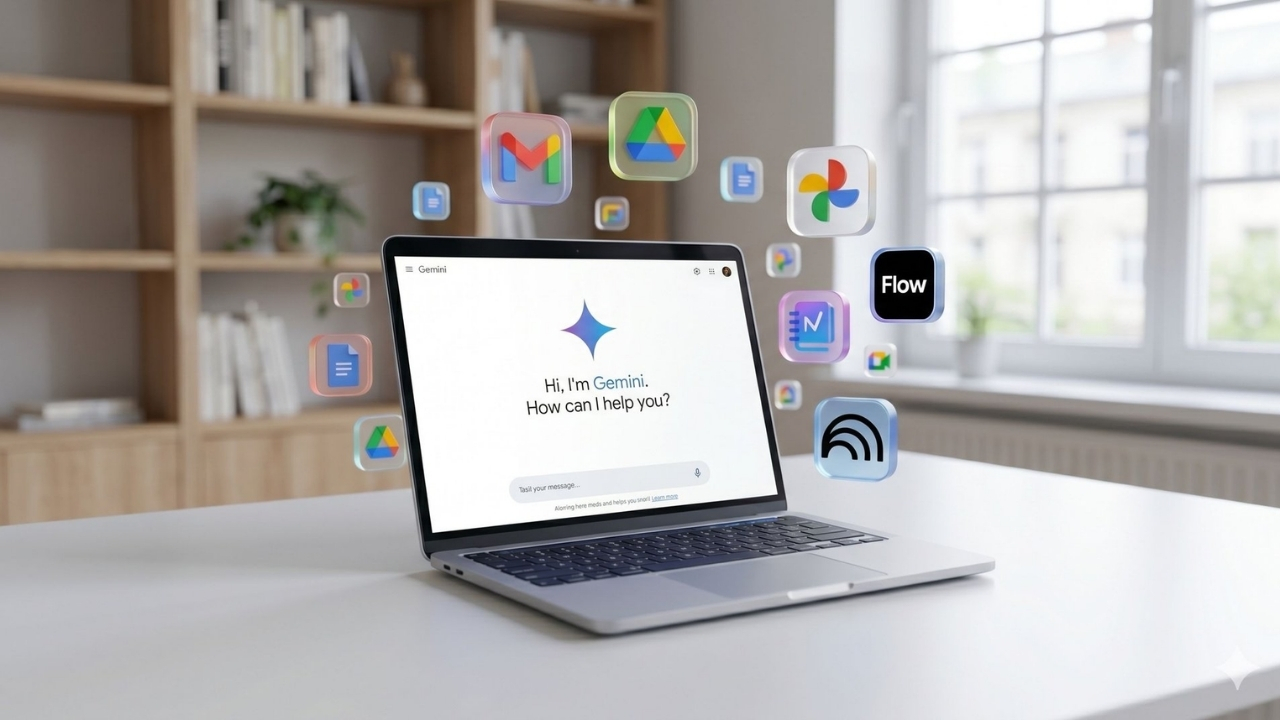
Google Gemini study notes offer an interactive area, specially reserved for courses, exams, academic research or large projects within the Gemini interface. In classic AI conversations, it is necessary to tell the topic from the new beginning every time when it is passed to a new tab or when the session is closed, remind the context. Unlike the purchase, Gemini’s new learning field is able to make all resources, lesson watch and articles belonging to the term in a single digital notebook and continuously accessible.

This Gemini lesson study feature, which Google provides for use, works by taking a base of resources that are completely installed in the system rather than memorize and give estimate answers from general internet data. So the accuracy on the internet is not suspicious information, but only by referenceing the text notes or books that the user gives a special study plan to the user. Moreover, Google offers this comprehensive academic system and all advanced personalized classroom work features completely free. Anyone with a personal Google account without requiring any subscription or paid membership can use this system directly.
In fact, these steps for the education and students of Google are not surprised for the world of technology. The company had provided similar conveniences to reach students’ most advanced artificial intelligence models. Previously, Google AI Pro with 1 year free experience campaign with student plan Students were given a serious budget savings and the most advanced features were free. Here’s the new generation study notes platform that Google’s student-oriented vision is one of the most up-to-date steps.
New Savior of Exam Period: How Does Gemini Study Notebook Work?
All learning speed, information detection method and focus time are completely different from each other. Gemini Study Notebooks are fully activated to fill the space created by these individual differences and shape the course work process completely according to the person:
Only User Resources:
The official curriculum of the lesson is enough to load the periodic text notes, audio recording castings or PDF sources into the study note. Gemini is a fully accurate, reliable and only an information pool that covers your test curriculum without seeing hallucination by never out of these resources.
Testing to Detect missing:
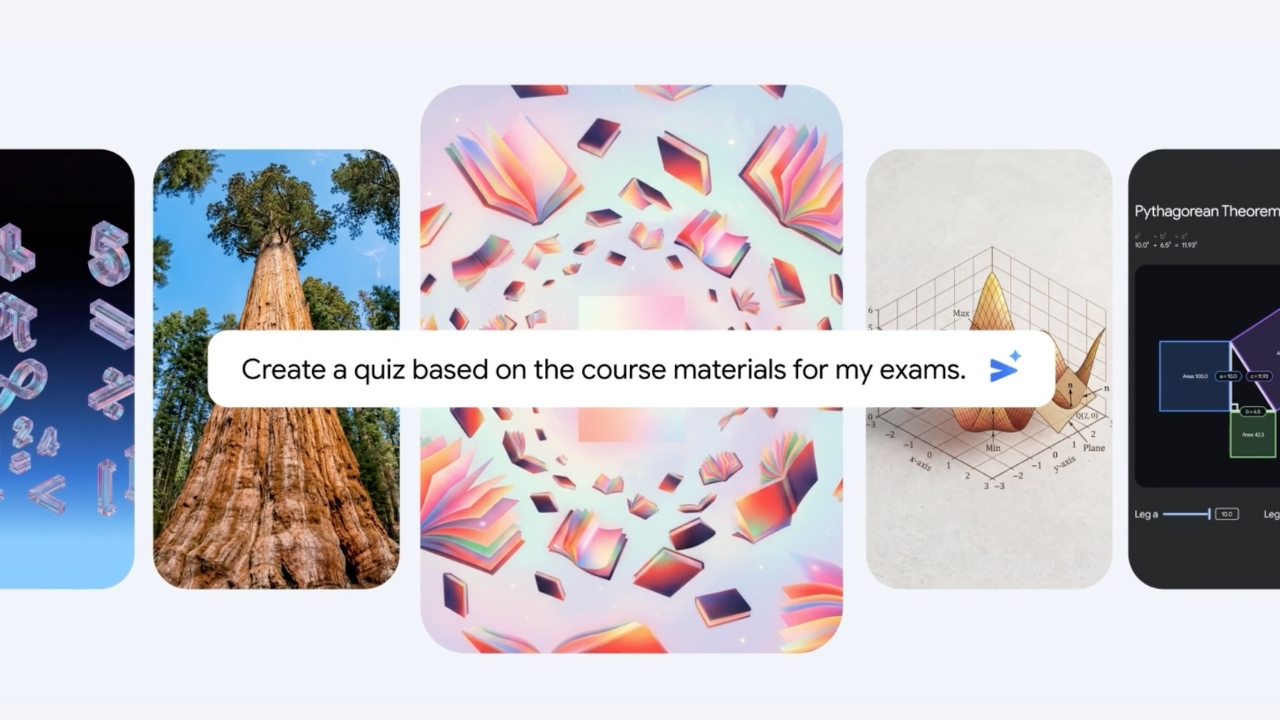
When resources are installed on the system, Gemini does not start to tell the topic directly or summarize it into memorization. First, the user prepares a short-level detection test that is weak in what matters and is focused on actively recalling from sources to clearly see where they already know.
Step Learning Plan:
Artificial intelligence that analyzes the results of level detection test, determines the areas where the user is weak. Hundreds of heavy and long topics are preparing special micro lessons and development follow-up tests for missing places that need to focus only on small, understandable parts. This plan is updated dynamically as you upload new materials or solve tests.
How to Use Google Gemini Working Notes?
This is quite simple to use new feature. Here is the step by step Gemini Working Notes on the guide:
1. Creating Working Notes:
Feature from computer to start desktop-oriented initially Gemini from. It is planned to be completely integrated in mobile. Then click on the "New Note Book" button from the left menu, then "Working" (Study).
2. 2. Goal Determination:
Gemini will ask what to work on. It’s important to write a clear target here. For example: “I want to work on my historical intermediate exam.” or “I want to learn from scratch.” commands should be entered. You also don’t change the main goal of a study note created in a critical detail for students, so it’s the benefit that at first draws the limits clearly.
3. Loading Resources:
The text notes stored on the device using "Add File" or Google Drive are uploaded in seconds of presentations or articles shared by academicians. From the moment the installation is completed, Gemini is now ready to work like a free private teacher to the user with adhering to this limits completely.
4. Follow Development:
A personalized Development Panel (Progress Dashboard) opens on the screen after solving the first level detection test and entering the system. What matters on this panel are strong, which headers should be urgently focused on, and yet unfounded modules are clearly listed. This panel shows your status by updating in real time as you solve tests and progress on issues.
Featured Features
The system does not only organize personal lesson notes or prepare simple tests, offering powerful integrations that are directly affecting the learning process and academic success:
Preparation for International Exams:
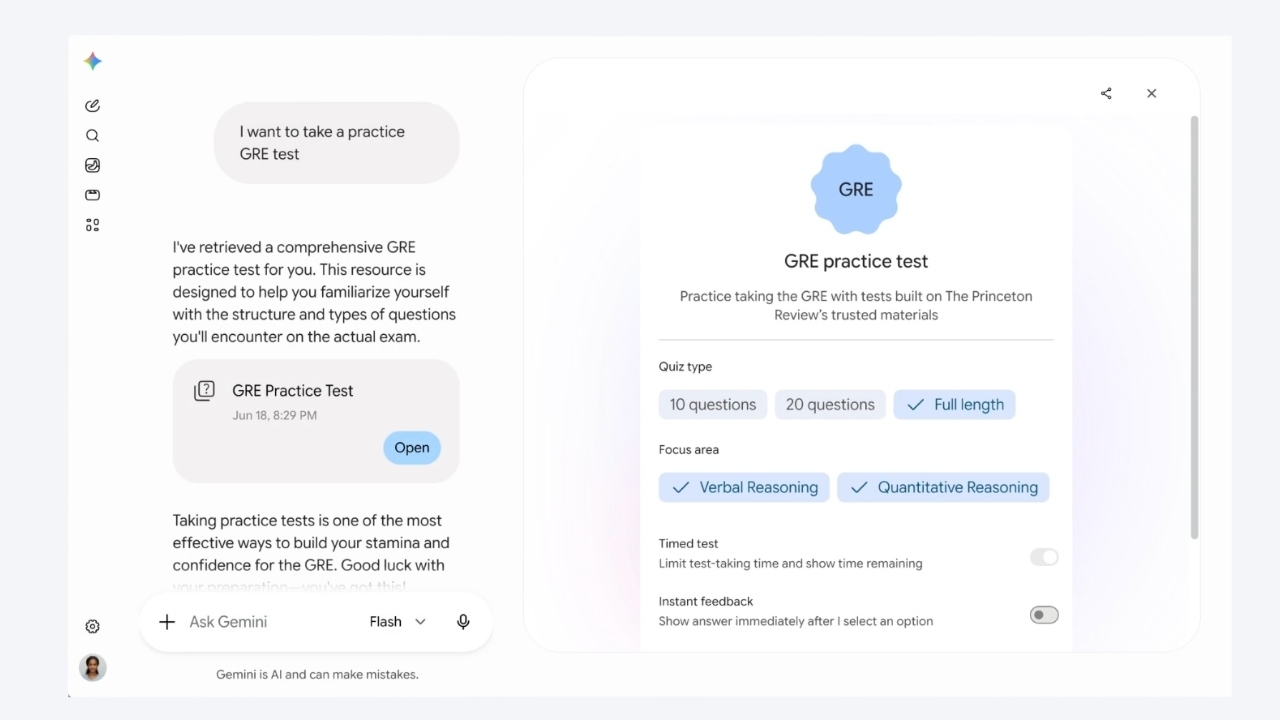
The system is not only limited to personal notes held at school. Especially for those who are the target of overseas education and are prepared in the global level of challenging tests such as SAT, GRE, ACT.
NotebookLM Integration:
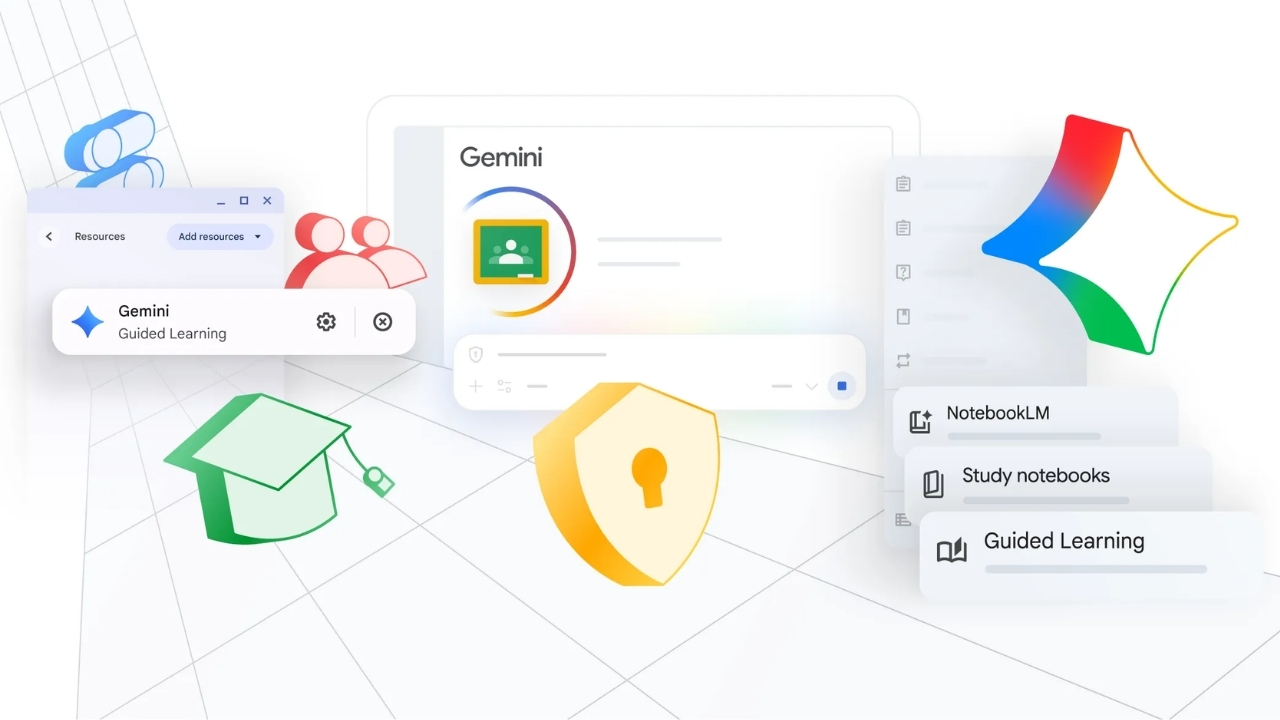
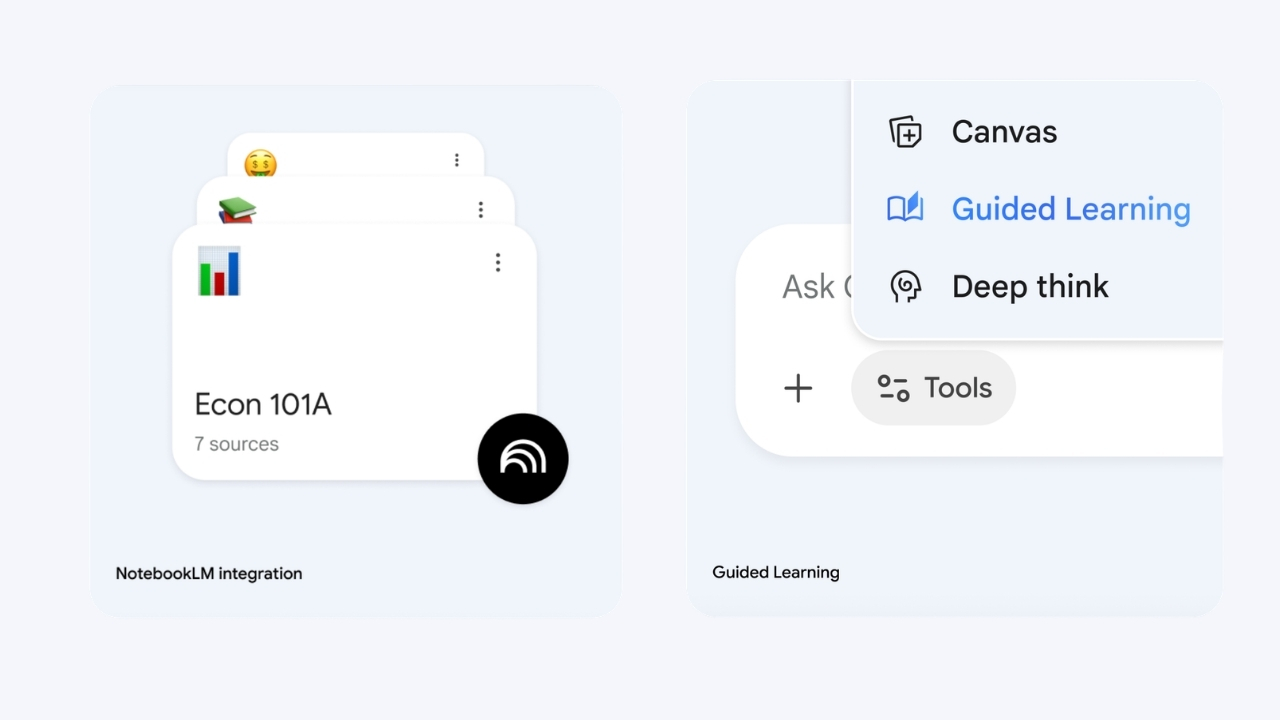
The study notes created in Gemini are working in a double-way synchronization with the popular research assistant NotebookLM of Google. Users can generate audio summary (Audio Overviews) or digital information cards (flashcard) that instantly discusses two AI experts from sources by transferring their resources in one click.
Step Solution:
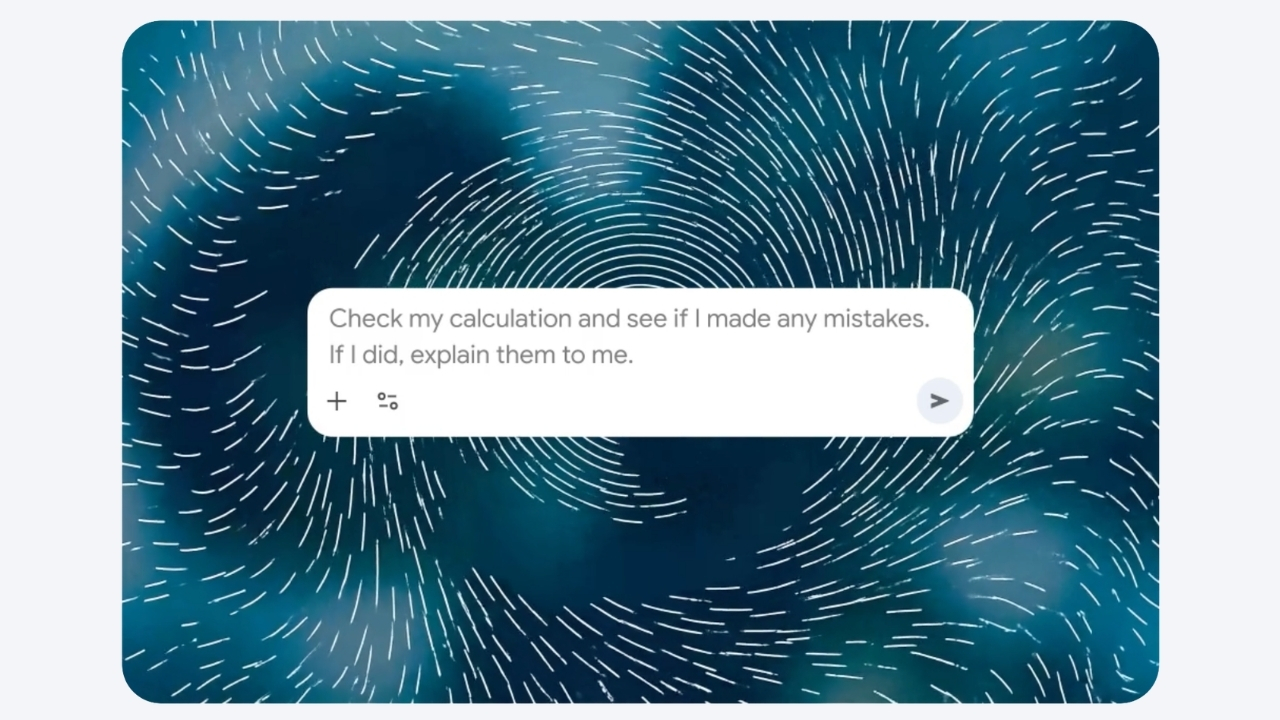
In particular, the formula such as math, physics, or chemistry is mainly solving a problem in courses, the system does not pass only to your front. Stop at any stage you’ve worn in the solution process p "Gemini explains the user step-by-step logic and theoretical infrastructure when asked "How we have passed for this purpose?" or "How we did this formulated?". Google developed earlier Gemini for Science scientific artificial intelligence In the steps to analyze complex data sets with infrastructure, a similar verification system was established. The field of study notes is working as a practical reflection of the daily course routines of this advanced academic infrastructure.
All these developments show that Google does not only see artificial intelligence as a software stuck to computer screens and transform it into a huge ecosystem that covers all areas of life. Strong predictions in the technology world will be carried out to the physical world very soon on this table head work routines. For example, New generation smart glasses revolution from Google and Samsung Home Digital assistants integrated with wearable technology, in the progressing process, not far from the moment to transfer instant data in the campus or the laboratory directly to these working notes. These integrations from training to wearable technology give exciting tips on future learning models.
Student Friendly Gemini To Morning
The era of using artificial intelligence tools only to summarize text, copy from a hurry to do a structure or to deliver rush assignments in the last minute has now been completely closed. Google Gemini study notes transform the learning process into a dynamic experience that is completely shaped according to their learning speed, detection format and direct deficiencies. This system keeps the user a strong light to the dark spots, which should be taken full time while saving the "What, where, how do I work?" unfamiliar from the chaos that does not know. The role of technology in education is to be a passive knowledge search engine, aktif carries an active and personalized manager level.
In the first challenging visa-final week in front of you, in an academic resource stack that appears to be delivered from a comprehensive project or below, instead of losing your direction between pages and notes Gemini’s new generation learning field give you a chance. At the beginning of the table, it’s time to spend time inefficiently on your own in hours against the morning and to fight with pages, you’re completely fed with the resources you’ve installed, analyzing your missing well from you, and just working for your learning success and getting a full time to get a digital intelligence that delivers them completely free. Convert your lesson work routines to a smart strategy that can’t be a load now just a few documents are easy to install.
WriterClaude Fable 5 ve Mythos 5 Erişimi Yeniden Açılıyor


Google Chrome'da Son Reklam Engelleyici Tarihe Karışıyor