6 AI Tools for Video Creation
Automatically translated
 Writer
AI-powered video creation is no longer a technology only professional editing teams or high-budget productions can use. Many formats, from social media content to product presentations, short films and advertising videos, can now be produced using text prompts and images. Some tools also offer editing, subtitles, voice-over and visual arrangement alongside video generation within a single workspace.
However, not every AI video tool serves the same need. CapCut, Instagram Edits and Picsart focus mainly on short video editing and social media content, while Runway, Kling AI and Kaiber stand out for creating new video scenes from text or images. So when choosing the right tool, you should look beyond video quality to the intended use, editing options, output length and workflow.
AI Tools for Editing Short Videos
People preparing video for social media don't always need to generate footage from scratch. Sometimes editing existing videos, adding subtitles, matching visuals to music or exporting in formats suited to different platforms is enough. CapCut, Instagram Edits and Picsart offer different options for these needs.
1. CapCut: Combines Video Editing and AI Features
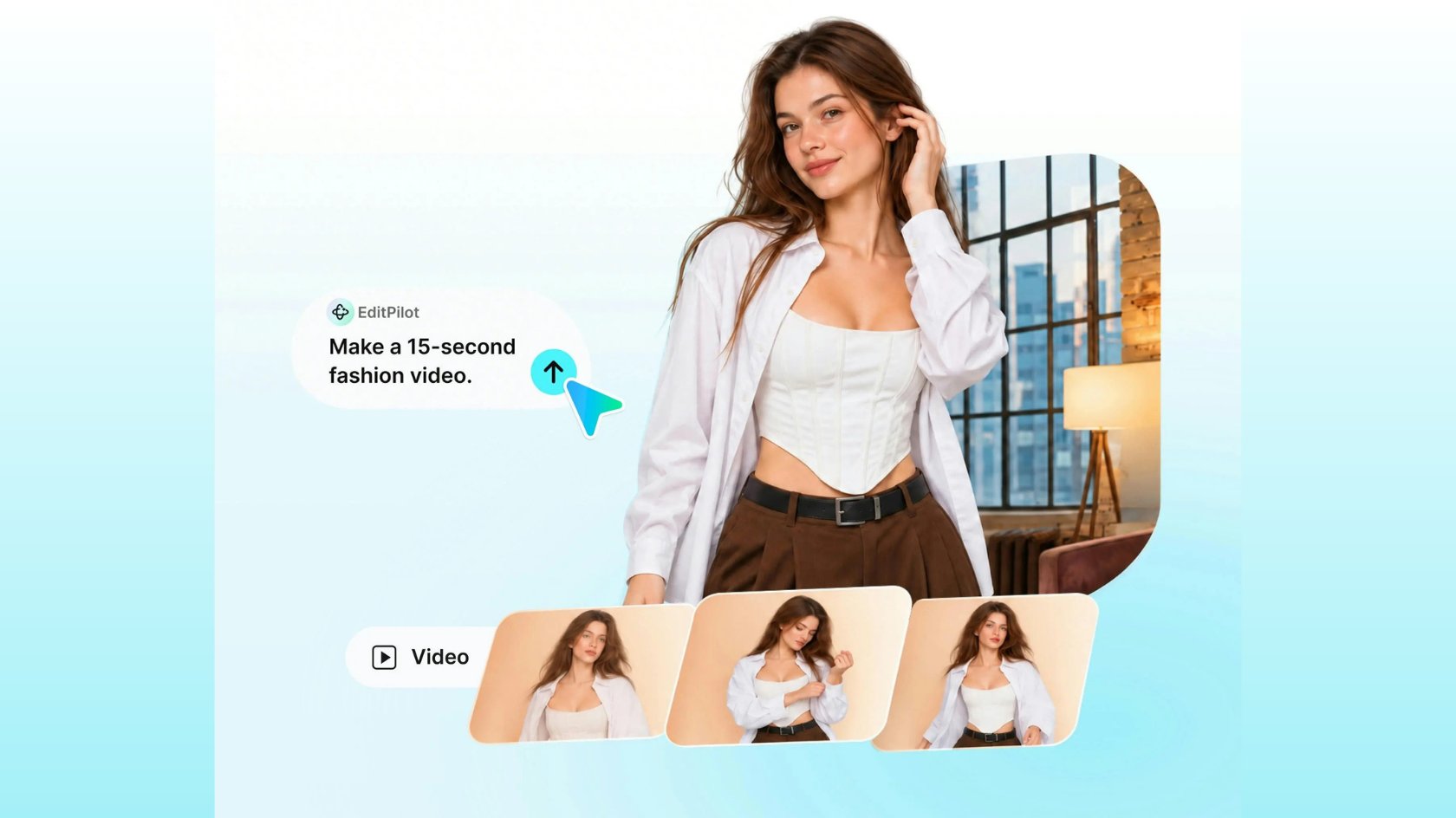
CapCut is a video editing app widely used by people creating content especially for platforms such as TikTok, Instagram Reels and YouTube Shorts. By combining traditional editing tools with AI-powered features, it is accessible not only to professional editors but also to beginners.
One of CapCut's main uses is making videos with speech easier to understand and watch. The automatic subtitle feature converts spoken words in a video into text, simplifying the subtitle process. Users can adjust how subtitles look, changing fonts and colors. This makes it faster to prepare subtitled content, which is common in vertical video formats.
The app also supports basic editing functions such as cutting, merging, adding transitions, audio editing, and using effects and filters. Users can quickly create social media content using ready-made templates. Some AI features offered in certain versions and regions provide additional options for editing text, audio and images. The availability of these features may vary by platform, country and subscription type.
CapCut's biggest advantage is that it brings different stages of video production together in one app. A user can import raw footage, cut unnecessary parts, add subtitles, use music and export the video in formats suited to different social media platforms.
Who is it for?
Social media content creators
People making short videos and Reels
Those who want to quickly add subtitles to their videos
Those who want to handle basic and intermediate video editing in a single app
2. Instagram Edits: A Video Tool for Instagram Creators
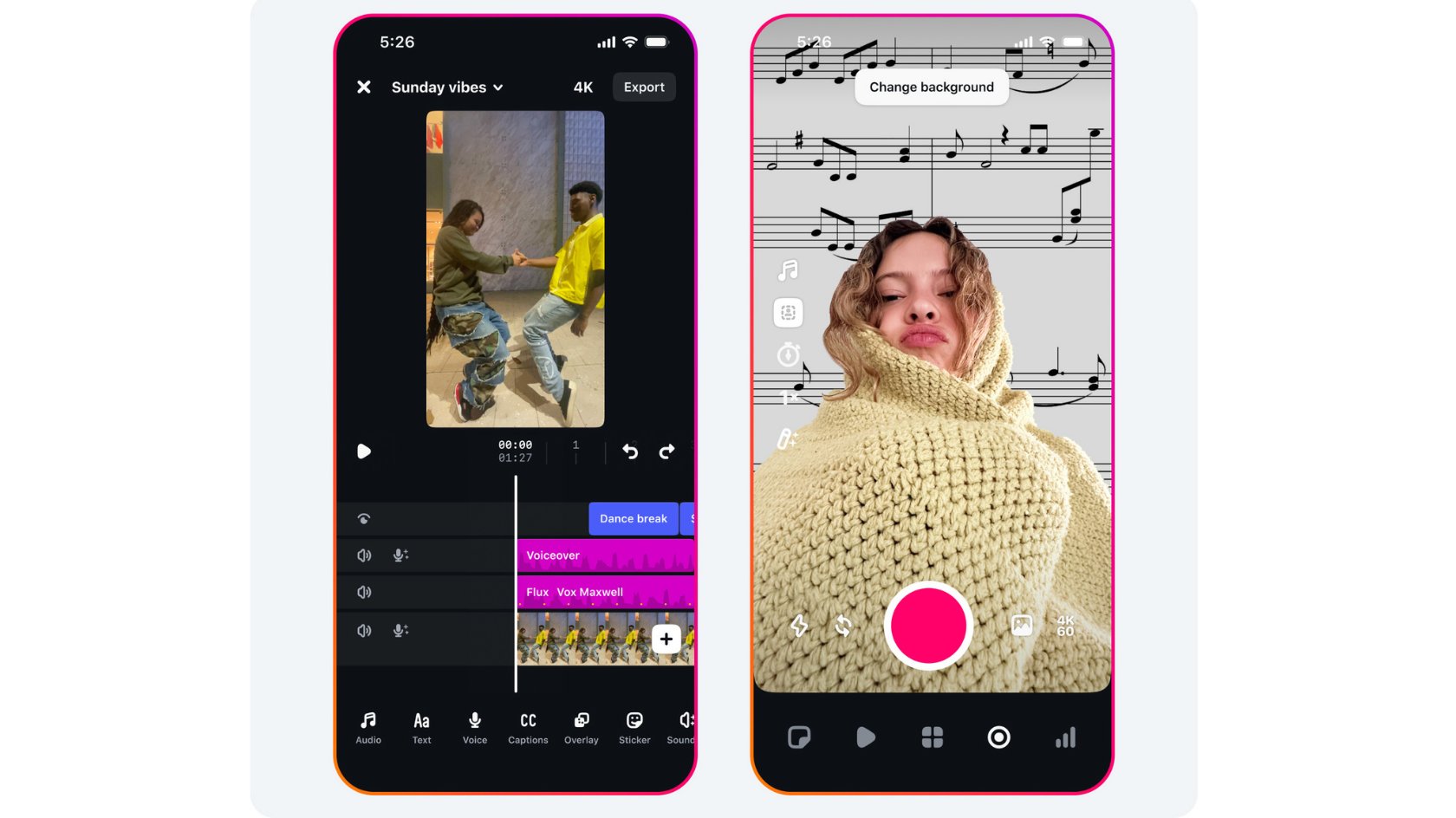
Edits is a video editing app that Meta has developed for Instagram content creators. The app aims to simplify the production process for users who prepare videos on mobile devices and share their content on Instagram.
Edits' approach is built around bringing the mobile content production process together in one place rather than offering a comprehensive desktop editing program. Users can edit video projects, combine clips, add audio and text, and prepare their content before posting. Project management and working with drafts can also make the content production process more organized.
One of the app's important aspects for content creators is that it offers a workflow connected to Instagram. This allows users to edit videos made for social media to fit the platform's vertical content formats. Meta adding new features to the app over time also keeps Edits evolving.
When comparing Edits with a broader editing ecosystem such as CapCut, it is important to consider the intended use. For users looking for an Instagram-focused, mobile workflow, Edits can be practical. Those looking for more extensive effects, templates and editing options for different platforms should also evaluate other video editors.
Who is it for?
Content creators preparing Instagram Reels
Those who want to edit videos on their phone
Those who want to manage drafts and projects in a mobile environment
Those looking for an Instagram-focused content production process
3. Picsart: Combines Visual Design and Video Content
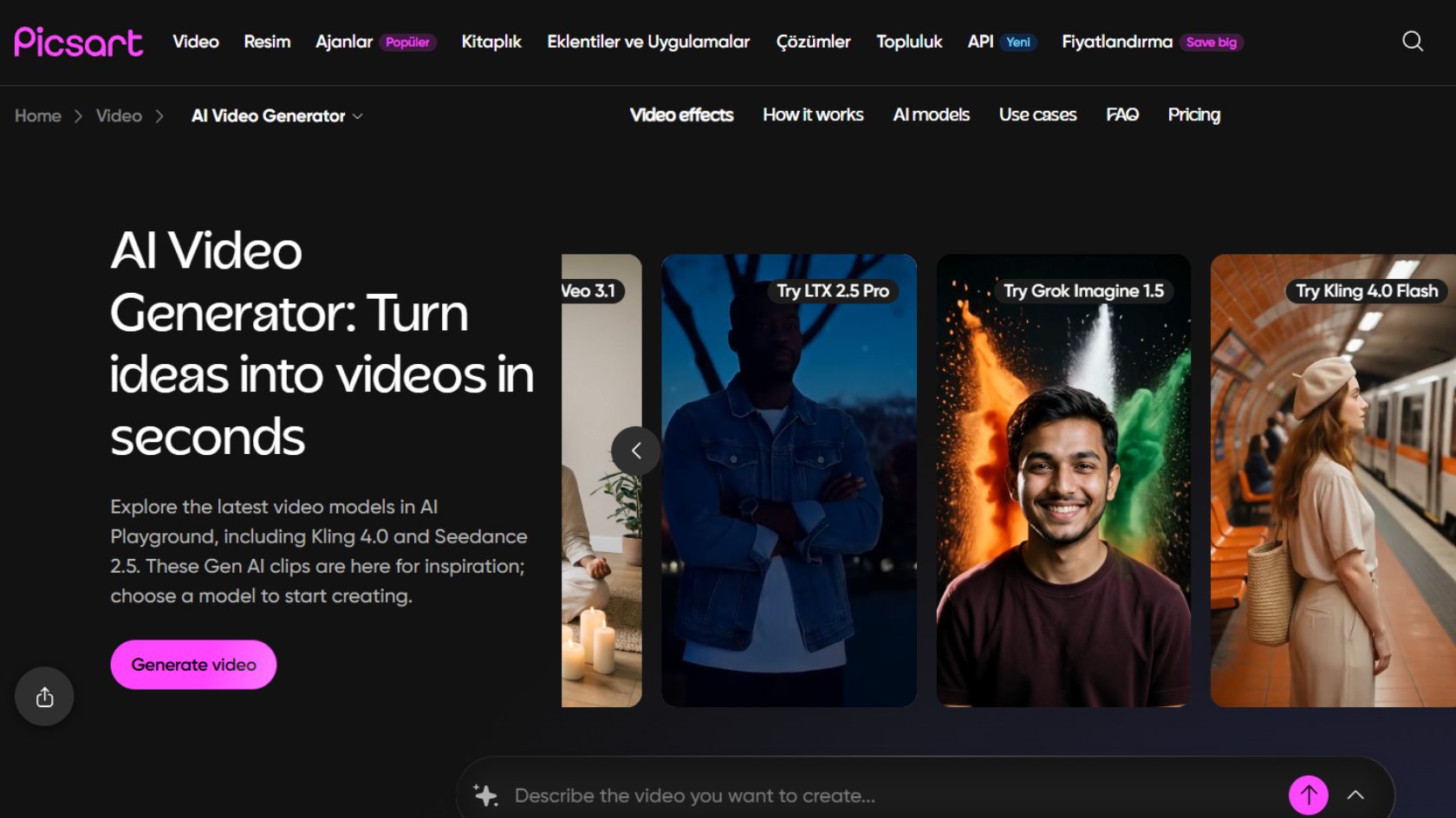
Picsart is a platform known for photo editing and graphic design. Over time, it has added video editing and AI-powered production features, expanding into a broader content creation space. In this respect, it serves users who want to prepare the visual materials needed for video, not just edit videos.
Picsart's tools include visual editing, background removal, applying effects, and adding text and design elements. The platform's AI features can help content creators at different steps, from the idea stage to preparing visuals. Available features may vary depending on the selected plan and platform.
Picsart's advantage in video production is that it brings design and editing tools together in the same ecosystem. For example, a user preparing a social media campaign can first edit product visuals and then use those visuals in video content. This can reduce the need to constantly switch between different apps.
That said, it is worth noting that Picsart should not be directly compared with generative video models such as Runway or Kling AI. Picsart stands out mainly as a platform that supports design, visual editing and content preparation processes. Video generation is one part of this broader toolset.
Who is it for?
Those who prepare social media designs and videos together
Small businesses producing product presentation content
Those who want to edit visual materials with AI
Those who prefer to handle photo, graphic and video work on the same platform
Tools for Creating Video from Text and Images
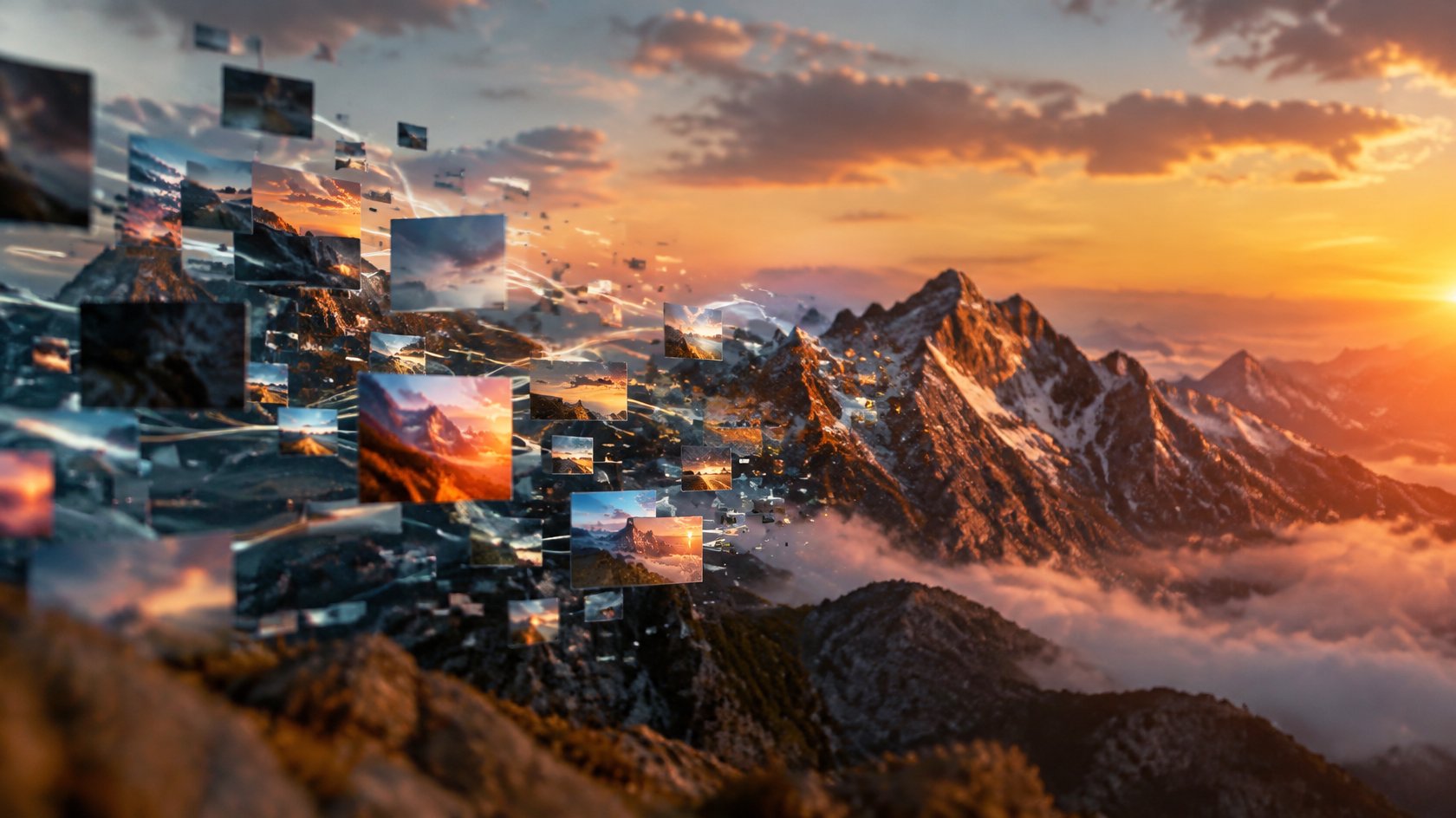
Traditional video editing apps focus on processing existing footage, while generative AI tools can create new scenes. In these systems, users can describe the scene they want in text or upload an image and bring it to life.
Text-to-video generation offers options especially for scenes that are difficult or expensive to film. In image-to-video generation, an existing photo, illustration or design can be turned into a moving scene. Runway, Kling AI and Kaiber are among the tools worth considering in this area.
4. Runway: Generative Video and Creative Control
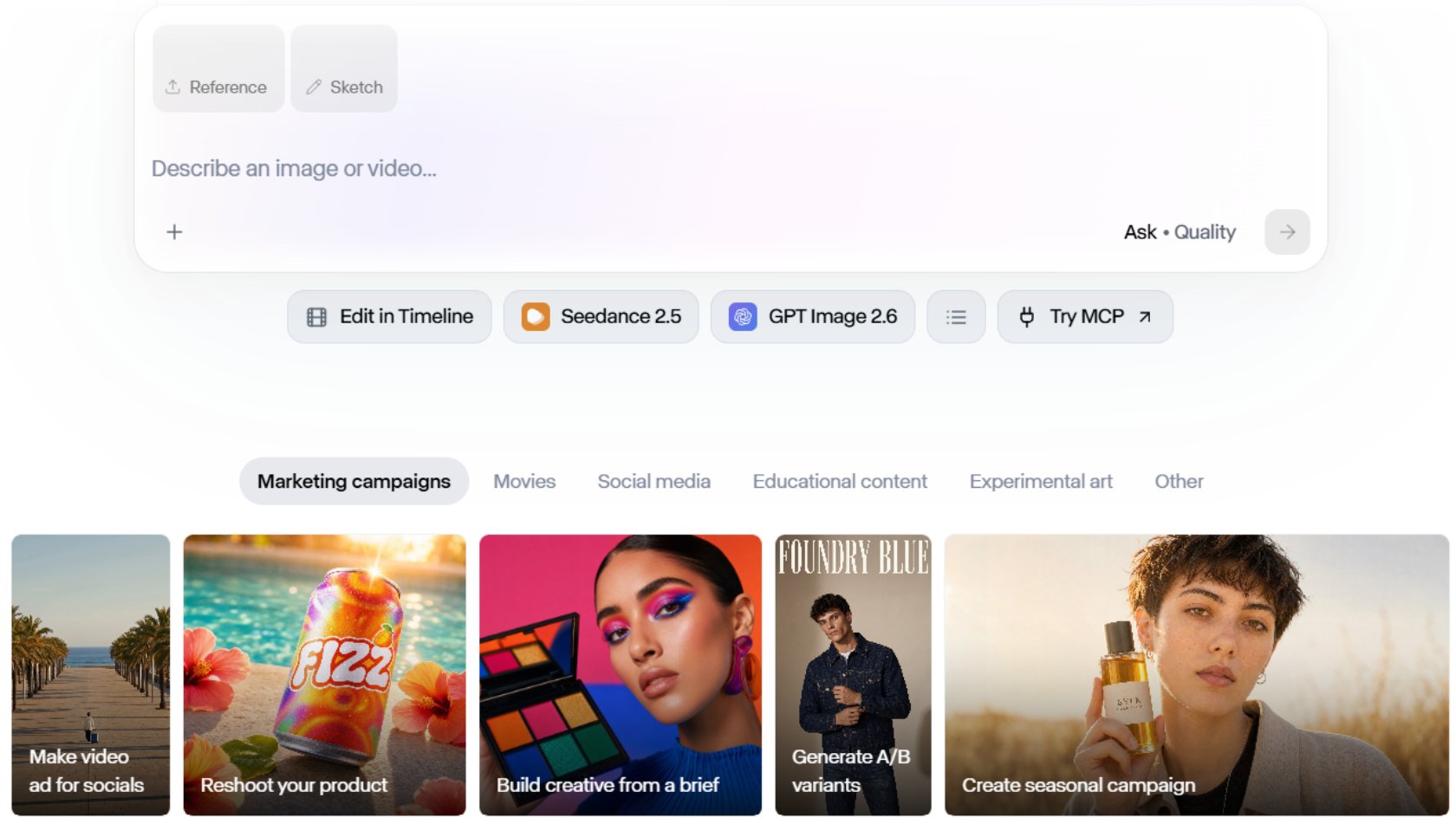
Runway is one of the leading platforms for creating video with generative AI. It offers models that generate video scenes based on text prompts and image inputs. Its use cases include advertising concepts, short cinematic scenes, creative social media content and visual storytelling projects.
One of Runway's key features is that it lets users create video by entering only a text prompt. For example, a description such as “a cinematic shot of a person walking down a rainy street” can serve as a starting point for the model to interpret the scene. In suitable tools, users can also upload an image and try to generate moving video from it.
In generative video tools, the quality of the prompt directly affects the quality of the result. When the character's actions, how the camera moves, the lighting of the environment and the visual style of the video are clearly described, it is possible to achieve more controlled results. The various generation and editing tools Runway offers can also be used at different stages of this process.
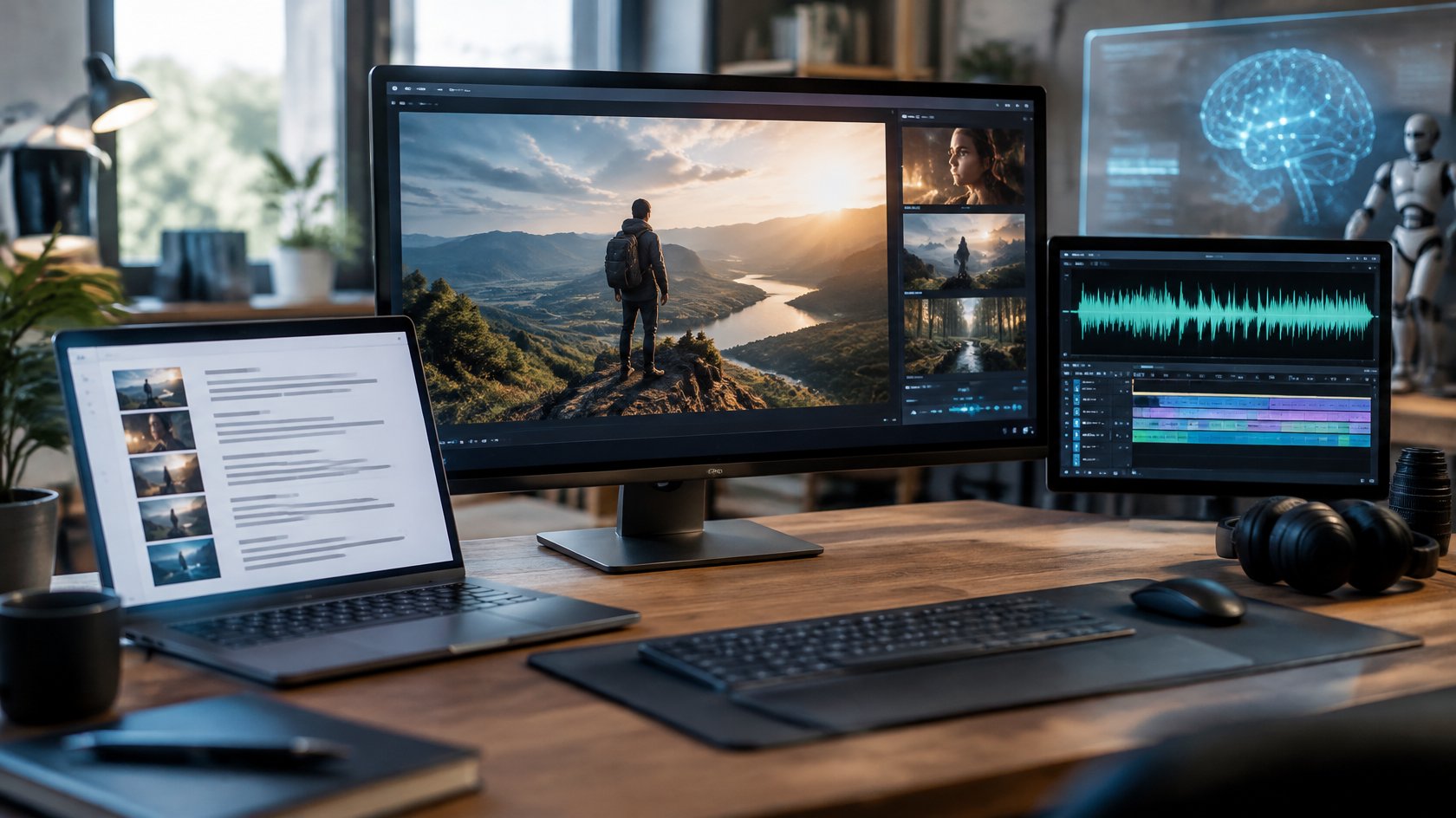
Another use of Runway is that it is not limited to generating video from scratch. Depending on the platform's models and tools, it may also be possible to modify existing footage, extend scenes or enhance visual storytelling. However, not every feature may be available in every model or at every subscription level.
Runway can be worth considering for users who want creative control and different generation options. That said, outputs from generative video models may not always produce the desired result on the first try. Particularly with character consistency, physical consistency of objects and complex movements, regeneration and editing may be needed.
Who is it for?
Creative teams producing advertising and promotional videos
Those who want to create short cinematic scenes
Those experimenting with creating video from text or images
Those who want to develop visual storytelling with generative AI
5. Kling AI: Realistic Motion and Image-to-Video Generation

Kling AI is one of the generative AI platforms used for text-to-video and image-to-video creation. It offers various options especially for users who want to animate static images or create new scenes from text prompts.
With Kling AI, you can describe a scene in text to generate a video or upload an image to create a moving version of it. Image-to-video generation can be useful for those who want to turn character designs, product visuals, illustrations or concept work into short video scenes.
In these systems, how the motion is described matters. Rather than simply saying “the camera moves,” specifying the direction the camera will travel, what the character will do and how other elements in the scene will change can provide a more controlled production process. For example, a prompt such as “as the camera slowly approaches the character, the trees in the background gently sway in the wind” describes the movement structure of the scene more clearly.
Kling AI's different versions and generation options may change over time. For this reason, it is important to check details such as resolution, video length, credit usage and available features before generating. Free use or trial options may also change periodically.

Kling AI can be worth considering especially for users who want to create video from images and turn static designs into moving content. However, in complex scenes, it may not always be possible to keep a character's appearance and the position of objects consistent in every frame.
Who is it for?
Designers who want to animate their visuals
Those preparing product and concept videos
Content creators who want to try text-to-video generation
Those who want to create short, eye-catching social media scenes
6. Kaiber: Video Generation Focused on Music and Visual Expression
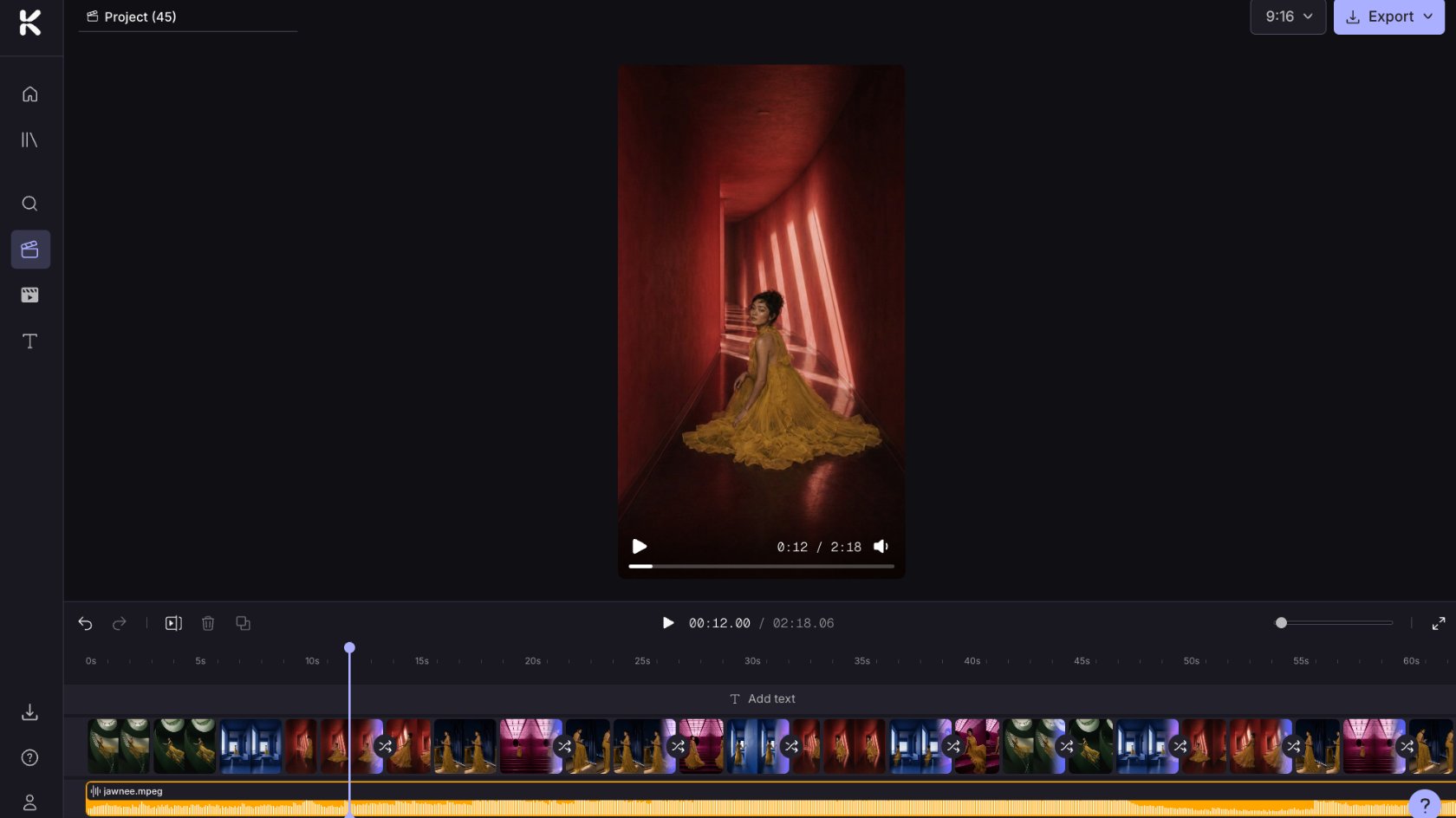
Kaiber is a generation platform that users interested in music-related visual content, stylized scenes and experimental video work may consider. Features such as animating images and creating video in different visual styles set Kaiber apart from classic video editing apps.
Kaiber's use cases include music videos, animated artworks, social media content and visual experiments. Users can support their ideas with visual inputs and text prompts to create scenes with a particular aesthetic. This approach is especially meaningful for those aiming for stylized and artistic expression rather than realistic footage.
The creative generation approach of the platform takes the video creation process beyond purely technical editing. An artist can design moving visuals to accompany a piece of music, while a content creator can produce short videos around a specific color palette or visual atmosphere.
When using Kaiber, it helps to define the desired aesthetic style at the outset. For example, if you want a surreal, drawn-looking, abstract or cinematic appearance, these preferences should be stated clearly in the prompt. Beyond that, the tempo of the music, scene transitions and the rhythm of visual movements can also be considered during production.
Kaiber's features and plans may change over time, so it is necessary to check current plans and generation options before using it. In addition, you may need a separate video editor for the final editing of videos produced with generative AI.
Who is it for?
Those preparing music-focused video content
Artists who want to create experimental and stylized visuals
Those aiming to turn their visuals into moving works
Content creators seeking a visual expression different from classic filming
A Production Workflow with ChatGPT, ElevenLabs and Video Tools
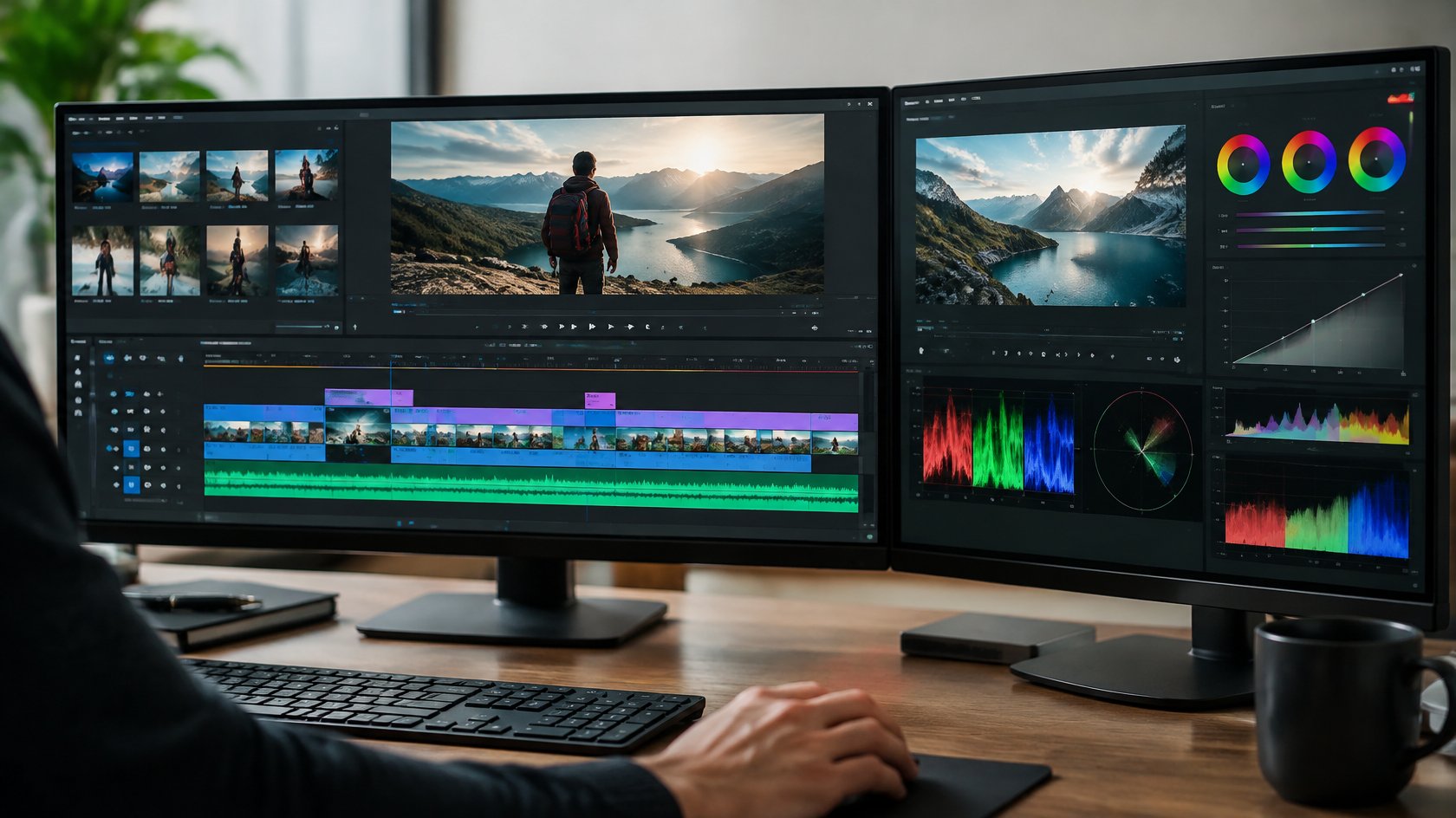
Creating video with AI is not just about writing a single prompt and downloading the result. For more controlled work, it is helpful to separate the stages of scripting, image generation, voice-over, video generation and editing. Using different tools together at these stages makes the production process more flexible.
As an example, let's consider preparing a 30 to 45 second social media promotional video for a technology product.
Idea and script: ChatGPT
In the first stage, the target audience, main message and length of the video are determined. You can ask ChatGPT to prepare a short script, scene plan and voice-over text. The script should not consist only of narration; it should also describe what will be seen in each scene.
Voice-over: ElevenLabs
Once the script is complete, the narration text can be turned into voice-over. ElevenLabs is one of the tools that can be used for text-to-speech and sound design. You can read the text with a suitable voice profile and try different voice options according to the video's narrative tone.
Rather than using the voice-over text as one long paragraph, it is more practical to split it into scenes. This way, the duration of each section can be matched with the visuals. Pronunciation, emphasis and pauses can also be controlled so the voice sounds natural.
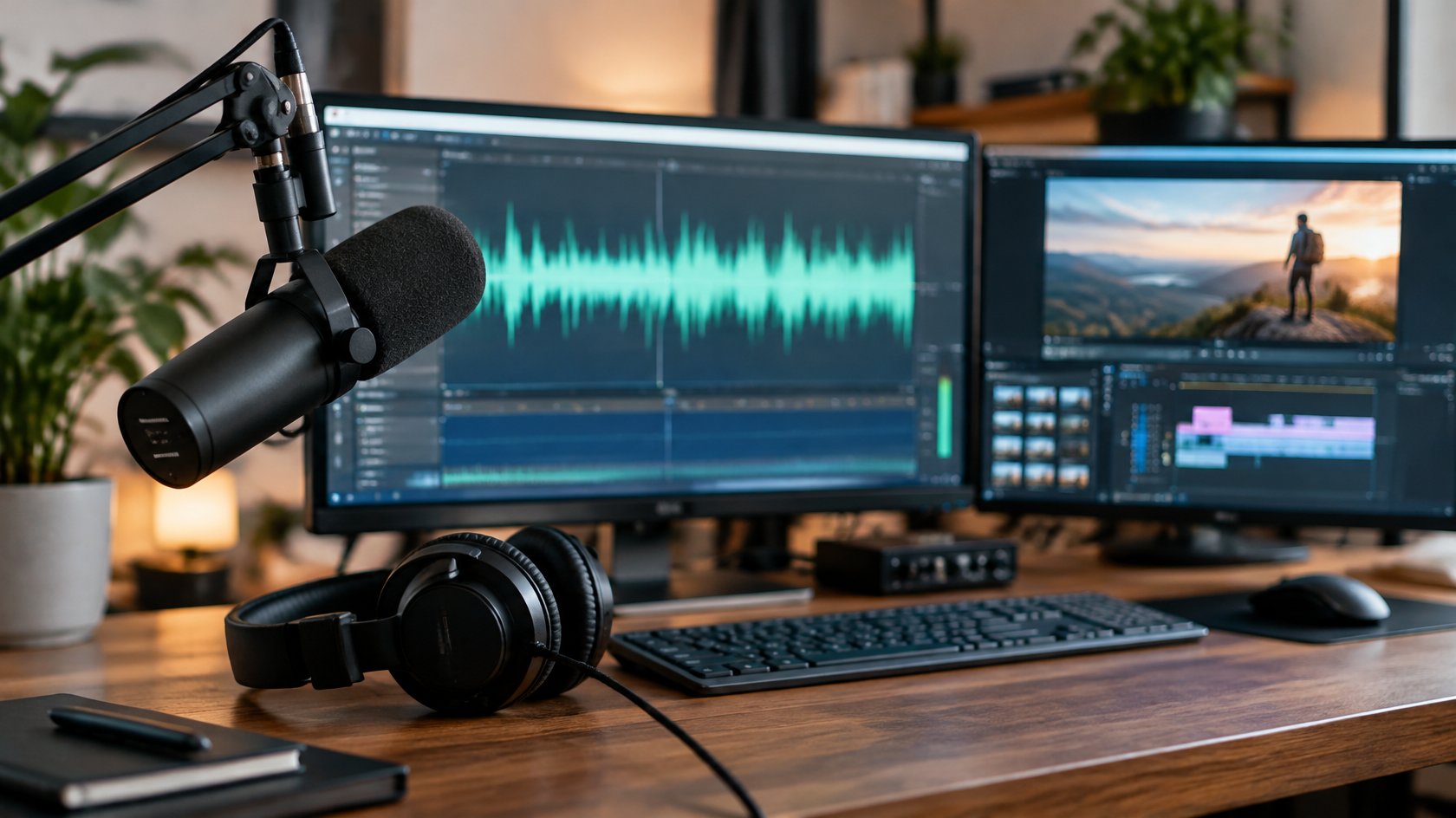
Visual generation: Kling AI or Runway
Scene descriptions are turned into prompts to be entered into a video generation tool. Creating a separate video for each scene can provide more control over editing than generating one long video.
Editing and final touches: CapCut
The generated scenes are transferred to CapCut. At this stage, the order of clips is set, unnecessary sections are cut, the voice-over is matched with the visuals and subtitles are added. Background music and transitions are also arranged according to the overall rhythm of the video.
In the final stage, the video is exported in the format of the platform where it will be shared. The vertical 9:16 format can be preferred for Reels and Shorts. However, before exporting, you should check image quality, audio levels, subtitle readability and how the video looks on different screens.
Using every tool in this workflow is not mandatory. For example, if you are working with existing footage, the Runway or Kling AI stage can be skipped. The goal is to reduce unnecessary steps by choosing the most suitable tool for each task. On the other hand, AI can also be used beyond creating video, for instance to analyze and manage existing videos with Skiv.
Writer