



What is Beam Win? Close to Productivity Tool
Automatically translated
 Writer
As digital work habits have changed, they are expected from productivity tools. With the prevalence of artificial intelligence agents, local language models and automation systems, users now want to easily access processes that are not only working on computers, but on different devices. Beam Win stands out as one of the new generation software that is fully focused on this need.
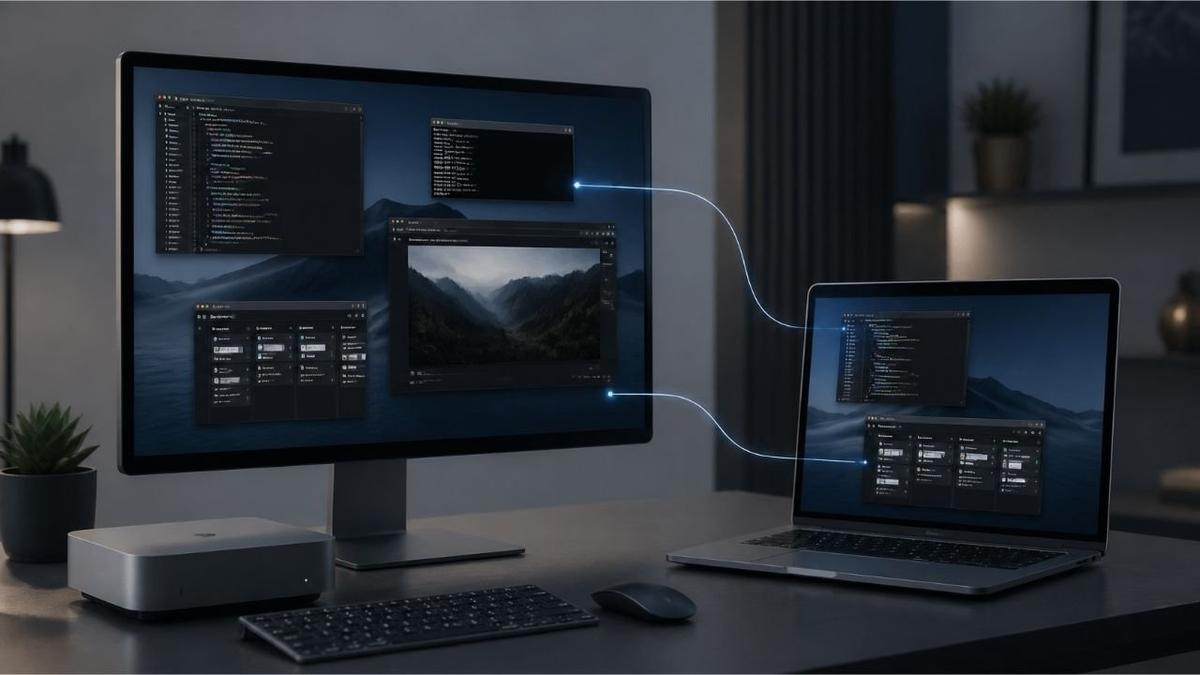
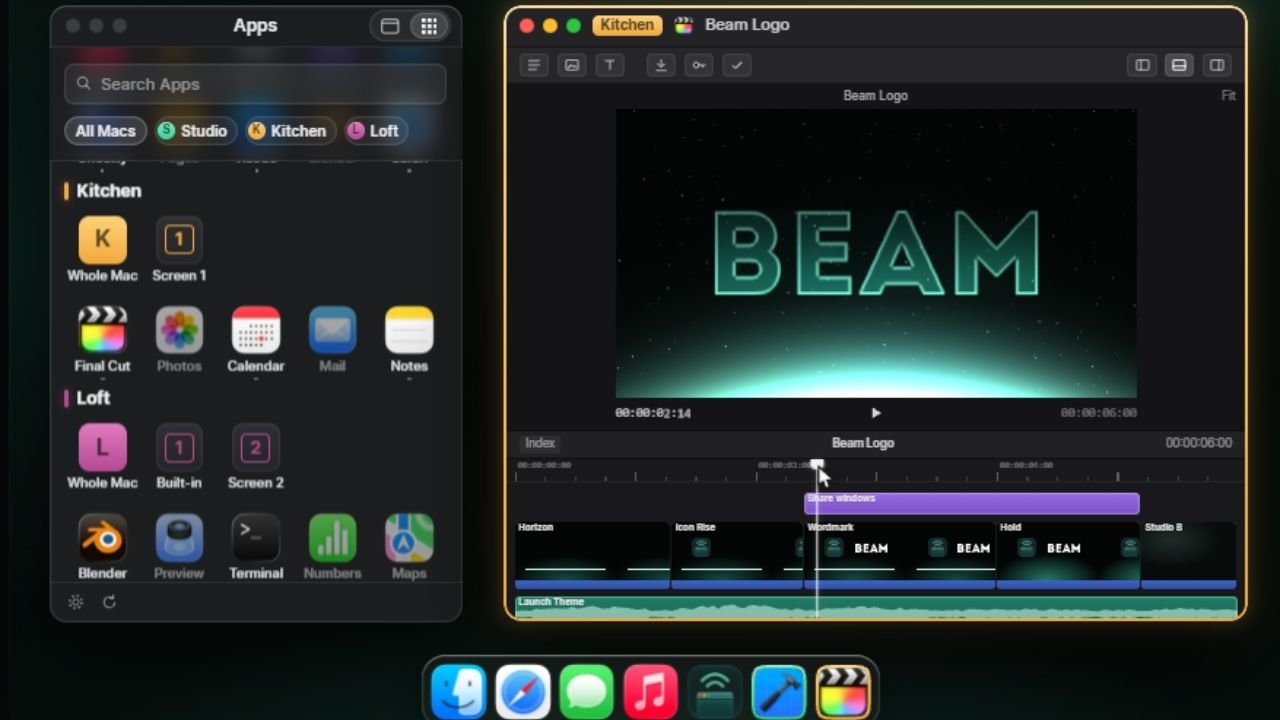
Beam. Tagsallows users to view and control the application windows open on a Mac computer on another Mac. Thus, users do not need to connect to the entire desktop of the remote computer or open a different display sharing session. Instead, they can only move the application window to their own desktops.
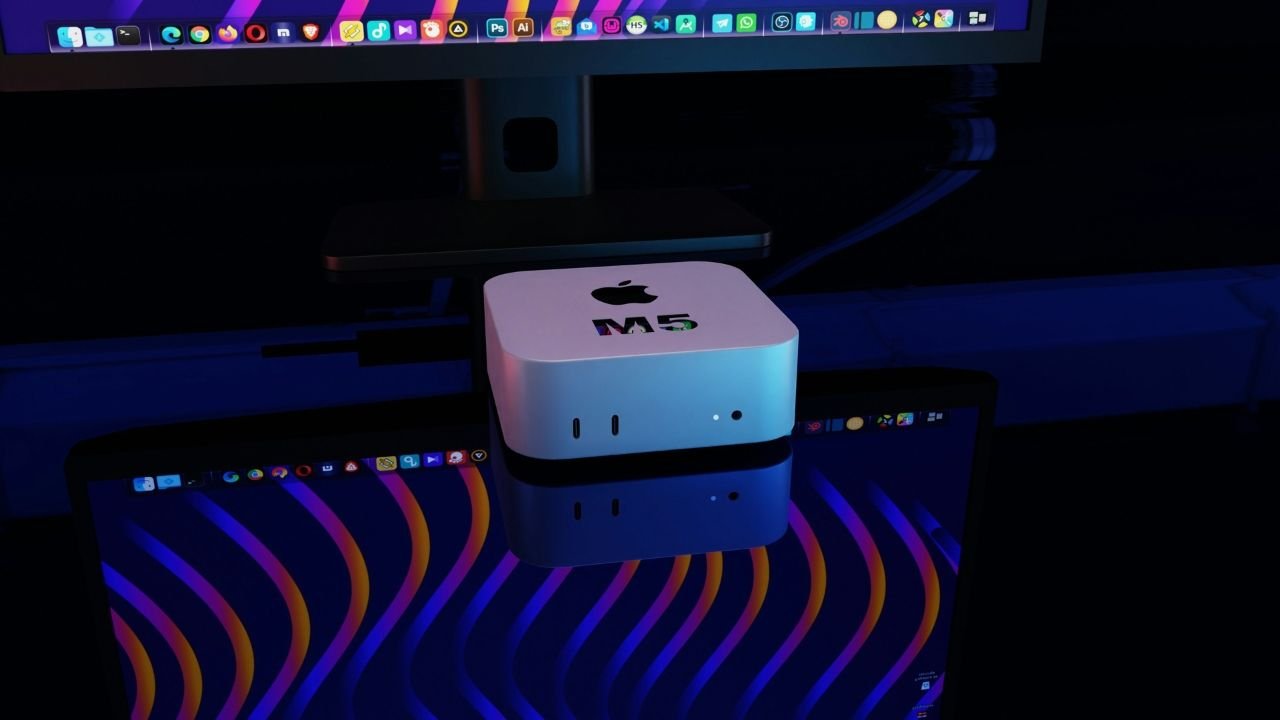
Designed specifically for developers, software teams and professionals who run artificial intelligence agents on devices such as Mac mini or Mac Studio, Beam aims to make the work experience more integrated between devices.
Beam introduced on Product Hunt on 19 October 2026. Tagsattracted attention to the categories of productivity, developer tools and artificial intelligence. The product stands out as the number one product of the day on the launch day on the platform. But the main remarkable side of Beam facilitates access to computers where existing AI systems work rather than developing artificial intelligence model.
What is Beam Win?
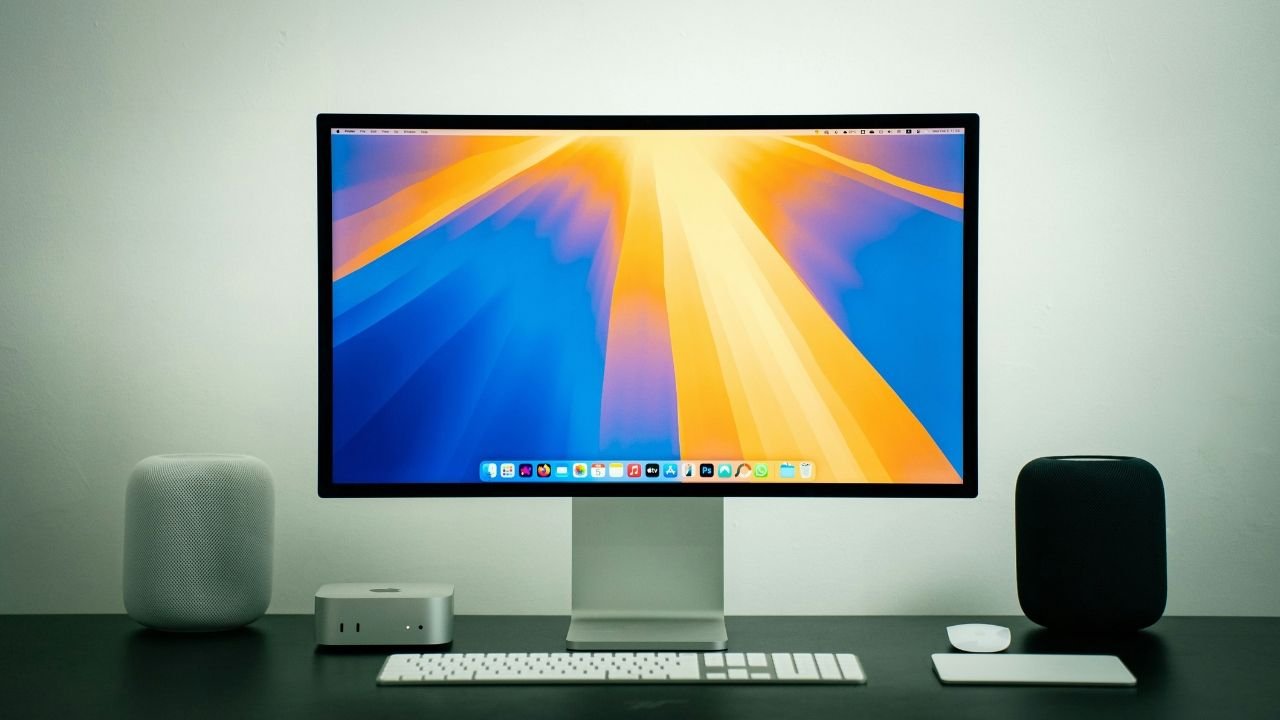
Beam Win is a desktop software that allows you to share application windows directly between different Mac computers. The main purpose is to reduce the limitations of traditional screen sharing experience while making it possible to use the app running on a computer via another Mac.
Users in traditional remote desktop applications often connect to the whole screen of another computer. In this case remote device is managed in a desktop, open windows and applications. Beam brings only the selected application window to the user’s existing desktop by changing this approach.
For example, a user can open the Terminal window of an artificial intelligence agent working on the Mac mini in his house, next to the MacBook. It can also use the browser, development environment or other desktop application, which is open on the computer far away.
Moreover, the shared window looks like an ordinary macOS app window on the user’s computer. The dock has its own icon and can be used when switching between other applications with Command + Tab shortcut.
The main difference of Beam is that the remote computer will make the desktop accessible separately instead of offering it as a video image.
How Does Beam Win Work?
The working logic of Beam is based on direct connection between two Mac computers. It is necessary to upload Beam to computers that users will use both applications and share application windows.
After installation and account connection is completed, the user can view the apps that are open on other Mac. When you select the window you need, the application opens on their computer.
In this process, the application itself continues to work on the source computer. Beam does not carry the working environment of the application to other computer; it makes its window accessible remotely.
Discrete Application Windows
One of the most pronounced features of Beam can share windows of certain applications instead of the entire desktop.
For example, code development environment on a Mac Studio, Terminal and browser can be open at the same time. The user can bring only the two required by this three application to the other Mac.
Thus, without dealing with unnecessary windows, you can access the corresponding work area directly. Especially for users who follow multiple projects simultaneously, this approach can provide a more regular desktop experience.
Control Remote Applications
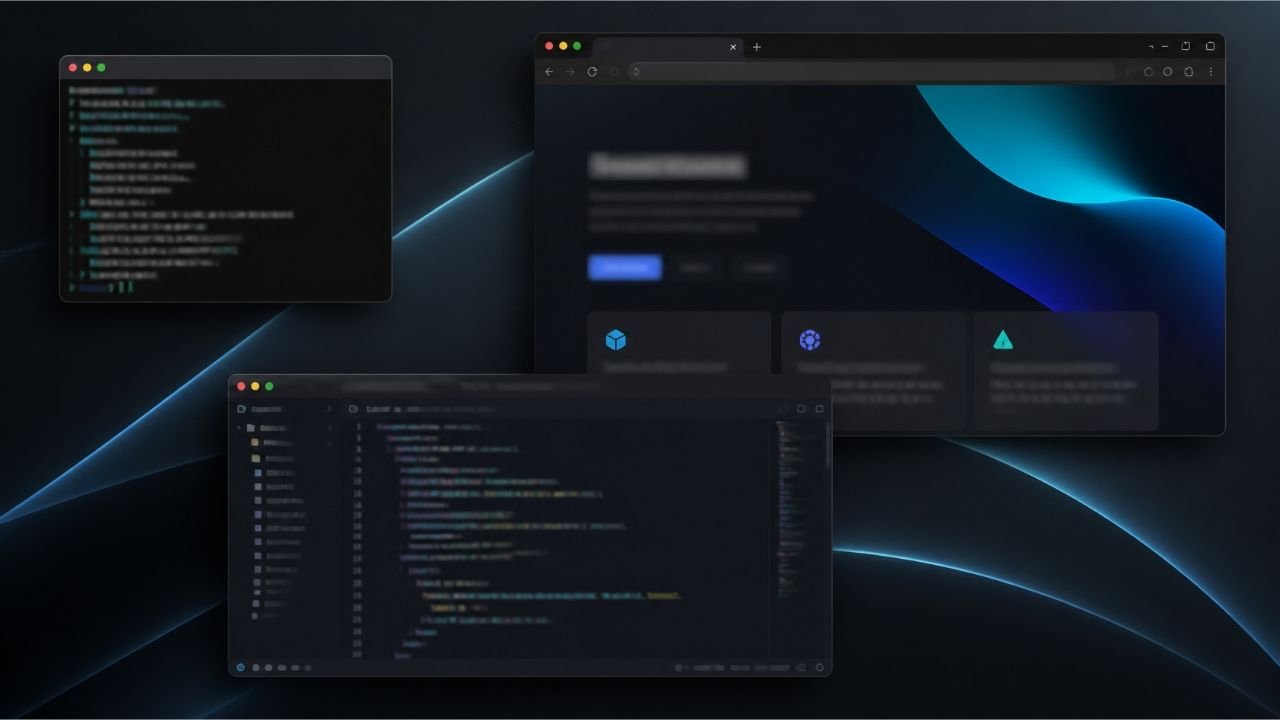
Beam does not only realize image transfer. Users can also use keyboard and mouse entries via shared application windows.
In other words, it is possible to write commands to the Terminal running on the remote Mac, process in the browser or check a development app.
The size of the shared window can also be changed from the computer with the user. Beam keeps the actual size of the window according to the source computer.
File Transfer and Voice Support
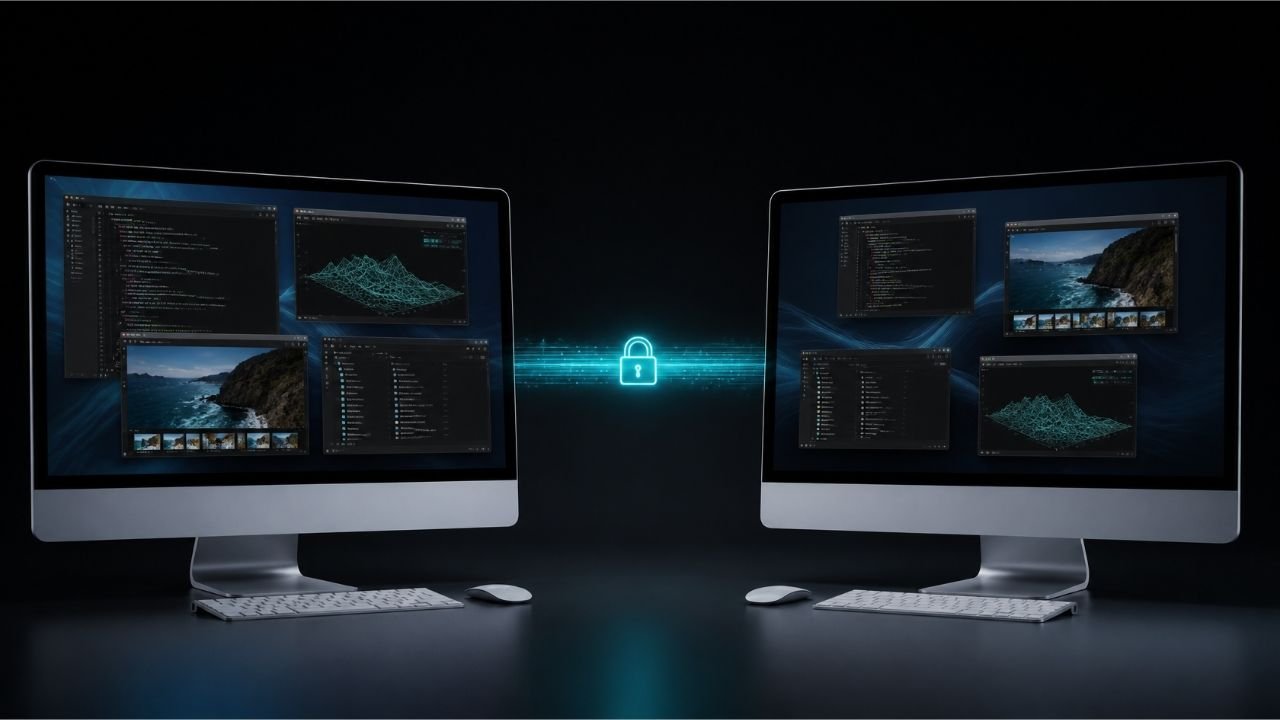
Beam supports file handling between different Mac computers. Users can transfer files from one computer to another with drag-drop or copy-stick methods.
It is also possible to listen to the voice of the shared app on the other Mac. Thus, audio notifications or media contents of an application running on the remote computer are transmitted to the computer used.
These features make Beam more comprehensive than two computer interactions by not only being a remote display tool.
What Are Beam Win Featured Features?
The features that Beam offers are especially focused on facilitate the operation scheme of people using multiple Mac.
Direct Mac-Mac Connection
Beam can connect directly through the local network between computers. Devices connected to the same Wi-Fi network can communicate with this method.
In order to connect between Mac computers in different locations, Tailscale support can be used. Thus, even if a computer is at home, in the other office or in a different city, it is possible to access the application windows.
Opening Multiple Windows Same Anda
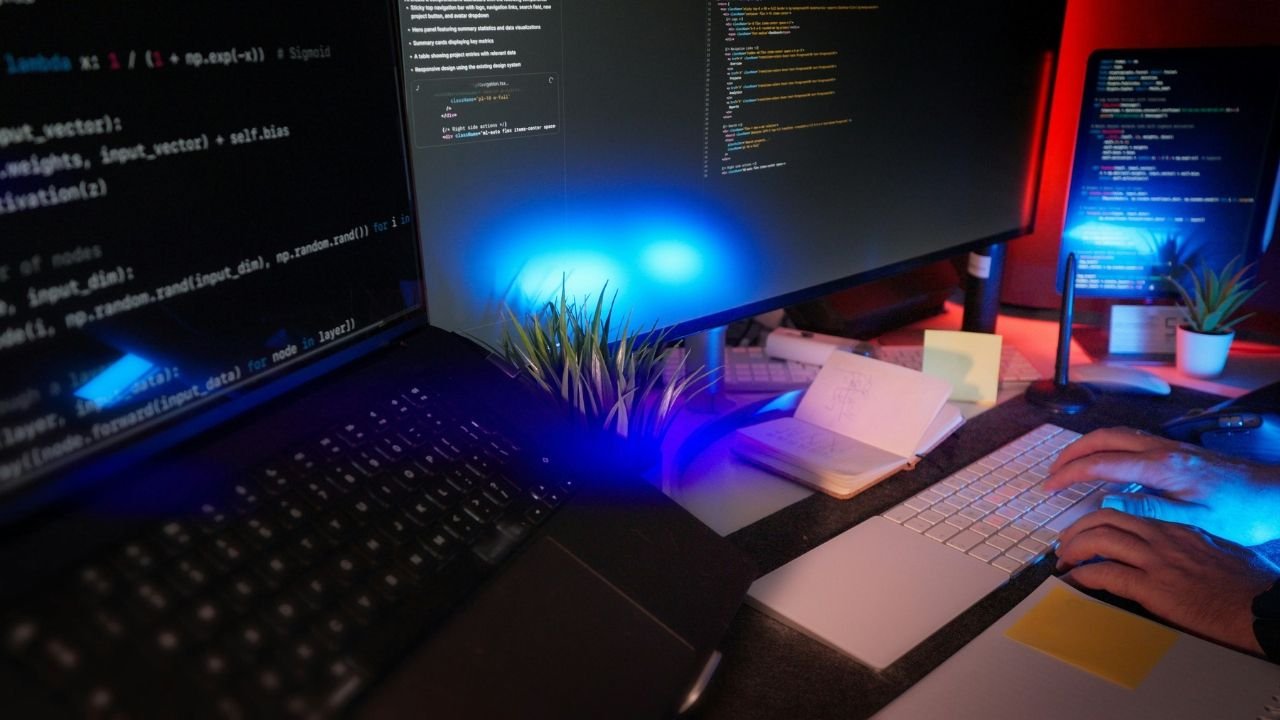
Users do not have to stay limited to a single application. Different application windows on multiple Mac computers can display on the same desktop.
For example, the terminal window on a computer can be used side by another computer with code development environment. This feature helps track work carried out on different devices in one working area.
Screen and Computer Sharing
The usage area of Beam is not limited only to monopoly application windows. Users can also share a whole screen or computer when they need.
This feature ensures that transactions carried out on the remote computer are controlled from a wider perspective.
Work with Unscreened Mac Computers
Beam is one of the particularly remarkable usage scenarios, Mac computers running without screen or keyboard connected.
These systems called Headless Mac are usually created with positioning of devices like Mac mini or Mac Studio continuously.
For example, a user can run software compilation operations or artificial intelligence agents on Mac mini in his house. Daily work can be maintained via MacBook. With Beam, it can be accessed when applications running on Mac mini need windows.
Access From Mobile Devices to Browser
Beam’s sharing links allow users who have not installed the app to access certain windows via the browser.
These links can be opened on different devices such as phones or tablets. Thus, users can view shared apps on different devices that are not only between Mac computers, but also browser support, and control in the permitted cases.
How Can Be Used Together With Artificial Intelligence Agents?
One of the important reasons for the attention of Beam is that artificial intelligence agents are directly associated with the working format.
The user in traditional AI applications often asks a question and responds from the system. But new generation AI agents can work on computer to perform certain tasks, use tools, write code and manage processes consisting of multiple stages.
Some of these systems are continuously used on computers or specially separated devices. Therefore, it is important that users can access these computers when they need.
Beam is positioned as a tool that provides access to computers that AI agents themselves work instead.
Managing Employee AI Agents On Mac Mini
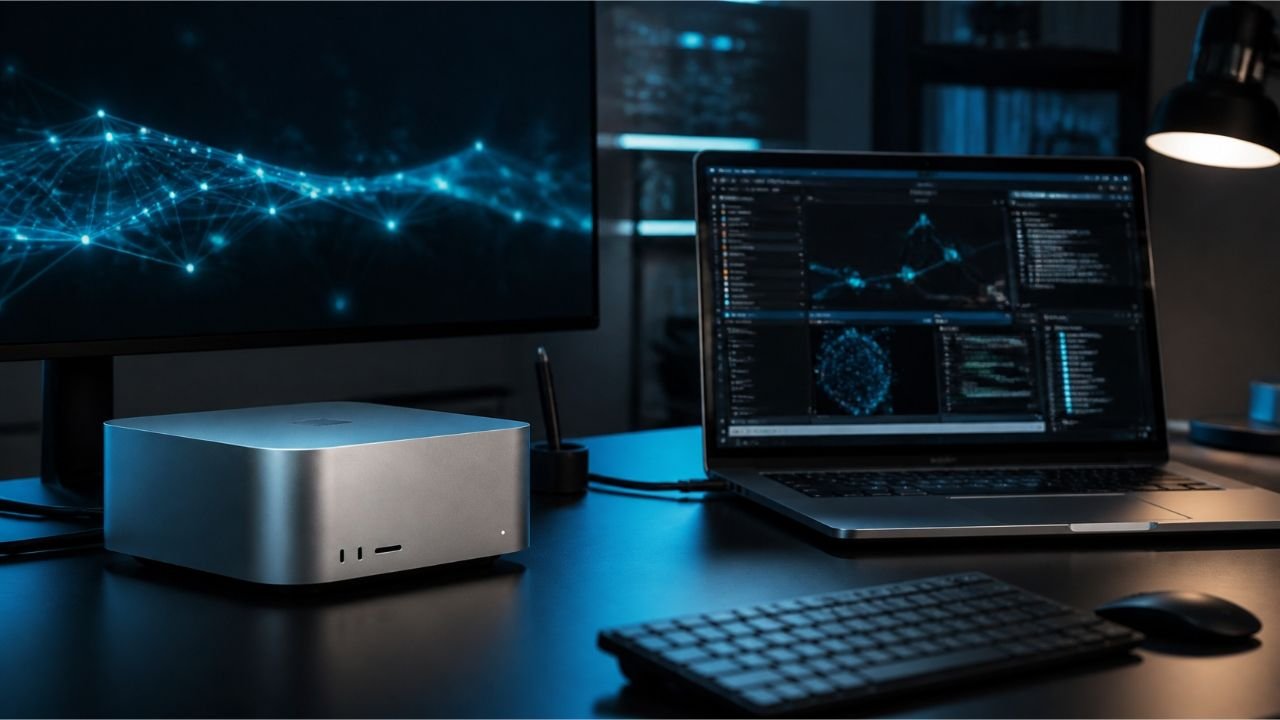
Mac mini is one of the preferred devices of users who want to run local AI applications due to its compact structure and desktop computer features.
A user can run a local language model, coding agent or automation system on Mac mini. However, in this process you may need to follow the Terminal window, browser or related application.
Thanks to Beam, the user can open the windows of these apps via another Mac without being at the beginning of Mac mini.
For example:
Transactions carried out through the Terminal of an AI agent can be followed.
Applications used in code development process can be controlled remotely.
Automation systems running through the browser can be viewed.
Ongoing projects on different computers can be followed on the same desktop.
In this scenario, Beam does not perform the tasks of the artificial intelligence agent itself. Not only makes the agent access to applications on the computer it works.
Use Area For Local Artificial Intelligence Models
Local AI models allow transactions to be performed directly on the computer of the user. In some cases, data control can provide advantage in reducing dependence on the internet connection and evaluation of hardware resources.
However, the computer operated by local models does not need to be located next to the user.
Beam can create a more flexible working layout by providing access to Mac computers with such systems from a different device.
For those who want to examine the logic of the work of AI agents more detailed What is Artificial Intelligence Agent (AI Agent)? The content titled offers a relevant source.
Beam Win Suitable For Who?

The target audience of Beam consists of people who need application access between multiple Mac computers and devices rather than all of the general users.
Software Developers
Software developers can perform code development, testing and assembly processes in different computers. Beam can reduce the need to switch between devices by providing access to application windows used in these processes via another Mac.
It can be useful especially for those who want to check employee development environments on Mac mini or Mac Studio via MacBook.
Artificial Intelligence Researchers and AI Developers Home
People working with local models, coding agents and automation systems are among important groups of user targeting Beam.
These users can position their constantly running computers as a separate working station and access the application windows they need from their own computers.
Remote Employee Professionals
Professionals using multiple Mac can track their ongoing work on different devices on a single desktop.
For example, it can be possible to access a application that is open on the computer in the office or check the working station in a different location.
Content Manufacturers and Designers
Source intensive processes such as video editing, audio design and visual production can be executed on different computers.
Beam can help users to track working processes through different devices by providing access to application windows on these computers. However, the processes requiring performance are carried out on the source computer where the application works again.

Is Beam Win Safe? Privacy and Data Protection
A key assessment criteria in applications that perform display, keyboard, mouse and file transfer between multiple computers.
The application windows shared according to the image privacy policy of Beam, keyboard and mouse entries, panel data and audio are transferred directly from two Macs. The company states that these links are encrypted and that the content in question does not exceed their servers.
Beam also uses a structure based on the approval of connected computers as reliable devices.
The e-mail address for the user account in the privacy policy is explained on the server side of the data such as device name, device model, device ID, link information and subscription plan.
However, there is an important distinction: It does not mean that the content of the application windows is not collected directly between computers, no data for account and device management.

Beam’s privacy policy also states that the application needs screen recording and accessibility permissions. These permissions are used for displaying the shared window and transmitting the user’s keyboard-fare entries to the corresponding computer.
So before using the app, it is necessary to examine what permissions are asked and what processes these permissions are used. For official explanations Beam Privacy Policy The page should be followed.
Is Beam Win Free? How to Pricing?
Beam offers subscription and lifetime license options as well as free usage option.
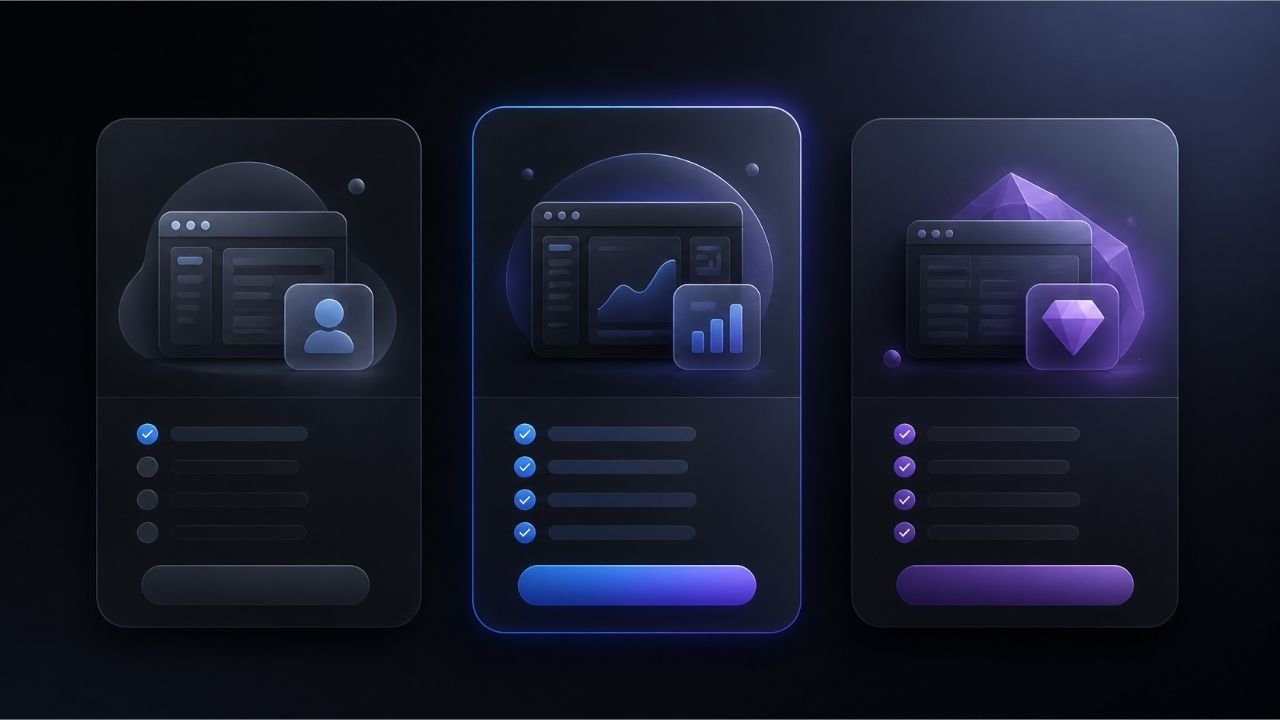
The plans described in the official pricing page are as follows:
Free: Free use. Users can add Mac computer to the system as much as they want and access other Macs for 20 minutes a day.
Subscription: Annual payment option is indicated as $84. This corresponds to 7 dollars per month. Unlimited usage and sharing connections are offered.
Lifetime: Lifelong usage and future updates are offered with one-time payment in exchange for $ 199.
The point you need to pay attention here is that the free plan is not completely unlimited. Users can access windows on other Mac computers for 20 minutes every day. For longer use, one of the paid plans needs to be preferred.
Prices and plan coverage may vary in time before purchase Beam Official Pricing Page It is necessary to check the current information through it.

Differences Between Beam Win and Traditional Screen Sharing
To better understand the approach that Beam offers, it is necessary to evaluate the difference between traditional screen sharing applications.
The user on traditional screen sharing tools displays the desktop of the remote computer. Open applications, desktop icons and other windows are available on the same screen.
Beam separates application windows from each other and brings the user to their desktop.
The advantages of this approach are:
More regular working area: The user can only open applications needed.
Application based access: Specific windows can be used instead of connecting to the entire desktop.
macOS integration: Shared windows appear in Dock and Command + Tab.
File and audio transfer: The application can be exchanged files and audio transfer over windows.
Access from different locations: Can be installed on the local network or Tailscale.
These features distinguish Beam from classic screen sharing. However, which solution is more convenient, depends on the user’s working format and needs.
Advantages and Limitations of Beam Win
The most important advantage of Beam is to manage jobs carried out on multiple Mac computers through a single desktop.
For users with a Mac mini or Mac Studio, especially constantly running, it can provide an important convenience to access application windows separately.
However, there are some limitations of the product.
First, Beam focuses on Mac ecosystem. There is no information on how to offer the same usage experience in complex device layouts including Windows computers.
Secondly free plan has a 20 minute usage limit per day. People who want to use the app constantly need to evaluate their paid plans.
Thirdly Beam is not an artificial intelligence agent or workflow automation platform. The user does not plan task instead, does not produce content or make independent decisions. Easy access to systems that perform these operations.
This distinction is important to understand the location of Beam in the AI ecosystem.
How to Position Between Beam Win Productivity Tools?
Artificial intelligence is not limited to processes such as productivity tools, text creation or information search. Solutions that help users connect between different applications, automate tasks, and use multiple digital systems together are becoming part of this ecosystem.
Beam is positioned directly on the automation side of this conversion, not on devices access and working environment management side.
For example, an artificial intelligence agent can write code on computer, another application can collect data through the browser, and a different system can process this data. The user may have to switch between multiple desktops to access apps if all these processes run on separate devices.
Beam aims to reduce these passages by combining selected windows on a single desktop.
From this point, autonomous AI agents It can be assessed within the broader productivity ecosystem created by systems.
The success of Beam will depend not only on technical properties, but how easy users working with different devices can integrate into daily workflows.
Frequently Asked Questions
What is Beam Win?
Beam Win is a desktop software that allows you to share application windows between different Mac computers and control remote applications.
Is Beam Win AI Tool?
Beam is not direct artificial intelligence model or AI agent. However, it can facilitate remote access to artificial intelligence agents working on Mac computers, local models and automation applications.
Is Beam Win available for free?
Yes. Beam has free plan. In this regard, users can access application windows on other Mac computers for 20 minutes per day.
Does Beam Win work on Windows computers?
The desktop support officially described in Beam is limited to Mac computers. Local desktop app support for Windows is not disclosed.
What Mac models do Beam Win support?
Apple Silicon or Intel processor and macOS Sonoma (macOS 14) or Mac computers running a new version are supported.
Is Beam Win Safe?
According to the company’s privacy policy, application windows, keyboard-fare entries and other shared contents are transferred from two Macs via encrypted direct links. However, certain information for account and device management is kept on servers.
Can Mac mini remote control with Beam Win?
Yes. The application windows running on Mac mini can be opened over another Mac. This feature is particularly useful for Mac mini systems that are not constantly running and screen connection.
Can all computer display be shared with Beam Win?
Yes. Users can also share a whole screen or computer next to their individual application windows.
How much is the Beam Win price?
The annual subscription on the official pricing page is 84 dollars, the lifetime usage option is listed as $199. There is also a free plan that offers 20 minutes daily use.
Writer