



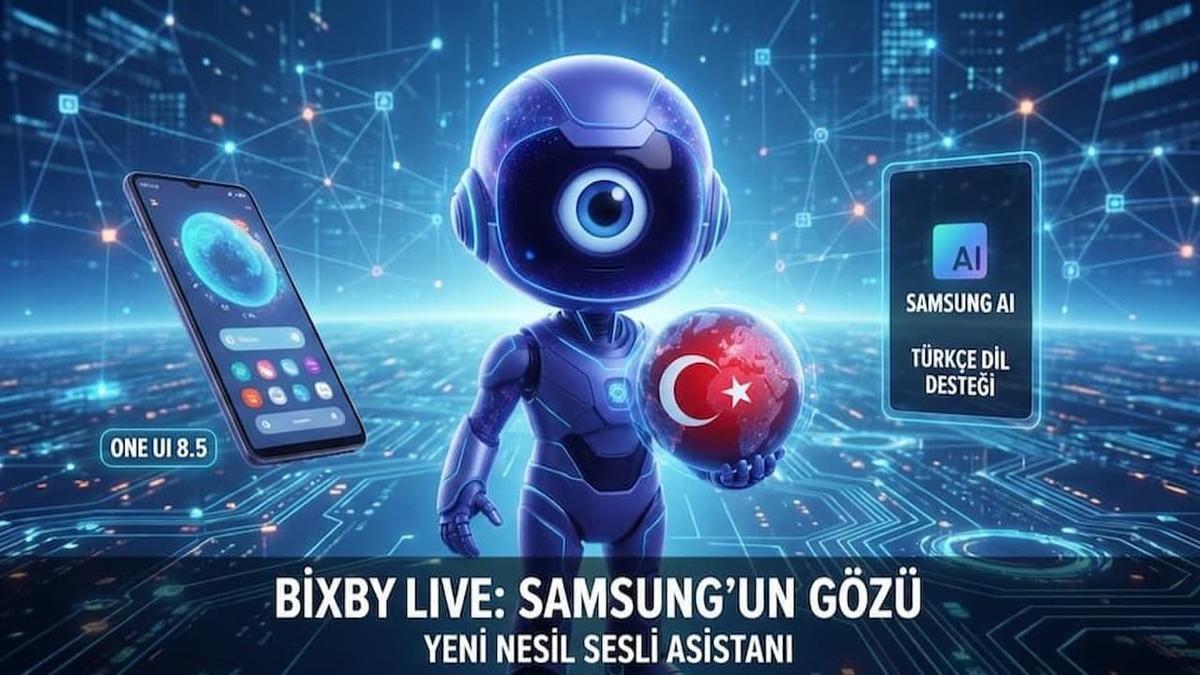
What Is Bixby Live? Samsung’s AI Assistant That Sees
Automatically translated
 Writer
Samsung is taking its approach to artificial intelligence to the next level with Bixby Live. This next-generation assistant goes beyond simply responding to voice commands. It can understand what it sees, establish context, and interact with users more naturally. The Samsung AI assistant update integrates technology into everyday life in a more seamless yet more effective way.
Bixby Live is an advanced AI assistant integrated with Samsung One UI 8.5 that can process camera, screen, and audio input together. Users can communicate with it by speaking and showing things simultaneously.
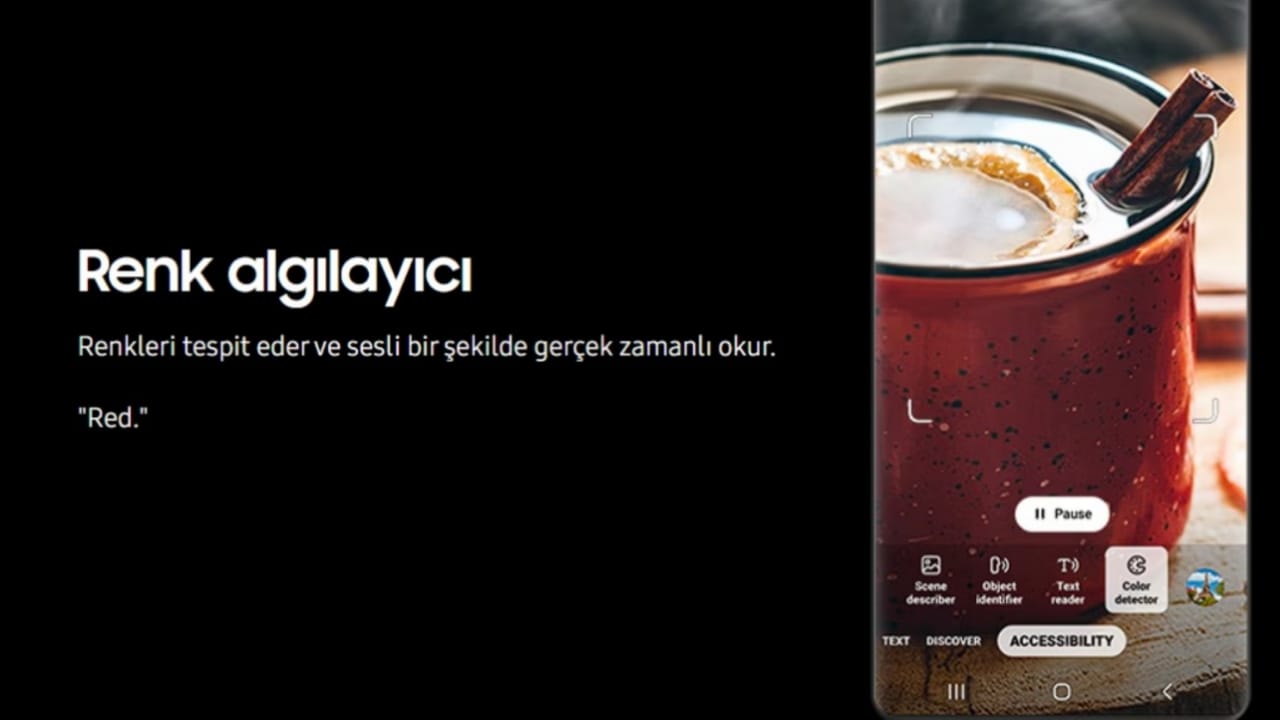
Bixby Live’s ability to “see” translates into practical benefits through screen sharing and camera usage. Users can show Bixby an item of clothing on their phone screen and ask, “What style is this?” or “Are there similar products?” When a complex map appears on the screen, Bixby Live can interpret the route and explain the most practical way to get there.
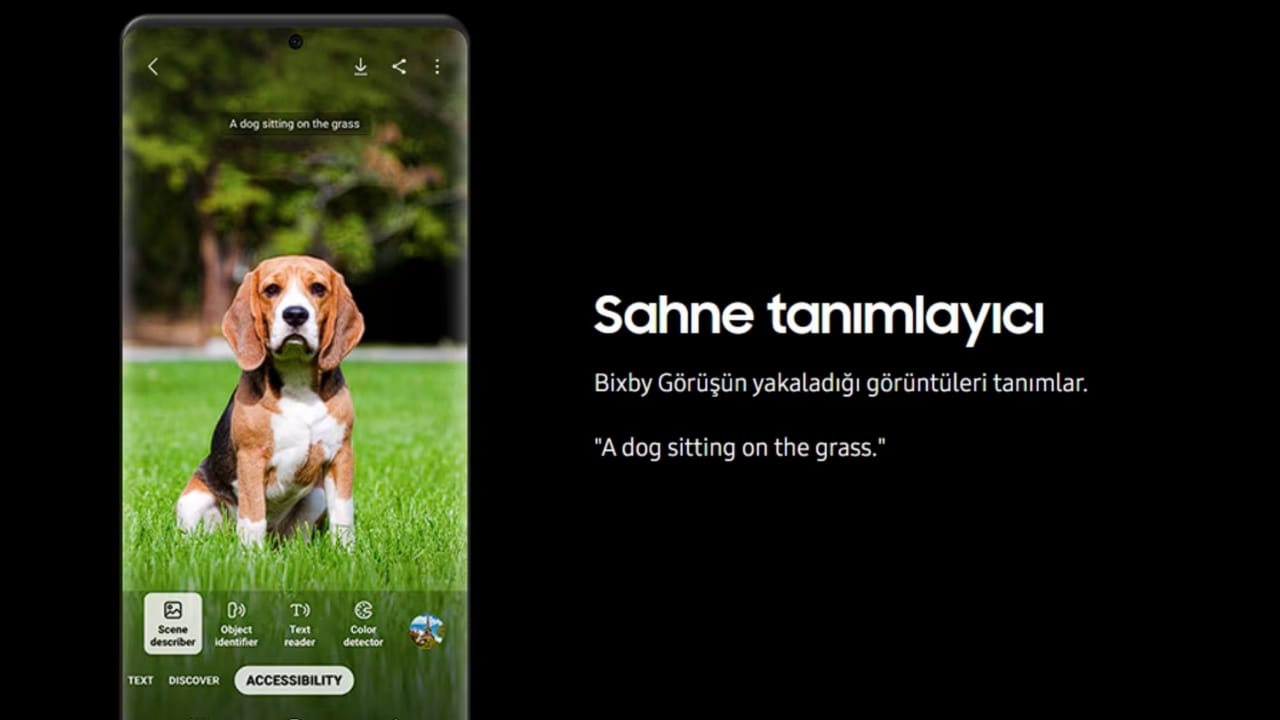
Similarly, when users show Bixby Live an error message displayed on their screen, the assistant can explain what the error means and list possible troubleshooting steps. These scenarios turn AI from a theoretical innovation into a practical assistant that genuinely makes everyday life easier.
Comparison with Competing AI Assistants
Google Assistant excels at providing quick access to information, while Siri stands out for its integration with the Apple ecosystem. Bixby Live, on the other hand, distinguishes itself by making deeper use of hardware and software integration specifically designed for Samsung devices. Its ability to interact actively with the camera and screen gives it an edge over competitors when it comes to visual context.
Samsung’s Edge in the Multimodal Race
Bixby Live aims to provide deeper integration across Samsung devices such as phones, tablets, and TVs. An interaction started by a user on their phone can continue on a tablet or TV screen. By evaluating camera, screen, and audio data together, Bixby Live transforms itself from an assistant that simply responds into one that interprets situations.
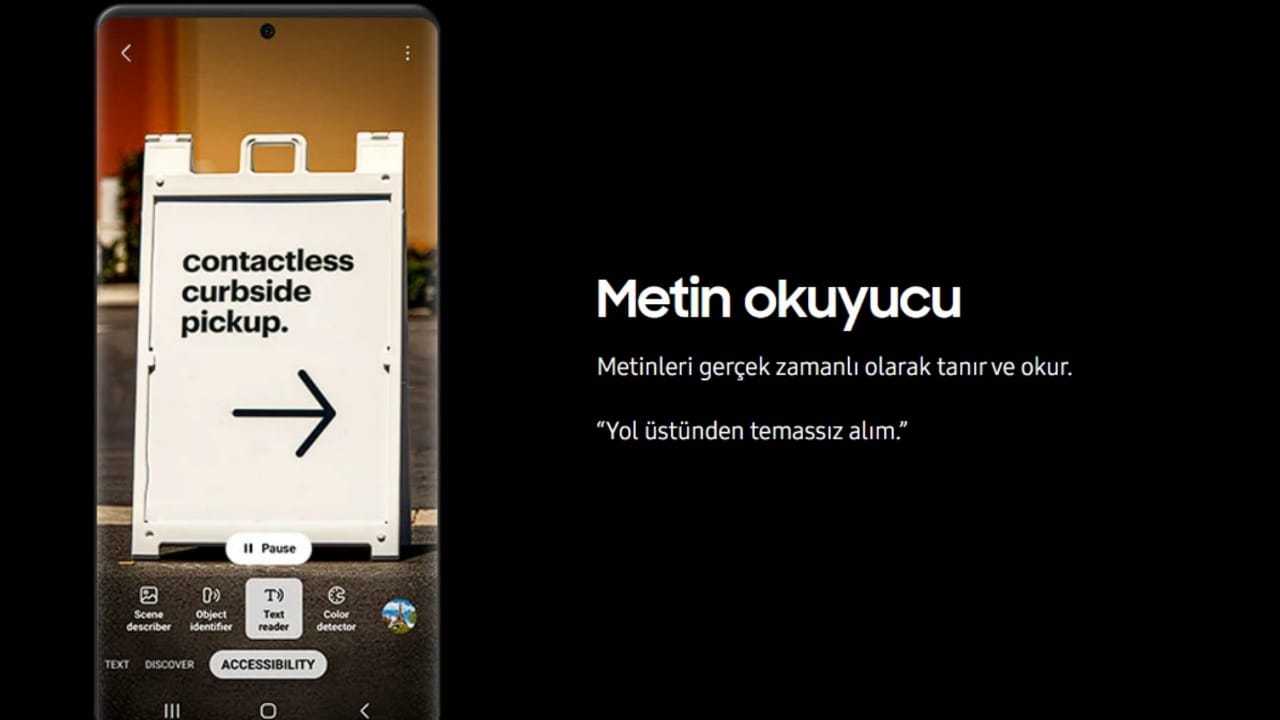 Bixby Live Turkish Language Support
Bixby Live's Turkish language support has reached a more natural and fluent level with recent updates. There has been noticeable progress compared to previous versions in understanding everyday conversational language, contextual expressions, and voice commands. This makes the assistant experience more accessible to Turkish-speaking users.
How to Use Bixby Live
Here are the steps you need to follow to use the Bixby Live feature introduced with the Samsung One UI 8.5 update:
- Software Check: Make sure your device has at least One UI 8.5 installed. This feature is not available in earlier versions.
- Wake Up the Assistant: You can activate Bixby in two different ways:
- Power Button: Press and hold the power button on the side of your phone.
- Voice Command: Wake the assistant using your voice by saying "Hey Bixby".
- Enable Live Mode: Once the assistant opens, select Bixby Live mode from the screen or menu.
- Prepare the Camera: To use camera-enabled features, point your phone's camera at the object, text, or scenery you want analyzed.
- Interaction and Commands: While Bixby Live mode is active, you can ask the assistant questions about the content displayed on the screen (such as "What is this?" or "Translate this text") or follow the visual guidance provided by the assistant.
Improvements Introduced with New Updates
Recent updates have improved Bixby Live's response time, visual recognition accuracy, and contextual understanding capabilities. As a result, the assistant can respond to user needs more quickly and consistently.
| Mode Name | Primary Function | Key Feature |
|---|---|---|
| Observer | Uses the camera as its "eyes." | Recognizes objects, compares prices, and instantly translates signs in foreign languages. |
| Narrator | Turns what is happening on the screen or in the surroundings into a story. | Creates emotional memories from your photos or describes scenes for visually impaired users. |
| Academic | Analyzes complex data and texts. | Summarizes long articles, solves mathematical problems step by step, and searches through references. |
| Travel Companion | Provides location-based guidance. | When you stand in front of historical landmarks, it tells you the story of the structure through audio. |
| Creative | Supports multimedia content creation. | Turns an idea you describe into a draft or lets you control the visual editing tools in One UI 8.5 using voice commands. |
Bixby Live demonstrates that Samsung positions AI not merely as a technical tool but as an assistant capable of creating meaning. This next-generation assistant, which can see, understand, and speak Turkish, makes technology less complicated and transforms it into an experience that everyone can use with ease.
WriterNVIDIA Alpamayo: Otonom Araçlarda Yapay Zeka Devrimi

Runable AI: Slayt, Web ve Podcast Tasarım Platformu


