
Claude Code Automation: Routines and/loop Guide Home
Automatically translated
 Creator
There are three ways to automate repetitive jobs on Claude Code: Anthropic runs on the cloud and continues when the computer is off routines ( triggered by scheduled, API call or GitHub event), running on their computer desktop scheduled tasks Home and repetitive at certain intervals in an open session English p command. Rutinler is currently available in research preview and Pro, Max, Team and Enterprise plans.
Last update: 14.10.2026
Efficiency in software development processes is one of the biggest priorities of modern engineering teams. Continuous growing code bases can result in uncuting status notifications and routine quality controls, from the creative system design processes that developers need to focus on the main. Here at this point Claude Code automation is activated. From code reviews, debugging, many processes from distribution verification to current retention of documents are done even when your computer is closed, these structures are taken over the developer of repeating works.
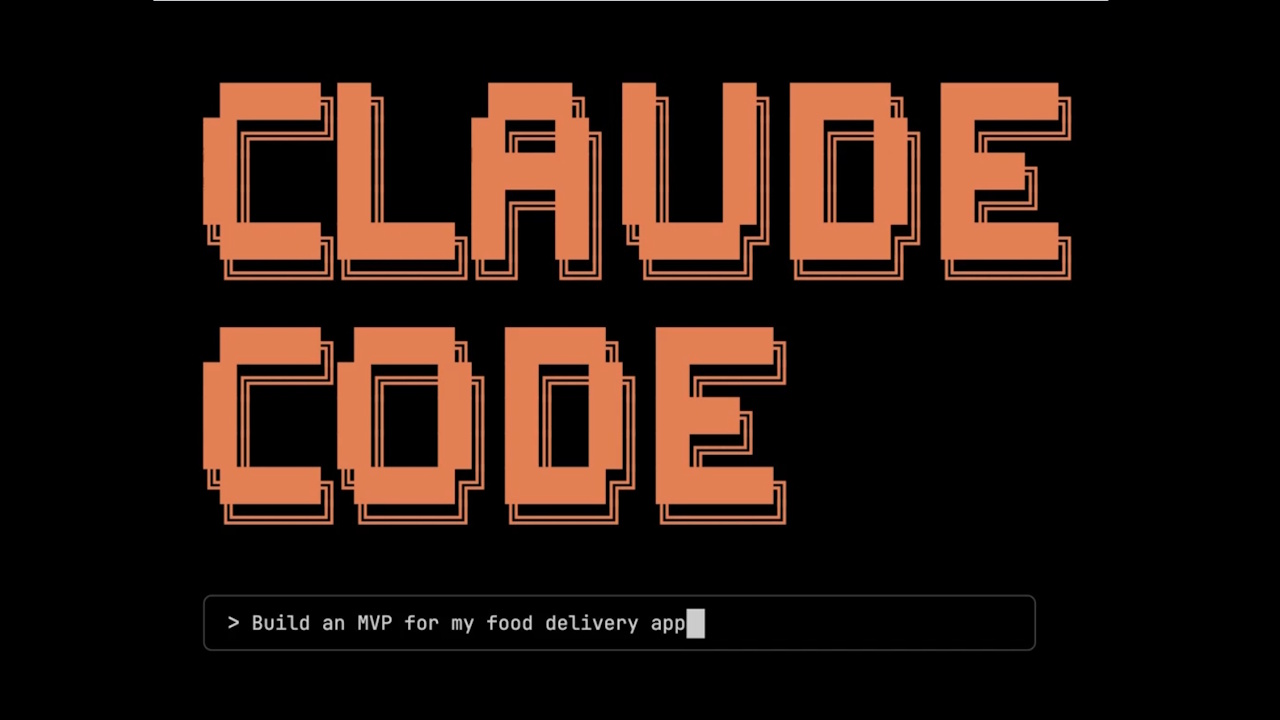
Vaccinations with Cloud Based Rutins
managed by Anthropic cloud infrastructure Work routines on your laptop allow you to keep your workflows even if you sleep or laptop is completely closed. Based on a routine; a certain working prompt(prompt) is a configuration that consists of one or more code storage and connection points that communicate with external services, once packaged and automatically running. Thanks to this advanced configuration, transactions are carried out autonomously in the background without requiring any additional human intervention or instant approval window.
On Claude.ai/code/routines, Claude desktop application or Claude Code CLI /schedule you can create with the command; three also save the same account. Every study opens up as a full Claude Code cloud session that clones the warehouse from start and changes in Claude by default claude/ sends with a standalone. Rutinler belongs to your personal account, the team does not share with friends and falls out of use. If you wonder why developers prefer Claude Code this article a You can browse.
There are three main trigger mechanisms to activate routines:
Scheduled Triggers:
The watch can be adjusted with ready options such as daily, week or week, or at a specified time in the future. In CLI for special ranges like one or every month in two hours /schedule update You can enter a standard cron expression with the command; the shortest range is an hour. Clocks are entered in their time zone. Per full time (e.g.. 09.00) Established studies give you better results to choose a minute like 09.07 because they can start a few minutes.
API Triggers:
You can start routines instantly and optionally by sending a tip point (endpoint) and a secure carrier token to a specific routine. Ideal for moving on distribution pipelines or external monitoring tools with a warning signal from the outside of the system. These tokens created by security are shown only once by the system and should be safely stored in an external case.
GitHub Triggers:
When a withdrawal request (pull request) is turned on, when closed, labeled or updated, or a version (release) is created and broadcast automatically allows the routine to be activated. These two types of events currently supported: pull request and release. You can work on the PRs that you want routine alone with filters such as author, header, target branch, source branch, label, draft or merged. For this, Claude must be installed on GitHub application to the warehouse.
These triggers can be combined in a single routine. For example, a PR review routine can work every night, it can be triggered by the API from a distribution script and it can also be activated when each new PR is opened.
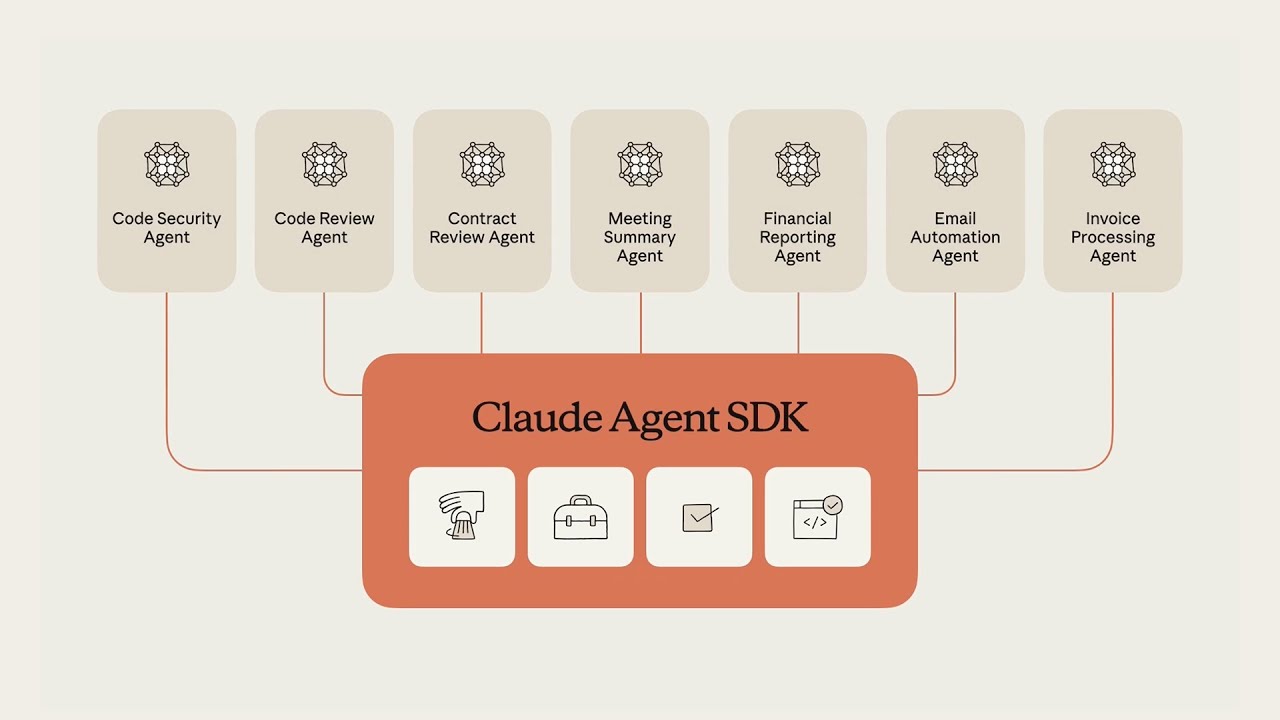
Practical Use Scenarios For Autonomous Business Flows
Advanced Claude Code automation features greatly reduce the mechanical operational load on the shoulders of teams, a comprehensive “Anthropic Claude Guide” When resources are examined, these systems are particularly critical but they are designed for continuous repeating jobs.
Business Intelligence Care:
A Scheduled routine can analyze problems that are opened since the last work by connecting over a binding (connector) to your every night problem tracking system, according to the relevant area of the code, label and team can immediately before you wake up Home through a daily summary.
Special Code Reviews
With GitHub events This routine triggered applies your team’s own standard review control list for each drop-down PR; leaves in-line comments for performance, security and style issues. Thus, senior developers can focus on the design of the software directly instead of mechanical controls.
Distribution Verification:
Your continuous delivery (CD) pipeline can trigger the routine via the API after each production distribution. The system sends a final confirmation or red message to the release channel before the distribution window shut down, scanning the fault logs for smoke tests on the new structure and rewinding. Every study is saved as a separate session and you can examine what Claude does. The green-looking situation in the list shows that the only session starts without error, not the task is achieved, so you should check the results regularly.
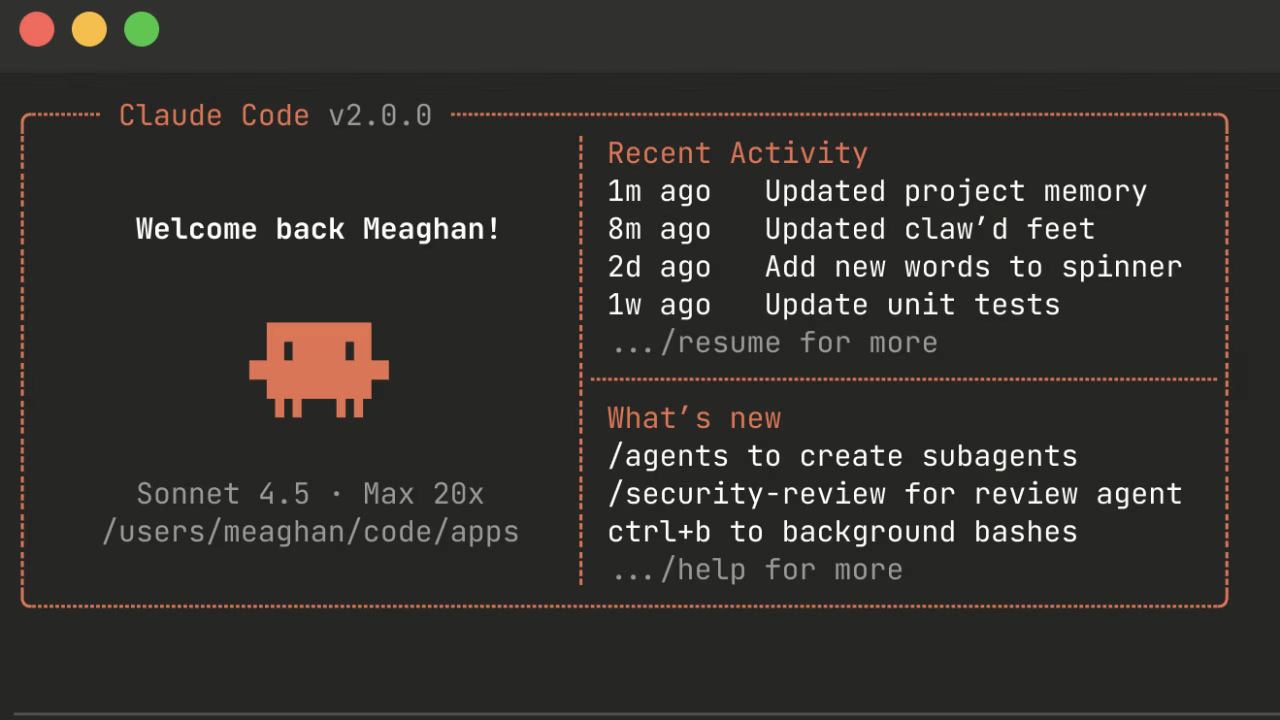
In- Session Quick Tasks: /loop Command and Management
Cloud-based, long-term routines, as well as a Claude Code session, which you actively write code, is very practical. Can be used directly during the command Home /loop The command allows a prompt or function chain to be repeated at any intervals. For example, to watch the general status of a PR or to wait for the end of the long lasting assembly tests, just to your terminal /loop 5m check the deploy by typing in the background you can start a survey cycle that will work every 5 minutes.
If you do not give the command a fixed time interval Home The range chooses itself according to the situation after each round: when it is to end a compilation, or short when PR is moving (at least 1 minute), while there is nothing expected, waiting for longer (up to 1 hour) and author along with the reason for the chosen time. Solo without being asked English p Authorsan Claude runs a built-in care prompt: half-maintenance, looks at comments on the open PR, unsuccessful CI studies and conflicts. This is the project to change default prompt .claude/loop. Home or for all projects ~/.claude/loop. Home you can create a file; if there are two, the project file will apply.
A small deviation (jitter) is added to the scheduled tasks to avoid sending requests to the API at the same time. A repeated task starts at least half of the remaining time in the next study and starts at least 30 minutes: an hour or a daily task of 0-30 minutes, a working task in 30 minutes can be delayed at 0-15 minutes. /loop 5m The tasks that work in five minutes are not delayed. One-time tasks that are built in full time or half can work early up to 90 seconds. The duplicate tasks have been created to not last for the forgotten cycles to last 7 days after creation. There may be more than 50 scheduled tasks at the same time in a session and tasks work only when Claude Code is open and idle.

Select the Best Automation Tool to Your Need
Establishing a successful and uninterrupted automation architecture, the right tool goes to positioning in the correct scenario.
Feature | Cloud routine Home | Desktop scheduled task | English p |
|---|---|---|---|
Where does it work? | Anthropic cloud u | Your computer | Your computer |
Is the computer open? | No | Yes | Yes |
Do you need an open session? | No | No | Yes |
Access to local files | No (re cloned every time) | Yes | Yes |
Permission requests Home | No, autonom works | Adjustable per task | Take over the session |
Short Range | 1 hour | 1 min a | 1 min a |
Who is suitable? | Night reports, PR review, post-distribution controls | Regular jobs requiring local vehicles and files | Assembly or PR tracking during session |
The right option is cloud routines if you need a infrastructure that will be triggered by API or GitHub events, even if your machine will work reliably every night, even if it is withdrawn.
For your operations that require direct access to your local File system and the development tools installed on your computer, the “Desktop Timed Tasks” is the split.
If you want to install quick pipeline trackings, assembly surveys or one-time reminders that will only apply in the existing active session (session) process
/loopthe most practical option.
Access & Security:
It is important to keep access narrow while installing these systems. Claude's Slack, LinearAccess to services such as Google Drive is provided via Model Context Protocol (MCP) connectors. All the connectors on the account when creating routine are added by default and the routine can use all the tools, including writing operations, without asking for confirmation; so you need to remove the connectors that you don’t need. You can restrict the level of internet access in the routine environment, add the installation script and identify the environment variable. Environment variables appear to anyone who uses that environment; Pro and Max plans API suggests storing keys as network secret key (network secret) instead of ambient variable. Every business that Rutinin does (commit, PR, Slack message) appears on the name of your account.
Frequently Asked Questions
Is Claude Code routines free?
No. Rutinler Pro can be used in Max, Team and Enterprise plans and falls out of subscription usage such as interactive sessions. Besides that there are hourly limits; for example, it can be done with up to 100 times per hour per account.
Can my Claude Code computer work off?
Yes, cloud routines. Rutinler Anthropic does not need to be open to the computer because it works in the cloud infrastructure governed by. Desktop scheduled tasks and/loop works only when the computer is open.
How to create a routine on Claude Code?
With the “New routine” at claude.ai/code/routines, you can create the desktop app from the Code tab or CLI/schedule command. For example /schedule daily PR review saves questions and routines about Claude timing, warehouse and request when written at 9am. API trigger can add only from web interface.
/How long does the loop work?
After 7 days after creation of duplicate tasks, they work and delete themselves. If you close the session, you should also stop tasks; use cloud routine or desktop scheduled task for longer jobs.
What is the difference between Rutin and /loop?
Rutin runs on the cloud with an independent and minimal hour interval from the session. /loop is used for quick follow-up in the open session, at a distance.
CreatorPika MCP Nedir? Claude’a Kişilik ve Yüz Kazandırın!

Fiziksel Yapay Zeka Devrimi: 1,3 Milyar Dolarlık Dev Fon