



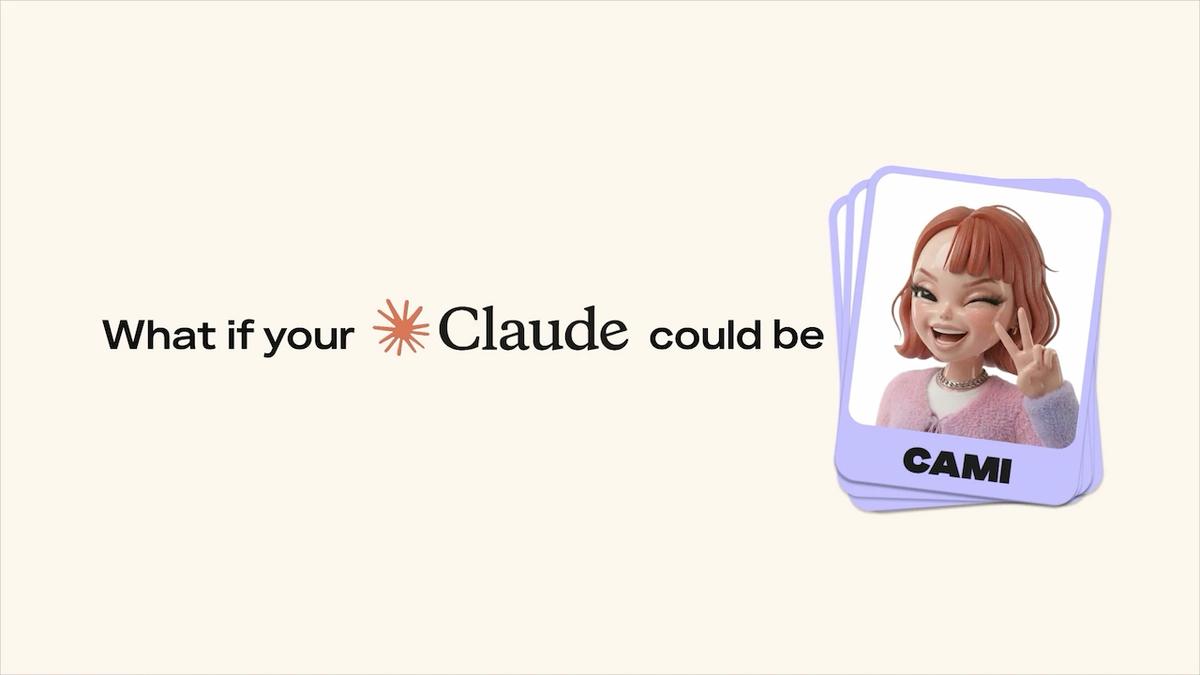
What Is Pika MCP? Give Claude a Personality and a Face!
Automatically translated
 Creator
When large language models first entered our lives, the only way to communicate with them was a simple, lifeless text box. But technology keeps moving, and AI is no longer just a tool that answers our questions. It is turning into a digital entity with its own visual identity, voice and consistent personality. For content creators, developers and digital marketing specialists in particular, AI going beyond plain text is a real shift in how work gets done. This is where a fairly exciting and equally technical question comes up: what is Pika MCP, the key topic we need to focus on, and how can it turn an ordinary text bot into an assistant that feels alive and breathing?
In this detailed guide, we will go step by step through how to use the open source Model Context Protocol (MCP) developed by Anthropic to give your Claude a unique character, a creative vision and a face that reacts in real time.

What Is Pika MCP and Why Is It Groundbreaking?
To understand this seemingly complex ecosystem, you first need to grasp the basic infrastructure. The Model Context Protocol (MCP) is an open, universal standard that allows AI assistants to connect securely to external tools, databases and devices. So what exactly is Pika MCP? The term refers to a set of creative servers and extensions that give AI models like Claude the ability to generate high-quality video, maintain visual character consistency and integrate a physical face that responds to the assistant's emotional state.
Thanks to the Model Context Protocol (MCP) and the Pika ecosystem, AI stops being an isolated piece of software. The vision of "AI Selves", announced by Pika Labs, aims at exactly this. It lets you create entities that have persistent memory, adapt to your communication style, evolve over time, and act as a kind of digital twin or living digital extension of you. Your assistant no longer just drafts a text for you. It also sketches a storyboard that fits the draft, brings the scene to life and makes eye contact while presenting the result.
Pikafy Your Claude: Adding a Face and Emotion to Your AI
The "Pikafy your Claude" trend spreading quickly across AI communities is the most innovative way to bring your assistant to life. For most users, giving an AI a face means moving beyond lifeless interfaces and creating an avatar on their mobile device or an external screen that makes expressions according to the flow of the conversation.
The most striking feature of this system is that the avatar's emotional logic is not driven by an external script. It is set in real time by Claude's own large language model. When you write bad code, your assistant might look at you on screen with a puzzled expression, or smile after a successful analysis. This is made possible by smooth, real-time synchronization over WebSocket.
x.com/hrrcnes/status/2050371702060699740
Claude Pika Integration: Step-by-Step Setup Guide
Setting up a proper Claude Pika integration and giving your AI both creative multimodal abilities and a visual body is not as hard as it might seem. With the right JSON configuration and server settings, you can set up this system on your own device. Let's go through the steps:
Step 1: Setting Up the Pika/Pixa Creative Endpoint
To connect creative video and image generation tools (the Pixa ecosystem, which includes models such as Pika, Kling and Luma) to Claude, you need to use a remote MCP server.
Open the Claude Desktop app, go to Settings and select the "Connectors" tab.
Choose the option to add a custom connector and name it "Pixa".
Enter https://mcp.pixa.com/mcp as the endpoint and save. This single connection will give Claude several visual capabilities at once.
Step 2: Setting Up the Visual Face (AIFace)
To give your assistant a physical presence, you need to run the AIFace integration on your local machine.
First, clone the AIFace repository from GitHub to your computer, then run
npm installin your terminal to install the dependencies.Download the AIFace app to your iOS or Android mobile device, connected to the same local network.
Open the Claude configuration file (
claude_desktop_config.json) on your computer. On Mac, this file is located in the~/Library/Application Support/Claude/directory, and on Windows it is in the%APPDATA%\Claude\directory.Add to this JSON file the configuration block that connects your local AIFace server using the
stdiotransport.
When you restart the system, the MCP server will automatically detect your phone using the mDNS protocol, and while you chat with Claude, it will mirror facial expressions onto your phone screen in sync.
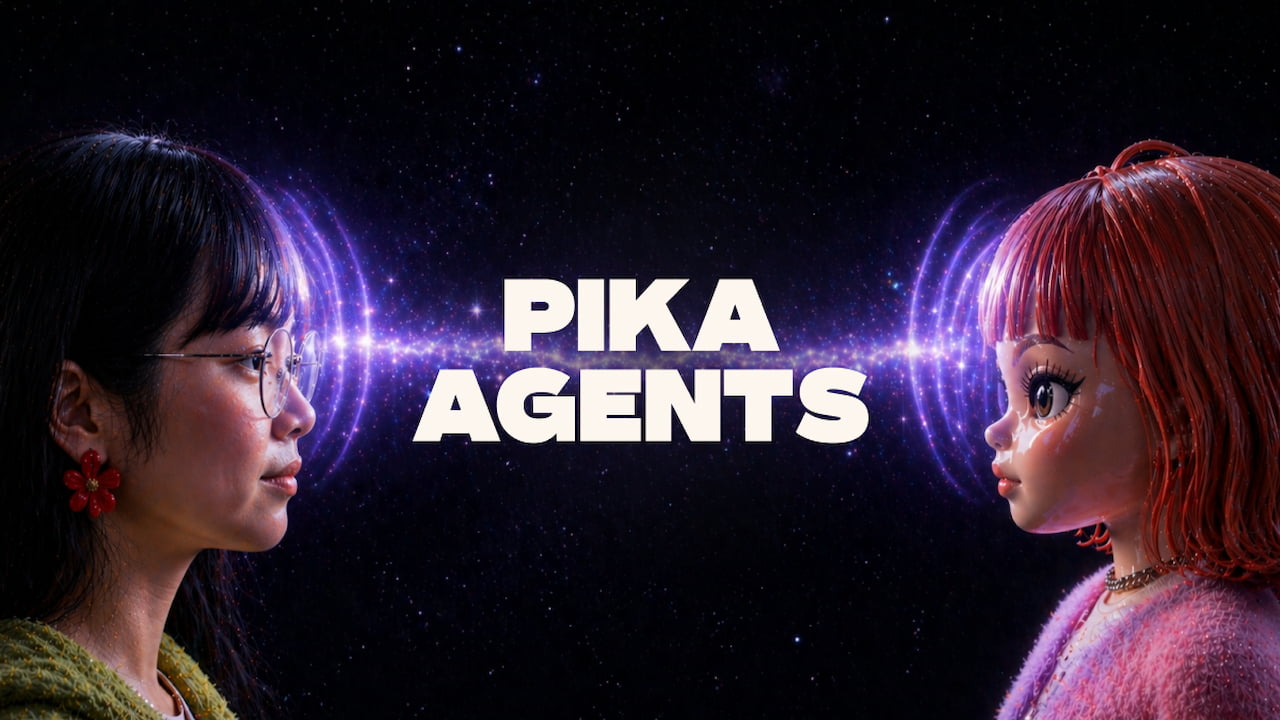
Pika Labs MCP Features and Creative Capabilities
Once you have completed the setup, you gain access to the large pool of creative capabilities that Pika Labs MCP offers. This integration goes beyond Claude's text-based nature and turns it into a full-fledged creative director. The three core professional capabilities of Pika are:
Podcast Video Production:
It takes audio-focused concepts and quickly turns them into dynamic, visually rich video clips for social media platforms.
Explainer Videos:
It turns dry, complex technical documentation or articles into smooth video training sets that anyone can follow.
UGC Ads (User-Generated Content Style Ads):
It prototypes casual, fast marketing material with the feel of user-generated content for social media within seconds.
In addition, a method called the "Hero Character Sheet" is used to keep your character consistent. Using high-quality models such as Nano Banana Pro, you create your character's design, facial features and color palette once. Then, during production, Claude uses this reference image so that your character keeps the same facial features in every video or image, for example warm red tones and round, friendly eyes. If needed, it also checks the generated images with eye analysis tools and corrects errors on its own.
Character Building and a New Era in Digital Communication
Once you apply all these steps, your relationship with your assistant fundamentally changes. Observations of human psychology show that when users see a face that reacts, surprises or approves, they write much more deliberate and higher-quality prompts. This indirectly improves the assistant's performance and creates a powerful positive feedback loop. Furthermore, by using tools such as Persona Craft and persistent memory techniques such as the Resurrection Protocol, you can make sure your assistant responds with the same identity and humor in every new session.
In short, the best answer for anyone asking "What is Pika MCP?" is that it is a magical bridge that turns AI from a tool into a work partner. Once you have successfully completed the technical integration and brought your assistant to life, you will have a loyal companion in the digital world who never leaves your side, thinks alongside you and turns your vision into reality within seconds.
CreatorRobotlara Beyin Geldi: Gemini Robotics-ER 1.6 ile Tanışın!

Yapay Zekanın Petrolü: Compute Ekonomisinin Derinleşen Etkisi


