How to Mean Data with Google NotebookLM Data Tables
Automatically translated
 Writer
Google continues to develop AI-supported tools. NotebookLM Data Tables attracted attention to the feature of data tables in the last period. Now, with Google NotebookLM Data Tables, it turned into a productive platform that only summarizes data from a tool that can collect, compare, speed up analysis processes. Google’s new data tool that caters to a rather wide target audience seems to be a player that helps in a lot of industries.
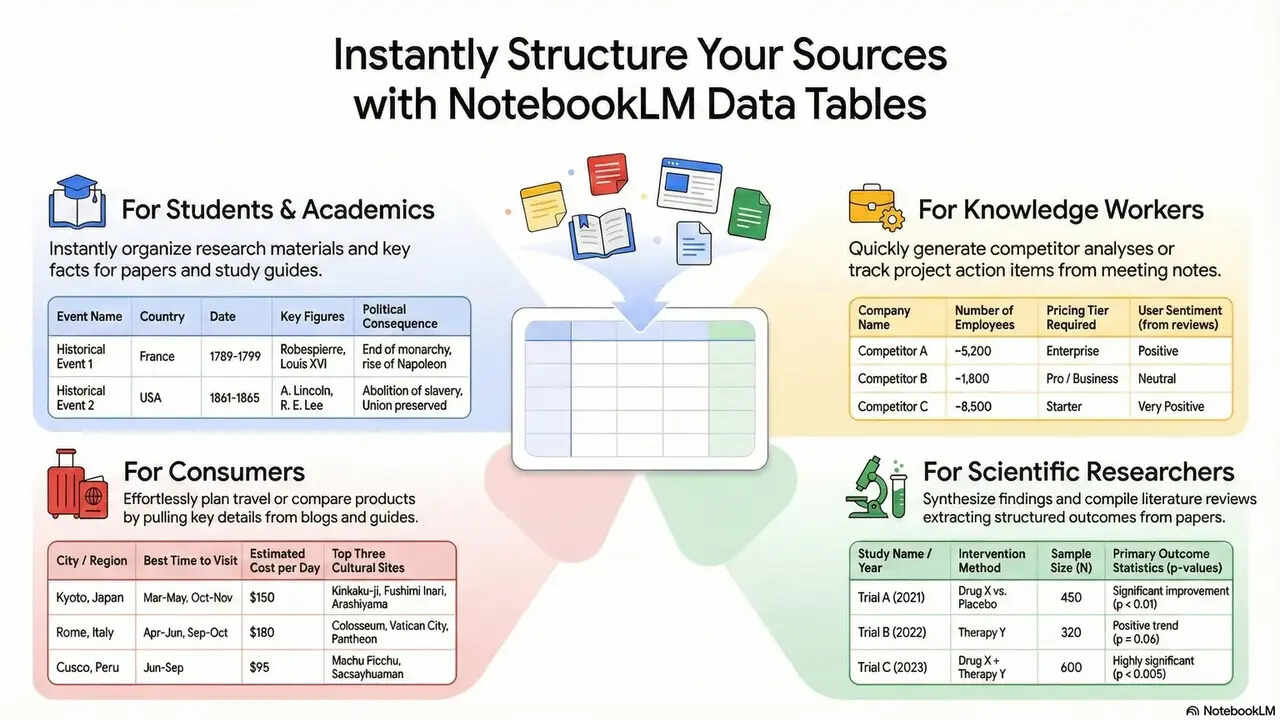
With many user NotebookLM Data Tables from academic fields to content manufacturers, analysts, marketing teams, they can carry out business processes easier. Especially with large documents, reports and Google sheets, it saves serious time for employees.
How Does Google NotebookLM Data Tables Work?
NotebookLm Data Tablesautomatically converts the information on the uploaded source into configured tables. Data types such as PDF, text document, web source, or Google Docs are analyzed by artificial intelligence, then presented as output in main headers, comparative information or chronological data. This system in general sense;
- Eliminates the need for manual table creation
- It makes relations between data visible
- Accelerates decision-making processes
NotebookLM for important point, technical documents, product comparison and research reports required to scratch gold, is quite effective. In addition to these, NotebookLM can be used on this matter if you need help in workflow for example in a business.
NotebookLM Google Sheets External Transfer Feature
NotebookLM is one of the biggest features. The tables created can be transferred to sheets format with one click. Regular and detailed analysis can be performed on the data. The complexity of the information is quite large problems especially in business life. This is simple, straightforward and quickly integrated information flow is provided. We also provide great convenience for end-oriented employees who can easily share with teams working with export. You can create charts and dashboards with export feature as well as create information shares. In this way, in order to provide advantage for teams in the event of work and integrated work, it is also free to plan for individual users.
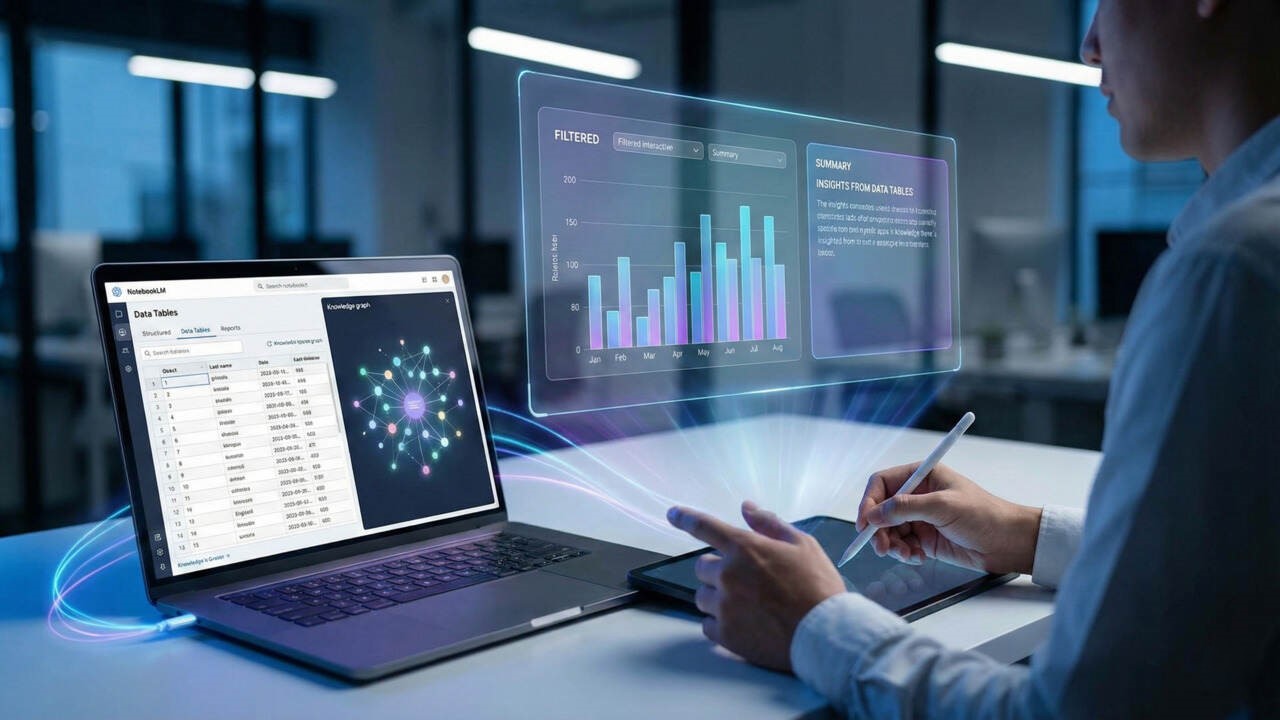
Who are NotebookLM Data Tables Suitable for?
Home appeals to the very wide user audience. Among the most useful groups;
- Content manufacturers: They provide advantages in race against time with features such as quick comparison and summary removal from sources.
- Researchers: Large and long data on the configuration of academic documents, regulates easily understood.
- Marketing teams: By creating competitor analysis and trend tables, the company provides convenience in road map planning.
- Students: It facilitates learning by pouring lecture notes into the table. Consolidates what and understandable learning by grouping in learning phase.
Thanks to this versatile working area, it separates from classic note-taking tools.
NotebookLM Efficient Use Guide: Smart Work with Data Tables
Google’s NotebookLM efficient use guide u The most important step to ask the right questions at first. It directly affects the quality of the output required to use the most clear and target-oriented prompt(istemci) when creating data tables. If you need to mention short recommendations;
- HomeShow basic differences in these resources in table” Give open commands like
- The criteria, such as time, feature or performance, especially the specification Home
- Upload multiple sources of the same topic together
A variety of messy information with command logics converts regular readable tables. Although the correct information is entered in connection with one, the output quality is increased at that rate. This situation works as a link to the information you want with the same classic client writing.
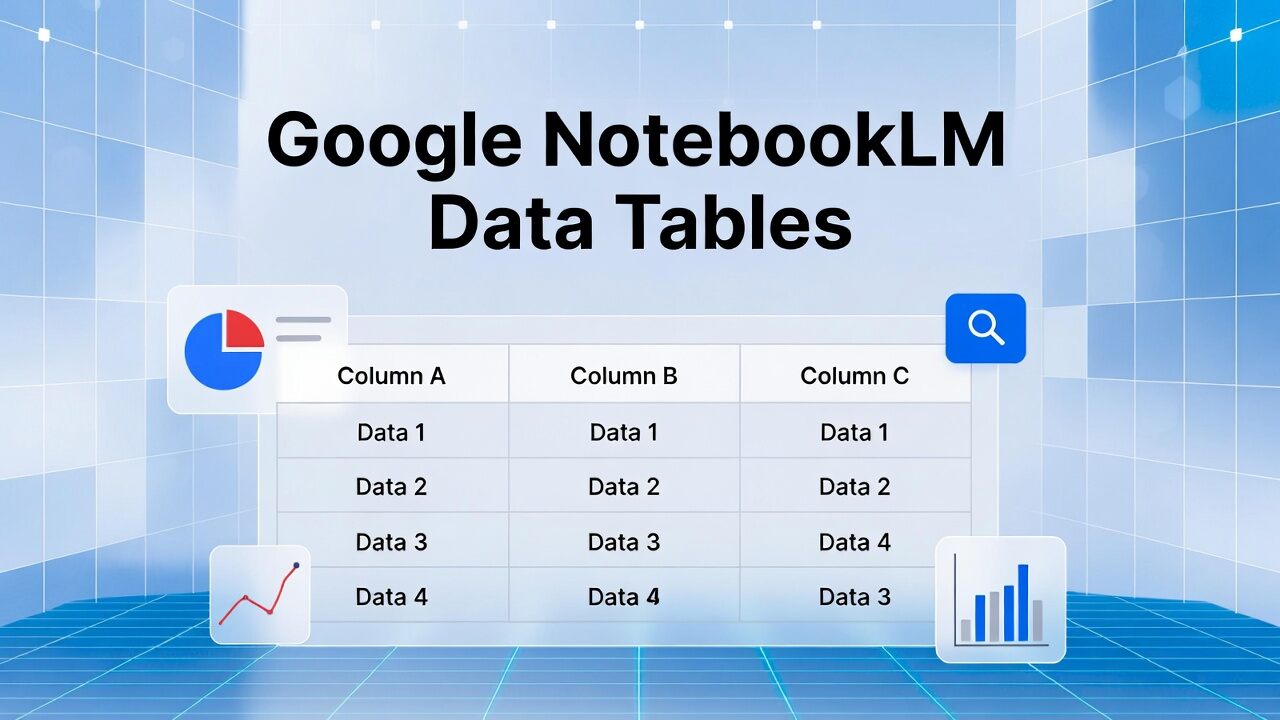
Sample Application: How to Create Data Tables with NotebookLM?
Step 1: Upload Resources to NotebookLM
You create a new notebook on the notebookLM interface. Next:
- Upload PDF file
- You add Google Docs. document
- Defines web connection as source Home
The program learns the context by analyzing all these contents in the background. The important point at this stage will significantly increase the output quality, upload multiple sources of the same subject.
Step 2: Writing Net and Targeted Prompt (Prompt)
Sample as command;
“Artific intelligence tools based on resources that I’ve been doing;
Aim, Basic Features, Use Areas and Advantages create in table with headers. ”
NotebookLM Data Tables matches common concepts that scan text, extract missing or contradictory information and produce a structured table.
| Car Rental | Home | Basic Features | Use Areas | Advantages |
|---|---|---|---|---|
| Home | Welding-based analysis | Data tables, summarize | Research, content | Time saving |
| Home Home | AI | Text, code, analysis | Software, Marketing | Versatile |
| News Home | Diyalog & production | Text Production Home | Support, content | Quick output |
You can edit this table, add new columns, develop research in different ways by requesting deeper comparisons.

NotebookLM’s Future: More Smart Data Management
By developing Google’s NotebookLM, it also informs that the data tables that continue on the way by offering artificial intelligence support are becoming smarter in the future. Dynamic table updates will be on the agenda for those interested in these types of work. Thanks to advanced filtrations, it will make data more practical. Also automatic graphic recommendations are expected to be added in the future. When all these are thought, NotebookLM seems to be inevitable that it is not only working as a note tool, rather than turning into a light-scale analysis platform. In general, if an advantage table is:
| Advantage Area | Description | Contribution to the User |
|---|---|---|
| Time Saving | Long texts convert into table in seconds | Eliminates the need for manual table creation |
| Information Net | Provides distributed data under structured headers | Increases readability and grip speed |
| Multiple Welding Analysis Home | Combine multiple documents in the same table | Easy to compare between resources |
| Decision Support Mechanism | Feature makes advantages and differences appear | Faster and informed decisions |
| Google Sheets Integration u | Transfer tables to single click Sheets | Advanced analysis, graphics and reporting can be done |
| Technical Information Not Required | No coding or data analysis information | Uses the user comfortably from each level |
| Flexible Prompt Structure | Table headers are shaped according to user request | Custom output can be produced |
| Debate Error and Consistency | Information-based jobs | The wrong review and data mess decreases |
| Business Association Convenience | Compatible with Google ecosystem Tags | In-line sharing and joint working speeded |
| Editorial and SEO Compliance | Offers ideal structure for content production | News, blog and report are easy to manufacture |
WriterChatGPT Translate Tanıtıldı: Google ve DeepL'e Güçlü Rakip!


Etik Yapay Zeka Araçları: 2026 En İyi Yönetişim Platformları