



Keyboard Drudgery Is Over: Best AI Dictation Apps
Automatically translated
 Admin
The era of clunky, slow dictation tools that only understood a particular accent has finally come to an end in software. Today, thanks to the evolution of Large Language Models (LLMs) and advanced speech-to-text models, we have entered an age of technology that does more than transcribe our speech: it understands context and applies writing conventions perfectly. Voice writing technologies can now automatically remove filler words such as "uh" and "um", fix stumbles, and turn rambling sentences into professional prose.
In this guide, we take a detailed look at the best AI dictation apps that will multiply your productivity by 2026 standards, along with technical details and practical tips for users.
How Does AI-Powered Dictation Work?
Modern dictation tools are no longer simple recorders. They are complex data processing hubs.
How Does Sound Become Text and "Understanding"?
Traditional dictation systems only converted the sounds they heard into letters, while new-generation AI note-taking tools work on two core layers:
Whisper Model for Transcription and Processing: Models such as OpenAI's Whisper and Nvidia's Parakeet convert speech into digital text with high accuracy within seconds. These models can separate the speaker's voice from the background even in noisy environments.
LLM Layer (Contextual Intelligence): The text produced from speech passes through a language model. At this stage, the AI determines the tone of the sentence (formal or casual), the placement of punctuation, and the correct spelling of technical terms. For example, apps such as "Aqua" work with ultra-low latency of around 80ms, so they can display your text on screen almost as you speak.
Best AI Dictation Apps: A Category Review
1. Professional Productivity and Style Control
These tools are designed for people who want to write not just quickly, but in the "right tone."
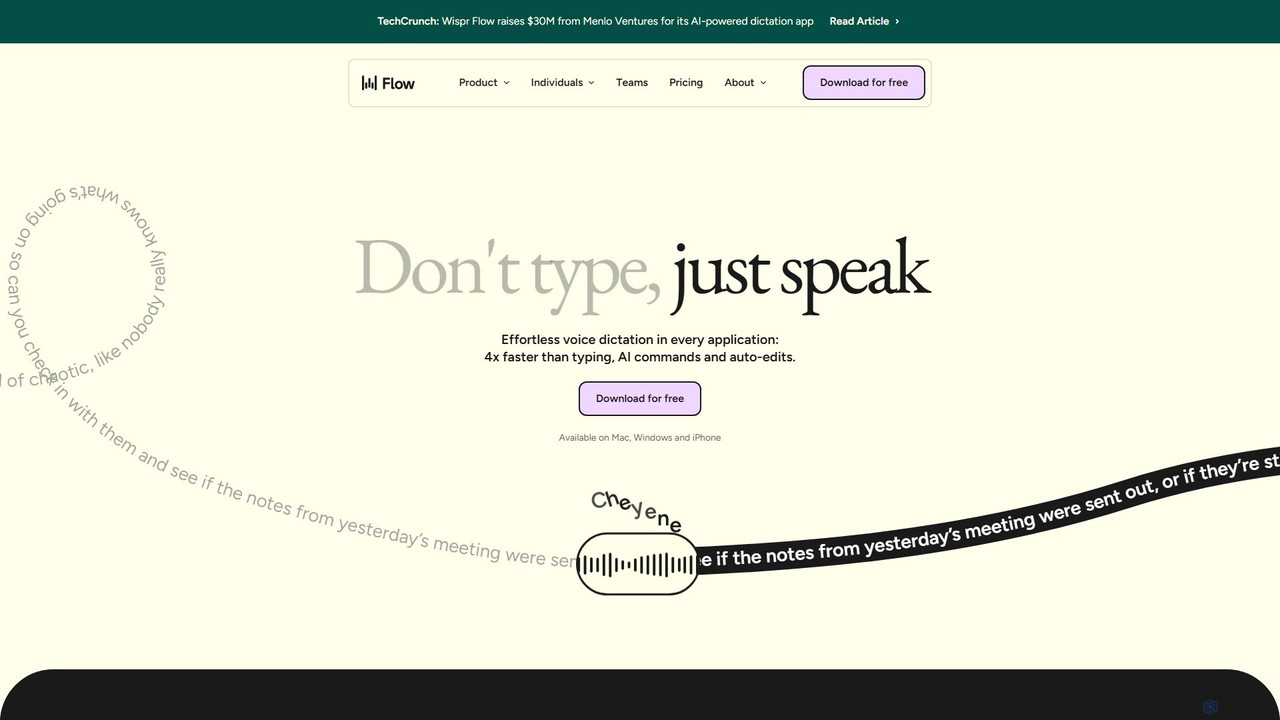
Wispr Flow: Wispr Flow; This app, which runs on macOS, Windows and iOS, lets you choose a dictation style of "formal," "casual" or "very relaxed." It also integrates with "vibe-coding" tools and can automatically recognize variables and files. It offers free desktop use of up to 2,000 words per week.
Aqua: Backed by Y Combinator, this app claims to have one of the lowest latencies on the market. Aqua, offers shortcuts such as an autofill feature that writes your full address automatically when you say "my address."
2. Privacy-Focused and Local Solutions
For users who do not want their data sent to the cloud, tools that offer on-device models are the top choice.
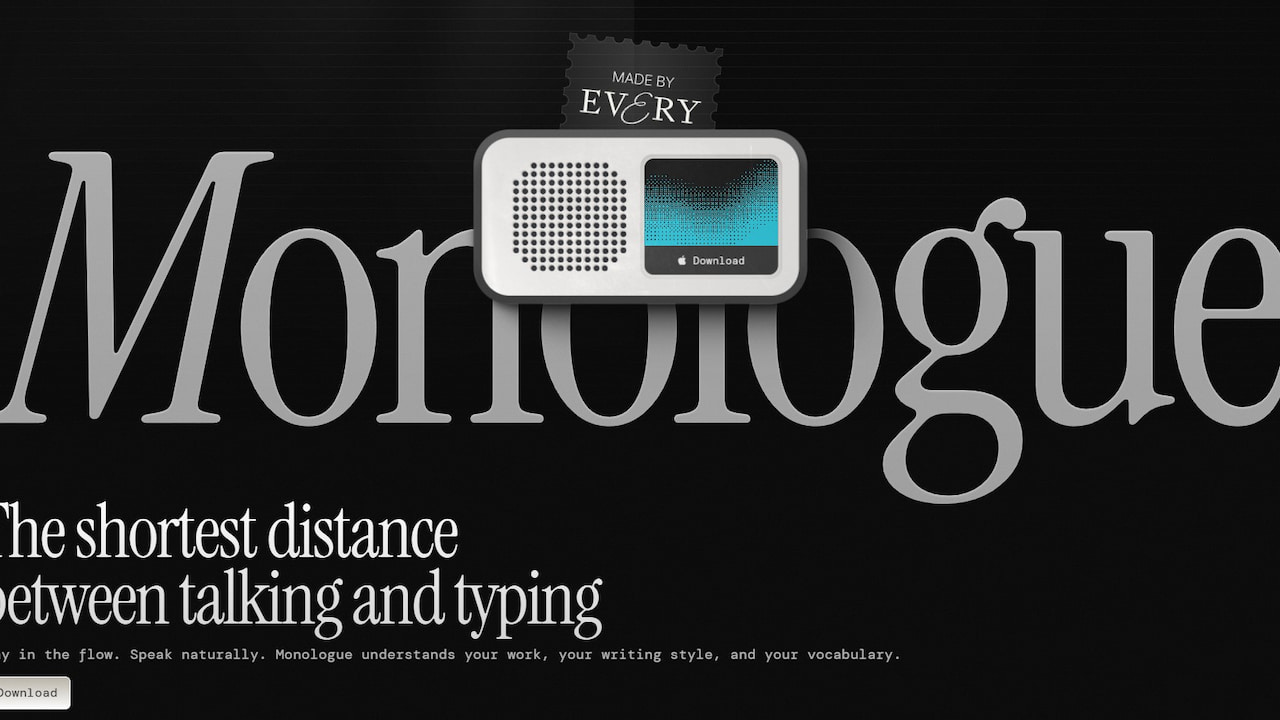
Monologue: Monologue, downloads the AI model directly to your device and performs transcription entirely offline. It sends its most active users a physical shortcut key called "Monokey" for hardware-level speed.
Willow: Willow, which focuses on user privacy, stores all transcripts locally and gives you the option to refuse having your data used for model training. It has a generative feature that can produce long passages from just a few words.
VoiceTypr: Supporting more than 99 languages, this tool works with a one-time payment and lifetime license model instead of a subscription. You can also get to its open-source version on GitHub.
3. High-Volume Free Usage and Open Source
These are ideal options for people who want to keep costs down but need a high word quota.
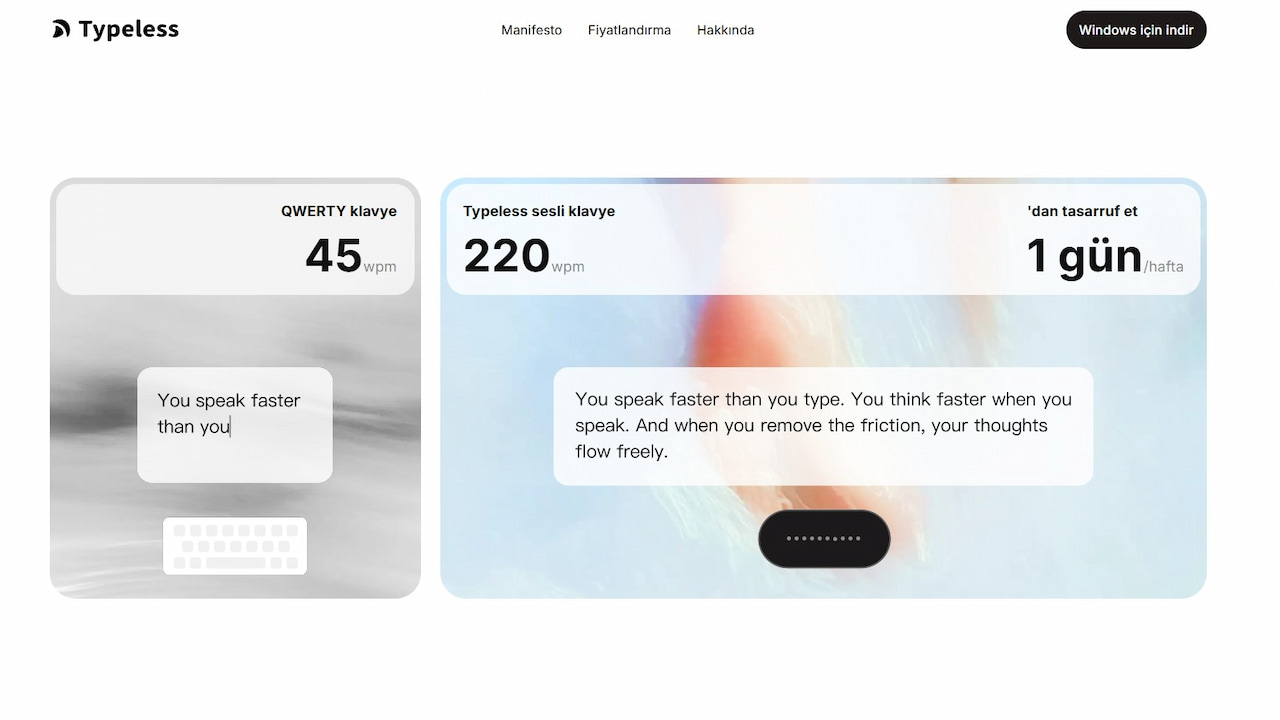
Typeless: It offers a fairly generous free quota of 4,000 words per week (roughly 16,000 per month). Typeless, can rewrite sentences that were spoken incorrectly.
Handy: Handy, is a completely free and basic tool that runs on Mac, Windows and Linux. Instead of complex settings, it works on a simple press-to-talk logic.
AI Dictation Tools Comparison Table
App | Free Quota (Monthly) | Privacy Structure | Key Technical Feature |
Wispr Flow | ~8,000 Words | Cloud-Based | Style (tone) selection and coding integration |
Monologue | 1,000 Words | Fully Local | AI model downloaded to the device and physical Monokey |
Dictato | Limited (Trial) | Hybrid / Apple Intelligence | 80ms latency and filler word removal |
Superwhisper | Limited Pro Trial | Cloud / Local Option | Download of Nvidia Parakeet and Whisper models |
Typeless | ~16,000 Words | Does Not Store Data | Intelligent sentence rewriting |
Tips for Users: How to "Tame" AI Dictation
To get the most out of AI tools, you can apply these strategies:
Create a Custom Dictionary: Tools such as Willow and Aqua let you add custom word lists so they can learn your industry terms or local expressions. This can bring the error rate in technical documents close to zero.
Learn to Use Prompts: Superwhisper and similar tools let you write "custom prompts" to guide the output. For example, with the command "Write this in email format," you can turn a raw dictation into organized text within seconds.
Prefer Local Models: If your internet connection is unstable or you work with sensitive data, choose apps that use local (offline) models such as VoiceTypr or Dictato to gain speed and security.
Optimize Your Shortcuts: Use the "Push-to-Talk" or global shortcuts in tools such as Handy or VoiceInk to start and stop recording without touching the keyboard, and make it a habit.
A Productivity Revolution
AI dictation apps have, as of 2026, moved beyond being simple "text converters" and evolved into personal assistants that turn your thoughts into structured information in their purest form. From the style variety of Wispr Flow and the speed of Aqua to the privacy of Monologue and the summarizing ability of AudioPen, there is a solution for every need. Freeing yourself from keyboard drudgery is not just about writing faster; it is about shifting your mental energy away from the act of writing and toward what you want to say.
You can use this guide as a starting point to see how you might speed up your own workflow with one of these tools, and to decide which option suits you better: a free high-quota app or local privacy.
AdminClaude Opus 4.7: Yeni Nesil Yapay Zeka Ekosistemi


Reddit ve Yapay Zeka İtirafı: Ozempic Yan Etkileri


