



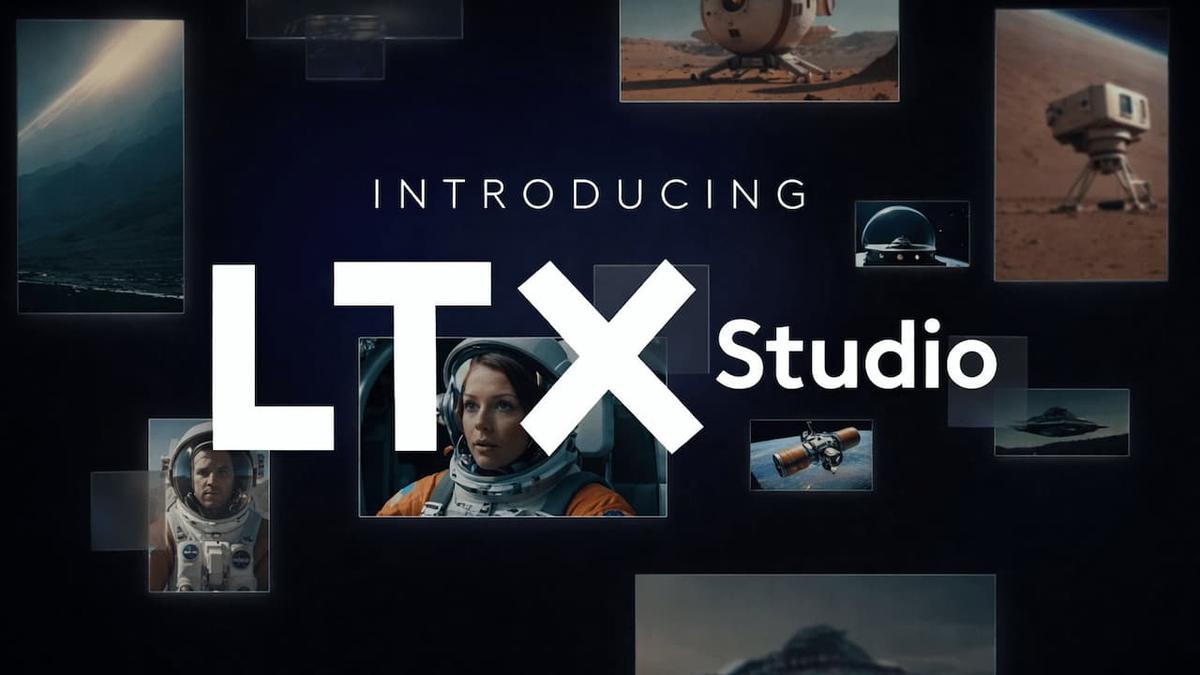
What Is LTX-2? LTX-2.5, Pricing & User Guide
Automatically translated
 Admin
LTX-2 is an AI video model developed by Lightricks that generates video and audio together in a single process. The model weights have been available for download on Hugging Face and GitHub since 06.01.2026; the latest version in the same family is LTX-2.5, released on 11.08.2026. You can try the model in your browser using LTX Studio (with its free plan), or run it on your own computer if you have a sufficiently powerful graphics card.
Last updated: 18.10.2026
AI video tools are becoming increasingly realistic and accessible every month. One of the notable models in this field is LTX-2. Developed by Lightricks, the model is built around physically accurate motion and visual consistency from scene to scene.
This next-generation tool does more than just generate videos from text; it also offers directors and content creators an "intelligent" editing experience that maximizes control over every scene.
LTX-2, LTX-2.3, and LTX-2.5: Latest Developments
LTX-2 is not a single version but a continuously evolving model family. As of October 2026, the versions are as follows:
Version | Release date | Key features |
|---|---|---|
LTX-2 | 06.01.2026 (open weights) | 19 billion parameters; synchronized audio and video in a single model; video generation from text, images, video, and audio |
LTX-2.3 | 05.03.2026 | 22 billion parameters; improved image and audio quality, better prompt adherence; Fast and Pro variants |
LTX-2.5 | 11.08.2026 | 22 billion parameters; connected multishot generation in a single run, HDR output, automatic duration selection based on the scene |
License: The weights are distributed under the LTX-2 Community License. Individuals and companies with annual revenue below $10 million can use the model under this license; companies with annual revenue of $10 million or more must obtain a paid license for commercial use. For this reason, the model is not fully open source but is more accurately described as an "open-weight" model.
What Are LTX-2's Standout Features?
LTX-2 stands out from its competitors in video generation not only for its speed but also for its excellent balance between physical realism and scene control. Here are the most notable features of this next-generation model:
Native Audio and Video Synchronization
Traditional models generate the video first and add audio afterward. LTX-2, however, creates both simultaneously in a single process.
Precise Lip Sync: Because audio and visuals are generated together within the same model, speech and mouth movements are more naturally synchronized than with separately added audio.
Ambient Sounds: It automatically and naturally generates sound effects based on movements in the video (for example, a glass being placed on a table or the sound of rain).
Cinematic Image Quality
The model delivers high resolution directly, without requiring "upscaling":
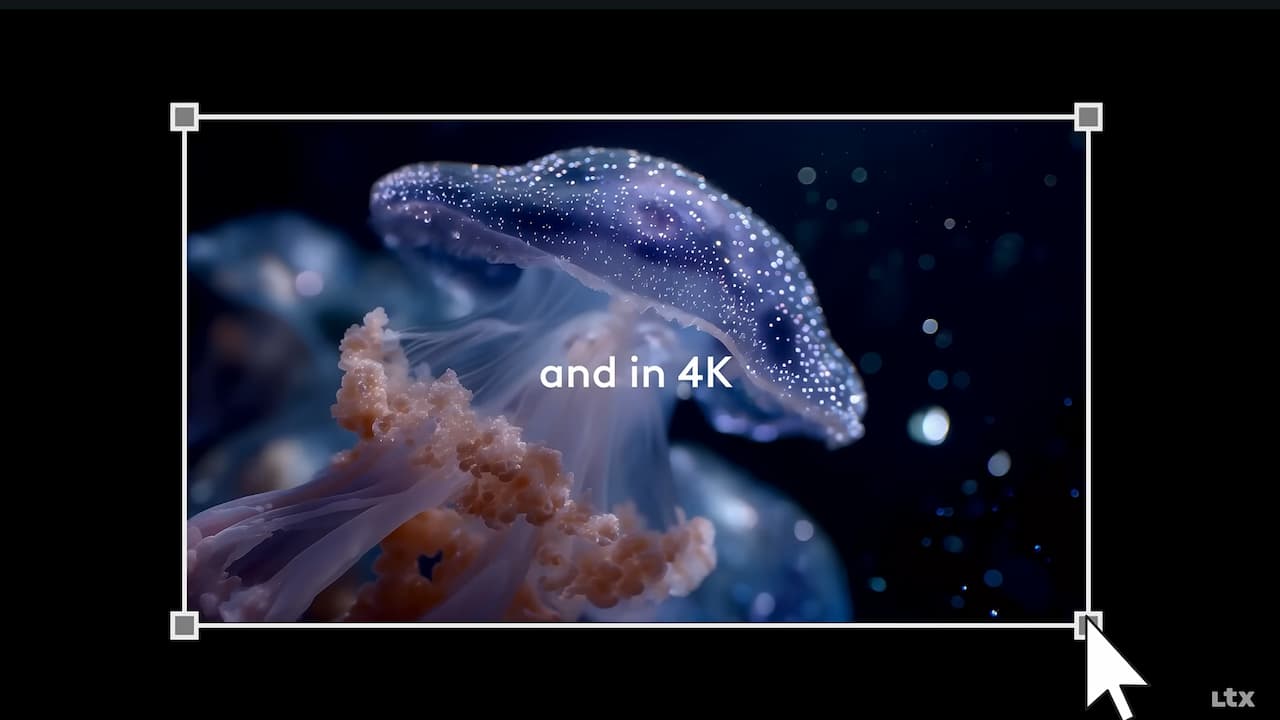
4K Resolution: You can generate true 4K output without losing sharpness.
50 FPS Support: Delivers smooth, fluid visuals, especially in action scenes.
Flexible Generation Durations and Modes
Clip duration varies depending on the mode and resolution you choose. The free LTX Studio plan provides a one-time allocation of 800 credits and is for personal use only.
Clips up to 20 seconds: In Fast mode, a single prompt can generate uninterrupted video up to 20 seconds at 1080p and up to 10 seconds at 1440p and 4K.
Fast: Fast, low-cost generation for experimentation, storyboarding, and previews. Supports 1080p, 1440p, and 4K.
Pro: Higher detail and motion stability for final outputs. Maximum duration of 10 seconds; audio-to-video, Retake, and Extend features require this mode.
Ultra: Announced as the highest-quality mode in the initial January 2026 release; however, only Fast and Pro modes are listed on the current model page.
LTX-2 Retake Feature
Instead of regenerating the entire video, this feature allows you to change only a specific section (such as an actor's emotion or hand movement) while keeping everything else unchanged. This reduces the need to recreate entire scenes in advertising and filmmaking. Retake and Extend, which allows you to lengthen a scene, are available in Pro mode.
Camera Motion Control and Keyframing
With the Keyframing feature, you can define the starting and ending frames of a video. Camera Motion Control then lets you precisely adjust the angle, speed, and direction of movements such as pan, tilt, zoom, and crane between these frames, allowing the AI to create a smooth transition.

Technical Capabilities: Resolution and Performance
The model's technical specifications are designed to support professional workflows:
Low Latency: LTX-2 Fast mode is designed for experimentation and previews. According to Lightricks, on an H100 GPU, the model runs approximately 18 times faster per step than the WAN 2.2 14B model under the same settings.
Smooth Motion at 50 FPS: The high frame rate minimizes the "flickering" effect, one of the biggest problems in AI-generated videos. It delivers fluid visuals, particularly in action scenes, while also allowing high-quality slow-motion production in post-production.
Native Aspect Ratio Support: With the open model, you can set the width and height yourself, as long as both are multiples of 32. This allows you to generate landscape and portrait formats without cropping. Supported frame rates are 24, 25, 48, and 50 FPS.
Feature | Description |
|---|---|
Text-to-Video | Create high-quality scenes from written prompts. |
Image-to-Video | Bring existing photographs to life and turn them into stories. |
Fast Preview | Generate quick, low-resolution drafts during the production process. |
Style Transfer | Transform videos into a specific artistic style or cinematic look. |
Open-Weight Strategy and "Edge" Usage
The open weights of LTX-2 shared on Hugging Face allow you to run the model on your own computer without depending on cloud platforms. Once the weights are downloaded to your local machine, videos can be generated without uploading them to the cloud, which is a significant advantage for confidential projects. The model can be used with built-in nodes in ComfyUI, the Diffusers library in Python, and Lightricks' open-source desktop application, LTX Desktop. You can also guide character movements and scene structure using control inputs such as depth, pose (OpenPose), and edge maps.
One of the biggest advantages of open weights is the ability to fine-tune the model using LoRA. With a few image or short video examples, you can teach the model a specific character, product, or brand-specific style. This helps reduce character consistency issues in AI-generated videos. According to Lightricks, motion, style, and identity LoRAs can be trained in less than an hour. If you don't have your own GPU, since 13.10.2026 you can also train and download character or style LoRAs through LTX Explore without setting up a GPU.
How to Use LTX-2
The most practical way to use LTX-2 is through Lightricks' browser-based LTX Studio platform. LTX Explore is also available for trying the model without writing code, while LTX Desktop lets you run it locally. Here are the quick steps for using LTX Studio:
1. Getting Started and Signing In
Visit LTX Studio and sign up.
Click the "Create New Project" option in the dashboard.
2. Creating a Video
Text-to-Video: Describe your imagined scene in detail in the "Prompt" section (e.g., A wolf running across a snowy mountain, 4k, cinematic).
Image-to-Video: Upload an existing photograph and bring it to life by adding motion instructions.
3. Control and Editing
Camera Settings: Manually select camera movements such as Pan, Tilt, or Zoom.
Duration and Quality: Set the video duration in seconds and choose the resolution (1080p, 1440p, or 4K).
Generate: Click the "Generate" button to create your video. Processing time varies depending on the mode, resolution, and duration.
Costs and the Turkish Perspective
For users in Türkiye, the economic aspects of LTX-2 are particularly appealing:
Local Computing Power Instead of Subscriptions: The "Edge Computing" Advantage
One of the biggest hidden costs of AI tools is the high monthly subscription fees charged in foreign currencies. LTX-2's open-source structure changes this equation:
Capital Investment and Operating Costs: Instead of constantly purchasing cloud credits, making a one-time investment in a powerful graphics card may be cheaper in the long run for those who produce many videos. However, the official LTX Desktop application requires an NVIDIA GPU with at least 15 GB of VRAM for local generation; cards such as the RTX 3060 (12 GB) fall below this requirement. Remember to factor in electricity and hardware costs as well.
Unlimited Experimentation: Cloud-based tools consume credits with every generation, whereas local installations limit the number of experiments only through your hardware and available time. This frees up the trial-and-error stage of the creative process in particular.
Plan | ||||
|---|---|---|---|---|
Plan | Monthly Price (Annual Billing) | Credits | License | Best For |
Commercial License | Advantage | |||
Free | $0 | None | ||
Free | $0 | 800 (one-time) | Personal use | Those who want to try it |
Lite | $15 | None | ||
Lite | $15 ($12) | 8,000 / month | Personal use | Personal projects, watermark-free output |
Standard | $35 | Available | ||
Standard | $35 ($28) | 28,000 / month | Commercial use | Advertising, sponsored content, revenue-generating channels |
Pro | $125 | Available | ||
Pro | $125 ($100) | 110,000 / month | Commercial use | Teams and studios with intensive production needs |
Commercial Licensing and Professional Freedom
LTX Studio clearly distinguishes between commercial and personal use:
Standard and Pro Plans: Starting at approximately $35 per month, the "Standard" subscription grants you commercial rights to your videos. This provides legal assurance for advertising films, social media collaborations, and YouTube revenue.
Licensing for Local Use: Those running the model on their own computers are subject to the LTX Community License. Individuals and companies with annual revenue below $10 million can also use it for commercial projects; companies exceeding this threshold must obtain a paid commercial license from Lightricks.
Hardware Requirements: How Much VRAM Do You Need?
The hardware required by the official LTX Desktop application for local generation is as follows:
Windows and Linux: A CUDA-compatible NVIDIA graphics card with at least 15 GB of VRAM. If your VRAM is lower, the application does not allow local generation and redirects you to the cloud API.
RAM and Storage: At least 16 GB of system memory (32 GB recommended) and approximately 72 GB of free disk space for the LTX-2.5 Fast core package.
Mac: Local generation is possible on Macs with Apple Silicon processors and at least 32 GB of memory; Intel Macs are not supported. If you're setting it up yourself with Python, fp8 quantization and CPU or disk offloading are available when memory is insufficient, although generation will be slower.
The LTX-2 family is a powerful option for content creators who want greater control over AI video production, thanks to its open weights, synchronized audio generation, and editing features such as Retake. The free LTX Studio plan is sufficient for trying it out; if you plan to work commercially, the Standard plan or the terms of the Community License for local installations are important considerations. If you'd like to compare it with other video models, check out our articles on Runway Gen-4.5 and Google Veo 3.1.
Frequently Asked Questions
Is LTX-2 free?
Partially. The model weights are available for free download, and individuals and companies with annual revenue below $10 million can use them under the Community License. The free LTX Studio plan, meanwhile, provides a one-time allocation of 800 credits and is for personal use only.
Is LTX-2 open source?
Its weights and code are open, but its license is not a conventional open-source license. Because of the revenue threshold and paid commercial licensing requirement for large companies, it is more accurate to call it an "open-weight" model.
What graphics card do I need to run LTX-2?
The official LTX Desktop application requires an NVIDIA GPU with at least 15 GB of VRAM, 16 GB of RAM (32 GB recommended), and approximately 72 GB of disk space. On Mac, Apple Silicon and at least 32 GB of memory are required.
What is the difference between LTX-2 and LTX-2.5?
LTX-2.5 is the newer version, released on 11.08.2026. It introduces connected multishot generation in a single run, HDR output, automatic duration selection, and a more powerful text encoder. LTX-2.5 Fast is now the default local model in LTX Desktop.
Can I use videos generated with LTX-2 for commercial purposes?
For commercial use in LTX Studio, you need a Standard or Pro plan; Free and Lite plans are for personal use only. If you're running the model locally, you can use it commercially under the Community License if your annual revenue is below $10 million.
AdminChatGPT Arama Motoru: Nasıl Çalışır ve SEO Nasıl Yapılır?


2050 Teknoloji Tahminleri: İnsan–Makine Birleşimi Yeni Bir Çağ Başlatıyor


