Samsung is powered by Internet Browser One UI 9
Automatically translated
 Writer
One of the most quiet but most persistent revolutions of the digital age, perhaps it takes behind the browser bar. Samsung Internet BrowserFor a long time, it is moving between tabs and moving beyond being an ordinary tool that tries to display web pages and is moving towards turning a digital assistant that is accompanied by the user’s thought flow.
The One UI 9 update, where the company plans to be used in the coming period, turned out to add two important artificial intelligence-supported features to the browser. This development can only be read as a reflection of the AI from the background in the mobile ecosystem of Samsung, rather than a technical update.
One UI 9.0 and Changed Role of Browser
Samsung, Galaxy S26 series iAlthough the beta version of China One UI 9.0 has brought together with users, it is known that all innovations that will be included in the final version of the update are not shared with the public yet. Sizan information shows that the company continues its development work for the Samsung Browser application and the two features that support artificial intelligence in the room of these studies. This is an indication that Samsung attaches importance to deepen user experience in the software layer.
Ask Anything: A Question in Browser-Cevap Assistant
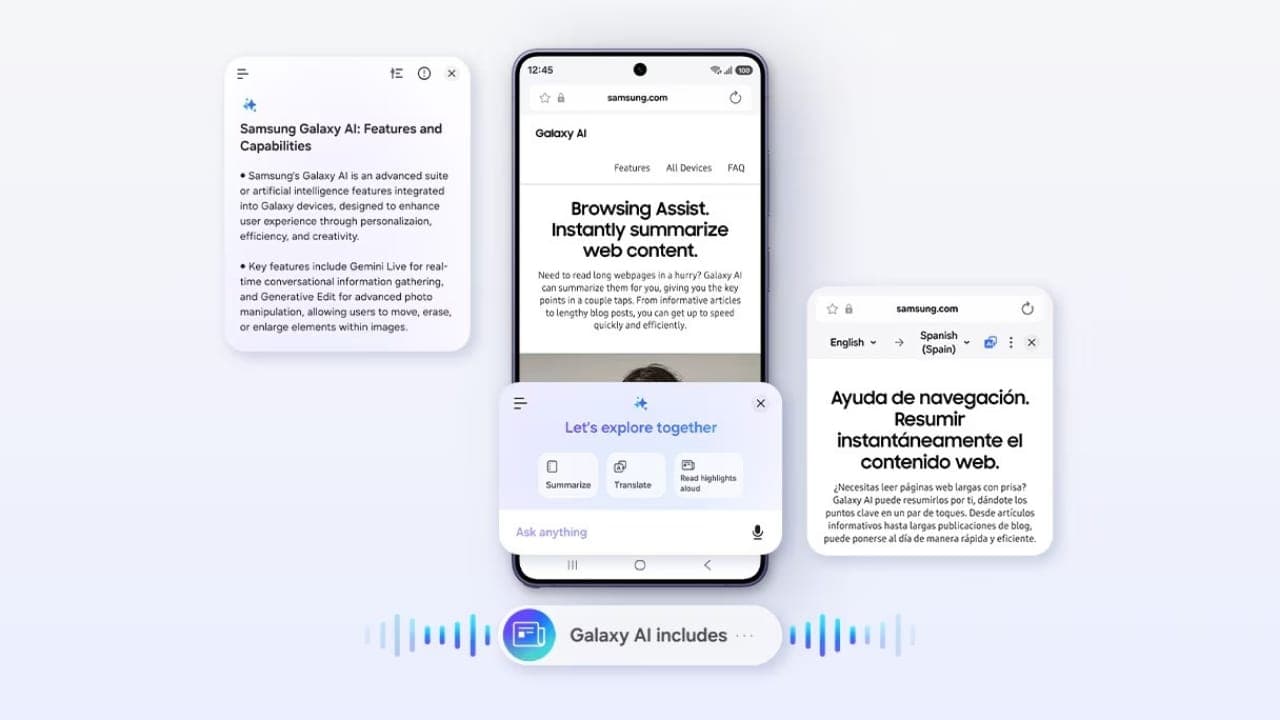
The first feature in the center of leaks carries the Ask Anything name. This innovation, Galaxy AIThe 's Browser Assist package is positioned as part and user can respond to questions using the browsing history. As users can ask questions about the web page they have viewed at that moment, they may apply to this assistant in all different and independent matters. In other words, the browser now turns into a interface that contributes not only the access door to information, but also to the interpretation of information.
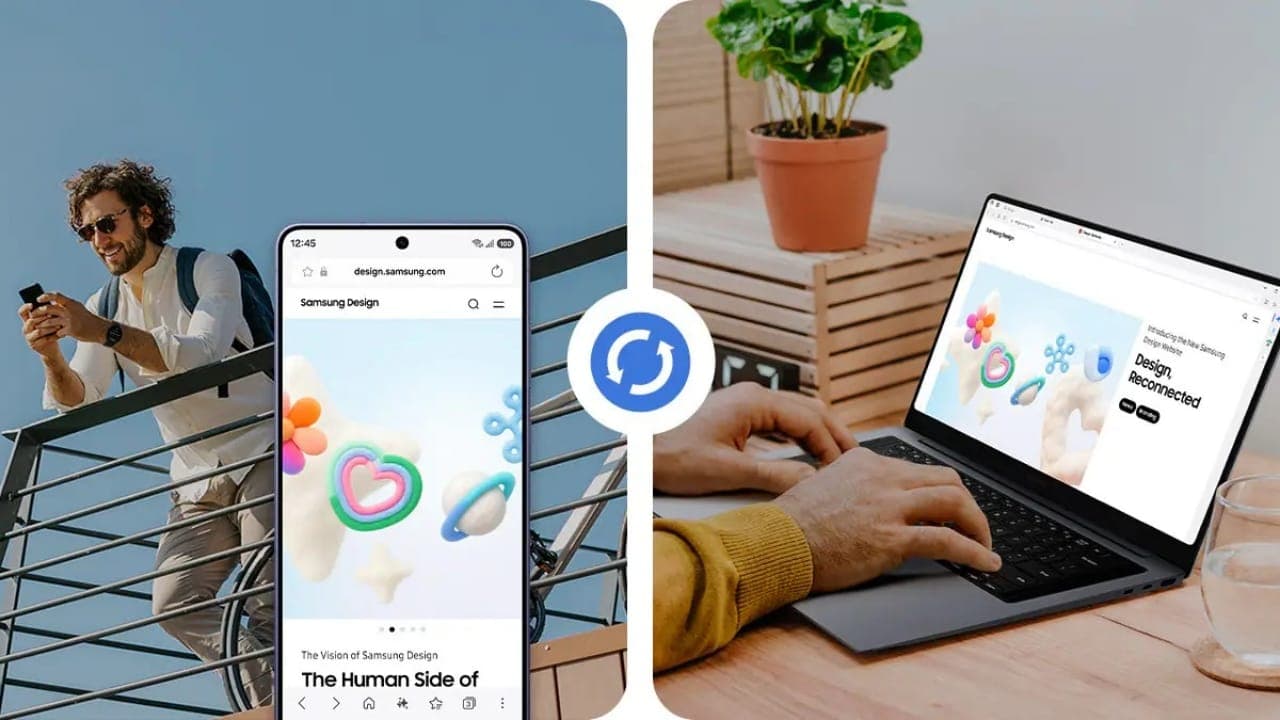
In-page and General Analysis: Users may direct questions directly to artificial intelligence about the content of the web page they have reviewed or on any subject.
Synchronization with Geçmiş History: Artificial intelligence will produce extremely inclusive and accurate responses, not only the page that is open, but also taking into account the user’s browsing context.
Smart Abstracting and Information Extraction: Hard to reach reports, long articles or complex analyses can be transformed into meaningful summary with a single question.
New Shortcut to PDF Files Notes

Second innovation is to solve a practical problem in everyday use: direct a PDF file on the web Samsung Notes Ability to transfer to the application. Thanks to this feature, users can switch to a separate application from the browser or move the PDF content into the note-taking environment without having to manually download and reopen the file. This little-looking step actually overlaps Samsung’s device ecosystem with the aim of strengthening cross-platform applications.
Menu Regulation: A Step To Personalize More
Among the information provided, there is a editing feature that the options included in the three point menu of the browser can change itself. This change shows that the trend of personalizing user experience is extended to the browser interface, although it does not characterize as a large technological breakthrough.
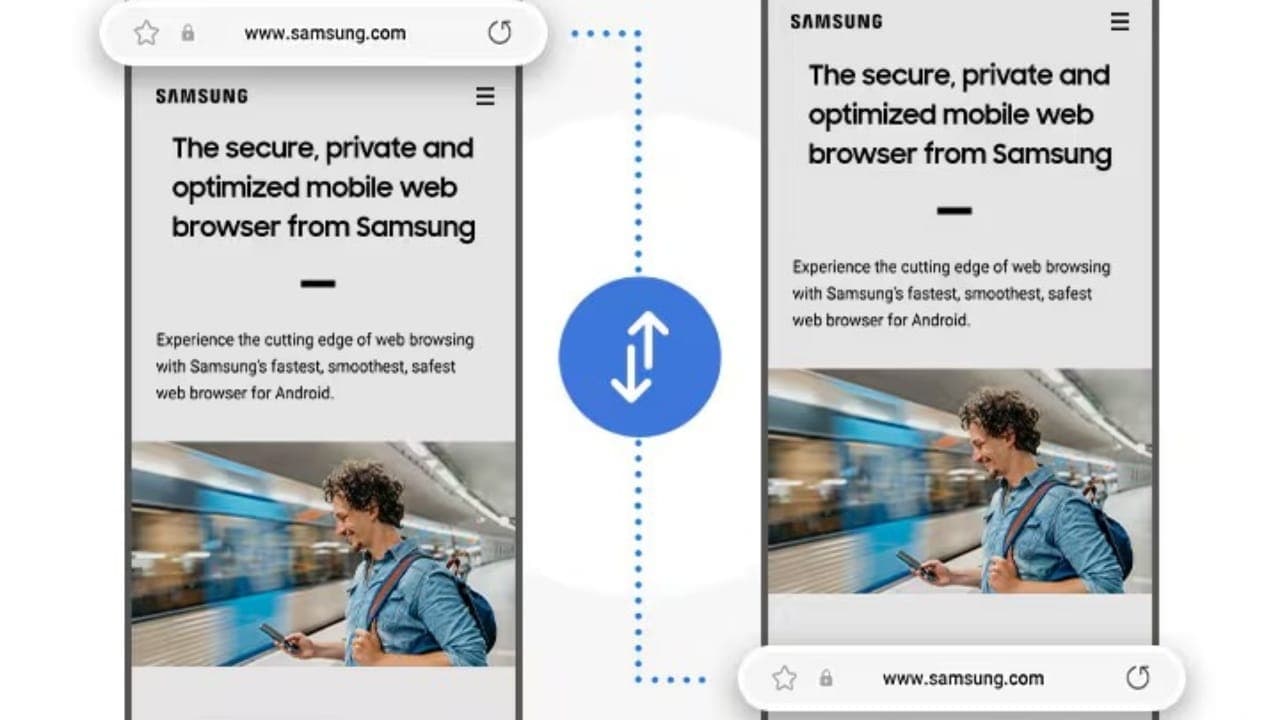
Single Touch Note: Any PDF document displayed via the web browser is transferred directly to the Samsung Notes application without requiring a third-party download or transfer.
Advanced Editing and Marking: This integration combined with S Pen support and advanced note-taking tools saves time for a wide audience from students to professionals.
Opportunities | Specificities |
Home Connection sensitive during scan, quick response | Home Ask Anything is likely to remain limited to specific Galaxy models only |
Home Combining PDF and note receiving workflows in one application | Home When the properties are not cleared to the stable version |
Home Increased use comfort with menu customization | Home An official Samsung description has not yet been done |
Samsung's Location Against Rival Browsers u
Samsung has the benefits to look in the general table in the mobile browser world to read this step correctly. Google and Apple continue to give artificial intelligence capabilities in similar direction to their own browsers Ask Anythin g The feature can be evaluated as a reflection in the Samsung ecosystem, which is shaped across the sector, rather than being a single innovation.
On Google side, AaUppercaseThe Gemini assistant integrated into 'can be set in context between open tabs, and for some users who can talk directly with Google services such as Calendar, Gmail, YouTube, it also activates the auto navigation ability that performs very step tasks on the web. Introduced in WWDC 2026 on Apple facade Apple Intelligence With the update, Safari can be automatically grouped according to open tabs topics, it can create custom plugins on the user’s behalf and update weak passwords with one touch. When you look at this table, Samsung Browser’s Ask Anything feature seems to serve a more-oriented use scenario rather than the versatile agent approach of competitors as a question-cevap assistant that deals directly with page content and general questions.
Feature | Samsung Browser | Google Chrome | Apple Safari |
AI Assistant | Ask Anything (Browser Assist) | Ship (over / edge panel) | Apple Intelligence layer |
Basic Use | In addition to page content and general questions Tags | Multiple tab summarying, comparison, task automation u | Tab grouping, custom plugin production, page tracking |
Ecosystem Relative | Galaxy AI, Samsung Notes | Google Calendar, Gmail, YouTube, Maps | Passwords app, Apple Intelligence across the system |
Access Status u | Development / beta stage | Gradually expanding on country basis | WWDC announced in 2026, distribution takes place |
This comparison reveals that three companies have no longer positioned the browser as a layer of passive imaging, thinking on the user’s behalf, and when acting. The difference of Samsung is that capabilities are directly in the hardware and software integrity of the phone Galaxy AI It lies in targeting to offer under the roof, which promises a more uninterrupted experience especially for Galaxy device users.
What Does Internet Browser Present in Daily Use?
New features developed with One UI 9 are not only offering technical innovations, but also aiming to make users more efficient their daily internet habits. Thanks to the experience of artificial intelligence-supported scanner, the time of reaching information is shortened and the need to switch between different applications.
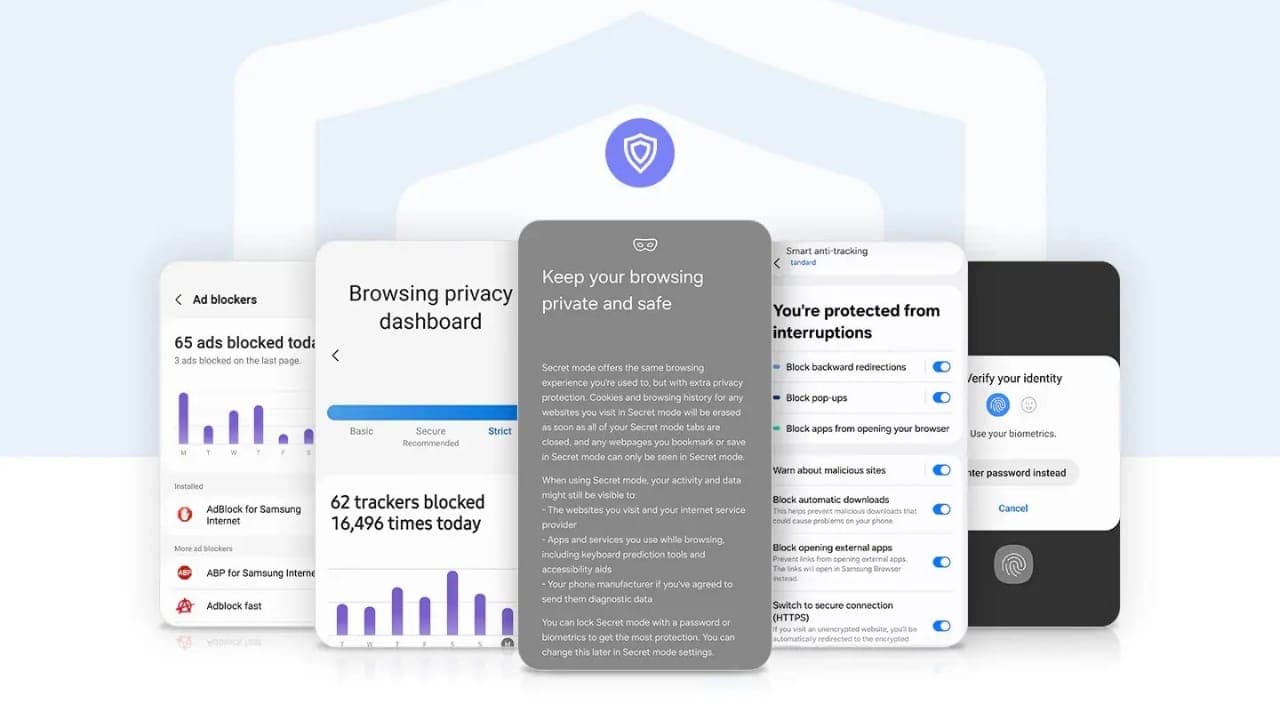
For example, users may ask a summary of the content from artificial intelligence while reading a news text, you can instantly learn the description of a technical concept or analyze the information on the page they visit. Data such as product specifications, price differences and user reviews can be evaluated on a single chat screen.
This approach is seen as an important step in the integration of productive artificial intelligence to mobile devices. Because user experience is not only with faster internet access, but it is also shaped with the ability to reach the right information as soon as possible.
Samsung’s One UI 9 is the new generation Samsung Internet Browser experience gives powerful signals that mobile browsers will turn into personal digital assistants by being applications that display only web pages in the future.
A Uzanan Conversion from Browser to Assistant
These innovations that Samsung Internet Browser will gain with One UI 9 show that mobile scanners are now just from being a content display tool, the user has turned into a layer that forms the relationship with information actively. Ask Anything feature, while Samsung’s artificial intelligence vision is placed in the center of the browser experience; more modest steps such as PDF integration and menu customization are also aimed to increase the comfort of the daily use. Although the company has not yet proven to offer users with these features when and which devices, improvements indicate that the AI in the mobile software strategy of Samsung is increasingly positioned in a central location.
WriterNetflix 300'den Fazla Yapımda Üretken Yapay Zeka Kullanıyor


OpenAI ile Siber Güvenlik Testlerini Geliştirme