What is Bixby Live? AI Assistant According to Samsung
Automatically translated
 Writer
Home gThe approach in the field of artificial intelligence carries a further point with Bixby Live. This new generation assistant has a structure that understands beyond being a system that only responds to voice commands, complicates context and creates a more natural interaction with the user. Samsung AI assistant update combines technology into everyday life more invisible but more effectively.
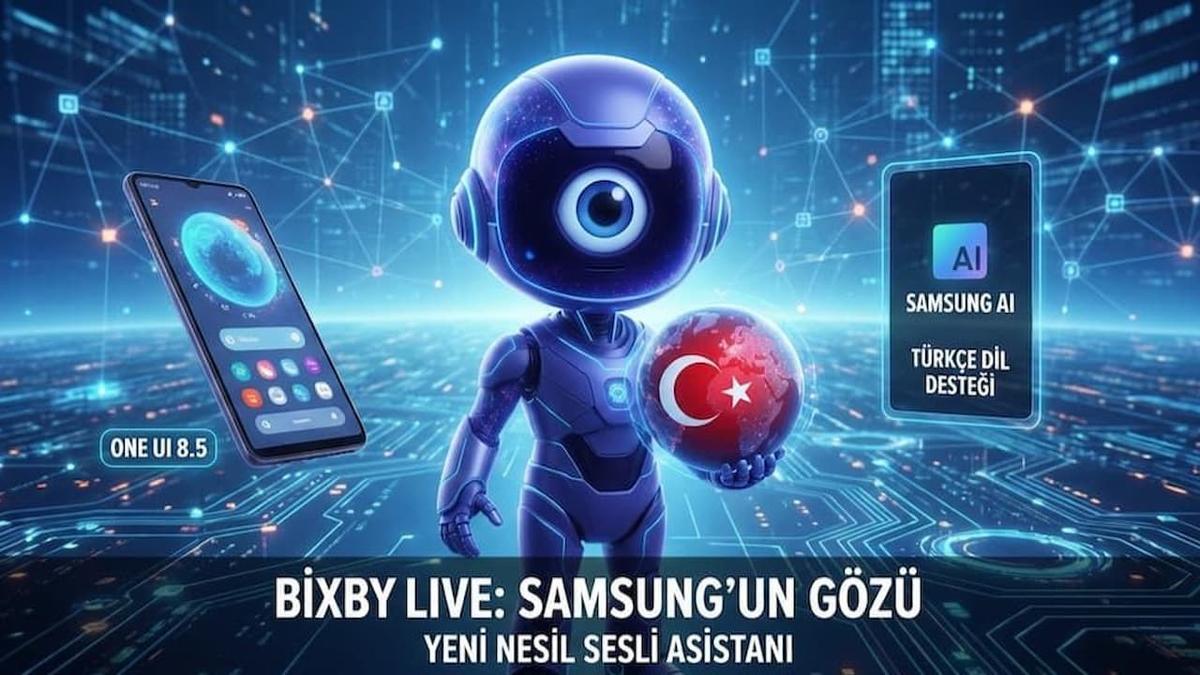
Bixby Live is an advanced AI assistant that integrates with Samsung One UI 8.5 and can evaluate the sound with the screen. The user can communicate by talking and showing at the same time.
Bixby Live’s ability to “see” turn into a concrete benefit with display sharing and camera usage. Show a outfit on the user phone screen to Bixby “What kind of style? ” or “Do you have products? ” ask. When a complex map screen is opened, Bixby Live can open the most practical way by reviewing the route.
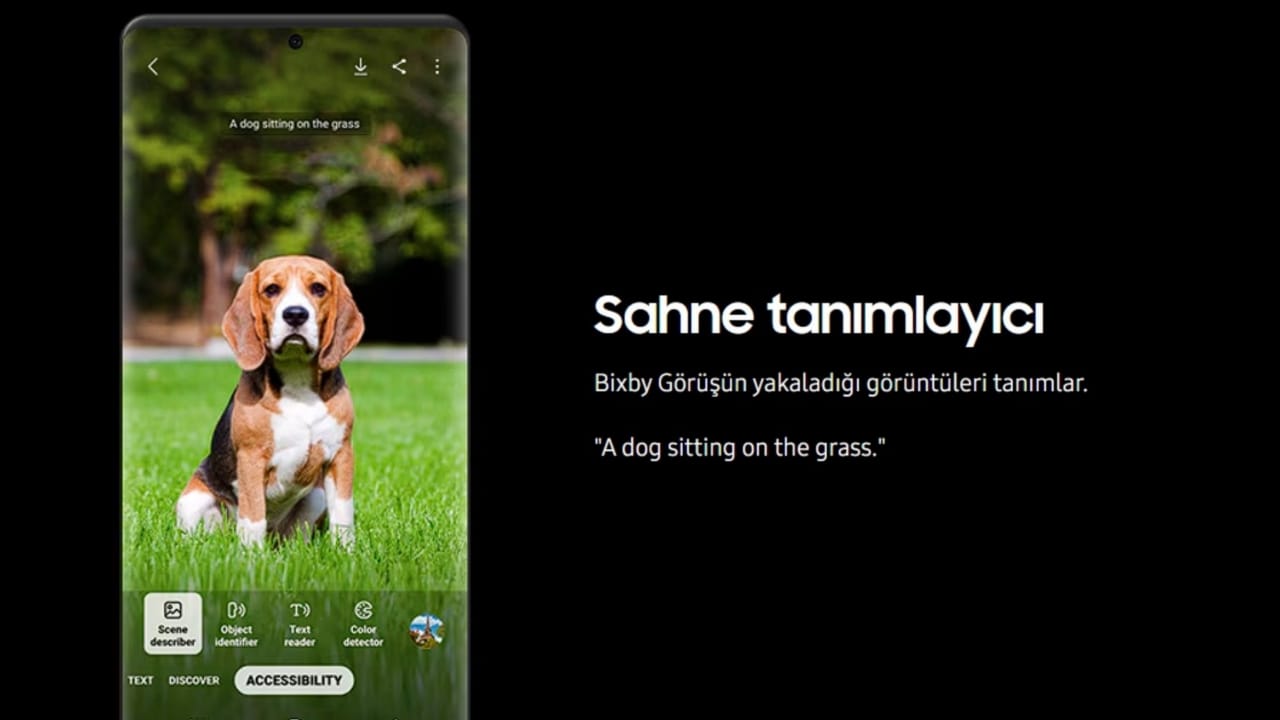
A bug message that appears on the screen similarly can explain what this error means when it shows to Bixby Live and sort possible solution steps. These types of scenarios turn artificial intelligence into a truly facilitated help to become a theoretical innovation.
Comparison with Artificial Intelligence Assistants
Google Assistant Tags information is strong for quick access, Home Home Apple stands out for harmony with the ecosystem. Bixby Live separates Samsung devices with its special hardware and software integration deeper. It is a step ahead of its competitors in visual context that can interact actively with the camera and screen.
The Difference of Samsung in Multimodal Race
Bixby Live aims to provide a deeper integration between Samsung devices such as phones, tablets and TV. A interaction that the user started on the phone can continue on the tablet or TV screen. Evaluation of camera, display and audio data together, Bixby Live only converts Bixby Live to an assistant that comments the situation rather than an assistant that responds.
 Bixby Live Turkish Language Support
Bixby Live Turkish language support has reached a more natural and fluent level with recent updates. A marked development is observed compared to previous versions in daily speaking language, contextual expressions and script detection. This makes the assistant experience more accessible for Turkish speaking users.
How to Use Bixby Live?
Samsung One UI 8.5 comes with update Bixby Live The steps you need to follow to use the feature are:
- Software Control: Less on Your Device One UI 8. 5 Make sure the version is installed. This feature is not available in previous versions.
- Awakening Assistant: You can activate Bixby with two different methods:
- Power Key: holding the power key on the side of the phone for a long time.
- Voice Command: "Hey Bixby" says his assistant voice.
- Live Mode Activation: After opening Assistant, located on the screen or menu Bixby Live Select mode.
- Preparation of Camera: To use camera-supported features, keep the phone’s camera to the object, text or landscape you want to analyze.
- Interaction and Command: Bixby Live mode can actively ask questions about the content seen on the screen ("What is it?", like "Convert this text" or you can follow the redirects that the assistant offers via the visual.
Improvements in New Updates
With new updates, Bixby Live’s response time, visual detection accuracy and context resolution capabilities have been developed. Thus, assistant can provide faster and consistent responses to user needs.
| Mod Name | Basic Mission | Featured Feature |
|---|---|---|
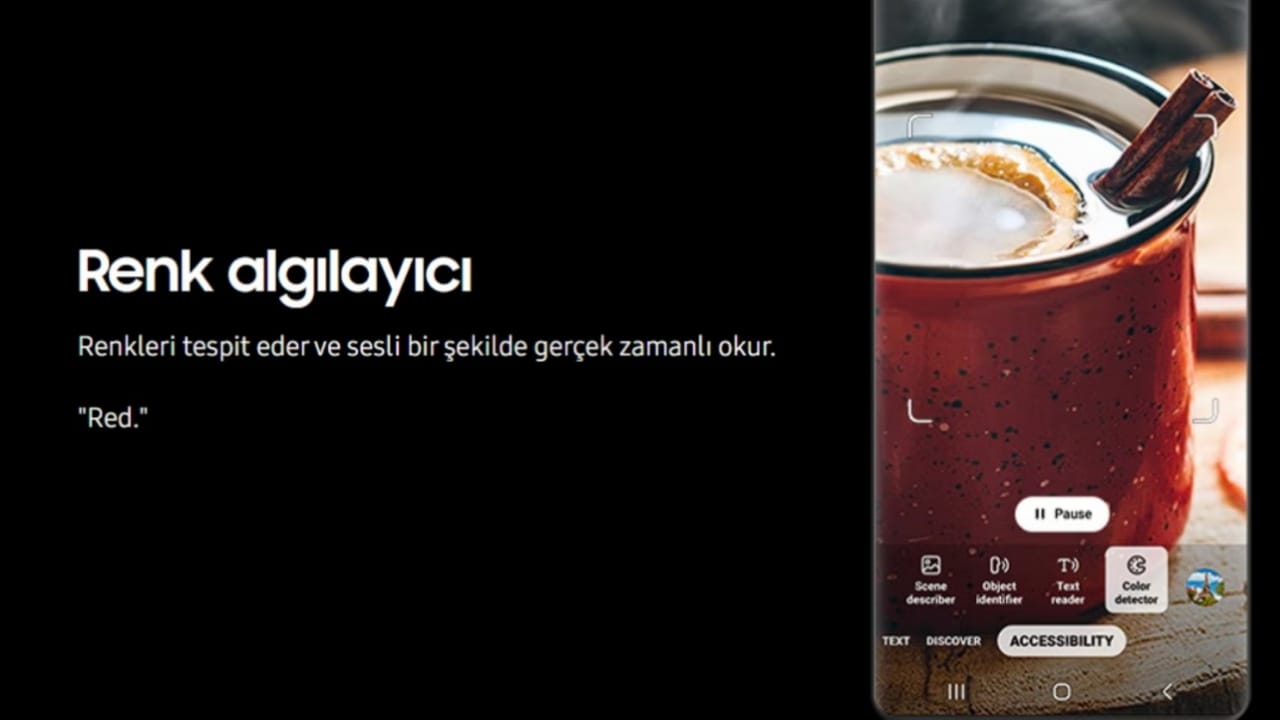
| Observer | Uses the camera as "eye". | It recognizes objects, price comparison and instantly translates signs in the foreign language. |
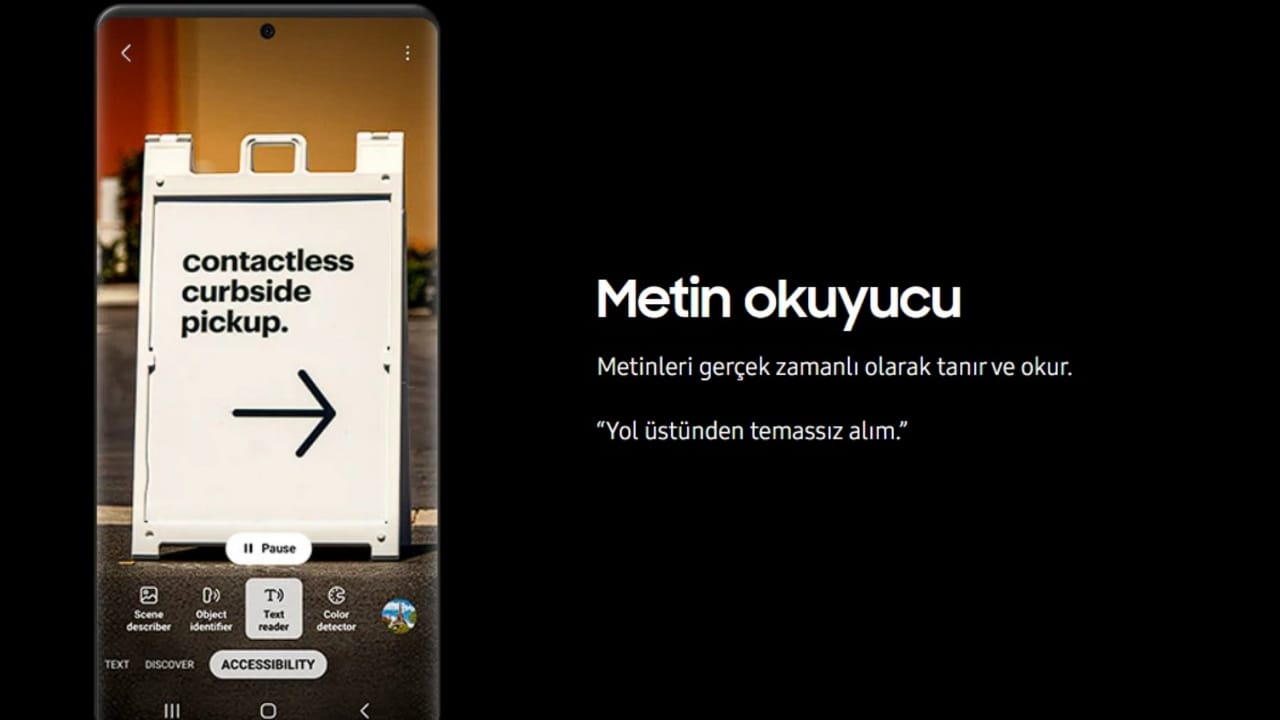
| Lecturer | It stories what is on the screen or in the environment. | They create emotional memories from your photos or feed the scene for visually impaired users. |
| Academic | Analyze complex data and texts. | Long articles summaries solve math problems step by step, and do resource screening. |
| Road Friend | Offers location-based guidance. | When you stand in front of historical venues, he expresses the story of the structure in a voice. |
| Creative | Supports multimedia content production. | A idea that you tell is poured into the draft or manages visual editing tools in One UI 8.5. |
Bixby Live shows Samsung’s artificial intelligence is positioned not only from a technical tool, but also as a help. Accordingly, understandable and speaking English, this new generation of assistant technology is becoming complex and transforms everyone with a experience that can use it easily.
WriterNVIDIA Alpamayo: Otonom Araçlarda Yapay Zeka Devrimi

Runable AI: Slayt, Web ve Podcast Tasarım Platformu