What is LTX-2? LTX-2.5, Prices and Use Guide Home
Automatically translated
 Admin
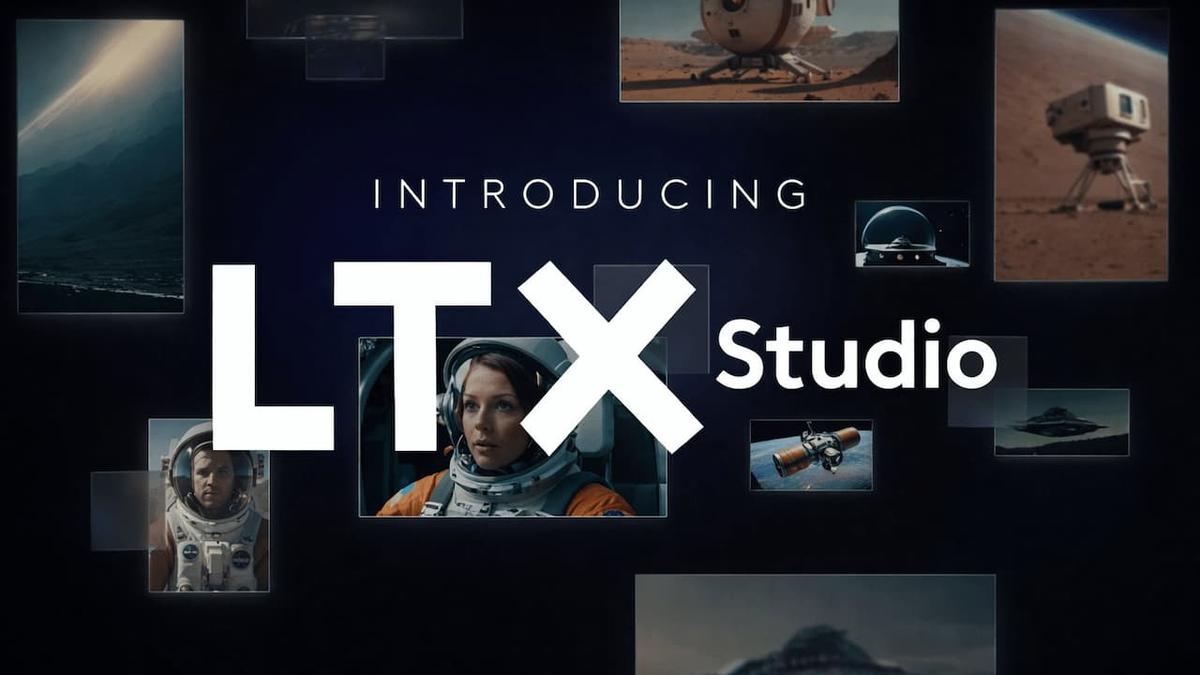
AdminLTX-2 is an artificial intelligence video model developed by Lightricks company, producing image and audio together at once. Model weights can be downloaded in Hugging Face and GitHub since 06.01.2026; the newest version of the same family is LTX-2.5, released in 11.08.2026. You can try the model with LTX Studio from browser (free plan) or run it on your own computer if you have enough screen cards.
Last update: 18.10.2026
Artificial intelligence video tools become a bit more realistic and accessible every month. One of the remarkable models in this area Home LTX-2. The model developed by Lightricks is installed on visual consistency from the movement and scene compatible with physics rules.
This new generation tool not only produces videos from text, but also offers a "smart" fiction experience that maximizes control over directors and content producers, stage.
LTX-2, LTX-2.3 and LTX-2.5: Current Condition
LTX-2 is not a single version, a constantly updated model family. Releases from October 2026 are as follows:
News | Departure date | Featured |
|---|---|---|
LTX-2 | 06.01.2026 (open weights) | 19 billion parameters; synchronous audio and video in one model; video production from text, visual, video and audio Home |
LTX-2. 3 | 05.03.2026 | 22 billion parameters; better image and sound quality, better adapt to commands; Fast and Pro variants |
LTX-2. 5 | 11.08.2 | 22 billion parameters; multiple shots (multishot), HDR output, automatic determination according to the stage of time |
License: Weights are distributed with LTX-2 community license. Individuals and annual income under 10 million dollars, companies can use the model with this license; annual income needs to be paid license for commercial use of $10 and above companies. Therefore, the model is not literally open source, "open weight" model.
What Are the Featured Features of LTX-2?
LTX-2 separates from its competitors, not only with speed in video production, but also with the perfect balance between physical reality and stage control. Here are the highlights that this new generation model brings the most sound:
Local Voice and Video Synchronization
Traditional models produce the video first, the sound is added after. LTX-2 creates both simultaneously in one process.
Perfect Lip Synchronization: Since the sound and image is produced together in the same model, the mouth movements are more compatible than separate added sounds.
Atmospheric Sounds: It produces sound effects automatically and naturally according to movements in the video (e.g. a glass of the table or the sound of rain).
Cinematic Image Quality
The model offers direct high resolution without making "upscaling" (image upgrade):
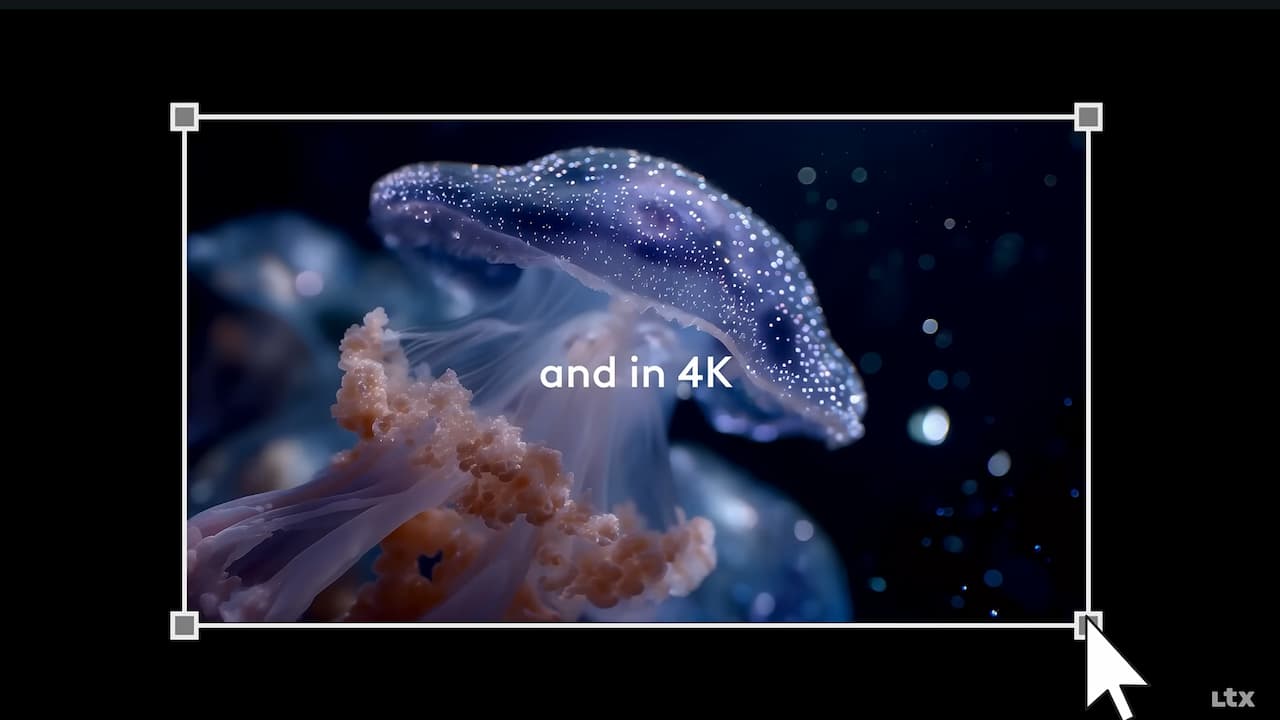
4K Resolution: Actual 4K outputs can be taken without having a clear loss.
50 FPS Support: Especially in action scenes, it provides an unstable and fluent image.
Flexible Production Periods and Mods
The clip duration varies according to the fashion and resolution you choose. The free LTX Studio plan gives 800 credits once and is for personal use alone.
Clips up to 20 seconds: A single in Fast mode Tags With 20 seconds in 1080p, 1440p and 4K can produce seamless video up to 10 seconds.
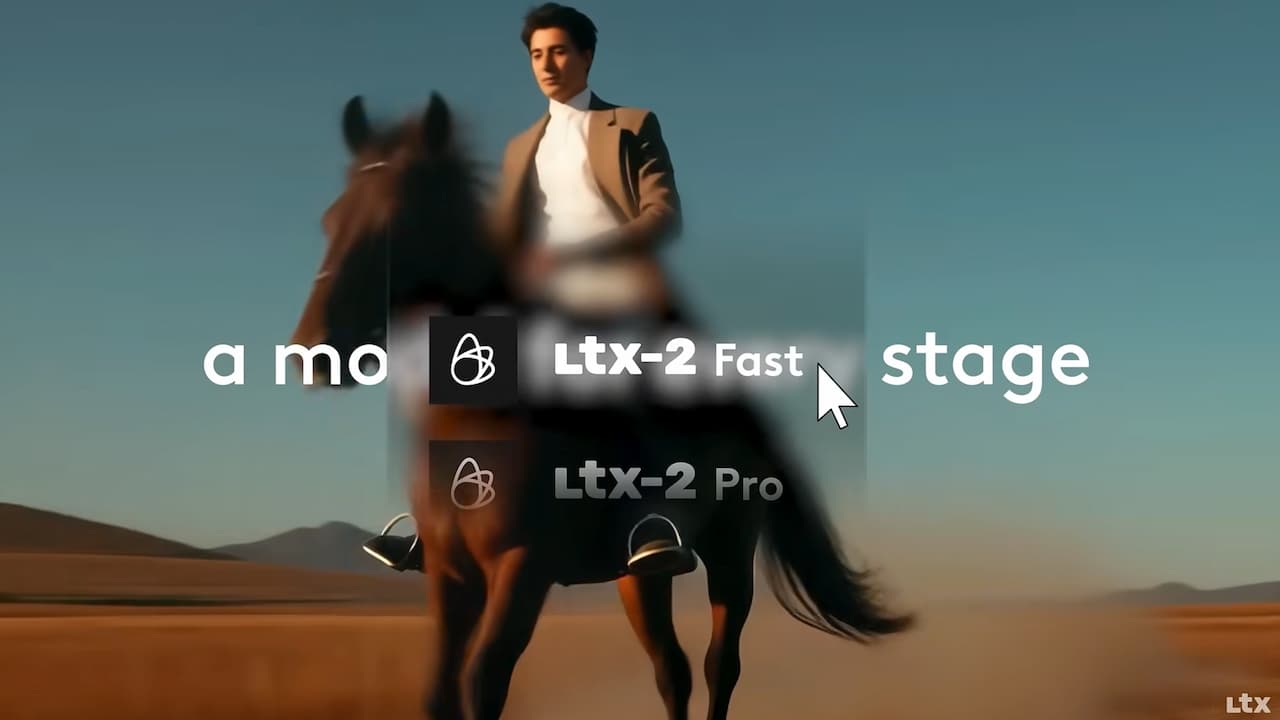
Fast: Fast and low cost production; for trial, storyboard and preview. Supports 1080p, 1440p and 4K.
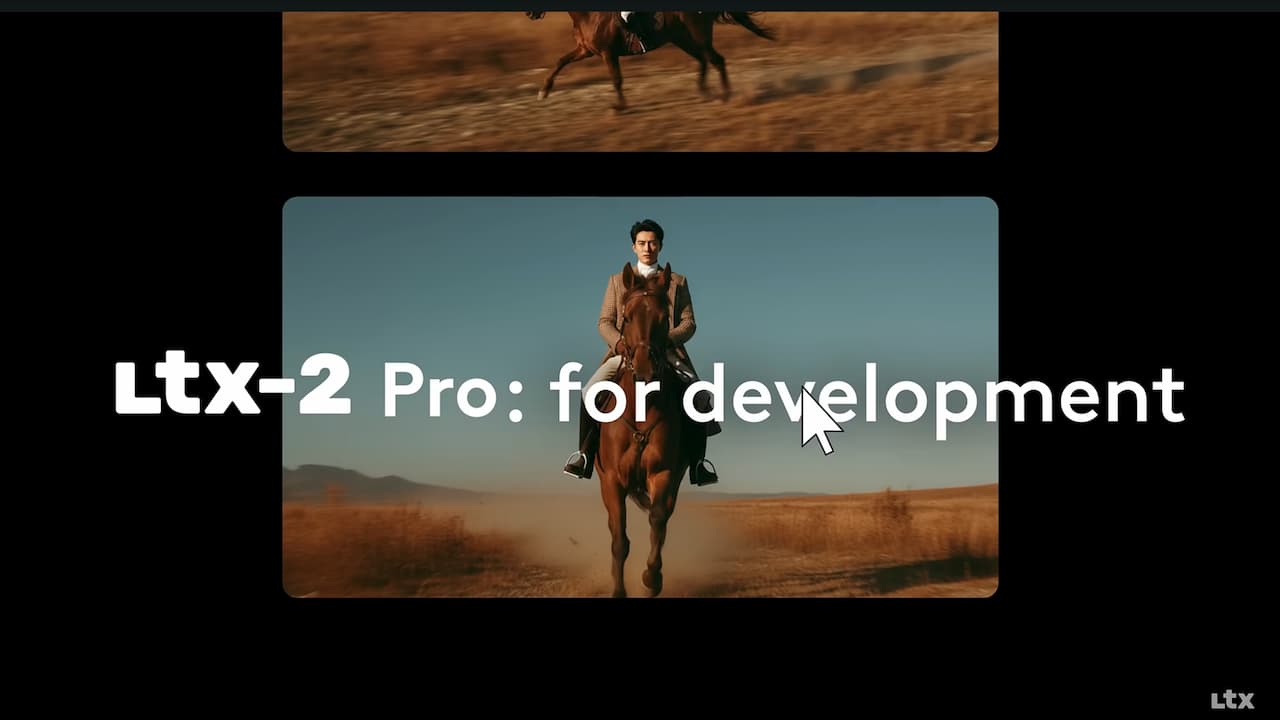
Pro: Higher detail and stability of movement; for final outputs. Maximum 10 seconds; video from audio, Retake and Extend features require this mode.
Ultra: It was announced as the highest quality mode in the first release in January 2026; the current model page is listed only Fast and Pro modes.
LTX-2 Retake Feature
A specific part of the video alone (e.g. a sense of a player or a hand movement) holding everything else fixed allows change. This reduces the need to produce all the scene from beginning in ad and film making. Retake and extending scene extending extend feature works in Pro mode.
Camera Motion Control and Keyframin g
With the feature of Keyframing, you can determine the starting and end frames of the video; thanks to Camera Motion Control, you can ensure that the angle of movements such as pan, tilt, zoom and winch between these squares precisely control the speed and direction of artificial intelligence.
Technical Power: Resolution and Performance
The technical limits of the model are designed in accordance with professional workflows:
Low Delay: LTX-2 Fast mode is designed for trial and preview. The model according to Lightricks works approximately 18 times faster per step from the WAN 2.2 14B model with the same settings in the H100 screen card.
Fluid Motion with 50 FPS: High frame speed is the biggest problem in AI videos “vibration” minimizes the effect. Especially when offering a fluency in action scenes, it allows quality slow-motion in post-production.
Natural En-Size Support: You can produce horizontal and vertical formats without crop because you can determine the width and height of the open model to be 32 solid. Supported frame speeds 24, 25, 48 and 50 FPS.
Feature | Description |
|---|---|
Video | Creating high quality scenes from written commands (prompt). |
Video | Storyting a photo available. |
Quick Preview | Low-resolution rapid drafts in production phase. |
Style Transfer | Convert video to a specific style of art or cinematic appearance. |
Open Source Strategy and "Edge" Usage
Open weights shared on LTX-2 Hugging Face allows the model to run on their computer without connected to cloud platforms. When the weights are downloaded to the local computer, videos can be produced without leaving the cloud; this is an important advantage for hidden projects. With built-in nodes in Model ComfyUI, Python is available with the Diffusers library and Lightricks’ open source desktop application LTX Desktop. It is also possible to guide character movement and stage structure with control inputs such as depth, pose (OpenPose) and edge map.
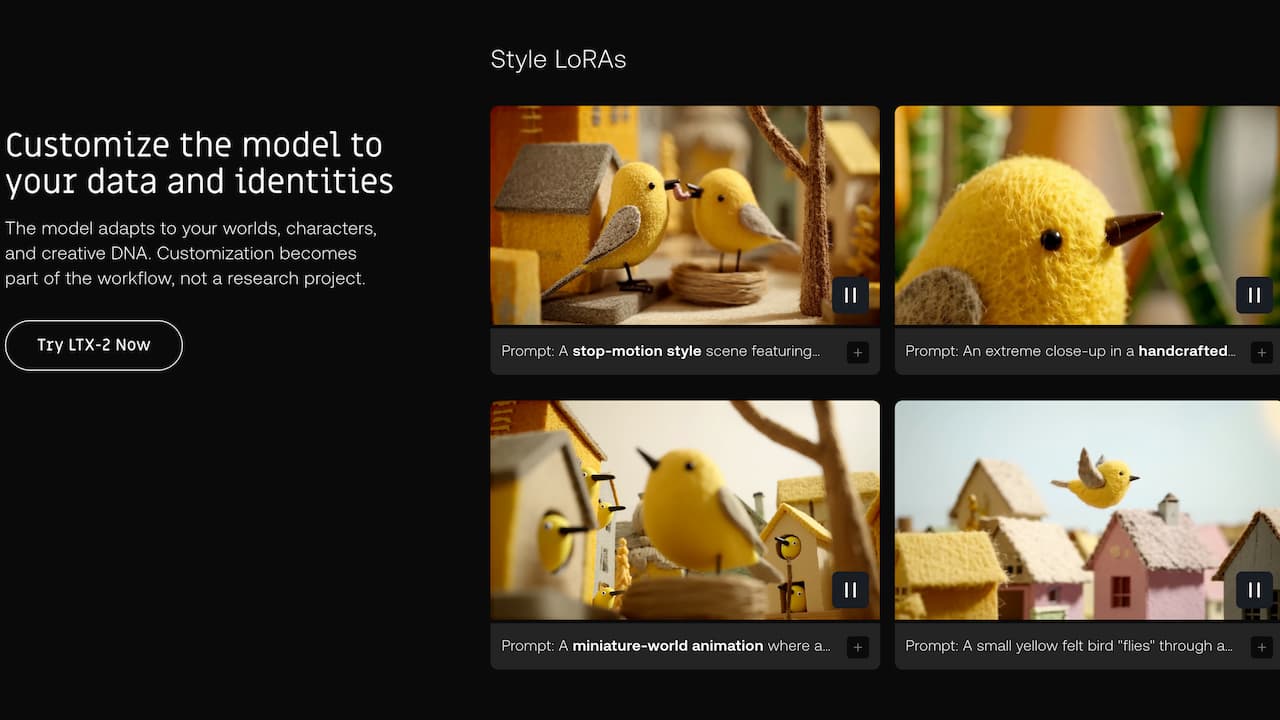
One of the most important advantages of outdoor weights is fine adjustment with LoRA. With several visual or short video examples, you can teach a specific character, product or brand-specific style; which reduces the problem of character consistency in artificial intelligence videos. According to Lightricks, motion, style and ID LoRAs can be trained as soon as an hour. You can train and download character or style LoRA without installing GPU via LTX Explore since 13.10.2026.
How to Use LTX-2?
The most practical way to use LTX-2 is running from Lightricks browser LTX Studio platform. To try without writing code LTX Explore and have LTX Desktop that runs the model locally. Quick use steps for LTX Studio:
1. Preparation and Introduction
LTX Studio Sign up to date.
Panel "Create New Project" Click here.
2. 2. Creating Video
Video from Text: Write your dream scene in detail in the "Prompt" section (Front: Collapsed in a snowy mountain, 4k, cinematic).
Video from Visual: Empress a photo on your hands and add motion commands.
3. Control and Regulation
Camera Settings: Manually select camera movements such as Pan, Tilt or Zoom.
Time and Quality: Determine how many seconds the video will be and its resolution (1080p, 1440p or 4K).
Generate: Generate video by pressing "Form" button. Standby time varies according to fashion, resolution and time.
Cost and Turkey Perspective
The economic aspect of LTX-2 for a user in Turkey is quite attractive:
Subscription Place Local Power: Advantage of "Edge Computing"
The biggest hidden cost in AI tools is the high currency-based subscription fees paid monthly. LTX-2 open source The structure changes these balances:
Capital investment and business expenses: Invest once on a strong screen card instead of getting continuous cloud loan, it can be cheaper in the long run for those who produce very video. However, the official LTX Desktop app wants a NVIDIA card with at least 15 GB VRAM for local production; cards like RTX 3060 (12GB) remain under this limit. Calculate the cost of electricity and hardware.
Unlimited Trial: Every production credit is spent on cloud-based vehicles, the number of trials in the local installation limits the only hardware and time. This frees the stage of "extinguishing" especially in the creative process.
Plan | ||||
|---|---|---|---|---|
Plan | Monthly fee | Credit | License | Who is suitable |
Commercial License | Advantage | |||
Free | Price | No | ||
Free |
0 $
800 (single time)
Personal Use m
Those who want to try
Home
$15
No
Home
15 $ (12 $)
8,000/month
Personal Use m
Personal projects, watermarkless output
Home
$35
Yes
Home
35 $ (28 $)
28.000 / month
Commercial Use m
Advertising, sponsored content, revenue-giving channels
Tags
$125
Yes
Tags
$125 ($100)
110.000 / month
Commercial Use m
Intense production teams and studios
Commercial License and Professional Freedom
LTX Studio separates commercial use with clear lines:
Standard and Pro Packs: "Standard" membership starting from about 35 per month gives you the commercial rights of videos. This means legal assurance for advertising films, social media collaborations and YouTube revenues.
License in local use: The model is subject to the LTX community license that runs on its computer. Companies under 10 million dollars of individuals and annual income can also use commercial projects in commercial projects; companies on this limit must be paid commercial license from Lightricks.
Hardware Requirements: How Much Does VRAM Need?
Hardware for local production of the official LTX Desktop app:
Windows and Linux: CUDA supported NVIDIA display card and at least 15 GB VRAM. The app at lower VRAM does not allow local production, leads to cloud API.
RAM and disk: Minimum 16 GB system memory (32 GB recommended) and about 72 GB empty disk space for LTX-2.5 Fast core package.
Mac: Apple Silicon processor and local production is possible on Mac with at least 32 GB memory; Intel Macs are not supported. Python has fp8 quantitative and CPU or disc discharging options, but production slows.
LTX-2 family is a powerful option for content manufacturers who want to control artificial intelligence video with editing features such as open weights, synchronous audio generation and Retake. For trial, the free plan of LTX Studio is enough; the terms of standard plan or community license in the local installation are important. If you want to compare with other video models Runway Gen-4. 5 and Google Veo 3. 1 Browse posts.
Frequently Asked Questions
Is LTX-2 free?
Home Model weights can be downloaded for free and annual income with individuals can use 10 million companies with community license. The free plan of LTX Studio gives one-time 800 credits and is for only personal use.
Is LTX-2 open source?
The weights and code are clear, but the license is not a classic open source license. "open-weight" model means because there is a limit of income and paid commercial license for large companies.
What screen card is required to run LTX-2?
A NVIDIA card with at least 15 GB VRAM for the official LTX Desktop application, 16 GB (infused 32GB) RAM and about 72 GB disk space required. Apple Silicon and at least 32 GB memory requirement on Mac.
What is the difference between LTX-2 and LTX-2.5?
LTX-2.5, newer version released in 11.08.2026. Multiple shots connected to each other in single production, HDR output, automatic determination of time and brings a stronger text encoder. The default local model on LTX Desktop is now LTX-2.5 Fast.
Can I use the videos I produce with LTX-2 in business?
For commercial use in LTX Studio, Standard or Pro plan is required; Free and Lite plans are only for personal use. If you run the model locally, you can use the annual income with a community license under 10 million dollars.
AdminChatGPT Arama Motoru: Nasıl Çalışır ve SEO Nasıl Yapılır?


2050 Teknoloji Tahminleri: İnsan–Makine Birleşimi Yeni Bir Çağ Başlatıyor