



6 Artificial Intelligence Tool For Design
Automatically translated
 Writer
Graphic design, social media content, presentations and digital product interfaces are not a process where people can perform only professional design software. With integrated into the design platforms of artificial intelligence technologies, users can create visuals with a few sentence descriptions, organize existing designs and prepare appropriate content to different platforms.
Artificial intelligence design tools cover software and platforms that can perform different tasks from making visuals from text commands to edit existing photos, from creating web site interfaces. Some of these tools focus on visual production directly, some aim to facilitate the entire design process.

For example, a social media manager can create the first draft of the mobile application interface using a software developer Google Stitch while preparing a campaign visual via Canva. Similarly, YouTube content manufacturer can prepare video cover with SkySnail, a photographer can edit photos with Adobe Photoshop’s productive AI features.
The facilities offered by these vehicles are not limited to increase the production speed only. Users can evaluate different design alternatives in less time, visualize their ideas and automate repetitive operations. Use of artificial intelligence in design processes Six platforms for different needs stand out.

Canva: For Social Media Visuals and Presentations
Canva is one of the online design platforms that enable users who have limited design experience to prepare professional looking content. Different types of content such as social media posts, advertising images, banners, presentations, logos and short videos can be created via one interface.
The artificial intelligence properties of Canva attract attention especially for users who want to speed up the design process. The tools offered under the Magic Studio roof facilitate content creation and editing.
Top Artificial Intelligence Features of Canva
One of the remarkable features of Canva Magic Design. Users can open the design they want to create with text or upload their own images to the platform. The system prepares design alternatives to the given description. This feature is especially available to create the first drafts of social media content and presentations.
Magic Media supports visual and video production from text commands. Users can create new content that they can use in their designs by explaining the scene they want.
Other important features include:
Magic Edit: The specific areas in images help change text commands.
Magic Eraser: It can remove unwanted objects in photos.
Magic Expand: Expanding the existing limits of the visual and completing the remaining areas outside the cadraj.
Magic Switch: Designs make it easier to adapt to different sizes, formats and languages.
Magic Write: Helps prepare and organize texts that can be used in design.
Magic Animate: Provides animations to presentations and visuals.
Canva'nın bu özellikleri, tasarım sürecinin farklı aşamalarını tek bir platformda birleştiriyor. Örneğin bir işletme, yeni bir ürün için Instagram gönderisi hazırlarken görsel üretiminden metin düzenlemeye ve farklı boyutlara uyarlamaya kadar birçok işlemi aynı çalışma alanında gerçekleştirebiliyor.
Canva Magic Media User Guide Home The platform offers more information about artificial intelligence-supported production facilities.
Canva Who Suitable For?

Canva is a convenient option for users who want to prepare social media managers, content manufacturers, small businesses, students and visual content quickly. Especially Instagram posts can be evaluated by those who want to prepare YouTube covers, advertising designs and presentations.
Figma: Artificial Intelligence Supported Interface Design
Figma is one of the platforms that want to design user interface (UI) and user experience (UX) especially for websites and mobile applications. The tool that allows design teams to work simultaneously on the same project supports design and prototyping processes with artificial intelligence properties.
In traditional interface design, users need to manually create screen layouts, buttons, colors and other visual components. The artificial intelligence features of Figma helps to convert ideas into faster visual drafts by automateing part of these processes.
Figma AI and Figma Make What Does It Work?

Figma AI combines features that help designers improve their ideas, create content and reduce repetitive operations.
Figma Make from the prominent tools of the platform can create functional prototypes and web applications from text commands or existing designs. Thus, users can only evaluate interactive experiences instead of preparing static screen designs.
Other important artificial intelligence features of Figma are:
Figma Agent: Talking on design files helps work, edit designs and benefit from design systems.
Figma Make: Text descriptions and existing designs turn into functional prototypes.
AI Image Tools: Supports visual creation, editing, resolution improvement and background removal.
AI Text Tools: Easy to rewrite, shorten and adapt texts to different languages.
FigureJam AI: The ideas can be used for editing, summarizing notes and facilitating teamwork.
For example, an entrepreneur can create the first interface outline by explaining the main page of the mobile application that wants to develop in natural language. You can then organize colors, buttons, menus and other components by developing this draft.
One of the important advantages of Figma is that artificial intelligence properties can be used with existing design workflow. Thus, idea development, prototyping and team evaluation stages can be carried out on the same platform.
The access and usage limits of the properties may vary according to the selected product and subscription plan. For current features Figma AI official guide Home Find in.
Figma Who Suitable For?
Figma stands out for UI/UX designers, software developers, product managers and digital products developing teams. It can be used especially by those who want to prepare mobile application screens, website interfaces and interactive prototypes.
Google Stitch: Create Interface with Text Commands
Stitch developed by Google LabsOne of the tools to evaluate users who want to design interface with artificial intelligence. The basic approach of the platform can create visual interface drafts by explaining users a website or mobile app idea in natural language.
In traditional interface design, users need to create page layouts, colors, buttons and other components individually. Google Stitch helps to perform the first stages of this process with text commands.
How does Google Stitch Work?
Users can start by entering a script that explains the application or website they want to design. For example:
Create an e-commerce mobile app homepage with "Minimalist design, light color, product categories and search area. "
Stitch prepares an interface outline based on this description. The user can then evaluate different alternatives by making changes on design.
Google announced innovations that turn Stitch into a more comprehensive AI design environment in March 2026. With this update, the endless design canvas to the platform has added work opportunities with a design agent and design systems that can follow the project context.

Featured features can be listed as follows:
Creating interface from text: You can prepare detailed UI drafts from commands given in natural language.
AI design agent: It helps to improve design alternatives by following different stages of the project.
Infinite design canvas: It provides the use of different content such as text, visual and code in the same working area.
Voice commands: It allows users to request design changes by talking.
Transfer to development tools: Designs make it easier for software development processes.
With updates that Google announced on May 2026, Stitch Agent also expanded its possibilities to develop alternatives based on real-time work and user referrals on design.
These features make it easy to visually evaluate ideas in projects that have not yet passed the coding stage. Google The official announcement of Stitch There are more information about the design approach and new features of the platform.
Google Stitch Who Suitable For?
Google Stitch is suitable for users who want to evaluate software developers, entrepreneurs, product designers, and how to look for an application yet after the coding phase. It can be assessed especially in quick prototyping and artificial intelligence interface design processes.
SkySnail: Create Thumbnail With Artificial Intelligence
Visual presentation on social media and video contents is one of the elements that affect users’ decision to click on a content. Especially in the video platforms like YouTube, small cover visuals, which are called as a village, must be compatible with remarkable and content.
SkySnail is an artificial intelligence-supported tourism design tool for this need. The platform helps users create different cover images using video links, video files or content descriptions.
Featured Features of SkySnail
The working logic of SkySnail is not just about producing a visual. The platform can also offer design ideas and header recommendations associated with the topic by analyzing video content.
The highlights of the vehicle are:
AI Thumbnail Generation: You can create a video link, transcript or text description.
Custom Avatars: It helps users use their own faces or defined characters in different designs.
AI-Powered Editor: Make changes on visuals with text commands.
Custom Templates: It can create personalized design templates via reference visuals.
Video Transcript Analysis: By analyzing video contents, transcripts, summary and header recommendations can be prepared.
Creator-Proven Templates: Offers ready-made design approaches to different types of content.
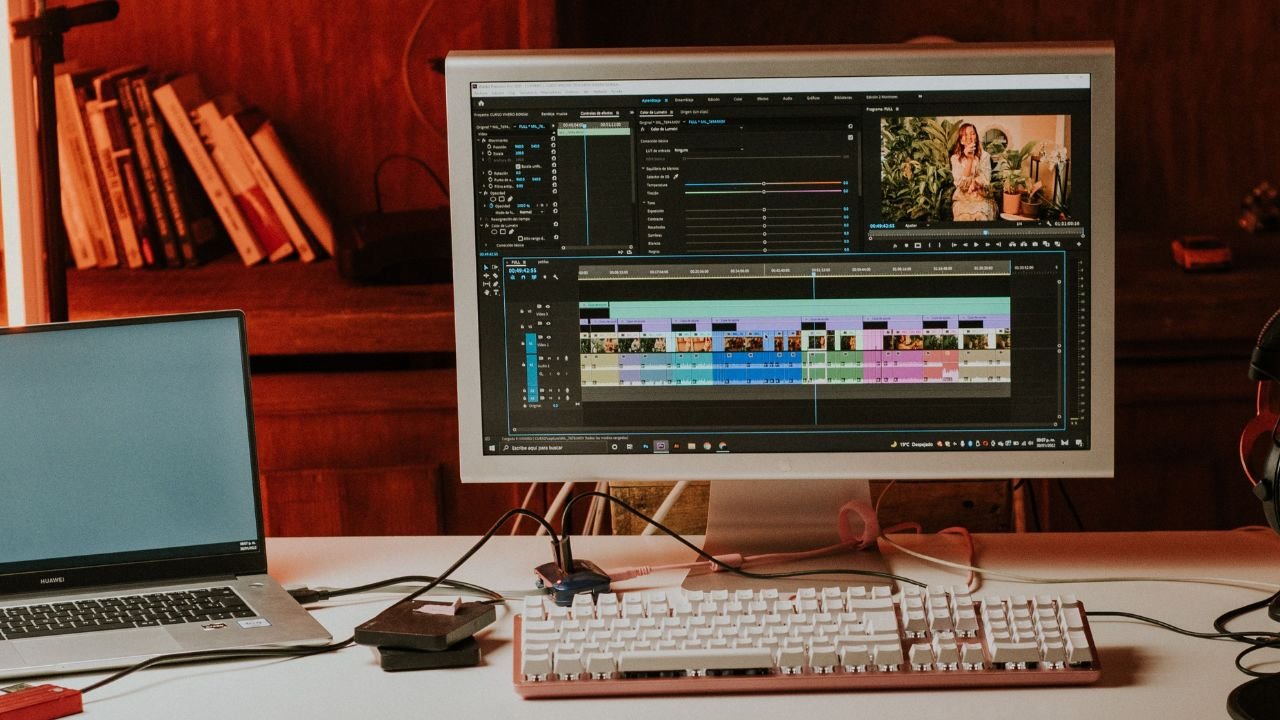
For example, a technology content manufacturer can create a suitable holiday alternatives to the video subject by adding the link of the YouTube video to the platform. It can then change text size, colors and visual layout through artificial intelligence-supported editor.
The features offered by SkySnail are not only limited to YouTube. Cover and content images that can be used on different social media platforms can also be prepared.
From the video analysis of the platform, the workflow, which extends to the production of music, can save time especially for content producers that publish regular video. More information about features On the official website of SkySnail Home accessible.
What are SkySnail Suitable for?
SkySnail; YouTube content manufacturers can be evaluated for video editors, social media managers and digital content teams that regularly prepare for the Greek. A handy option for users who don’t want to design from scratch especially for each video.

Designs.ai: Single Design Platform for Different Content Types
Designs.ai offers an artificial intelligence-supported workspace for users who want to prepare different types of creative content on a single platform. Besides graphic design, it combines tools for different fields such as logo, video, audio, presentation and text production.
The current approach of the platform is installed on managing different creative tasks through artificial intelligence agents. Users can provide planning of tasks related to explaining the content they want to prepare and execution with appropriate artificial intelligence models.
What Features do Designs.ai offer?
The main advantage of Designs.ai, combining different creative tasks in the same working area. It is aimed to manage different production processes through a single interface instead of opening a separate platform for each type of content.
Featured areas of the platform are:
Logo and brand ID: It helps create visual ID, logo and design elements for the brand.
Visual Production: Visuals can be prepared for specific concepts.
Video Production: Supports video works for advertising and promotional content.
Presentation preparation: Creating presentations content from text and ideas.
Sound production: You can prepare audio content that can be used in creative projects.
Brand consistency: The color supports the protection of font and brand rules in different content.

Designs.ai’s new AI Agent approach offers a system that can plan tasks in the given brief and use different models. The protection of brand identity and project context in different content is one of the important parts of this approach.
For example, a new product may want to prepare logo, social media visuals, promotional video and presentation for the business, product. Designs.ai aims to manage different production tasks in the same creative workflow.
You can visit Designs.ai official website for more information about the current features and the operating system of the platform.
Designs.ai Who Suitable For?
Designs.ai can be evaluated for professionals producing creative content in small businesses, marketing teams, agencies and different formats. Multiple types of content can provide advantages in terms of users who want to prepare in the same working area.

Adobe Photoshop: Professional Photo Editing With Artificial Intelligence
Adobe Photosho pOne of the software used for a long time in professional photo editing and graphic design field. With the integration of artificial intelligence technologies into the program, operations such as photo editing, object removal, background change and visual creation can be performed faster.
The features of productive artificial intelligence supported by Adobe’s Firefly technology allows users to edit visuals through text commands. Thus, for complex operations, it does not always need to do manual selection and editing.
Photoshop’s Artificial Intelligence Features
One of the highlights of Photoshop Generative Fill. Thanks to this tool, users can add new objects here by selecting a specific area of visual, remove existing objects or change them with different contents.
Other important features are:
Generative Fill: Add new objects to selected partitions, remove or modify existing objects.
Generative Expand: Expanding the current limits of the photo and creating the ongoing composition.
Background: The background of the photo can be changed according to text commands.
Generative Upscale: Helps improve visual resolution and detail level.
Generate Image: It can create new visuals from text descriptions.
Harmonize: It can improve light, color and shade harmony of objects combined from different visuals.
Generate Similar: You can prepare different alternatives of a created visual.

For example, the user who wants to change background in a product photo can benefit from the Generate Background feature. Similarly, it is also possible to remove objects that a photo does not want to expand the fate or be found in the image.
One of the important advantages of Photoshop is that changes created with artificial intelligence can be used with professional editing tools. Users can automatically control the generated results through layers and manually intervene when necessary.
Adobe continues to develop Photoshop’s productive AI features. A part of these features works with generative credit system. Use conditions and credit quantities can vary according to the subscription plan.
Total features Adobe Photoshop productive AI guide Find in.
Who is Adobe Photoshop Suitable for?
Photoshop is suitable for graphic designers, photographers, digital artists, advertising teams and visual content manufacturers. It stands out especially for users who want to organize existing photos, improve product images and make more detailed design work.
Which Artificial Intelligence Design Tool should Choose?
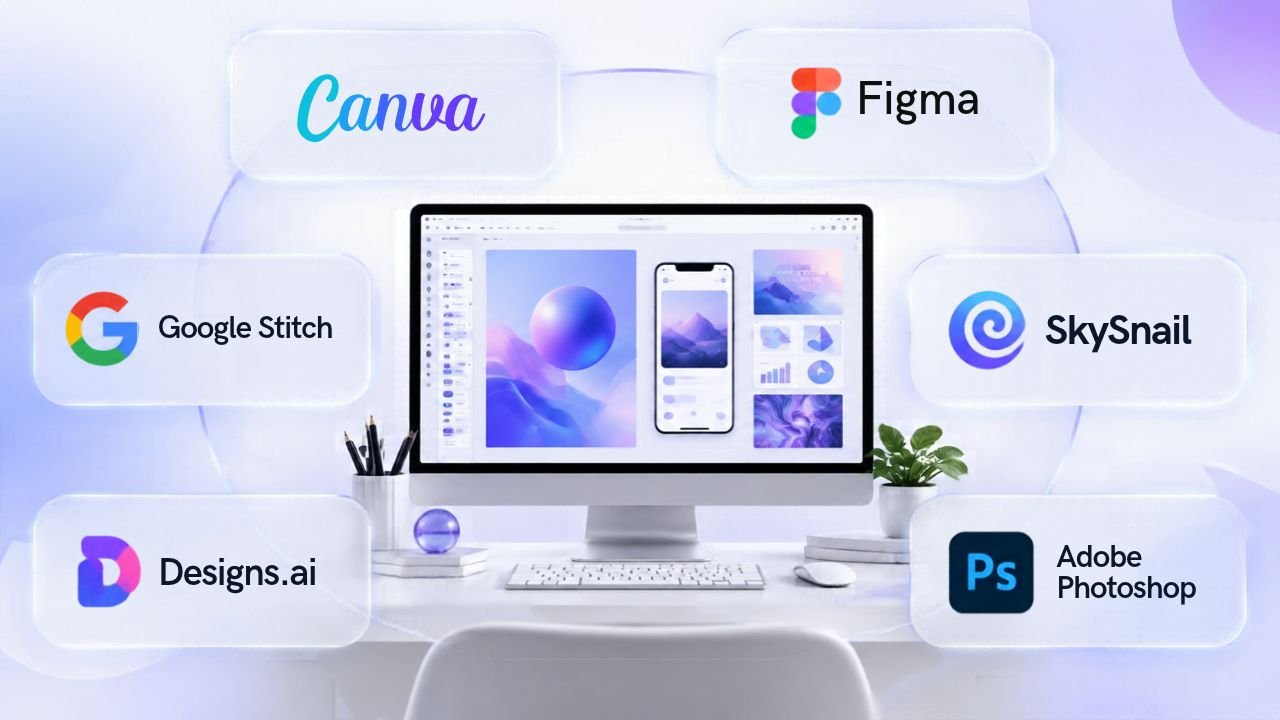
Six platforms focus on different design needs. Therefore, when choosing the tool, it is necessary to pay attention not only to the artificial intelligence properties they offer, the type of content to be produced and user experience. Choosing the right artificial intelligence design tool, primarily depending on what type of content you want to produce. Each platform has strong aspects in different areas.
Car Rental | Basic usage area | Featured feature |
|---|---|---|
Canva | Graphic and presentation | Magic Design and Magic Media |
Figma | UI/UX design | Figma Agent & Make |
Google Stitch | Interface Prototyping | Text UI creation |
SkySnail | Thumbnail design | Video analysis and AI Editor |
Designs | Multi-format content | AI agents |
Adobe Photosho p | Photo editing | Generative Fill and Expand |
WriterOpenAI, Yapay Zeka Ajanları Güvenliğini Zayıflattı


Yapay Zeka Müzik Klibinde Özgünlük Tartışmasını Başlattı