Android Virus Removal: Symptoms and Step-by-step Solution
Automatically translated
 Writer
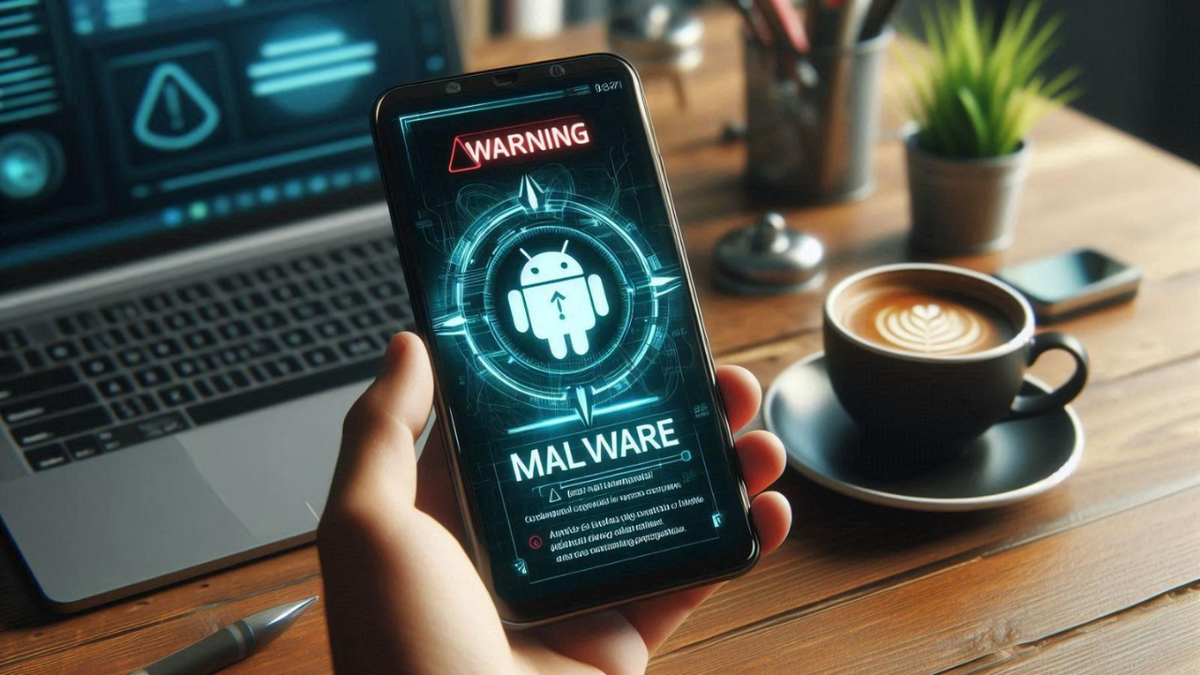
Short response: The main signs showing that the virus (software) on the Android phone are; the rapid lice of the battery, warming up when the phone is idle, causeless pop-up ads, increase sudden in mobile data usage and determine the apps you are not installing. To remove the phone in safe mode to restart and find problematic application, if you uninstall the device manager authority and delete the app, check which Google Play Protect is open and update the system. Return to factory settings if the problem lasts.
Last update: 14.10.2026
Android phones are not only devices that we communicate. We carry almost all our data from banking transactions to social media accounts, digital ID information to personal photos. This situation, cyber attacks also turned the room to mobile devices. The alerts that security experts do during the last period show that users should move more conscious especially on Android virus removal.
Based on BGR’s security rating malware is no longer just slowing down the device; it can play bank information, show ads in the background, you can handle SMS verification codes and even control the phone remotely. Moreover, many users do not notice the device for weeks or months where malware is transmitted.
The problem is not only unknown APK files. Time time malicious applications that can be leaked into official application stores, fake update screens and ID hunting attacks is among the biggest risks in the Android ecosystem. Therefore, reading the small signals given by the phone correctly is critical to early notice a possible security breach.
Why Android Virus Cleaning Comes More Importantly In The Last Period?
The old mobile malware software was prepared to show more ads or lower device performance. Today the table is quite different. The prevalence of mobile banking has entered the daily life of digital wallets and increased sensitive data stored on phones, Android devices transformed valuable targets for cyber criminals. Specifically developed types of trojans for playing credentials have increased significantly in recent years.
While Android’s open structure provides great flexibility to developers, it can be prepared for malicious people to reveal different attack methods. Apps downloaded from unknown sources, pirate games or modified APK files are among the most common examples of this risk. Google regularly publishes Android security newsletters, while Play Protect is installed applications and controlled at certain intervals on the device. Although the attackers are constantly developing new methods, no protection mechanism can not provide hundred percent security per single.
Harmful Software Now Works More Hidden
The new generation of mobile malware is different from old viruses. The device from the old gives continuous error, applications are not opened or the screen were filled with continuous advertising. Nowadays, many malicious software works as much as possible. Because the purpose of the attackers is not to disrupt the device; to continue to collect data for as long as possible. Therefore, even if the phone looks like normal work, bank information, passwords or personal data may be sent to third parties.
Fake Applications One of the Largest Risks
Many users do not look at developer information while downloading apps; attackers also benefit from this habit. Fake software that mimics the logo and name of the original app is often seen in messaging, PDF reader, file manager and free VPN categories. The number of downloads is low, the developer can create serious risk of applications that want to allow more than unknown and required.
Signs That Android Phone Virus Applies
Every performance issue does not mean viruses. The old battery can create similar symptoms to the destruction or system updates of the storage space. However, if several of the following signs are viewed simultaneously, it is necessary to examine the device in detail.
Tags | Possible reason | You need to do the first |
|---|---|---|
Battery quickly ends | Continuous employee application in the background | Look at the most consumed application on the battery usage screen in Settings |
The phone bites when empty | Background process that engages the processor | Restart in safe mode and check if the problem does not drive Tags |
Reasonless full screen ads | Advertising software (adware) | Review the last uploaded apps, remove the suspicious one |
Mobile data is quickly exhausted | Application that constantly exchanges data with the server | Review consumption on the application basis on the data usage screen |
Applications that are not installed are determined | The malicious software authorized by the administrator | Remove device manager authority, delete the application, check Play Protect e Tags |
If the battery starts to Faster
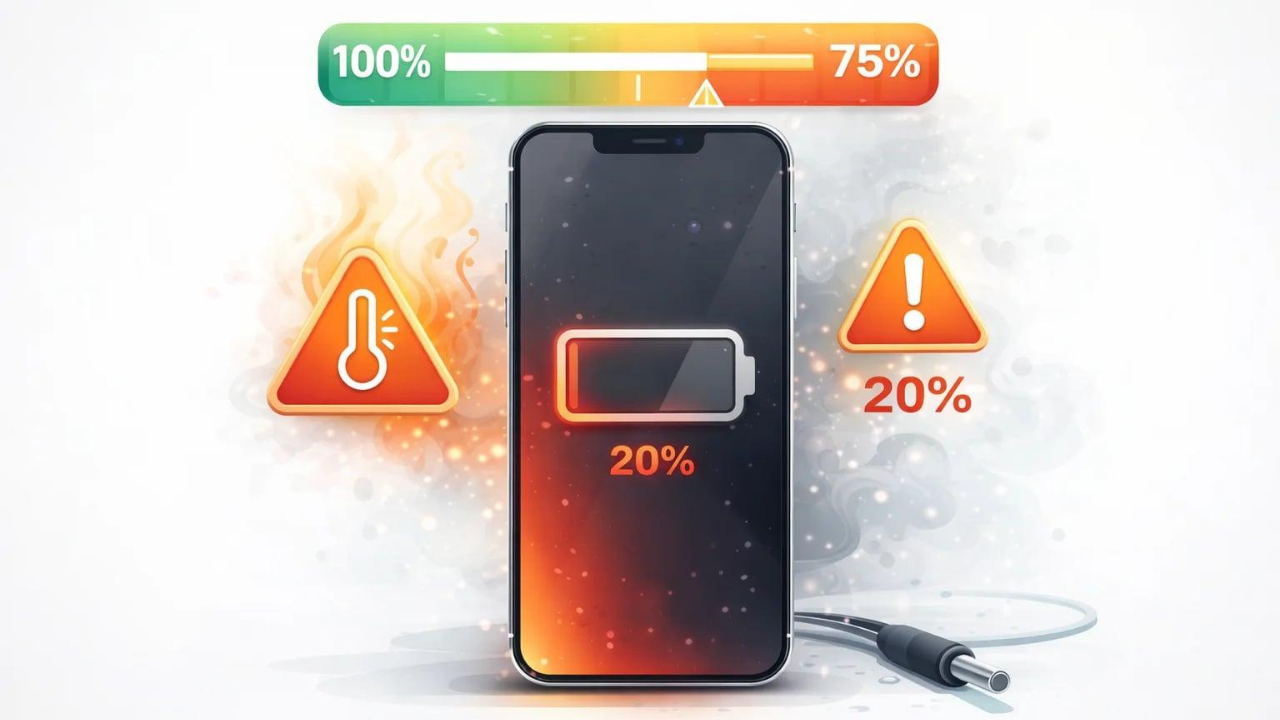
If the battery of the phone is over a very short time than the old one, this may not only be the battery life. Some malicious software engages the processor continuously working in the background. Continuous internet connection installations and data submissions significantly increase battery consumption. If there is a significant loss of charge during the night, especially when the phone is not used, look at what application consumes the battery from the battery usage screen in Settings.
If the phone constantly bites
Light heating is a expected condition during normal use. However, even if the phone stops on the table, there may be unusual operations in the background. Some malicious software can use the device processor for cryptocurrency mining or continuous data processing purposes. It reduces both performance and shortens battery life.
Reasonless Ads If You Miss
One of the most prominent features of Android pests is to show unwanted ads. It is one of the important signs that the full screen ads appear when no application is open, the web browser is self-opened or showing continuous advertising on the home screen often shows that advertising software is transmitted. This is not only offensive. The user can also be redirected to different fraud sites if the ads are blocked.
Mobile Data Use If Increased
Although you have the habit of similar use, your internet jeans have started to run much faster, because it may be harmful software that works in the background. malicious applications constantly communicate with servers, transfer data or download advertising. This can also improve mobile data consumption as noticeable. How much internet the app from Android's data usage screen should be checked.
If the Phone Downloads Its App
Some advanced malicious software can load new applications without notice the user after obtaining the administrator authority. If the apps you have never seen before on your phone have started to appear, or if an application you uninstall is reinstalled, this situation should be taken into account. Such behaviors can often be the indicator that the device is controlled remotely.
How To Clean Android Virus?
If you have noticed a few of the above symptoms on your phone, you need to check the pane with the system without a door. The large part of malware is completely removed from the device when accurate steps are monitored. The first process should be to determine the source of the problem instead of continuing to use when the phone is connected to the internet. It is especially important to make sure the device is safe before using bank applications.
Find the Source of the Issue with Safe Mode
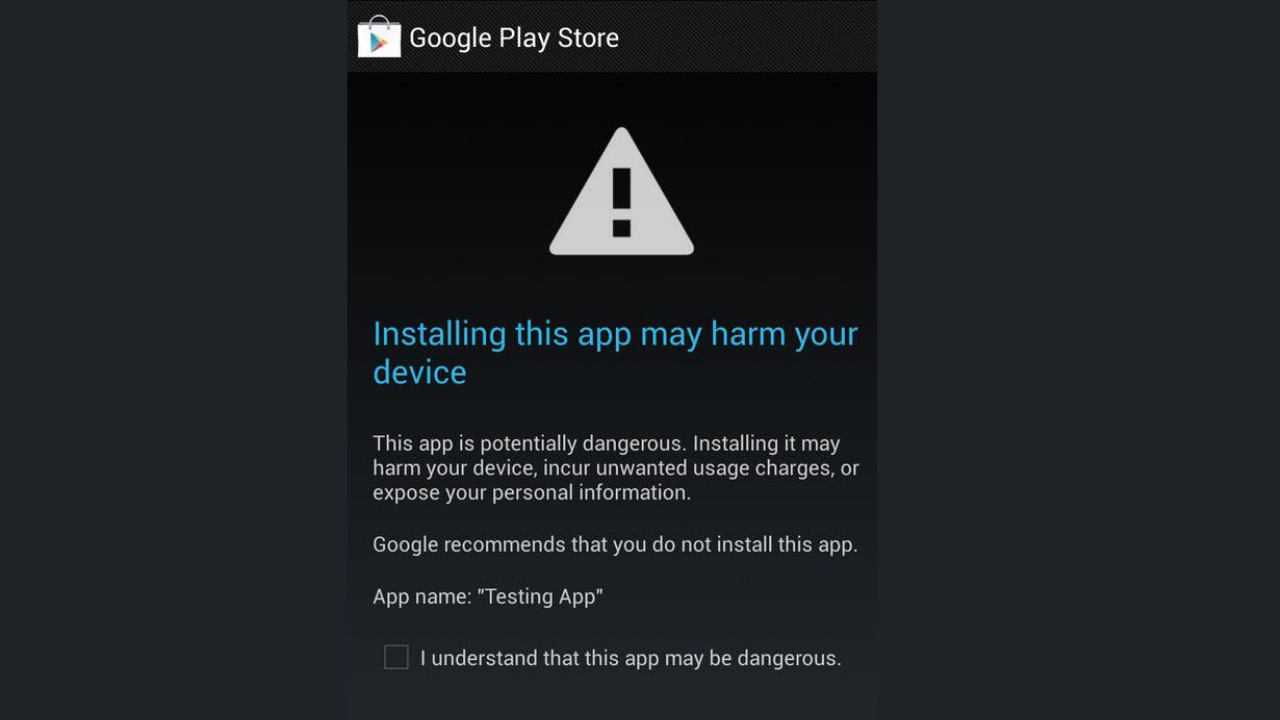
Safe mode starts without applications that you download from the phone after. The method Google suggests is as follows: restart the phone in safe mode, use normally for a while. If the problem is lost in safe mode, most likely it is due to an application that you have downloaded; starting from the latest uploads, uninstall apps individually and restart the phone normally every time. As the safe fashion transition steps change according to the manufacturer, you need to look at the support page of the phone manufacturer. Note that the safe mode can remove some main screen widgets; you can screenshot before.
Check Recent Uploaded Apps
One of the most common causes of virus infection is a short time-installed application.
Ask yourself at:
I really installed this app?
Do you belong to the official developer?
Google I downloaded from Play?
Do you want too much permission?
It will be useful to check what permissions they have before removing suspicious applications.
Review Manager Authorizations
Some malicious software is authorized by device manager to prevent deletion. This section is located in the security part of Settings on most phones with a name like "Cihaz manager apps"; you can also find the menu name by typing "device manager" into the search box in Settings because it changes to the manufacturer and Android version. Remove this authorization first if there is an administrator permission of an application that you do not recognize, then delete the application.
Build a Updated Security Scan
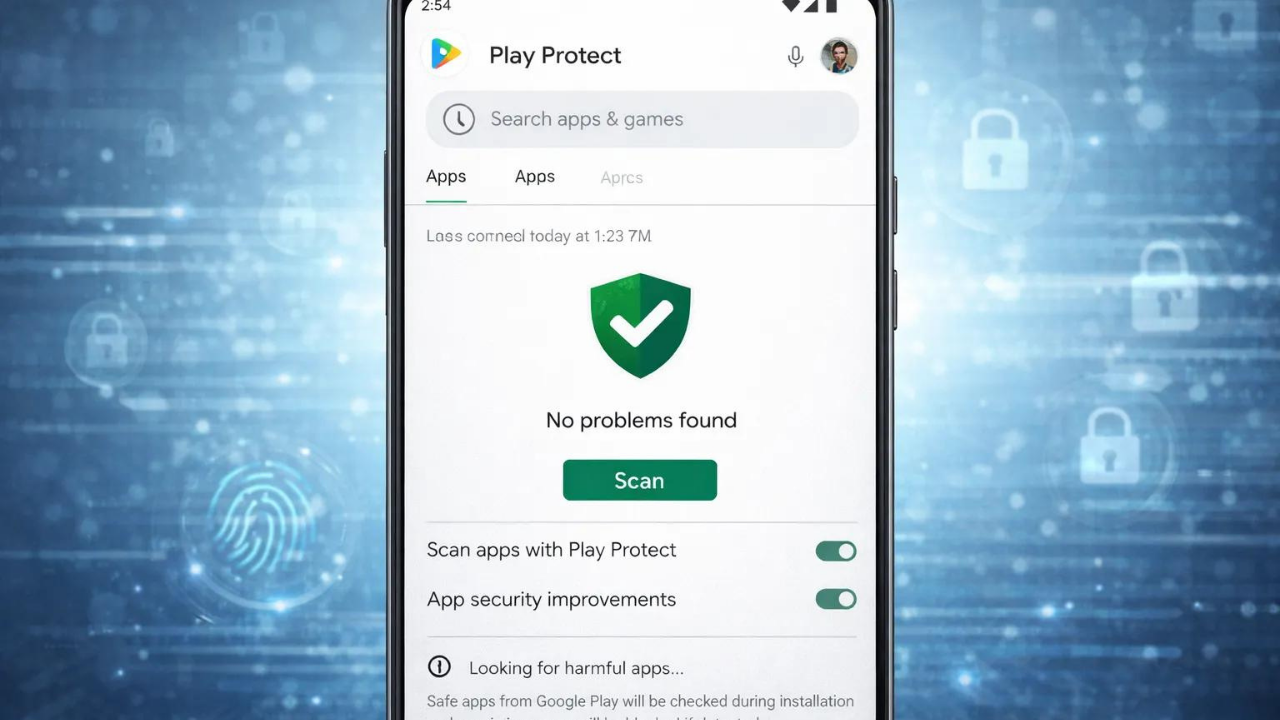
Google Play Protect is the built-in layer of security of Android phones and is open by default. It controls when installing applications, scans on the device at regular intervals; Google controls applications from outside Play. Open Google Play Store to see the situation, touch the profile icon on the right top, enter Play Protect and make sure that the "Apps with Play Protect" option is open from the settings icon. If you find a malicious app, it stimulates you with notice, disables the application or automatically removes it in most cases. If you are going to use a security app for a second scan, just download it from Google Play as an app for a well-known developer.
When Needs Return to Factory Settings?
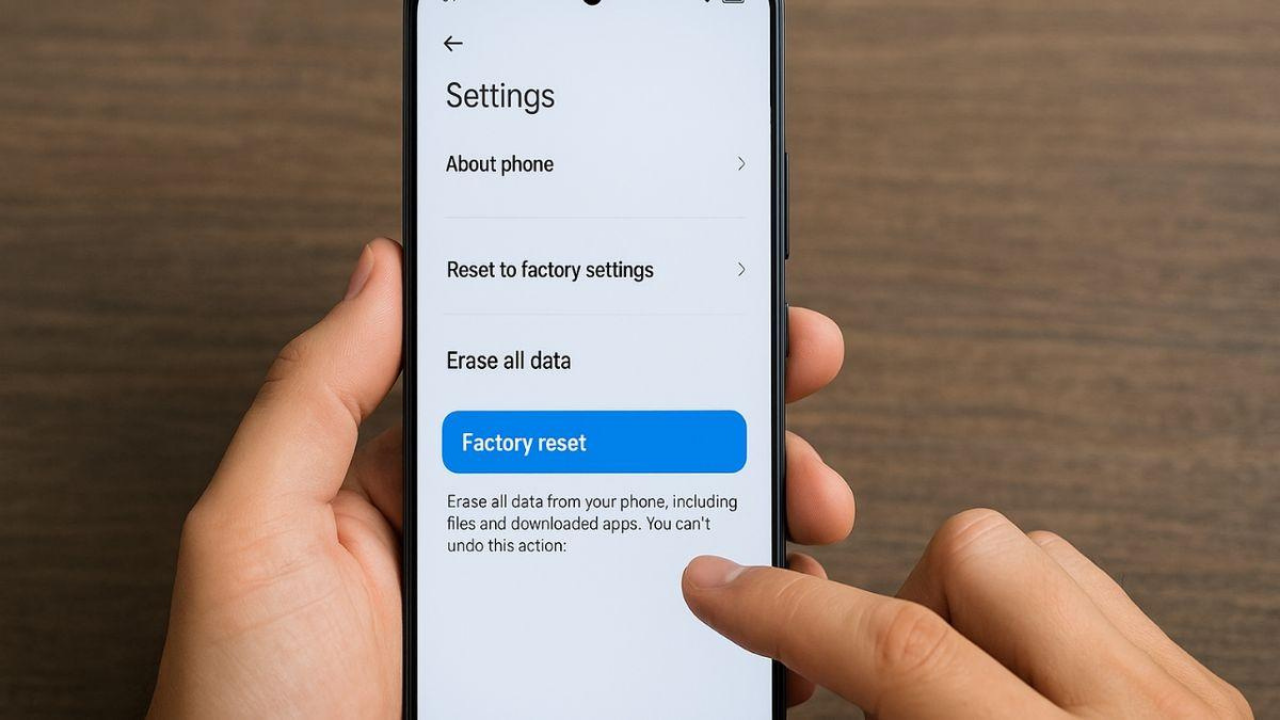
Some malicious software can settle up to system files. The phone shows continuous advertising, applications are self-installed or suspicious movements are seen in bank accounts, return to factory settings is one of the safest solutions.
However, before this procedure, important data such as photos, contacts, documents, notes must be safely backed up. Only personal files should not be stored, suspicious applications should not be uploaded again.
According to Google's warning, they delete all data on factory settings reset phone, so it recommends to try other solutions first. Make sure you know the user name and password of the Google account on the phone before reset, screen lock PIN or pattern. In the next installation after reset, this information is asked; if you do not know, you can be forced to access the phone again.
How to Detect Harmful Applications?
Harmful software often comes in an app that looks innocent and the user loads it with his own hands. Therefore, before downloading the app, it can eliminate the major risks to make a few simple controls.
The microphone, camera, SMS, guide of a flashlight application is not normal to ask location permissions. The requirements of the application that does not have to do so should be considered an important warning sign.
Does Developer Information Trust?
Google does not mean it is only safe to take place in Play Store. Before downloading; it will be useful to look at the past applications of the developer, user reviews, update frequency, total number of downloads. Only a few hundred download areas and hundreds of negative reviews applications should be carefully reviewed.
Be Careful to APK Files
The files shared with headers such as "Premium free", "Mod APK", "Crack version" continue to be one of the most important distribution methods of Android pests.
These files are not only advertising software; banking trojans, spyware, ransomware software can also contain. A free-looking app in the short run can lead to serious problems that extend to the address of your bank account in the long run.
How to Power Android Security Settings?
The topic as important as virus cleaning is to ensure that the same problem is not experienced again. While the large part of the security features Android has been enabled by default, users need to check them regularly.
Do Not Track Updates
Google and phone manufacturers are only jointing new features. Posted in security updates often turn off the open that cyber attackers use. The thought "I load at the end of the month" can cause the device to remain vulnerable for weeks.
Closing Play Protect
Some users disable Play Protect thinking to improve performance. Yet this feature is trying to detect malicious behavior by regularly analyzing the uploaded applications. Although not enough alone, Android is considered one of the most important of its security layers.
Activate Two Step Verification
Even if the phone is captured, the protection of the Google account is important. When two-step verification is activated in Google account, the attackers are not enough to know the password only. This feature provides additional protection in services such as Gmail, Drive and Google Photos.
Google Play Protect Is Enough Per Single?
Google has been developing Play Protect system for years to make Android ecosystem safer. This feature regularly scans the downloaded apps via Google Play Store and warns the user when suspicious behavior is detected. It also controls not only applications in the store, but other applications installed on the phone at certain intervals.
However Play Protect does not provide full protection alone. The most important reason for this is to continuously develop new techniques of malware. While some malicious apps appear safe in the first reviews, they can add malicious codes through updates. Some are trying to bypass security scans by hiding their behavior.
Therefore, as it is not a right choice to close Play Protect, it is not enough to move only by trusting this system. The user is still one of the most effective means of defense when downloading the application and maintaining security habits.
Powerful Sides of Play Protect
Play Protect takes applications in Google Play from security control before downloading and scans apps on the device at regular intervals. Google can suggest a scan of an application that comes out of Play and has never been burned before; details of the application are sent to Google for code-level evaluation. It can also prevent fraudulent applications that want sensitive permissions often use. warns you when detecting known malicious applications, disables or removes.
What are Limitations?
New attacks, called zero day, can not be detected at the first stage because they are not yet recognized by security systems. It also ignores user consciously security alerts, if it allows unnecessary permissions to install APK from unknown sources or apps, the protection that Play Protect will also be limited.
Daily Forecasts For Mobile Cyber Security
Phone security only antivirus not. Daily usage habits play a lot greater role in protection from harmful software.
Pay Attention to Open Wi-Fi Networks
Free wireless networks offered in cafes, airports or shopping centers may not always be safe. Especially sensitive transactions such as bank transactions, e-State entries or shopping payments can pose risk to perform through common networks. Using mobile data when possible or taking advantage of a reliable VPN service will be a safer choice.
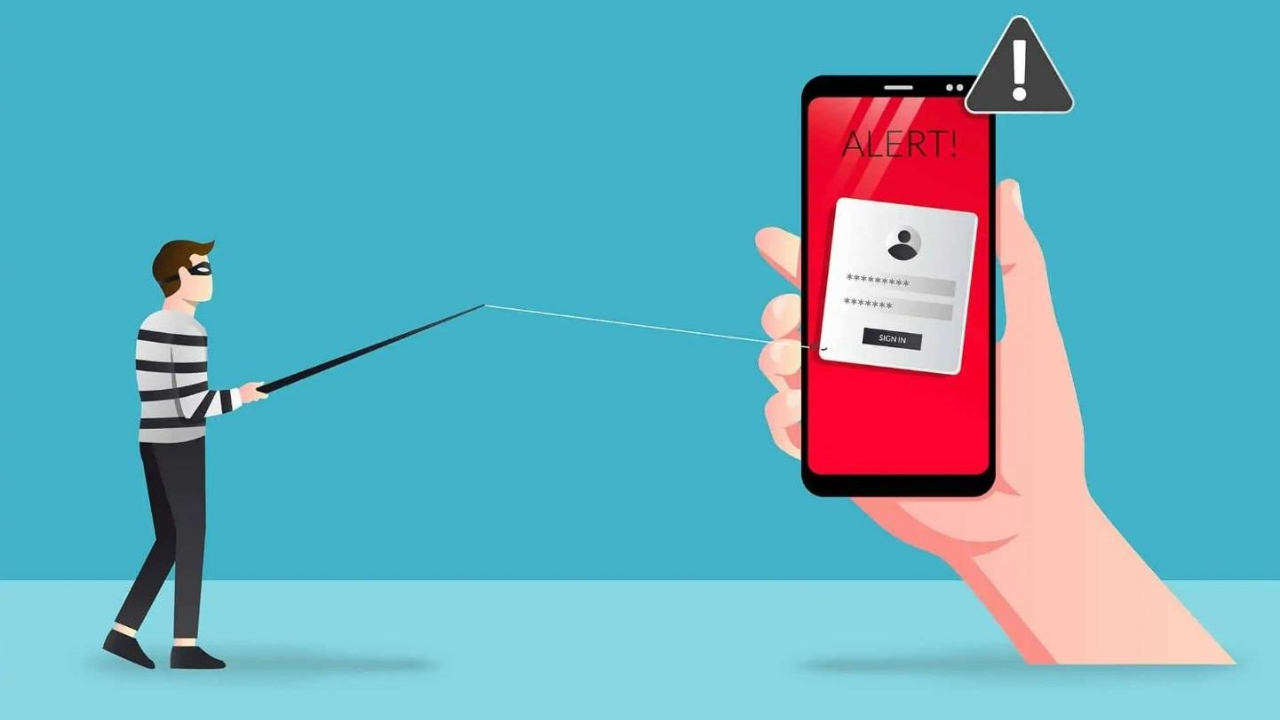
Don’t Light SMS and ID Hunt Attacks
An important part of mobile attacks is now carried out with messages that are not with viruses files, but to blood the user.
"You can not be delivered. "
"Your bank account was suspended. "
"Click to get your refund. "
messages can redirect user to fake websites. After clicking on the link, the username entered, password and bank information can pass directly to the eline of the attackers. Therefore, the sender information of incoming messages should be checked and suspicious links should not be opened.
Regularly Review App Permissions
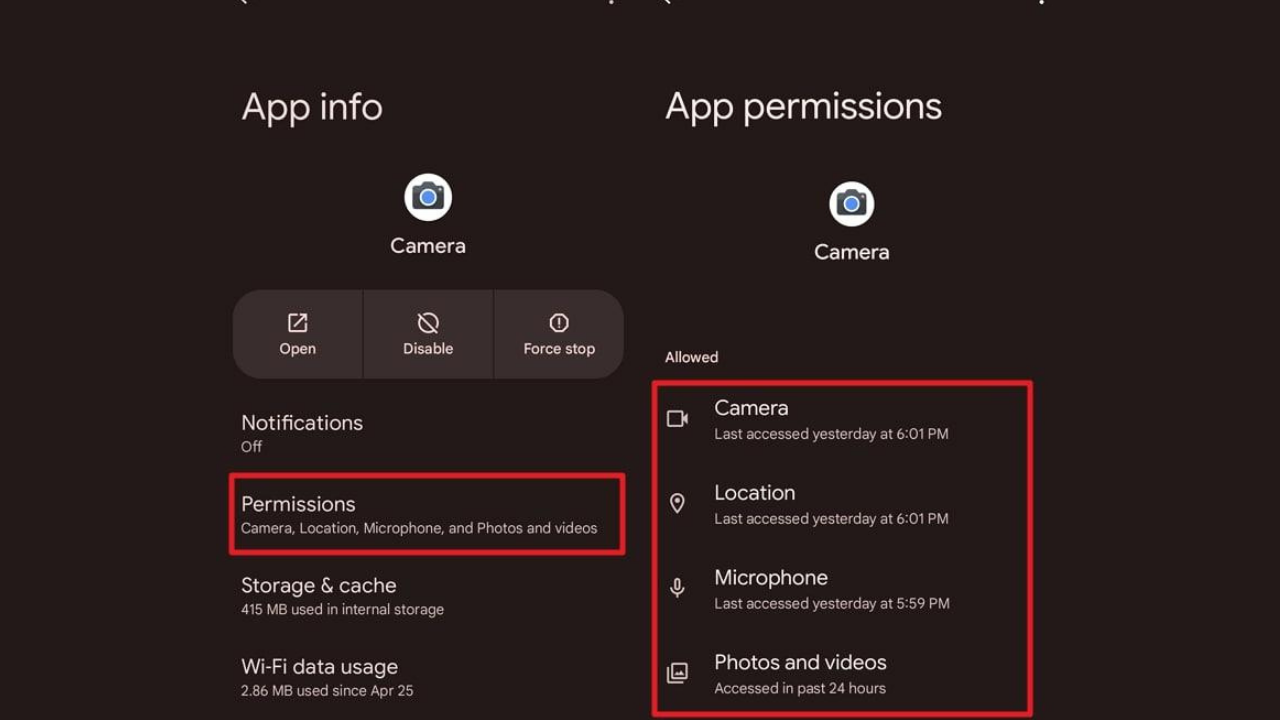
A app installed before months may request new permissions with updates made. With the Privacy control panel (Settings > Security and privacy or Privacy) on Android 12 and later versions; camera, microphone, location, guide, files can easily be seen which applications are used. Access authorizations should be removed from applications that are not used anymore or want unnecessary permission.
Frequently Asked Questions
How do I understand that I find viruses on Android phone?
Fast depletion of the battery from normal is among the most common symptoms, the constant warming of the device, self-advertising, loading unknown applications and increasing the sudden increase in data usage.
Can Android virus clean for free?
Yes. Remove suspicious apps, scanning with Google Play Protect is completely free. Reliable free security applications can also be used if necessary.
Does the virus completely delete to factory settings?
Most malicious software is removed when returning to factory settings. However, if the damaged applications are reloaded, the problem is repeatable.
Google Play Protect provides enough protection?
Play Protect is not enough alone if it offers a strong layer of security. Secure application should be used with download habits and regular updates.
Is APK files safe?
The source is not uncertain APK files safe. Download apps from Google Play as much as possible; stop from "premium free", "mod" or "crack" versions. Play Protect can scan the desired unknown apps to load from Play outside and prevent them from risky; so close it.
Why does the phone open its own advertising?
This indicates that advertising software (adware) is transmitted. The last uploaded applications should be checked and the security scan should be done.
How can I make my Android phone safer?
Install updates on time, keep Play Protect open, enable two-step verification, only install reliable apps and regularly control app permissions, significantly increases device security.
How to open Play Protect scan?
Open Google Play Store, touch the profile icon on the top right, enter Play Protect and open the "Apps with Play Protect" option from the settings icon. Play Protect is open by default; Google always recommends it to keep open.
How to open a safe mode on Android?
Safe fashion transition steps vary according to the phone manufacturer; look at the support page of the manufacturer for accurate steps. Only system applications work in safe mode; the reason why if the problem is lost is likely an application that you have downloaded.
How to check Android security update?
Settings > About Phone > You can see the date of Android security update in the Android version section. New updates Settings > System > You can check software updates from the screen; menu names may vary by manufacturer.
WriterWeave Robotics Ev Robotu Isaac 1’i Tanıttı

Gemini Android Auto Kullanıcılarını Neden Kaybediyor?