
Chrome AI Models Can Cover 20 GB on your computer
Automatically translated
 Writer
Google Chrome and Microsoft Edge reveals a new storage problem for Windows 11 users when preparing to run artificial intelligence properties directly on computer. Browsers can download the necessary models in the background to run some artificial intelligence features. According to the current documents of Google, there is about 20 GB of free disk space to download productive artificial intelligence models on the device of Chrome. Microsoft Edge also has a similar storage requirement for some local artificial intelligence properties.

20 GB specified by Google does not mean the model file is directly 20 GB. The figure here expresses about the minimum empty disk space required to download and operate the local AI models of Chrome. Despite that, in computers using 128GB or 256GB SSD, this requirement creates a new resource consumption that users need to pay attention.
Earlier, the appearance of Chrome can be downloaded in the background of an artificial intelligence model of about 4 GB of size was started to discuss. Now Google clearly takes 20 GB of space requirement in official documents, Chrome AI features Home How to use device resources re-per-day.

Why Chrome AI Models Download to Computer?
Chrome AI models allow some artificial intelligence tasks to be performed directly on the computer of the user instead of remote servers. With the expression of Google, productive artificial intelligence models on the device can support browser features such as writing and reexpression, web page summary, fraud alerts and tab organization.
This approach is different from the use of classic cloud-based artificial intelligence. In a service like ChatGPT, Gemini or similar, the user often sends the request to an internet connected server and the model works here. In the local AI model, the required part of the model is downloaded to the computer and operated on devices with the appropriate hardware.
For this reason, the artificial intelligence features of Chrome are not only evaluated with its own installation size of the browser program. The local model files that the browser uses are also part of the total storage use.
Chrome Artificial Intelligence Features Which Works Are Used?
Google shows functions such as text writing and rewrite assistance, summarize web pages, fraud alerts and organizing tabs between models on the device. It is especially noted that all of these properties do not use local models in the same way.
So it’s not true to think that every AI feature on Chrome is downloading a big model to the computer. With the features that require local productive AI models, it is necessary to separate the features that use cloud-based or different infrastructures. This distinction is also important to understand why users can see AI-related files if they don’t expect on their computers.
Chrome AI Models Can Download On Background
The official Chrome help page of Google clearly states that productive AI models on the device can be downloaded in the background. The purpose is to be ready when the features that require these models are opened by the user.
This method makes sense of user experience. When the user wants to sum up a web page, the browser can speed up the process of pre-made the model instead of waiting to download gigabytes model data at that time. However, in return, the user has allowed the browser to use the storage space in the background.
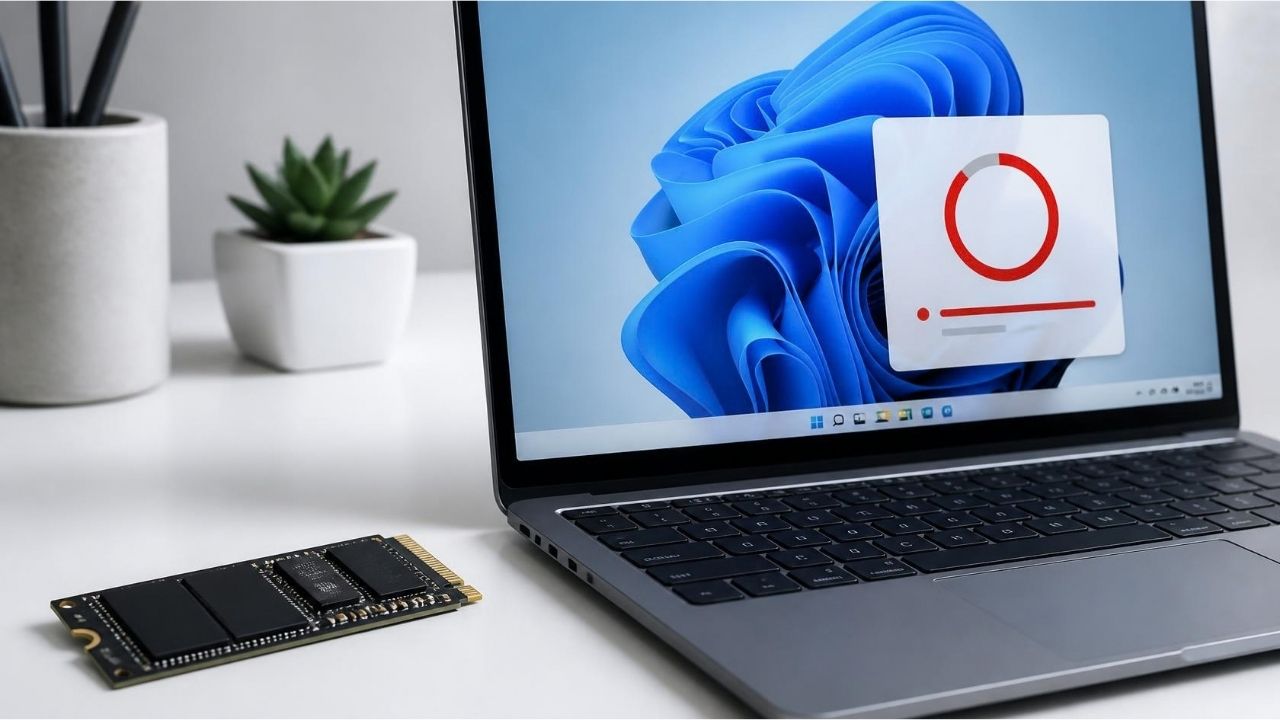
What Does 20 GB Storage Need Understand?
20 GB of information revealed about Chrome, the most misunderstood part of the news. The current help page of Google writes that the AI models on the device should be downloaded about 20 GB minimum empty disk space.
It also needs a network connection and adequate device performance that does not have unlimited or measurement to be downloaded from the model. Models are downloaded only to devices with appropriate hardware features. There is a difference between “20 GB” and “20 GB of model”.
Chrome’s 20 GB of free space does not mean that a single file of 20 GB will be downloaded on the computer. There may be different reasons for a particular amount of empty disk space. The download process can affect the total idle space requirement of the model preparation, temporary files, update process and the area required during operation.
The documents of Google are not directly “model is 20 GB”. Instead, Chrome says it should have about 20 GB of free space to download the model. So the phrase “Chrome 20 GB is downloading the AI model” is remarkable in terms of the news header, but the technically “Chrome wants about 20 GB of free disk space for local AI models” is more accurate.
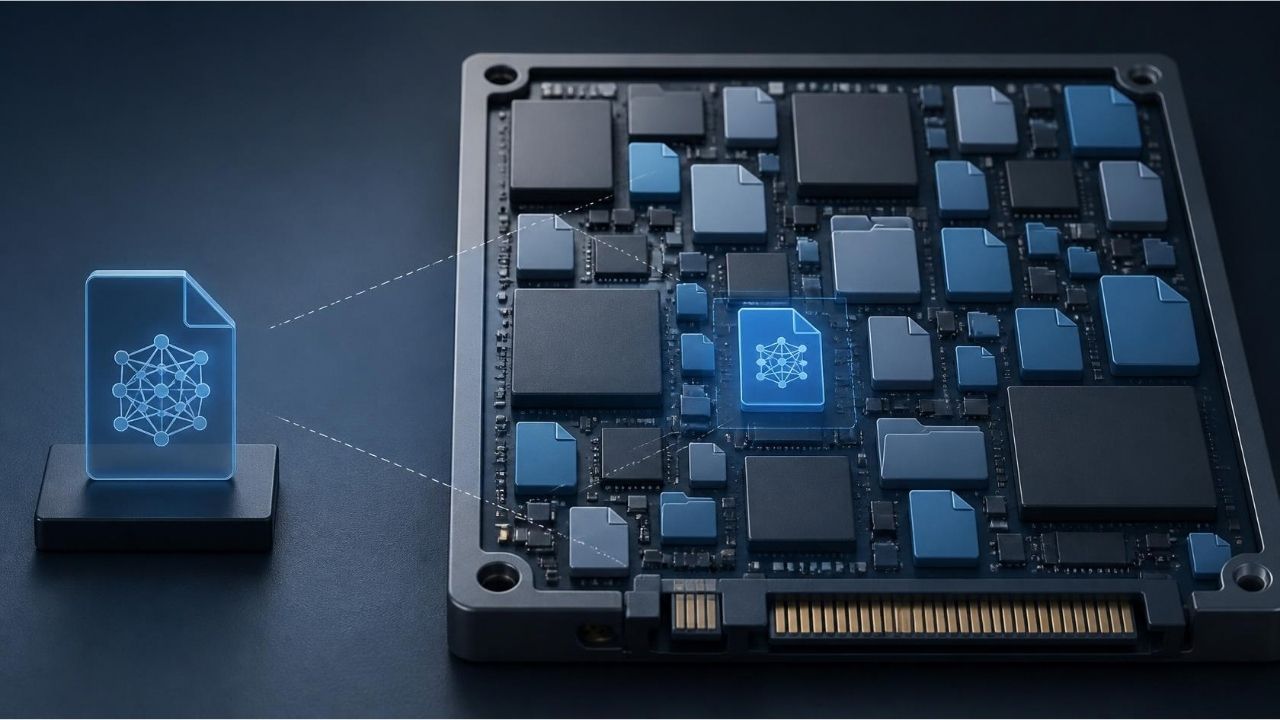
Previous 4 GB Model Discussion
The topic is not completely new. Chrome appeared that it could automatically download an AI model of about 4 GB to compatible computers before. This model was used for artificial intelligence features running on the device of Chrome.
The difference of new development is that in the official documents of Google now takes about 20 GB of space requirement. This indicates that browsers carry AI properties in a wider range of devices.
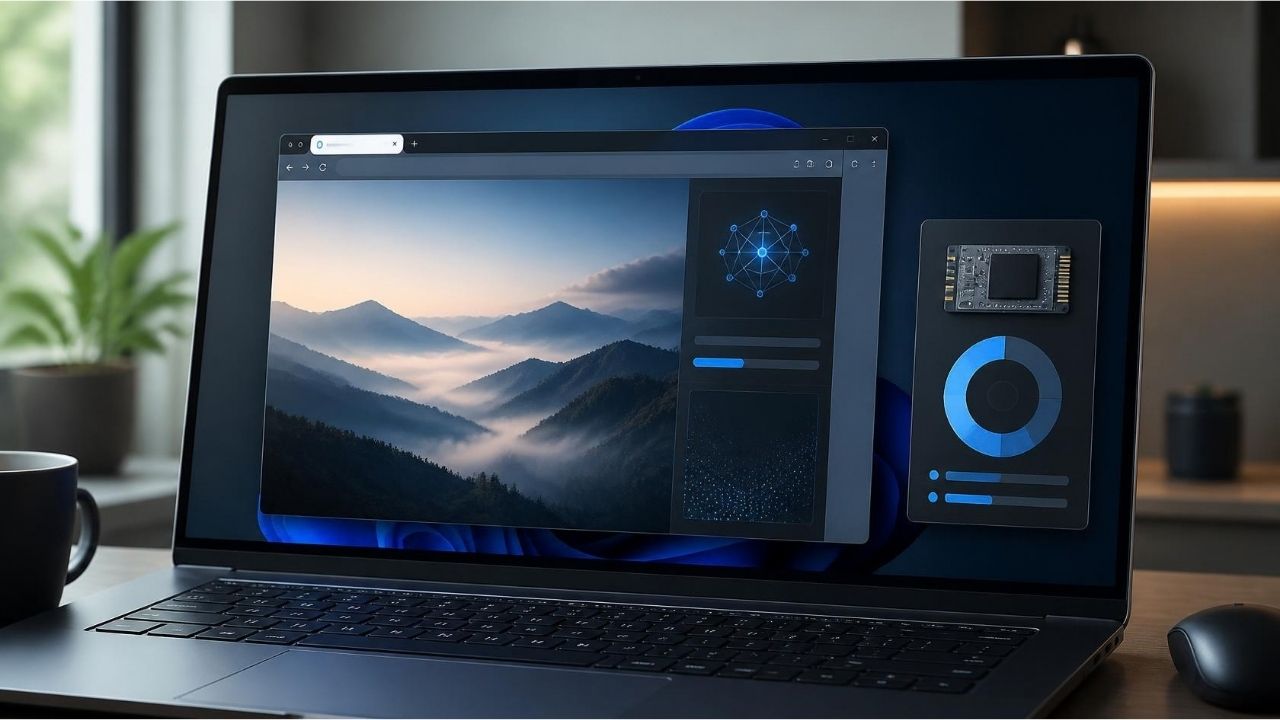
Microsoft Edge Needs De 20 GB Empty Area For AI
Chrome is not alone in this regard. Microsoft Edge also has a similar storage requirement for artificial intelligence properties on some device.
Microsoft’s Edge developer documents are specified in the Edge of the Phi-4-mini model used by Writing Assistance APIs. These APIs can be used in text-based tasks such as abstracting, writing and rewrite.
Microsoft is located in Edge profile for developer preview of these features at least 20 GB available space required on diskhe says.

Microsoft Edge AI Which Model Does It Use?
Microsoft Edge uses Writing Assistance APIs and Proofreader API Phi-4-mini model. Microsoft states that the model must be downloaded during the first use and the model download process can start with the call of the built-in AI API of the website.
At this point, the approach between Chrome and Edge is very similar. Two browsers also turn to the local model infrastructure to perform some artificial intelligence tasks on the device.
10 GB Limit on Edge Model
Microsoft has another important detail in the documents. The model is erased if the edge profile drops below 10 GB of the disk available. The purpose of this is to protect enough storage space for other functions of the browser. This shows that local AI models use the same storage resources with other files in the operating system.
Therefore, downloading artificial intelligence models to computer is not only a matter of “extra files”. Browsers begin to implement model management mechanisms to prevent storage space from falling to critical level.
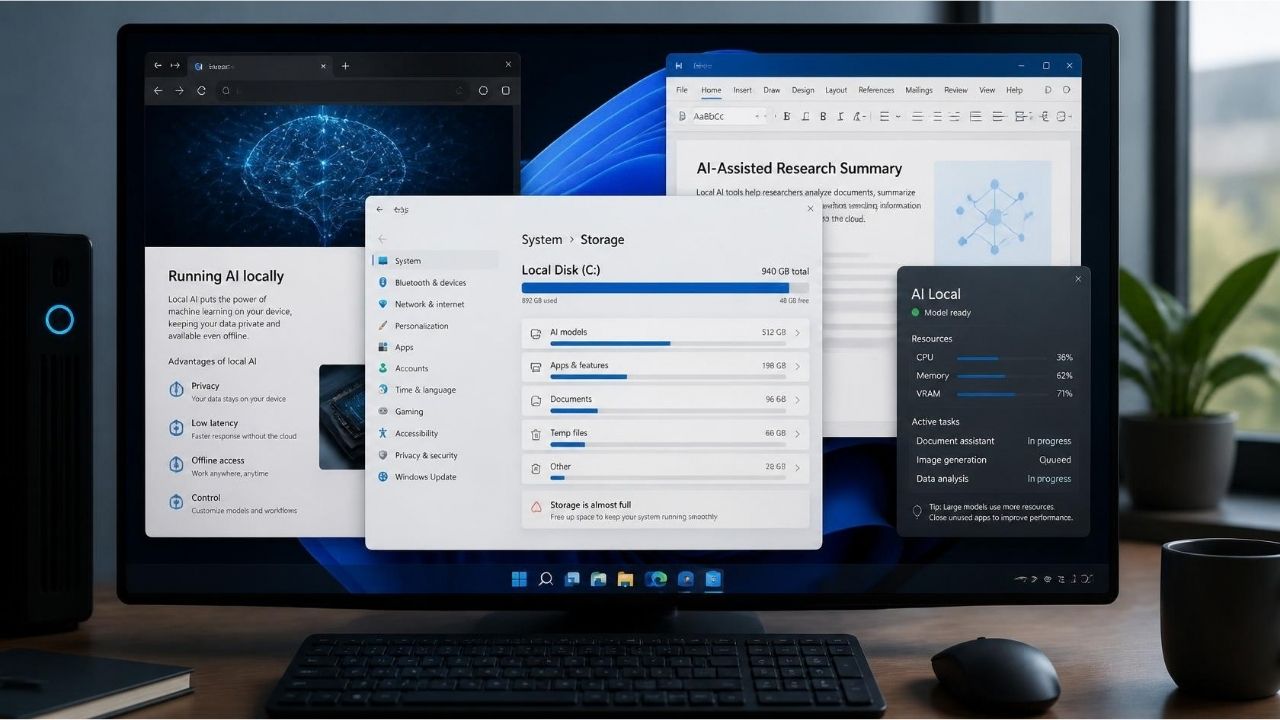
Why Can Windows 11 Artificial Intelligence Use Grow Storage Problem?
With the widespreadization of Windows 11 artificial intelligence properties, local AI models will not only be seen in browsers. Operating system, scanners, productivity applications and other software can increase the number of models held on computer as it started to use their artificial intelligence models. This situation becomes more pronounced especially in low-capacity SSDs.
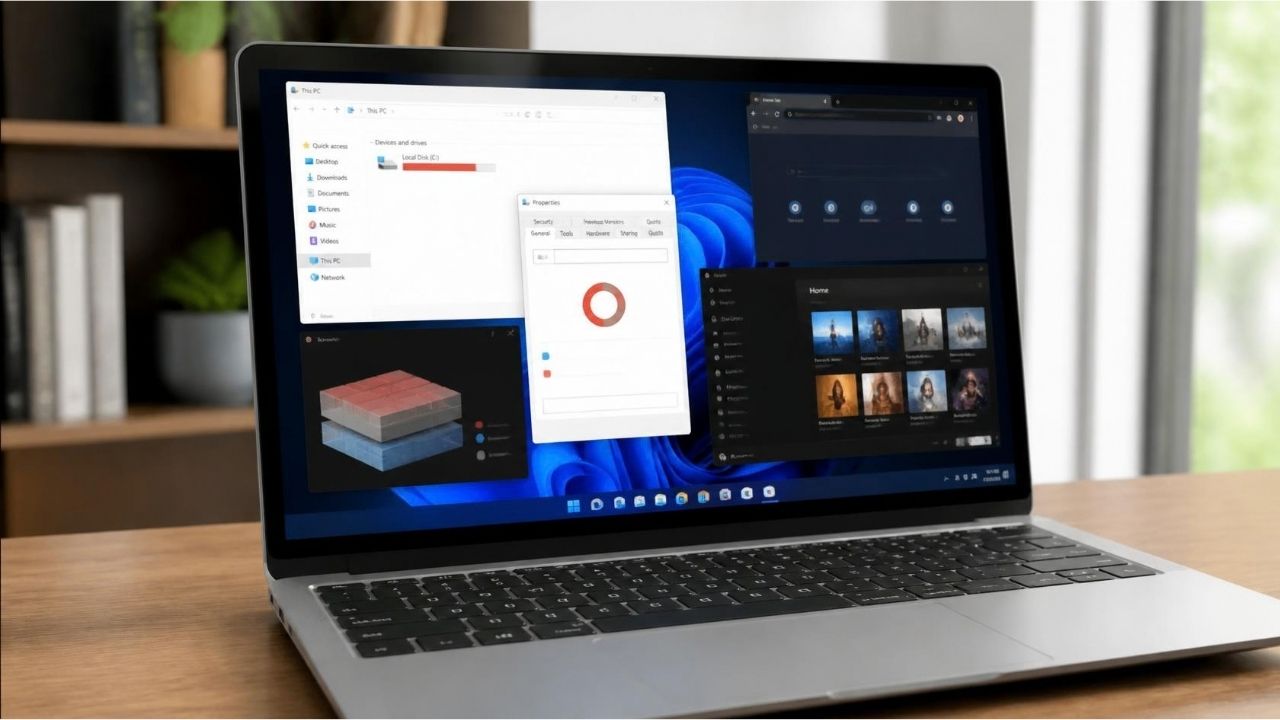
Risk Higher in Computers with 128GB SSD
Operating system, updates, programs, personal files and browser cache on a computer with 128GB SSD can already consume the important part of the storage space. This table local AI models When added, the available space can be reduced faster.
There is a similar situation on PCs with 256 GB SSD. It is more important to regularly check the storage space for users who do not change the computer for a long time. The issue here is not only to save the new file. Windows updates and application installations also require a certain amount of free space.
Does AI Model Download Affect SSD Performance?
It does not mean that the model files are available on the disc will significantly reduce the performance of the SSD alone. However, the constant fullness of the disk can make the overall system management difficult.
That’s why “I’ve left my space on computers using small SSD?” the question turns into an important system maintenance indicator during the AI period.

How to Manage Chrome AI Models on Computer?
Google offers a option that can be used directly from the browser for the management of the local productive AI models in Chrome. The user can open and close the AI option on the Settings > System section on Chrome. Google states that this setting is the supported method to manage local productive AI models. This point is important for users because it is not the recommended method to delete model files from Windows folders randomly.

How to Close Chrome AI Models?
To close the use of the local AI model on Chrome: Chrome > Settings > System > Device need to go to the AI section.
According to Google, the local productive AI model files are deleted on the Chrome device when this setting is closed. Also models are not re-download unless the setting is closed. There is also a natural result: Chrome AI features that need local models leave working.
However, all artificial intelligence features on Chrome are indicated that these models are not connected. So close local AI models does not mean that all AI features in Chrome will be eliminated.
Is Chrome AI Model Files Wipe manually?
Google states that there is no recommended method to manually find and delete model files. This is because even if files are deleted by this method, the corresponding settings of Chrome can be re-download. Therefore, users who want to unload the storage space are more accurate to check the corresponding setting in Chrome.
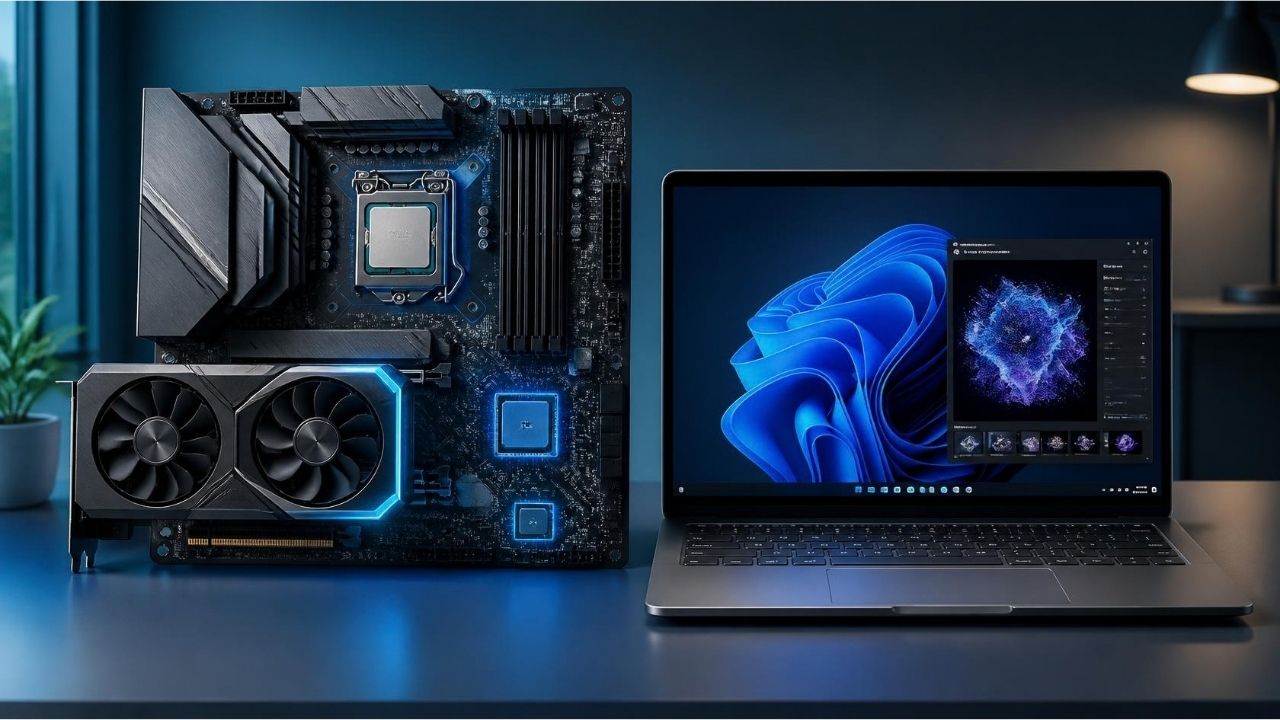
What Hardware Needs For Chrome AI Models?
To operate the model, the device needs to have sufficient processing power. Google also states Chrome’s local AI models are downloading only to devices with supported hardware features. The requirements on Microsoft Edge are more concrete.
Writing Aid of Microsoft At least 20 GB of storage in API documents, as well as 5.5 A GPU requirement with GB or more VRAM is indicated. It is also expressed that the model is not downloaded in measuring connections. Therefore, the local AI will not only be judged with the question of “Do you have enough space in the old computers?”
Why Does RAM, GPU And NPU Important?
Processor, graphic processor and some new computers when working local AI models Special hardware such as NPUEnjoy.
The prevalence of NPU in new generation computers is one of the important parts of this conversion. Aim to perform AI transactions more efficient with specially designed hardware instead of continuously installing CPU or GPU.
That’s why not only processor cores or SSD capacity when purchasing computer in the future, the AI performance of the device can also gain more importance.

What is the Advantages of Local Artificial Intelligence?
The main reason why Chrome and Edge invest in the local AI models is not only presenting a new feature to the user. Local models can provide lower latency in some tasks, less dependency to more privacy and internet connection.
Google states that in the AI models on the device on Chrome are locally processed and this can provide advantage in terms of speed with privacy. This approach is important especially in terms of some AI features that work with personal data.
Deadvantage Storage Cost of Local AI Models
In return to the advantages of local AI, computer resources need to be used more. Storage is one of the most visible costs.
For Chrome, about 20 GB of free space requirement, for Edge, it shows that there are 20 GB available space requirements in certain local AI APIs, scanners are now becoming software that demand a serious amount of resources on operating system. This may be more pronounced in the future.
More advanced models can offer more features but model size, calculation need and energy consumption can also increase accordingly.
Why Does Chrome And Edge Direction to Local AI?
Browsers are one of the apps that users use for a long time on the computer. A browser can access web pages, tabs, texts, files and search results at the same time. Therefore, placing artificial intelligence properties in the browser allows the user to provide AI aid without opening an additional application.
Google on Chrome side Gemini and models on the device become part of different AI experiences while Microsoft Edge, Copilot and local Phi models Homewatching a similar strategy.
This conversion, AI agents connected with more advanced systems. Not only respond to browsers, it is expected to turn into AI systems that help the user’s tasks in the browser.
What Do Users Do?
It’s enough for Windows 11 users to regularly check the available disk areas. Especially in computers with 128GB and 256GB SSD, Chrome and Edge should be followed due to the AI features.
Chrome users can also check the AI option on Settings > System > Device. By Google, this setting closes, prevents the deletion and re-download of the corresponding local AI model files. It can be more logical to leave enough space instead of closing the model if users who actively use AI properties.
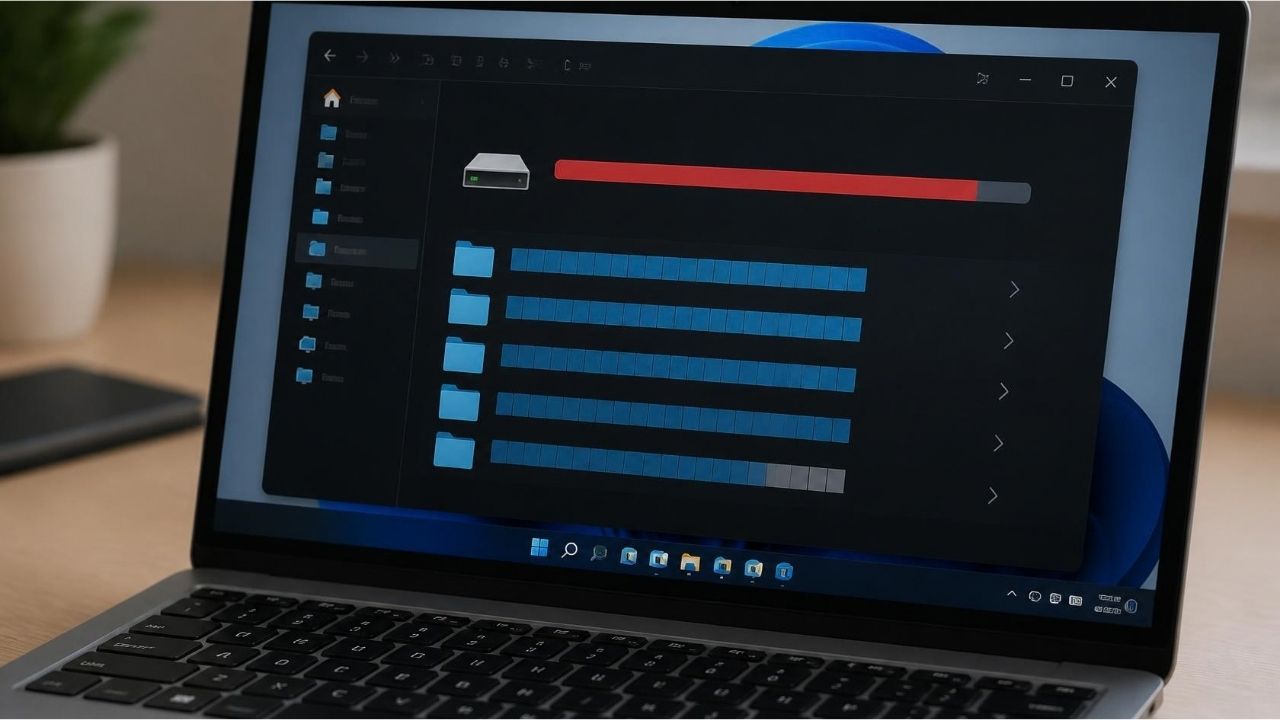
Can I Increase 20 GB AI Storage Requirements In The Future?
It is not possible to give a precise figure from now. Google states that the AI features on the device on Chrome may change in time. So 20 GB is able to change models or hardware requirements in the future, although there is a minimum value valid today.
The same situation on Microsoft side is mentioned. Edge’s Writing Assistance APIs are currently working with Phi-4-mini, they can try on a different model like Aion-1.0-Instruct in Edge Canary and Giant versions. Microsoft states that Aion-1.0-Instruct is smaller and more efficient than Phi-4-mini. This shows that the local AI model ecosystem has not yet been fixed.
If smaller and efficient models are developed in the future, storage and hardware requirements may decrease. Adding more skilled models to browsers can create an inverted effect.

How does Chrome AI Models Change the Future of Browsers?
Chrome and Edge begin to use local AI models, part of the greater change in the role of browsers. The browser is no interface that opens only websites. You can analyze texts, summarize pages, re-edit articles, organize tabs and provide artificial intelligence-supported assistance about the processes that the user performs. For this, a part of the model required is downloading to the computer, it naturally creates a new source.
So it may not be enough to look at the size of Windows and established programs while evaluating the storage capacity of a computer in the coming period. Local AI models will also be a more visible place among the resources used in the operating system and applications. English prompt writing guide Home The next stage of the use of the productive AI that is addressed in content is also revealed here: the user can now have to know how this tool works on the computer, not only what artificial intelligence tool uses.
Frequently Asked Questions
How many GB of Chrome AI Models Are There?
Google states that Chrome needs about 20 GB of free disk space to download productive AI models on the device. However, this does not mean that the model file is 20 GB per single.
Why Chrome Wants 20 GB Empty Area?
20 GB is about minimum empty disk space specified to download Chrome’s local productive AI models. Google also states that this requirement may change in time.
Is Chrome AI Models Automatically Downloaded?
Yes. Chrome can download local productive AI models in the background on devices with convenient hardware. The aim is to keep these models ready for use.
How to Close Chrome AI Models?
Settings in Chrome > System > The device can close the local AI feature from the AI section. According to Google, this process deletes the corresponding model files on the device and prevents models from re-download.
Microsoft Edge AI Models How many GB of Space Want?
According to Microsoft’s Writing Assistance API documents, there are at least 20 GB available space on the disk with Edge profile. For model operation also 5.5 GB or more VRAM requirements.
Windows 11 Artificial Intelligence Features Will Use More Area?
It is possible to use model files of applications and operating system components with the widespread use of local AI. However, it cannot be said that every Windows 11 AI feature uses the same local model.
Is Chrome AI Problem on Computers Using 128GB SSD?
Storage requirements of the local AI models can become more important as the free space is limited in 128GB SSD computers. However, Chrome’s 20 GB of free space condition does not mean that it will take 20 GB of model directly from computer.
Can Chrome AI Models Work Without Internet?
Internet connection is required for the first download of the local model. Some processes can be performed locally after the model is ready on the device. Google states that AI models on the device can provide the data locally processing in terms of privacy and speed.
Can Chrome AI Models Place More In The Future?
There is no exact prediction. Google states that Chrome can change hardware and storage requirements in time for AI features on the device. While new models can be bigger, more efficient models can reduce the need for storage.
WriterClaude Sonnet 5: Yapay Zeka Ekonomisinde Yeni Çağ


Küçük Dil Modellerinin (SLM) Yükselişi