How to Create Visual and Video with Artificial Intelligence?
Automatically translated
 Writer
Creating video and visuals with artificial intelligence is now possible to enter content from a few sentences prompt. You can create a new visual, edit an existing photo or convert a static image into a short video. With tools such as Google, Adobe and OpenAI, this process is not limited only to produce visual from scratch. It is also possible to edit existing images, change certain partitions and create different versions.
So how does these tools work? How to write a good prompt and which means Which need to be used?
What is Visual Building with Artificial Intelligence?
Visual creation with artificial intelligence means a written description or a new image of reference visual.
For example:
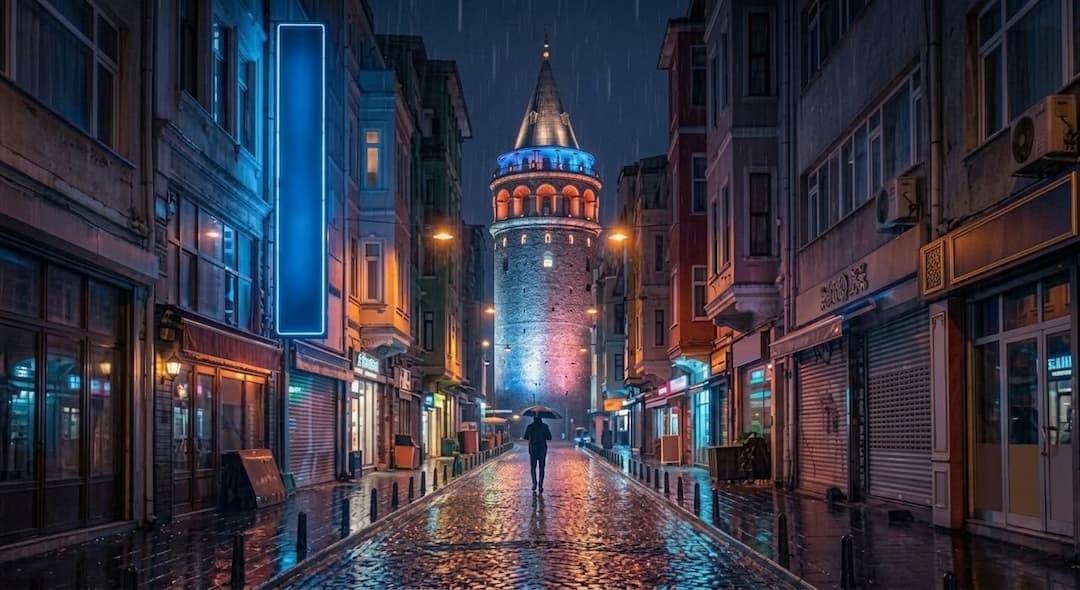
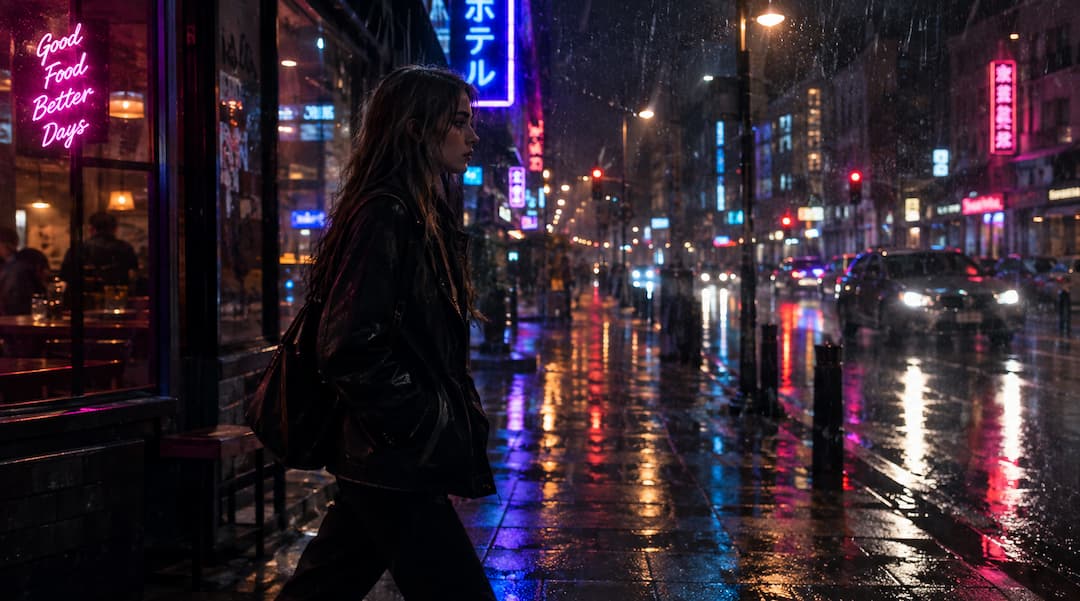
"A street with neon lights at a rainy night in Istanbul, cinematic night atmosphere, realistic photo aesthetics. "
The model with a prompt can create a visual that fits the scene you describe.
Besides producing new visuals, it is also possible to edit existing images, add objects or remove different versions.
What is Creating Video with Artificial Intelligence?
Short videos can be created using text or visuals in video production with artificial intelligence.
For example:
"A sokak street with neon lights in Istanbul after oil. The camera is slowly moving along the sidewalk, the city lights are reflected on the wet floor. "
As a description can be converted to video scene in supporting tools.
There are two methods:
Video from text: Creating video from written explanation
Visual video: Moving to an existing visual
Besides the stage in video production, movement, camera and consistency in time are also important. Google Veo 3. 1 and Adobe Firefly As vehicles offer different production properties in this field.
How to Create Visual with Artificial Intelligence?
A good visual prompt doesn’t need to be too long. clearly indicate the details that will change the result important.
Simple prompt:
"Modern working room. "
A more explainive example:
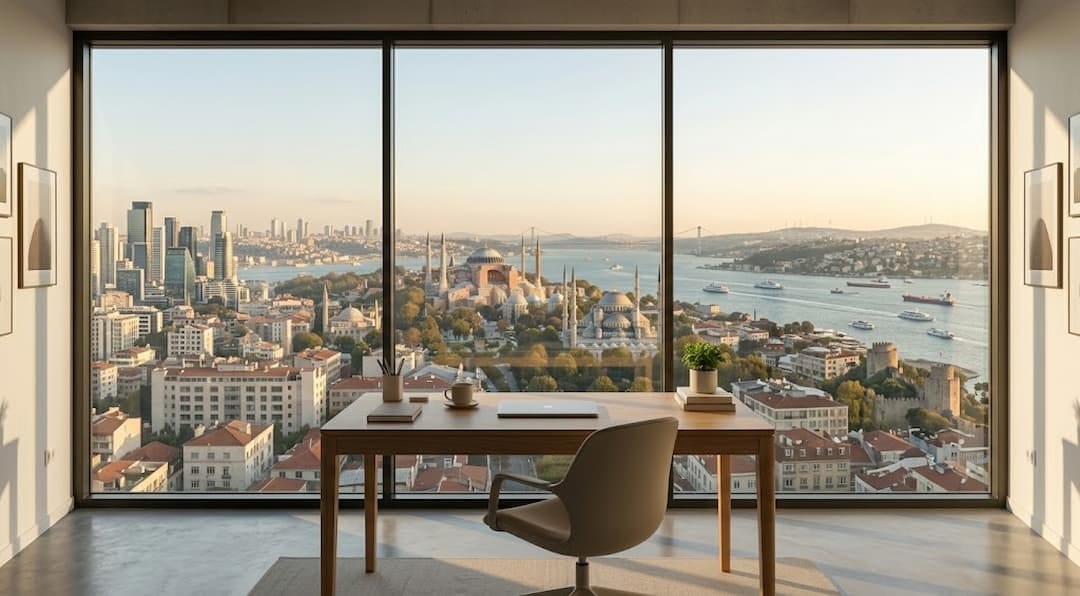
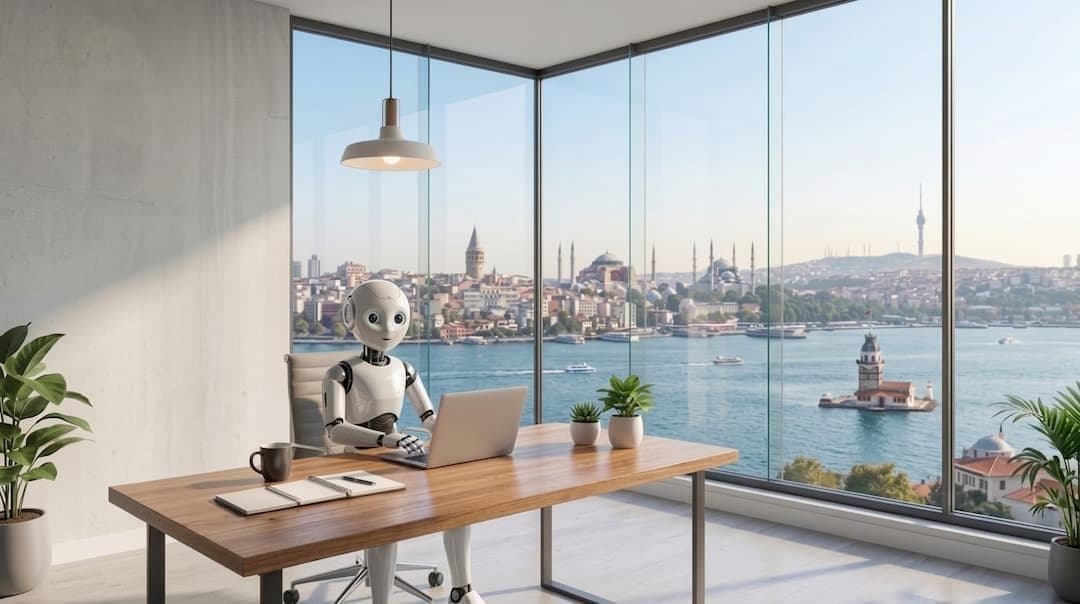
"Modern working table looks Istanbul silhouette from large window, morning light, natural colors, wide angle, realistic photo aesthetics. "
The second prompt environment, light, camera and style are also defined as the model’s comment area.
Simple formula you can use:
Self + ambient + composition + light + camera + style
Which Visuals Can Be Create With Artificial Intelligence?
Artificial intelligence images can be used in a wide area from social media to advertising and presentations. However, a visual is not enough to stand only fashionable; it is necessary to cover the message and content individually.
Usage Area | Sample |
|---|---|
Social Media | Post and cover images Home |
Advertising | Product and campaign images Home |
Product Design | Concept product and packaging |
Home | illustration and concept art |
Training | Schema and clarifying images |
Content production Home | Blog and website images Home |
Presentation | Slide and concept images Home |
Create Artificial Intelligence Content with Reference Visual
You can use everything as a reference to a visual rather than describe from scratch.
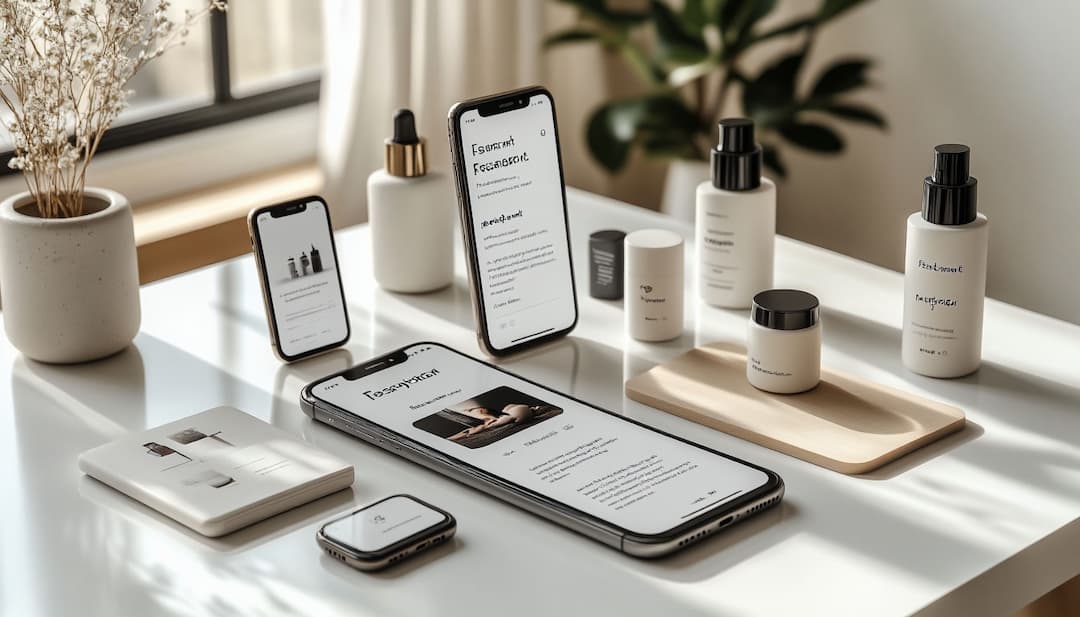
If you have designed a character for example, you can benefit from the reference visual to produce the same character in different environments. The same method works in products and video production.
Specifically, visuals are quite useful in content that character or product consistency are important.
How to Create Video with Artificial Intelligence?
It facilitates the work to prepare prompt step by step to get a good result when creating video with artificial intelligence. The process is generally moving as follows:
1. Determination of the idea: The video starts with clearing what you want to see.
2. 2. Identification of stage and essence: The main issue of the house, character or video is described as clearly as possible.
3. Determination of movement: What the essence does and how it moves on the scene.
4. Determination of camera behavior: You can add details prompt, such as keeping the camera stable, approaching, remoteing or tracking the essence.
5. Adding light and atmosphere: The general weather of the video is shaped with details such as daylight, night, rainy weather or cinematic atmosphere.
6. Determination of visual style: A visual style can be preferred like realistic, cinematic, animation or advertising film.
7. Checking output: Motions in the created video, image quality and stage consistency are controlled.
8. Development of prompt: The first result can be replaced missing or incorrect points when meeting expectations.
The first output does not need to be perfect. It is quite normal to do several trials especially in complex scenes. Reviewing the result that arises in each trial and developing prompt a little more, it allows you to get much more successful videos over time.
Creating Video from Text
Creating video from text (text-to-video) In the method, you will describe the dream scene with artificial intelligence only words. But not only what you see to get a successful video; you need to also specify how the movement and camera will act.
A good video prompt; it covers many details from the space of the scene, the angle of the camera, light and visual style.
For example:
"A dog on the beach on the sunset. The camera is moving from the same speed as the dog. The feathers of the dog are slightly moving in the wind, the waves hit the shore. Warm sunset light, natural movements, cinematic and realistic image. "
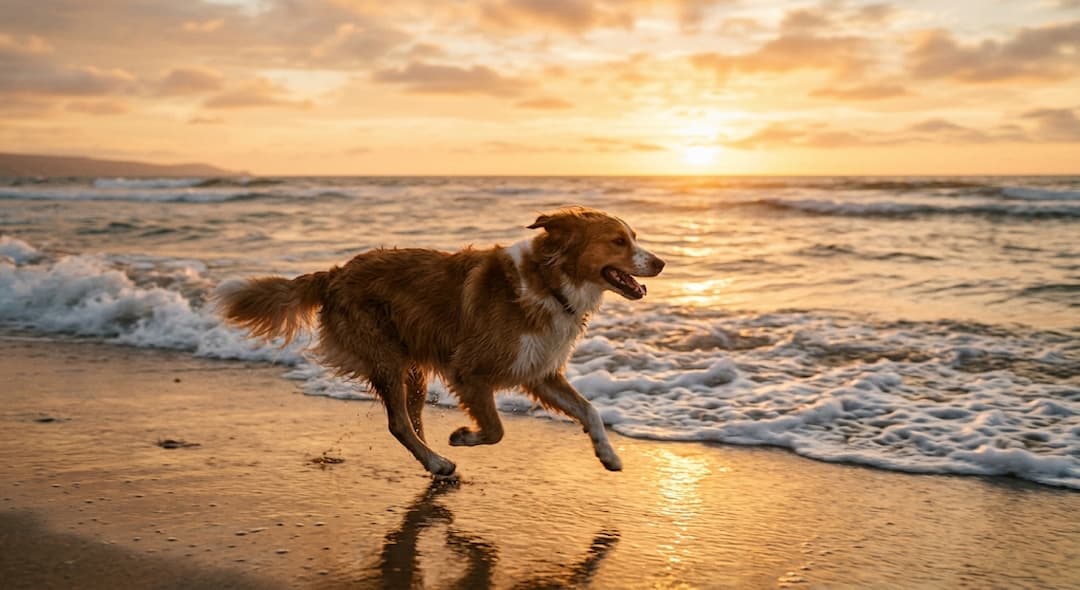
As seen in this example, not only objects, motion and camera dynamicsHome also define plays a critical role. Artificial intelligence models build the flow and movements of the scene in time based on these details.
When preparing an effective prompt, you can consider the following 6 basic components:
Stage: Where does the event go?
Tags: Who or what is in focus?
Movement: What exactly does the essence or environment do?
Camera: How to open and camera movement?
Light: What type of lighting that determines the atmosphere of the stage?
Style: Is a visual language realistic, cinematic or an animation?
Creating Video from Visual
It is used as a visual starting point available in Image-to-video method.
For example:
"You're slowly approaching the product. Lightly move the lights on the background. "
This method can be used to move product promotions, social media contents and existing illustrations.
What is the Difference Between Visual and Video Tools?
It is more accurate to determine what you want to produce before choosing the car.
Vehicle Type | Basic Use m |
|---|---|
Visual production | Create new visual from text |
Visual editing | Changing current visual |
Video from text |
Creating video from written explanation
Visual video
Static visual motion
Video editing
Edit existing video with artificial intelligence
Popular Tools to Use with Artificial Intelligence
In addition to the features when choosing a vehicle, pricing, output quality, usage rights and access status in Turkey is also necessary to check.
Adobe Firefly
Adobe Firefly supports different productive artificial intelligence workflows such as visual generation, editing and video creation.
Google Veo
Google Veo 3. 1 The model offers features such as audio, reference images and camera controls besides text and visual video production.
Visual creation with ChatGPT
ChatGPT visual It is possible to produce visuals from text descriptions and give detailed editing instructions.
Up-to-date status on Sora
Sora was one of the leading tools in the field of video creation in the past. However, it should not be evaluated as an active video production tool in the current case.
OpenAI According to the description, Sora's web and application experiences were closed on 26 April 2026, Sora API on 24 September 2026.
Therefore, it is necessary to check the current status before using the information on the old Sora guides.
What Should Be Considered When Generate Content With Artificial Intelligence?
It’s important to make a short control instead of direct publishing the first output. Especially small errors in visual and videos created with artificial intelligence can not be noticed at first glance.
Before release, it can be taken into the following points:
Is the text in the visual right? In articles created by artificial intelligence, there are letters, word or meaning errors.
Is the logo and product details broken? In particular, brand logos, articles on the product and small details are checked.
Is the characters consistent between scenes? It can be seen if there is changes in face, clothes or physical properties.
Are the movements natural? Especially in video production, hand, face, walking and camera movements can sometimes appear out of reality.
Is it compatible with visual content? The content produced should be covered with the desired topic and message.
Is it suitable for commercial use conditions? The license and commercial terms of the vehicle used should be checked.
Is the necessary rights checked? If a real person or brand is used, it should be paid attention to the terms of use and permission.
This short control makes it easier to notice before publishing errors in the content generated by artificial intelligence and achieve a more professional result.
WriterYapay Zeka Güvenlik Anlaşması Beyaz Saray'da İmzalandı


Türkçe İçin En İyi Yapay Zeka Aracı Hangisidir?