OpenAI Codex Software Tool
Automatically translated
Just tell what you want to do, take care of artificial intelligence. OpenAI Codex software tool can understand and convert natural language to employee codes. So how does this impressive technology work?
What is Codex?
Codex is an artificial intelligence model developed by OpenAI and optimized for software engineering tasks. This model based on the o3 architecture of OpenAI,by meaninging explanations written with natural languagecan convert to the source code running with high accuracy. Although Codex shares the same language basics with GPT models, it produces strong results in programming languages especially because it is trained with very large scale software data.
Codex is not only limited to code production. It can also explain existing code blocks, simplify, extract errors or create test scenarios. Thanks to this versatility, a tutorial tool for both beginners and a time-saving assistant function for professionals.
How to Use OpenAI Codex Software Tool?
The basic ability of the model is to translate natural language into programming languages. The users write a Python function that raises the numbers that are repeating in a list for example." When they give a command like Codex meaning this command and generates the work code that performs the function of the question. Main languages supported by model:
- Python
- JavaScript
- TypeScript
- Ruby
- Home
- Java
- PHP
- C#
- Home
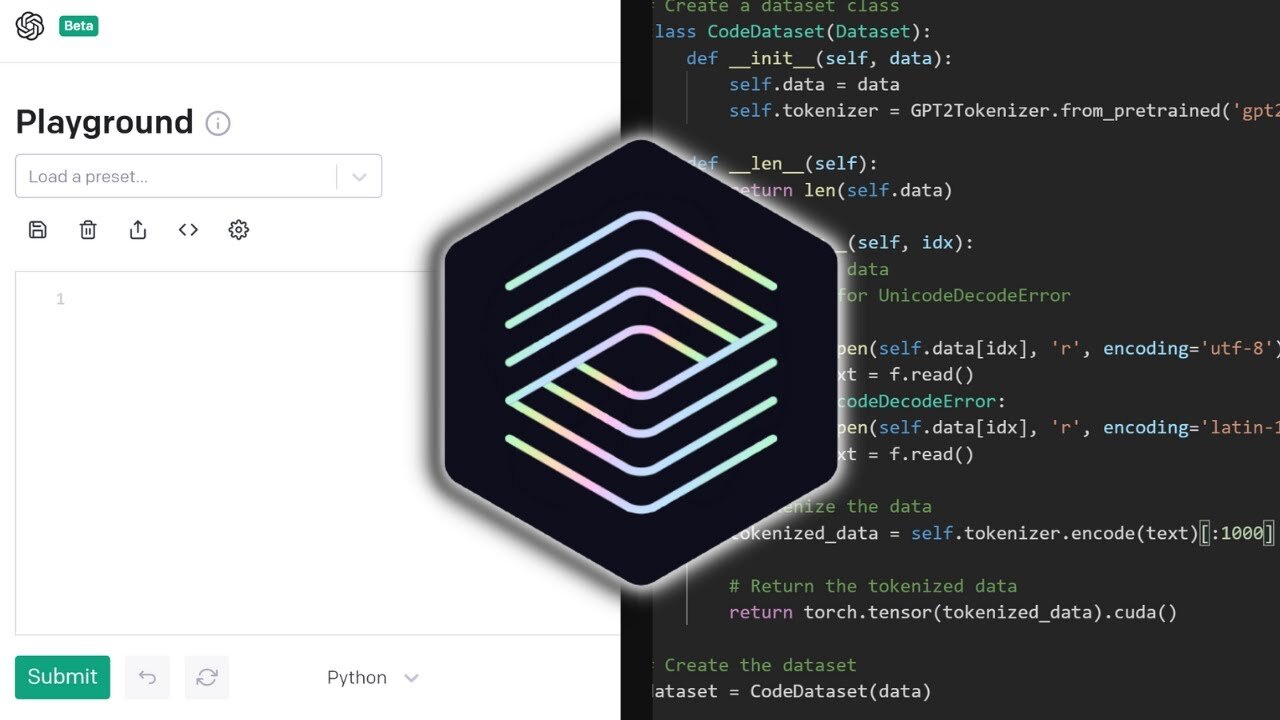
OpenAI Codex software tool is not available to everyone as a direct, independent product. However, the capabilities of Codex are presented to the use of developers in different ways. Here are the ways to reach OpenAI Codex software tool:
Codex Use On ChatGPT (GPT-4o)
- GPT-4o model in ChatGPTactive.
- Access Codex via side panel on the left side.
Codex Use with GitHub Copilot
- Visual Studio Code (VS Code)Download.
- Setup GitHub Copilot plugin.
- Make descriptions in natural language when writing code → Codex completes the code for you.
Programatic Access with OpenAI API
- OpenAI platformGet API key over.
- Develop special automations using Python or similar languages (or GPT-4-based model).
The tasks given to Codex are usually completed within 1–30 minutes. Users can track task progress in real time. Changes such as the same ChatGPT are stored in the environment of Codex. Terminal logs, test outputs and transaction history are presented to the user. These outputs provide correctability of changes. For example, a directive file named AGENTS.md, specially placed in the project, describes how Codex should move in the software environment.
This text file included in software projects describes how Codex should behave about that project. So, Codex’s software environment is like a guide to teach him “how to think” to analyze and work more effectively.

Thanks to AGENTS.md files placed on the project:
- How to browse Codex in the project,
- Which commands will run,
- Which test environments and standards are defined.
These files are in a structure like README.md but are for Codex. Codex works most efficiently with open documents and reliable test environments.
OpenAI Codex Software Tool Advantages and Disadvantages
| Advantages GitHub Copilot and OpenAI API can work integrated with various platforms. | Disadvantages The code generated can sometimes contain defective or unworking parts, it is necessary to check carefully. |
| Provides fast and effective code production with natural language commands. | The automatic generated codes can be found in security open or errors, manual inspection is essential. |
| Time saving, can quickly create repetitive and standard code blocks. | It can not understand the context in complex and large projects, which can lead to incorrect recommendations. |
| Python supports many programming languages such as JavaScript, Java, C#, Ruby, Go. | Code descriptions and documentation may sometimes be insufficient or missing. |
| Provides consistent and functional code recommendations by understanding the context of code. | Internet connection and requires API access, offline use is not possible. |
| Provides additional functions such as creating test scenarios, debugging and code description. | The use of API and some tools is paid, the cost can increase in intensive use. |
| It is useful for both beginners and experienced developers. | Produced test codes can be superficial and may remain insufficient for comprehensive scenarios. |
OpenAI Codex Software Tool Suitable For Who?
OpenAI Codex software tool is a potential solution for anyone who wants to facilitate the software development process. Specifically:
- Beginners who start writing code,
- Professional programmers who want to accelerate repeating tasks,
- Teams looking for support in code documentation and testing processes,
- Technical users who want to create customized workflows with API integrations,
- Software developers and engineers,
- Students studying in computer sciences or related fields,
- Individuals from different disciplines looking to develop content production or digital solutions,
- Students and individuals who want to do website, blog or interactive project,
- For instructors developing educational materials and test scenarios

Codex can be used as a tool that increases productivity and speeds up learning processes. These user groups can use Codex in different ways and different levels; varying form of use according to technical information and needs.
AI Slop Nedir? Dijital Reklamcılık için Tehdit mi?


Claude Code Agent Teams Kurulumu ve Kullanım Rehberi