An Unexpected Lesson in Using Claude Code Productively
Automatically translated
 Writer
In a developer's home lab, small neglects pile up quietly rather than collapsing in one dramatic failure. Backups that are never checked, a container that stops without anyone noticing, a log that sits unread: each of these looks trivial on its own, but they accumulate over time. Right in the middle of this slow decay, a developer shared an observation about Claude Code that goes against the usual approach. When he started using the tool to reduce friction rather than to invent something new, things changed. This simple shift in direction highlights a fact often overlooked in the AI coding tools ecosystem: the most valuable contribution of AI is not always hidden in the most spectacular task.
The software development ecosystem is going through a fundamental paradigm shift as AI-assisted coding tools aggressively enter the market. Anthropic Claude, one of the most current and notable players in this shift, is reshaping engineers' working practices with its terminal-based tool, Claude Code. Yet the general trend is to use these AI coding tools to build massive structures from scratch. The experiences shared by veteran developer Jeff Butts in XDA Developers reveal a counterintuitive truth: Claude Code shows its real potential when it is positioned as an analyst and architectural assistant rather than a tool that writes complex code blocks.
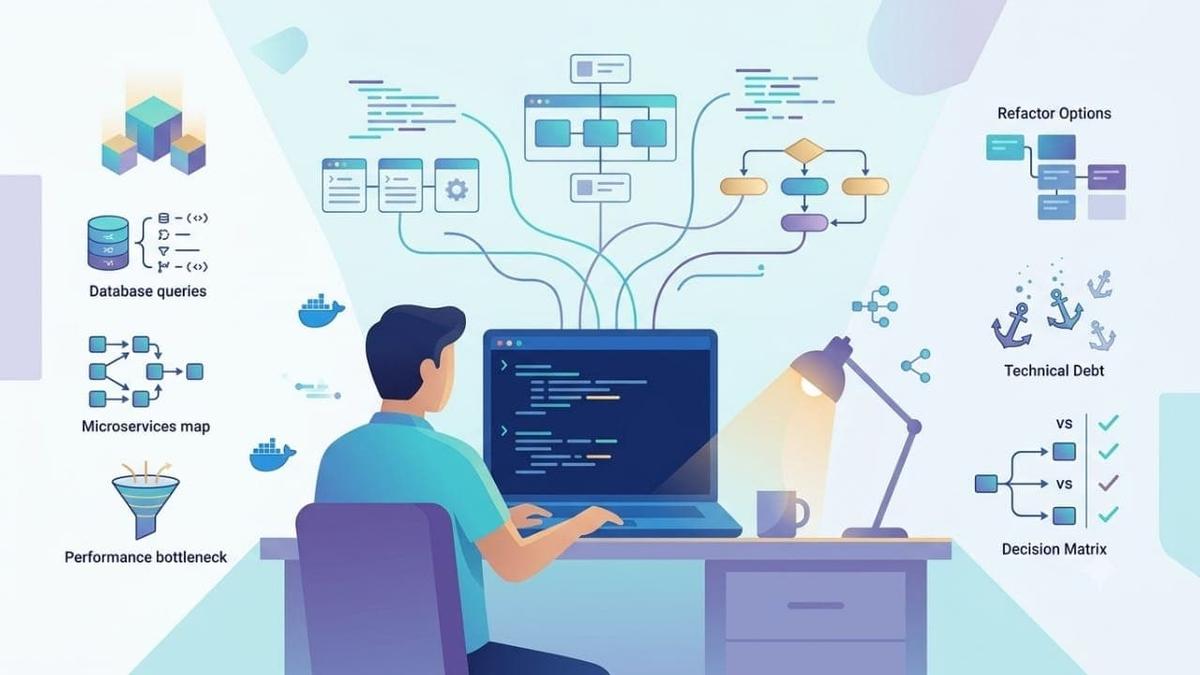
This approach, which stands out for its ability to see the big picture in the developer world, shows how using AI not as a code worker but as a senior system architect multiplies efficiency.

Positioning AI as an Organizer, Not a Creator
The main cause of system failures in software projects or home labs is usually not large, dramatic explosions. The real problem is the accumulation of micro-neglects: backups that are not verified, log entries that are not reviewed, and container states that are ignored. When Claude Code was first announced, it was quite natural for developers to reflexively give it flashy, showy tasks such as writing scripts from scratch or integrating new tools. The process, however, shows that the area where the tool performs most reliably is the least glamorous one: operational cleanup and analysis.
According to developers' experiences, asking Claude Code to "Analyze the inefficiencies in my current backup cycle and give me a sustainable control mechanism outline" produces far more rational results than saying "Set up a flawless infrastructure for me from scratch." The tool behaves like an assistant that is more patient than the human mind when it comes to optimizing complex processes and reducing micro-level friction.
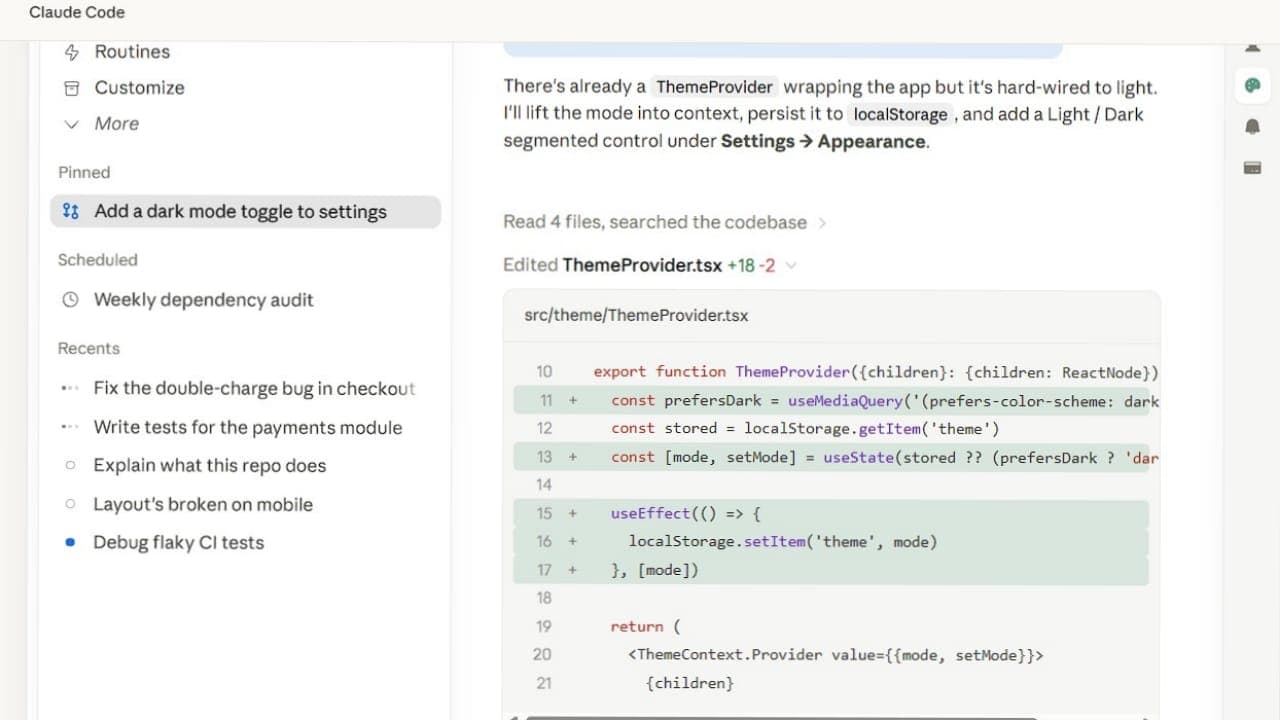
Using Claude Code: Understanding the System Before Writing Code
In traditional use, developers often give AI tools direct tasks such as "build this feature," "write this code," or "develop this application." However, this method does not always yield the expected results. In large software projects, the real challenge is often understanding how the existing system works rather than writing code.
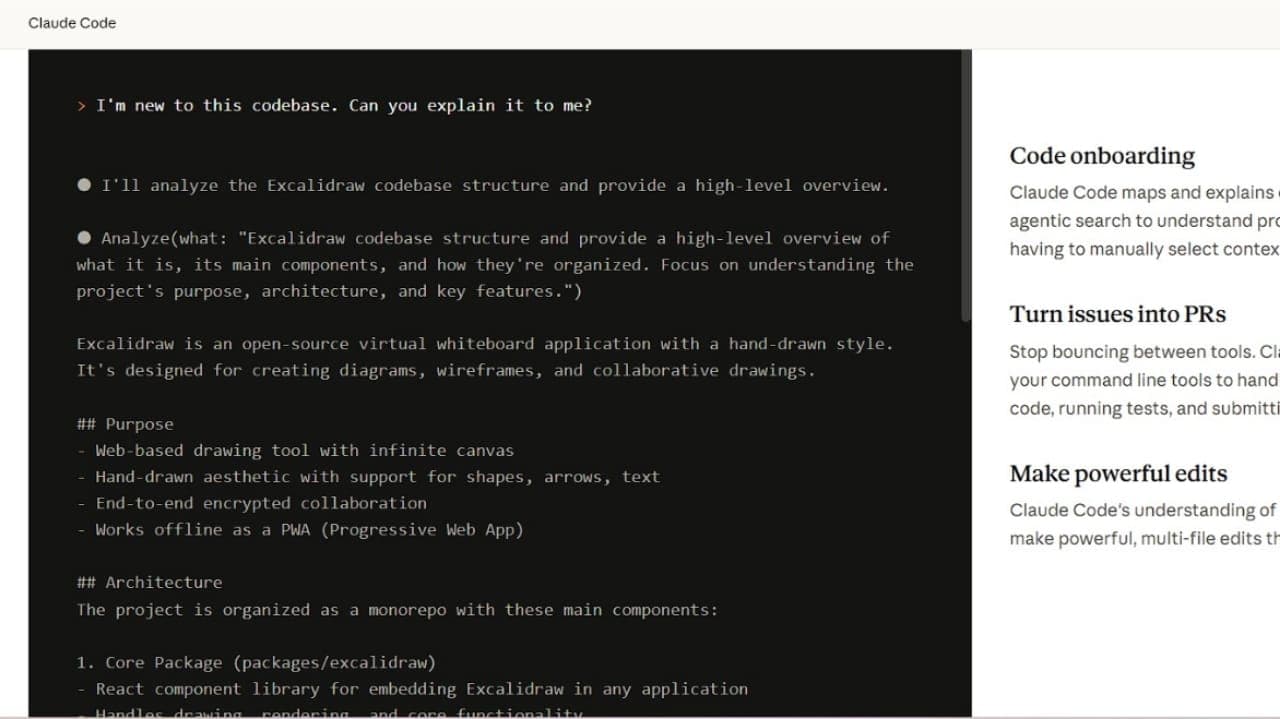
This is where one of Claude Code's strengths comes into play. The tool can help developers examine large codebases, uncover connections between files, explain the architectural structure, and identify potential problems. User experiences also show that Claude Code is especially effective in analyzing structure, investigating bugs, and understanding code relationships in existing projects.
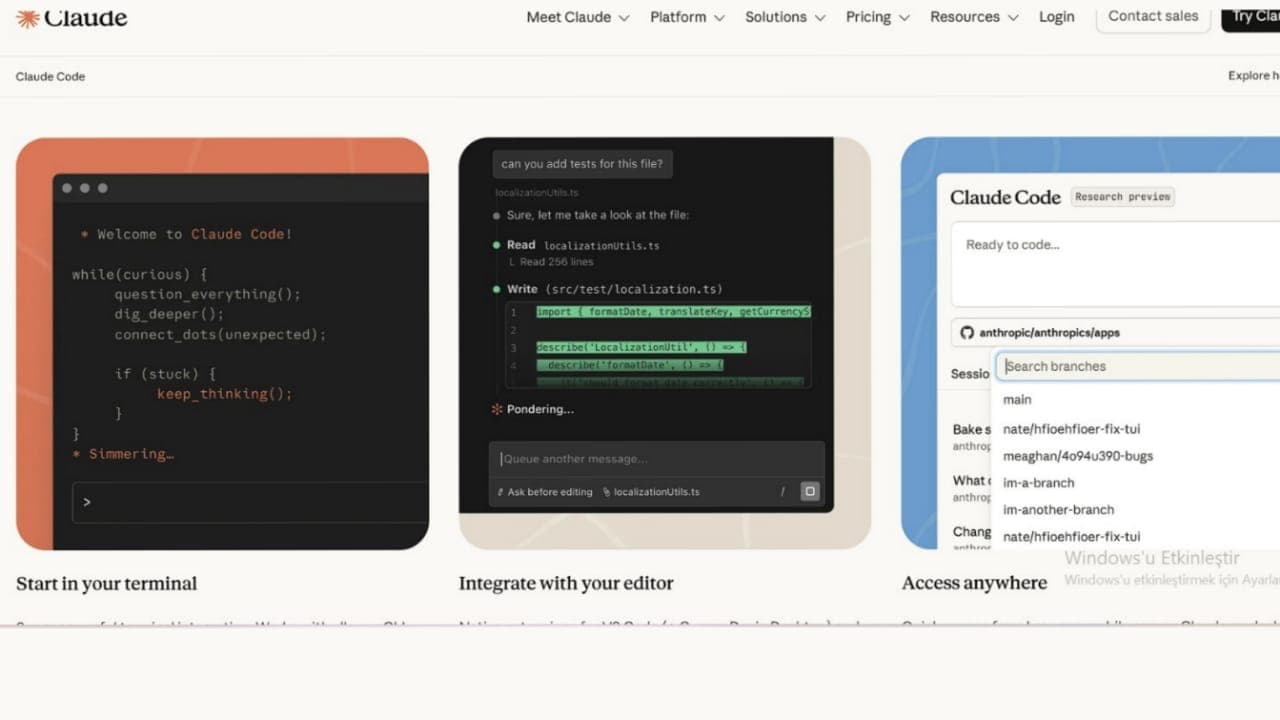
In other words, the new productivity formula for developers becomes:
Analyze first → then plan → write code last.
This approach shows that AI is not merely a "code machine" but a thinking partner in software engineering processes.
Practical Tip: How to Build a Strategic Partnership with Claude Code
If you want Claude Code to work for you as a senior software consultant sitting beside you rather than as a code worker, you should not throw it blindly into your project. You can structure your terminal workflow around these three simple steps that trigger the analytical power of AI:
1. Take the X-Ray First, Then Start the Surgery
Asking Claude Code to write a line of code right away can cause it to miss the overall structure and logic of the project. Instead, before moving to the code-writing stage, have the tool take an X-ray of your project. Let it scan all your files first and draw out the big picture of the project.
For example: Claude, review all the files in this project and how they connect to each other. List the points where slowdowns or freezes might occur, with reasons, without writing any code.
2. Hunt Down Technical Debt and Old Code
Every code block written in a rush with the thought "let it work for now, I'll fix it later" creates problems over time. Developers call this "technical debt." Claude Code can be a meticulous auditor for finding and cleaning up these unwieldy structures. Rather than having it make the changes, make sure it directs you to the right places.
For example:
Review the features I recently added to the project. Identify areas that are messy, may cause problems later, or are hard to read. Without writing code, suggest a roadmap for making these parts cleaner and more organized.
3. Turn It Into a "Brainstorming" Partner
When you are at a critical decision point (for example, if you are about to add a new library to the project or are torn between two different approaches), exchange ideas with Claude Code. Since it already knows your project's current structure, it will offer far more precise, tailored comparisons than generic articles on the internet.
For example:
Compare the differences between using [method A] and using [method B] in this project. Considering our current code structure, which one will cause us fewer headaches in the coming months?

The Power of Micro-Analysis Over Grand Rediscoveries
In software development, beyond writing code, maintaining the hygiene of existing code and systems is the largest cost item. Updating Docker stacks, analyzing storage on a NAS, and checking the status of services like Jellyfin or Pi-hole normally force developers to shuttle between different tabs and command lines.
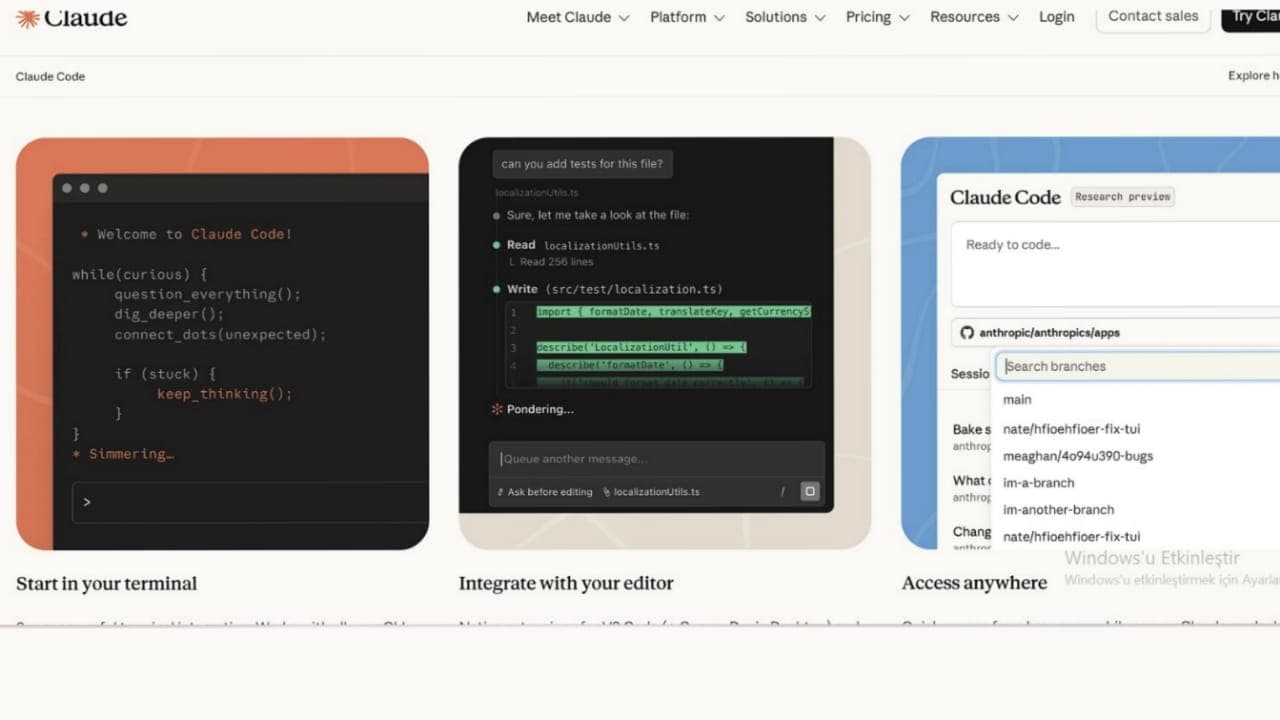
At this point, Claude Code functions less as a code generator and more as a command center:
Data Consolidation: It brings scattered logs and metrics into a logical whole within a single terminal window.
Reducing Cognitive Load: By removing the burden on the developer's memory of "which command triggered what," it lowers the activation energy of operational work.
Inspectability: When code writing is not left to Claude Code and it is only asked to observe the state, the margin of error approaches zero. The command "List the faulty Docker containers for me" creates a safe audit area because it does not manipulate the system.
The value of these small tools comes from lowering the threshold for taking action. When the checking process is reduced to a single command instead of a ten-minute investigation, the developer checks the system more often, and when the output is consistent, it becomes easier to notice when something has gone wrong. This is a concrete example of how Anthropic Claude-based tools offer no magic solution, but make the responsible choice easier than the lazy one.
Turning Neglected Checks into Repeatable Habits
The first difference-maker in the developer's experience was not flashy at all. Claude Code helped him turn backup checks from a well-meaning thought into a repeatable process, because it knew that backups should be verified and that the right virtual machines should be covered, yet that knowledge alone did not push him to behave consistently at the end of a long day. What stands out here is a human situation rather than a technical gap. Knowing is not the same as doing. A task being simple does not make it unimportant; on the contrary, problems that grow silently when ignored usually slip through the most ordinary checkpoints.
The developer especially emphasized that he should be the one deciding what counts as healthy, what matters in his own system, and what is noise. Claude Code's role was not to automate these decisions, but to turn them into executable, adjustable, and readable checks.
The Trust Boundary in AI Coding Tools: The Hallucination Risk
Blindly trusting code produced by AI is one of the most dangerous traps in modern software engineering. No matter how advanced Claude Code becomes, when it misunderstands the context it can produce incorrect commands with great confidence. On live systems, a machine without clearly drawn architectural boundaries can lead to data loss, misconfiguration, or network outages.
For this reason, the golden rule when using Claude Code is not to automate human judgment. The AI's job is to speed up architectural drafts, analyze the backbone of the code, and report edge cases the developer might miss. Line-by-line reading of code and the final approval mechanism should always remain under human supervision.

Sustainability Is More Valuable Than Spectacle
The lesson this experience leaves for the software development community is hidden in simplicity: unlike impressive one-off services, a system becomes reliable through boring work repeated often enough to catch problems early. Backups are checked, containers are reviewed, storage is monitored, and configuration changes stop living only in memory. Claude Code finds its most useful form when it makes these habits easier to maintain. Rather than measuring a tool's value by how ambitious a task looks, looking at how small and auditable it is may be the first step toward a mature usage culture in the Anthropic Claude ecosystem.
Anthropic This new technology from Claude teaches the software world a critical lesson: the success of a tool is measured not by how ambitious the projects you start with it are, but by how sustainably it solves the boring, routine problems you would otherwise postpone.
When you turn Claude Code from a robot that writes code into a smart partner that reviews your system alongside you, your software processes will take on a much calmer, more predictable, and above all more efficient character. For developers, real productivity lies not in having AI write code, but in managing the architecture of your code with AI.
WriterYapay Zeka Siber Saldırı Tehdidi Aylar İçinde Geliyor


Claude Sonnet 5 Opus 4.8'e Yaklaşan Yeni Model