



Game Development with Unity AI: Tools, Credits and Pricing
Automatically translated
 Creator
Short answer: Unity AI was the umbrella name for the AI tools built into the editor from Unity 6.0 onward. Unity now refers to these tools by their functions: the in-editor assistant (Assistant), the Generators for images, audio and animation, an MCP server, a CLI and an official plugin. The old Unity Muse has been deprecated, while Sentis, which runs AI models inside a game, continues. On the Personal plan you can try the assistant free for 14 days, then for a monthly subscription of 10 US dollars you get 1,000 credits each month.
Last updated: 14.10.2026
In the past, making an interactive game required deep knowledge of programming languages and the details of the game engine. Today, Unity's AI tools let you ask for some of the work, such as building scenes, writing scripts and creating assets, in natural language. The amount of code you write goes down, but you still need to read and test the generated code and design the game's logic yourself.
In this article, we walk through Unity's current AI tools, what happened to Muse and Sentis, and how credits and pricing work, step by step.

AI in Game Development: What Is Changing in the Industry?
AI-assisted game development has become a new standard that cuts processes that once took months down to minutes. Not only experienced programmers but also designers, storytellers and independent developers can now build the mechanics they have in mind with the Unity AI ecosystem. Unity, through its new AI tools, makes it easier to build scenes with natural language commands, have scripts written, and generate images, audio and animation. The amount of code you write goes down, but it does not disappear completely: you still need to run the code the assistant writes in the scene and fix it if necessary.
If you want to see options beyond Unity, take a look at our article on AI game-making programs.
What happened to Unity Muse? Assistant and Generators took its place
Unity Muse was a package of separate helpers for chat, textures, sprites, animation and behavior generation, using Unity's own models. Unity now describes Muse as a deprecated product. With Unity 6.2, released in August 2025, these functions moved into the editor: the chat side went to Assistant and the generation side went to Generators, which, unlike Muse, also use third-party models. Unity also dropped the "Unity AI" brand name and began referring to the tools by their functions.
Tool | What it does | Is it free | Who it suits |
|---|---|---|---|
Assistant (formerly Muse Chat) | Inspects the scene and components, writes scripts, acts in the editor | Uses credits; included with subscription on Pro, Enterprise and Industry, paid after a 14-day trial on Personal | Anyone developing a project in Unity |
Generators (formerly Muse Texture, Sprite, Animate) | Generates sprites, textures, materials, 3D objects, audio and animation | Uses credits | People who want rapid prototypes or placeholder assets |
Sentis | Runs trained AI models inside the game, on the device | Installed as a package, models run locally on the device; no separate fee information | Developers who want to add features such as object recognition or language processing to a game |
MCP server, CLI, official plugin | Lets you control Unity from your own AI agent, such as Claude Code or Codex, or from the terminal | Free; does not use Unity credits | Those already using a coding agent |
Unity Behavior package | Builds character behaviors with a visual graph | Free package | Those who want to build enemy and NPC logic without code |
An assistant that knows your project context (Assistant, formerly Muse Chat)
Unity's in-editor assistant can understand your scene, inspect GameObjects and components, act in the editor, and check whether the change it made works as expected. For each step, you can choose among different models. According to Unity's example, having a third-person character controller written costs about 190 credits; a single message can use anywhere from 4 to 1,500 credits or more, depending on how complex the task is.
Visual, audio and 3D generation (Generators)
With the Generators inside the assistant, you can create sprites, textures, materials, cubemaps, 3D objects, terrain layers and audio clips from a text command. According to Unity's examples, producing PBR texture maps costs 1-5 credits, and generating a 3D model from text costs about 8 credits. Metadata showing that the assets were made with AI is added to them; checking usage rights and store disclosures is your responsibility.
From text to animation
The assistant now handles the work of the old Muse Animate: it can generate an animation clip from a description such as "a slow, limping zombie," and then you can refine its direction and loop. According to Unity's example, generating motion from text costs about 5 credits.
Character behaviors: the Unity Behavior package
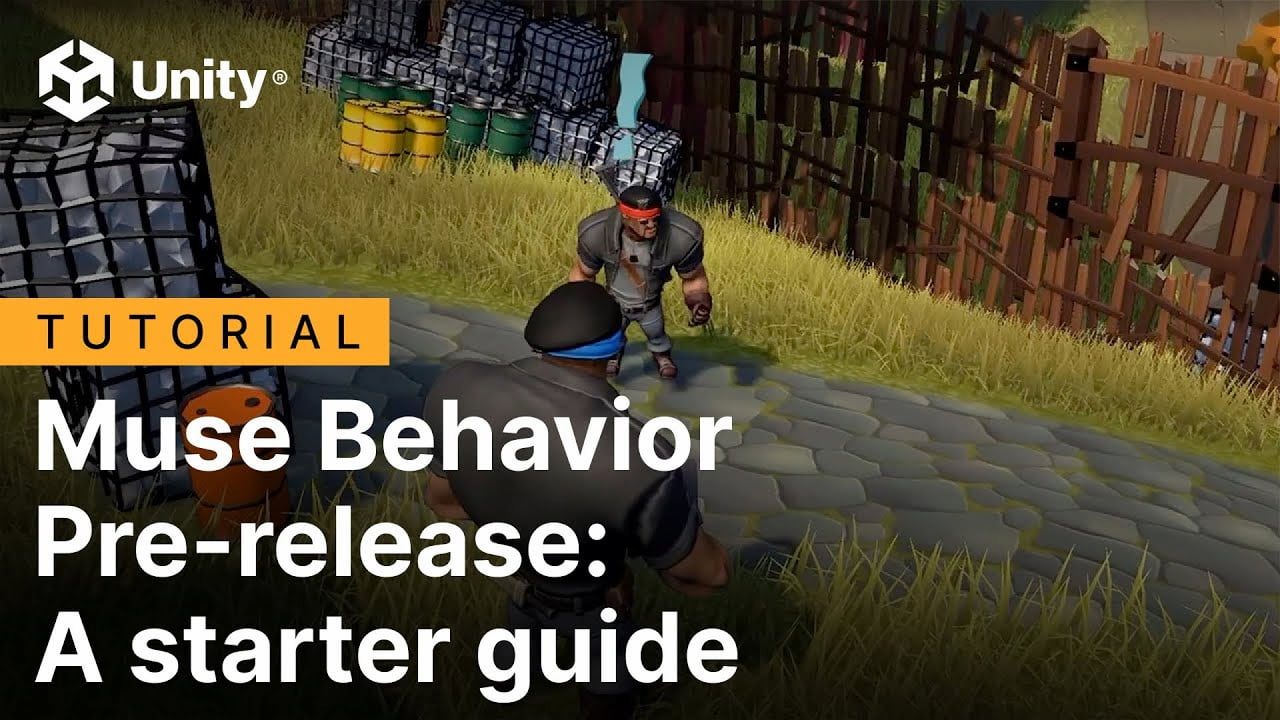
If we don't write code, how will our enemies follow the player? The Unity Behavior package lets you build character logic by connecting nodes in behavior graphs, offering a visual alternative to writing C#. Muse Behavior, which generated behavior trees from text, was deprecated along with Muse because it was part of it.
For example, you can build the following behavior with nodes in a Behavior graph, or describe it to the Assistant and have it write the necessary script: "Make character A patrol between points A and B; if it sees the player within 5 meters, have it chase; if the player escapes, return to patrolling." You need to test the code the Assistant produces or the graph you built by running the game.
A visual graph makes it easier to follow which state the character is in and which behavior it switches to, compared with reading code.
Strong On-Device Inference: Unity Sentis
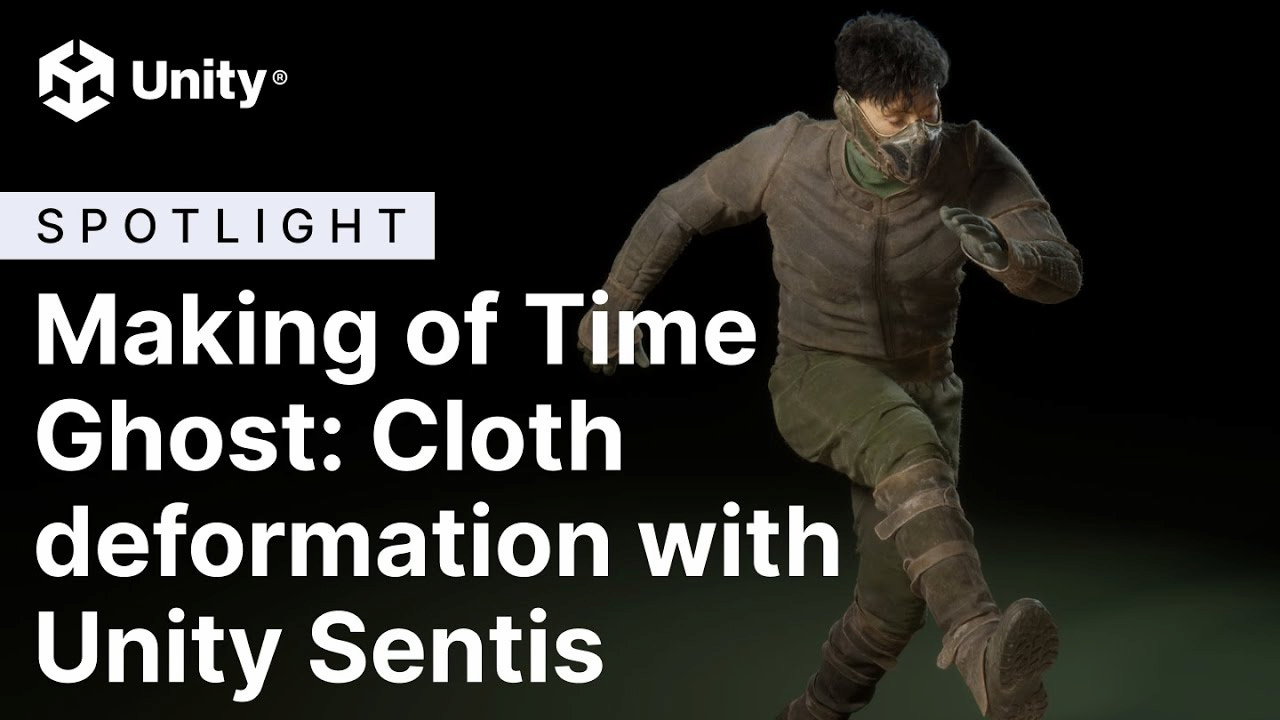
Assistant and Sentis do different jobs. Assistant makes your work easier in the editor during development, while Unity Sentis comes into play when your game is running on players' devices. Sentis is an inference engine that runs pre-trained neural network models directly on the end user's device, on the CPU or GPU, in real time.
With this technology, you can add intelligence to your games without relying on cloud servers and without noticeable delays. For example, you can bring an ONNX model you downloaded or trained yourself directly into your project. This lets you add features such as object recognition, language processing or predictive enemy behavior to your game; how fast the model runs on the device depends on the model's size and the target device. Even complex tasks, such as reading real-world objects from a camera and bringing them into the play area, become quite accessible with Sentis.
Watch out for the naming confusion: with Unity 6.2, Sentis was briefly renamed "Inference Engine." The name that appeared in November 2025 (version 2.4) became Sentis again; the package name in the Package Manager remained com.unity.ai.inference. Unity states that Sentis continues as the engine that runs neural network models in the Unity runtime.
Prompt Engineering: The New Kind of Coding
Even though the coding barrier is falling, learning to give precise instructions is essential if you want professional-level results from AI assistants. When working with Unity's in-editor assistant, instead of writing vague sentences, give detailed instructions that describe the context of your project. For example, saying "Set up a game character movement for me" versus "Create an action node that uses NavMesh to move toward the target at 5 meters per second and stops when it gets close to the target" helps you get more accurate output. Long and complex requests use more credits; breaking the work into smaller steps improves both the result and your credit usage.
Unity AI tools pricing and credits
Unity's assistant and Generators run on credits called Unity Credits. Pro, Enterprise and Industry subscribers get access to the assistant with their paid subscriptions. Personal (free) plan users can start with a 14-day free trial; after the trial, it becomes a subscription of 10 US dollars per month. According to Unity's pricing page, as of 14.10.2026 the monthly credit amounts are:
Plan | Access to the assistant | Monthly credits |
|---|---|---|
Personal | 14-day free trial, then 10 US dollars per month | 1,000 |
Pro | Included with subscription | 2,000 |
Enterprise | Included with subscription | 3,000 |
Credits reset at the start of each billing period, and unused credits do not roll over to the next month. If your balance runs out, AI features stop until the next period or you buy additional credits. You can see your remaining credits in the Manage Credits tab of the Unity Dashboard. Unity notes that credit consumption rates may vary by model and task and may be updated without notice.
There is also a way to work without spending credits: the MCP server, the Unity CLI and the official plugin are free. If you connect a verified third-party agent that you already subscribe to through the AI gateway, no Unity credits are spent. The tools are still in beta and subject to the terms of Unity's evaluation release.
How much credit you need depends on your task. Some of Unity's examples:
Task | Estimated credits |
|---|---|
Message to the assistant | 4-1,500 and up |
Image generation | 1-6 |
Texture generation | 1-9 |
3D model generation | 8-13 |
Sound effect generation | 1-5 |
Text-to-animation | About 5 |
In short, Unity's AI tools speed up prototyping, script writing and placeholder asset creation. They do not fully replace coding knowledge: understanding and testing the generated code, and making the game's design decisions, is still your job.
To get started, install Unity 6.0 or later, open the 14-day trial if you are on the Personal plan, and try it with a small scene. To meet people who make games, browse the communities and events on Masqot.
Frequently asked questions
Is Unity Muse still in use?
No. Unity describes Muse as a deprecated product. Its chat and generation functions moved with Unity 6.2 into the in-editor assistant (Assistant) and the Generators.
Is Unity AI free?
Partly. The MCP server, Unity CLI and official plugin are free. The in-editor assistant uses credits: it is included with Pro, Enterprise and Industry subscriptions, and on the Personal plan you can try it free for 14 days, then use it with 1,000 monthly credits for 10 US dollars per month.
Are Unity Sentis and Inference Engine the same thing?
Yes. In Unity 6.2, Sentis was renamed Inference Engine, and the name that appeared in November 2025 became Sentis again. The package name is com.unity.ai.inference.
Which version do Unity's AI tools work with?
According to Unity, they can be used in projects on Unity Editor 6.0 and later; some require a package installation.
Can you make games with Unity without knowing how to code?
For simple prototypes you can get started by describing what you want to the assistant, but you still need to test the code it writes and understand the errors. Basic C# knowledge makes the work considerably easier.
Creator2026 GenAI Zirvesi: Sektörel Dönüşüm ve Yeni Trendler


Firefly AI Assistant: Adobe Tüm Uygulamaları Tek Merkeze Topladı!


